
How to Show True Garment Fit in AI Video From Product Photos
Show garment fit in AI video by uploading the right stills: on-body, side profile, back, and detail shots. Map each angle to silhouette and drape. Start now.
Why Does My AI Fashion Video Change the Garment's Details?
AI video changing garment details? Map every button, neckline, and trim to a sharp reference photo, fix the gaps, then regenerate. Start your pre-upload audit.
How to Preserve Clothing Prints and Patterns in an AI Video
Preserve clothing print in AI video with the right angles and closeups. Keep florals, stripes, checks, and logos intact as fabric moves. Get the QA checklist.
Garment Color Accuracy in AI Video From Multiple Product Photos
Garment color accuracy in AI video starts with your reference photos. Match white balance, light, and exposure across every angle, then check frames. See how.
Clothing Product Page Video from Existing Catalog Photos
Build a clothing product page video for every SKU from catalog photos you own. Triage SKUs, pick frames, review the file, then upload. Get the playbook.
How Long Should a Clothing Video Be for Ads and Product Pages
How long should a clothing video be? Match 10 to 30 second runtimes to your photos, garment, and placement for ads and product pages. Plan your next video now.
Clothing Video Aspect Ratios for Every Social and Shop Placement
Match clothing video aspect ratios to TikTok, Reels, Shorts, feeds, and product pages. See how much each crop wastes, then render each frame natively.
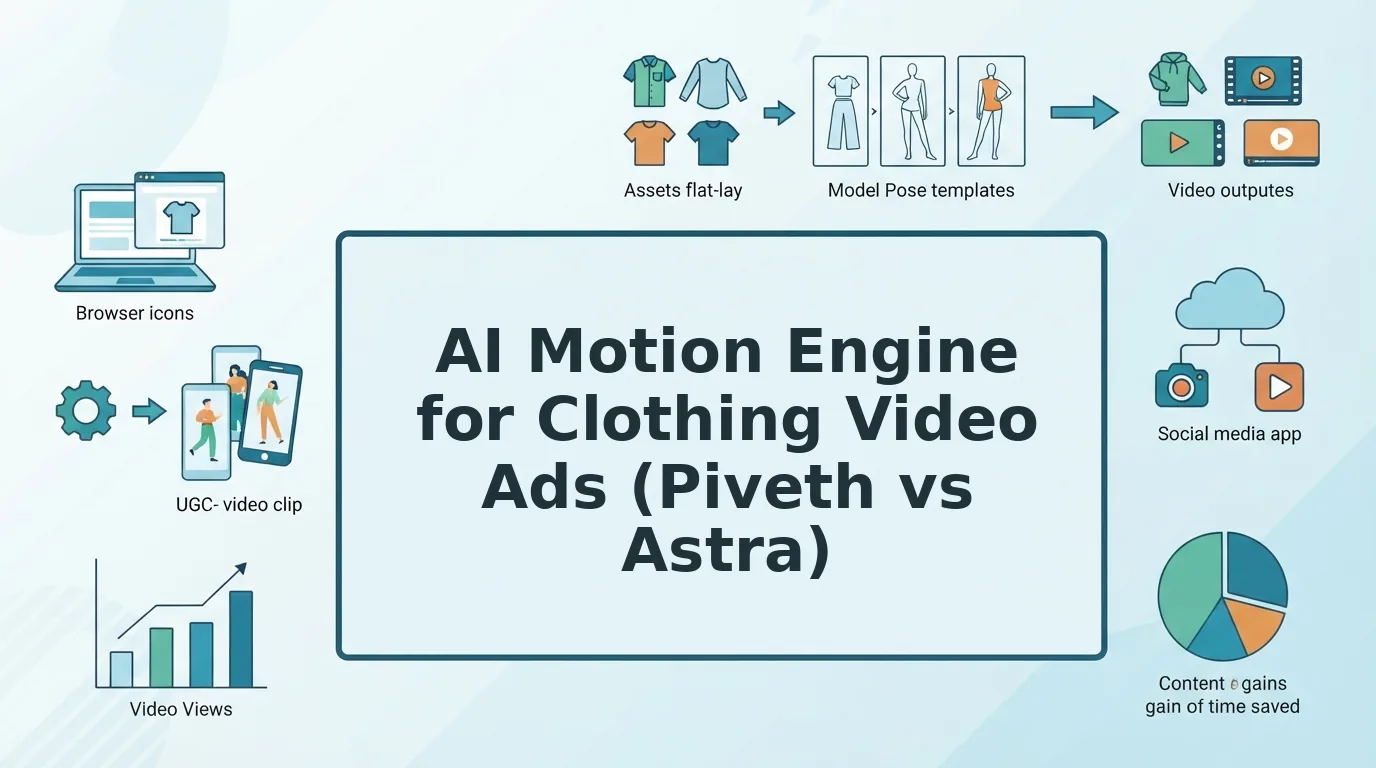
Choosing an AI Motion Engine for Clothing Video Ads
Choose the right AI motion engine for clothing video: Piveth for fast 10-second UGC clips, Astra for wider-framed extended motion. Use the placement matrix.
Studio Packshot to Fashion Video Workflow for Apparel Catalogs
Turn studio packshot photos into fashion video with natural fabric drape. Use 7 prep checks, a source-type matrix, and a review checklist. Start your workflow.
Multi-Angle Clothing Photos to Video Without a Reshoot
Turn multi-angle clothing photos into one consistent video. See which 1-6 stills to upload, in what order, and how to fix color or fit drift. Upload yours.
Combine On-Body and Packshot Photos in AI Video
Combine on-body and packshot photos for AI video: assign 1 to 6 shots for fit and construction, catch conflicts before upload, and generate UGC-style motion.
Lighting Consistency for Garment Photos in AI Video
Get lighting consistency for garment photos in AI video. Lock white balance, exposure, and light angle in 9 steps, then audit your set before you upload.
Back Angle Dress Photos to AI Video
Turn back angle dress photos into AI video that keeps open backs, trains, and rear drape intact. Get the six-photo upload set, QA checklist, and fixes.
How to Turn One Clothing Photo into a UGC Video Ad
Turn one clothing photo into a video ad without a reshoot. See which packshot angle moves believably, what fails, and how to review output. Try the workflow.
Lighting Consistency for Product Listing Videos from Catalog Photos
Lighting consistency for product listing video starts with your photos. Match white balance, key light, and exposure using 10 quick checks to stop flicker.
Apparel Product Listing Video Mistakes That Ruin Garment Drape
Apparel product listing video mistakes start in the source photo. Fix cropped hems, flat lighting, and missing angles before you generate. See the checklist.
Multi-Angle Clothing Photos for Product Listing Video Workflow
Plan multi-angle clothing photos for product listing video with a six-plate source set, garment-by-garment angle counts, and a consistency audit. Build yours.
Back Angle Dress Photos to Listing Video Without a Reshoot
Turn back angle dress photos into a listing video that shows zippers, cutouts, and drape. Check which rear shots work, fix bad output, and skip the reshoot.
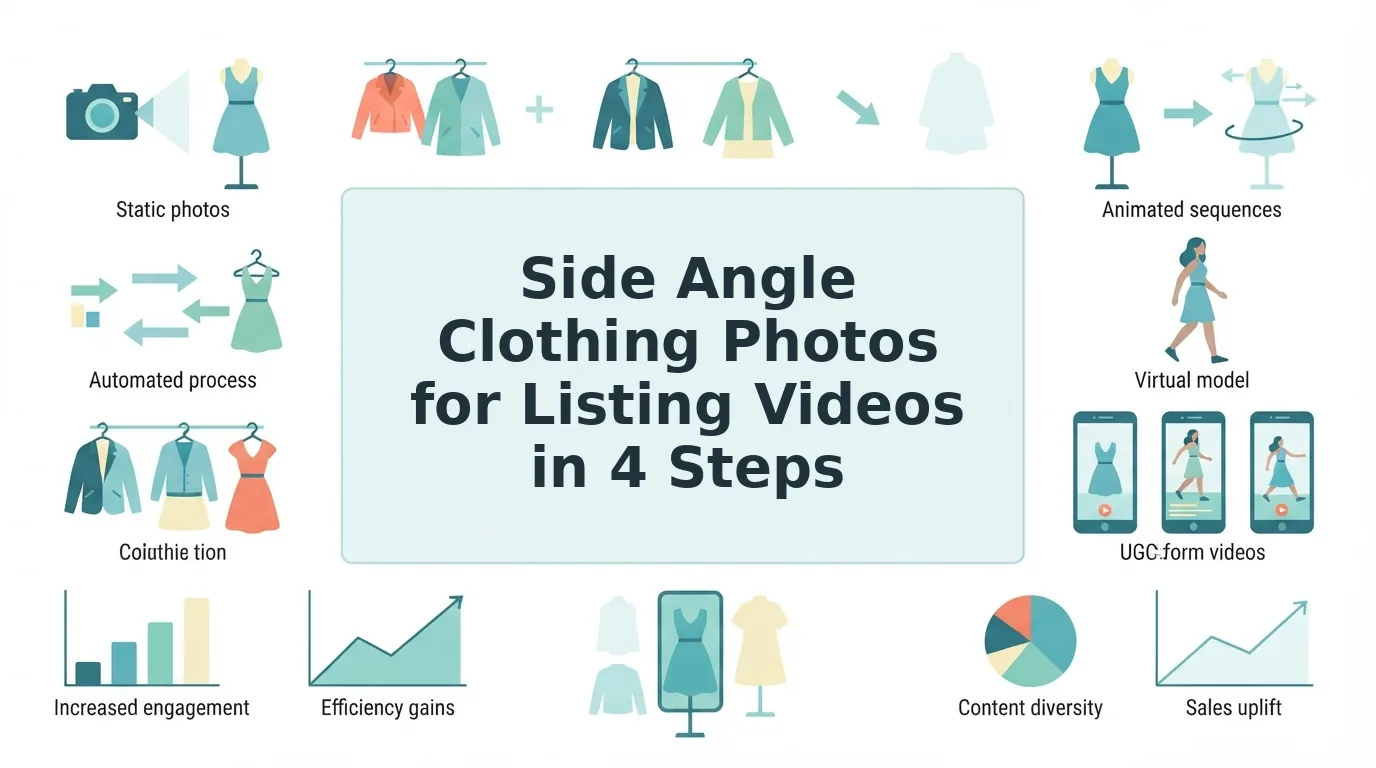
Side Angle Clothing Photos for Product Listing Videos
Side angle clothing photos give listing videos the hem, seam, and silhouette depth front shots miss. Use the garment matrix and QA checklist to shoot it right.
Fabric Detail Closeups to PDP Video for Apparel Listings
Fabric detail closeups to PDP video, done right. Learn how many macro shots fit a 6-photo source set, how to light them, and what to check. Build your set now.
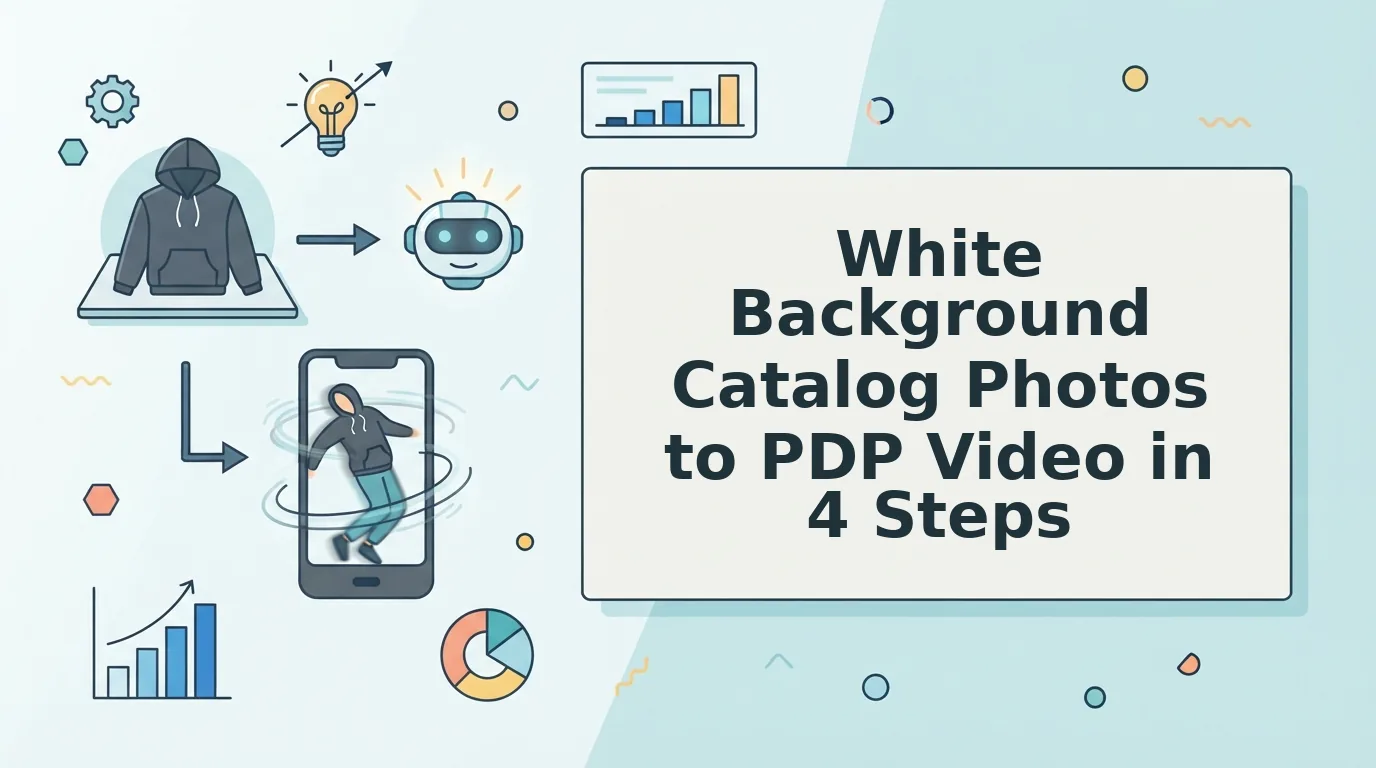
A Workflow for Turning White Background Catalog Photos into PDP Video
Turn white background catalog photos into PDP video without a reshoot. Audit packshots, map angles to motion, and review the output. See the 4-step workflow.
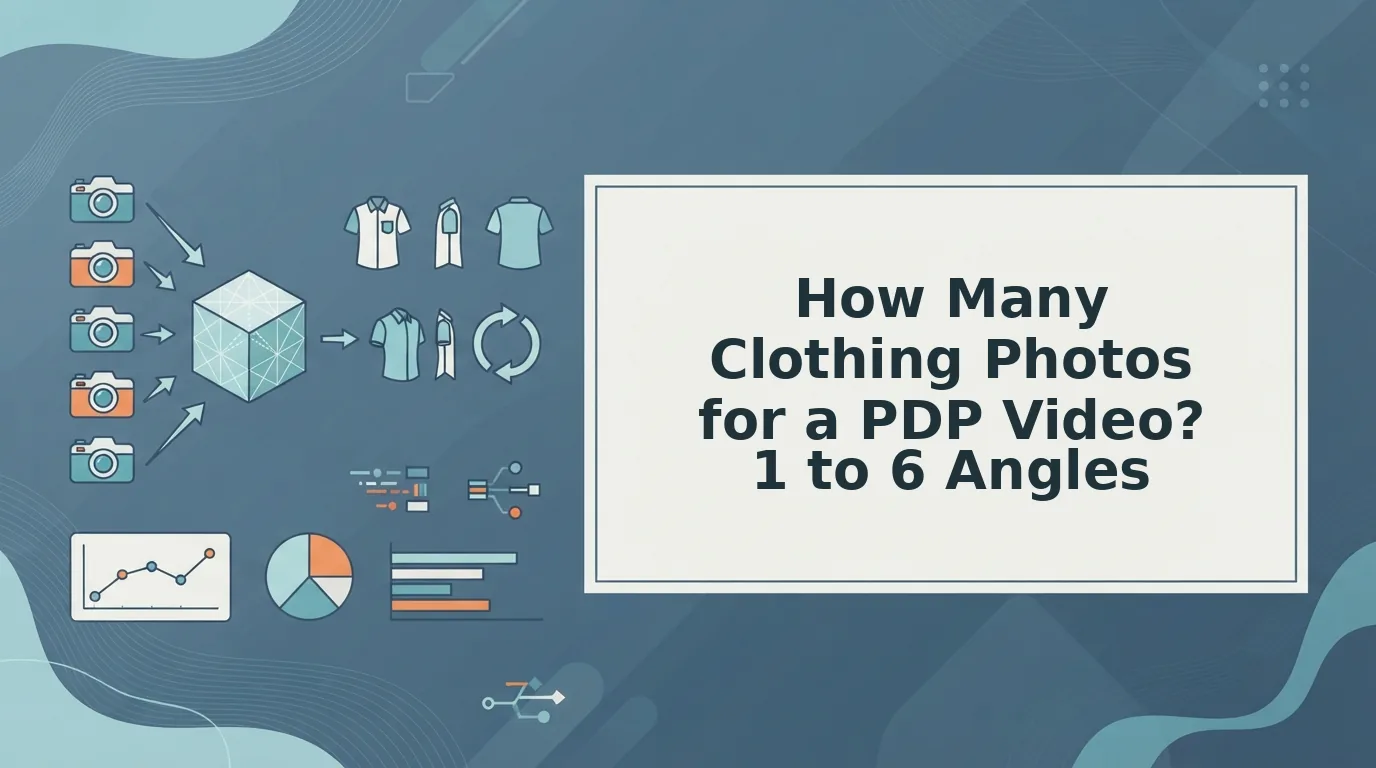
How Many Clothing Photos Do You Need for a PDP Video
How many clothing photos for a PDP video? Use 1 to 6 stills. Map front, back, side, and detail angles to motion, then fix gaps before you hit generate.
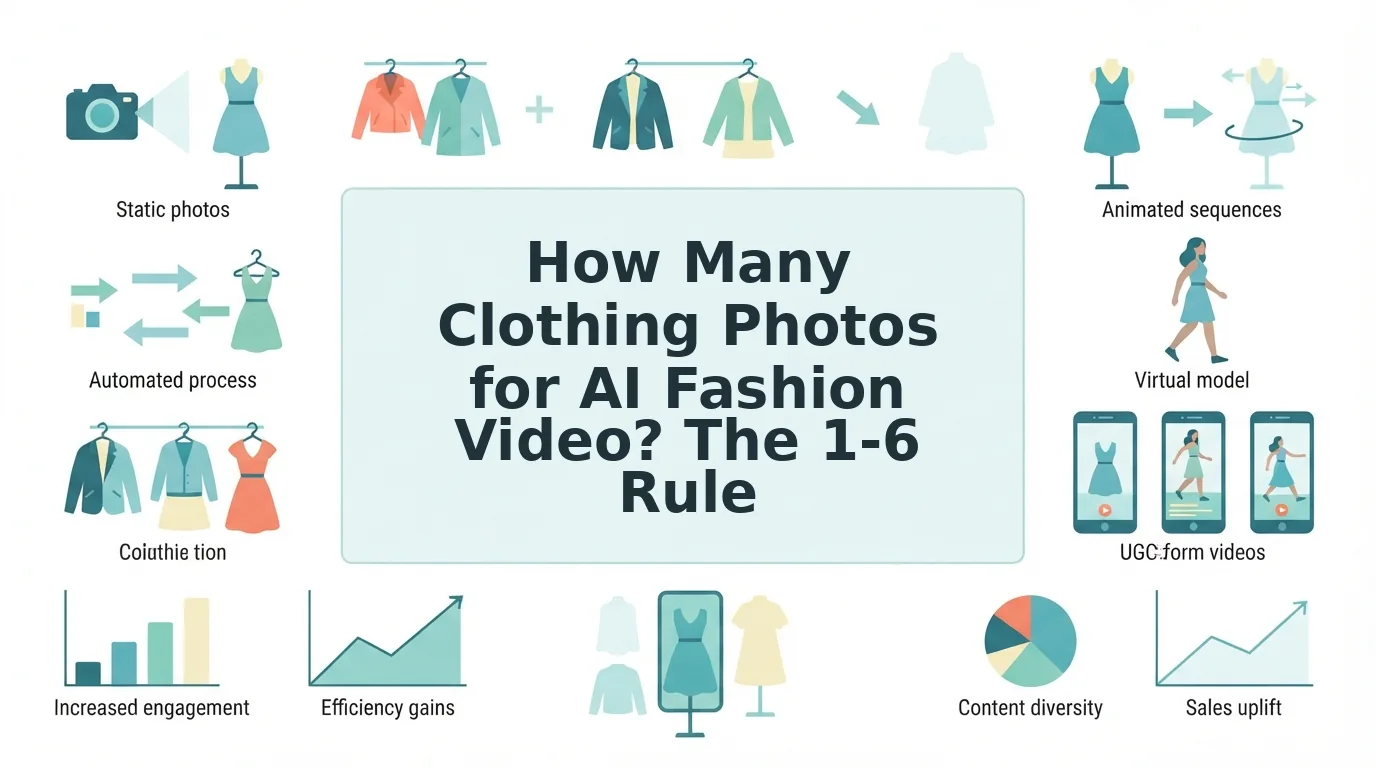
How Many Clothing Photos Do You Need for AI Fashion Video
How many clothing photos for AI fashion video? Learn which front, back, side, and detail shots improve drape and motion. Plan your 1-6 photo set today.
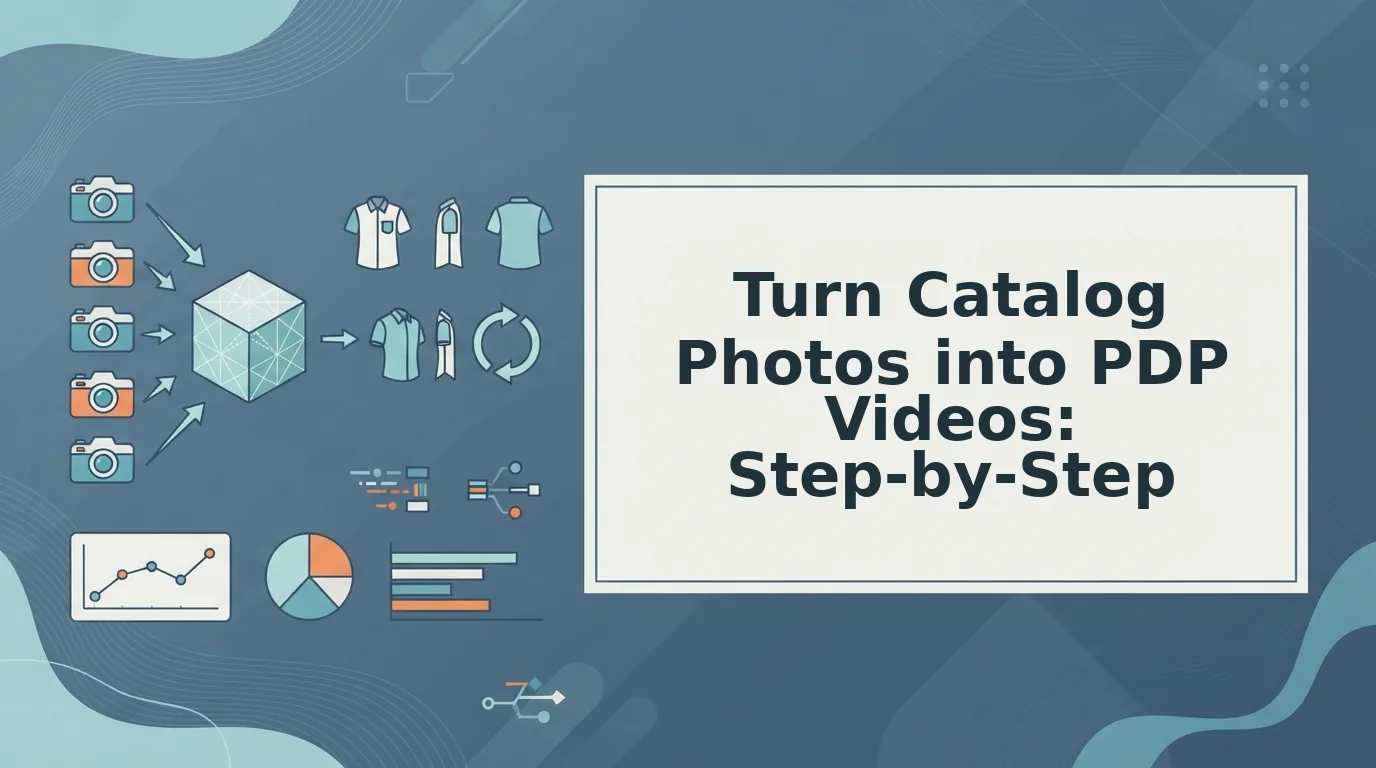
How to Turn Catalog Photos into PDP Videos for Shopify
Turn your existing Shopify catalog photos into product detail page videos. No reshoot. 3-4 source images per SKU. Start generating today.
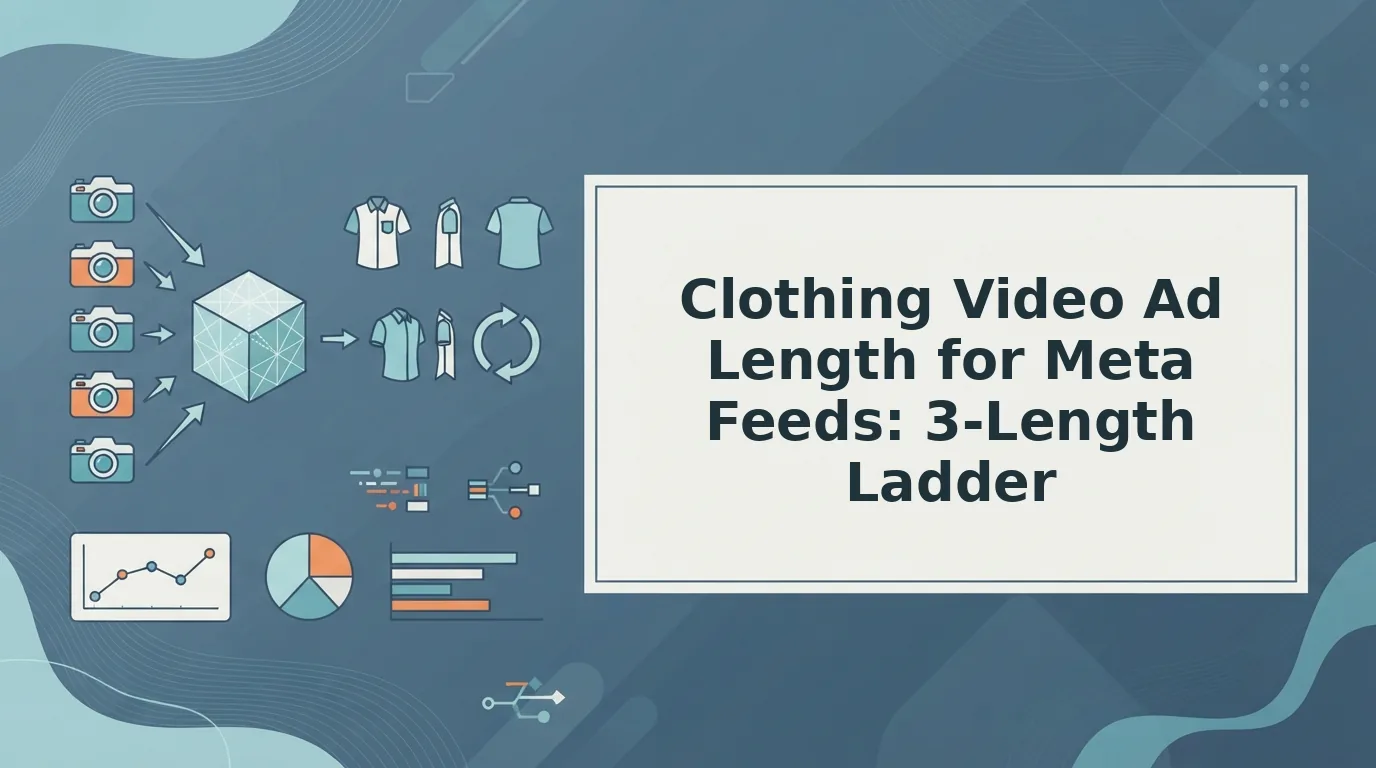
How to Choose Clothing Video Ad Length for Meta Feeds
Stop guessing on clothing video ad length for Meta feeds. Use the 3-length ladder, 6s hook, 15s story, 30s proof, to match placement and objective.
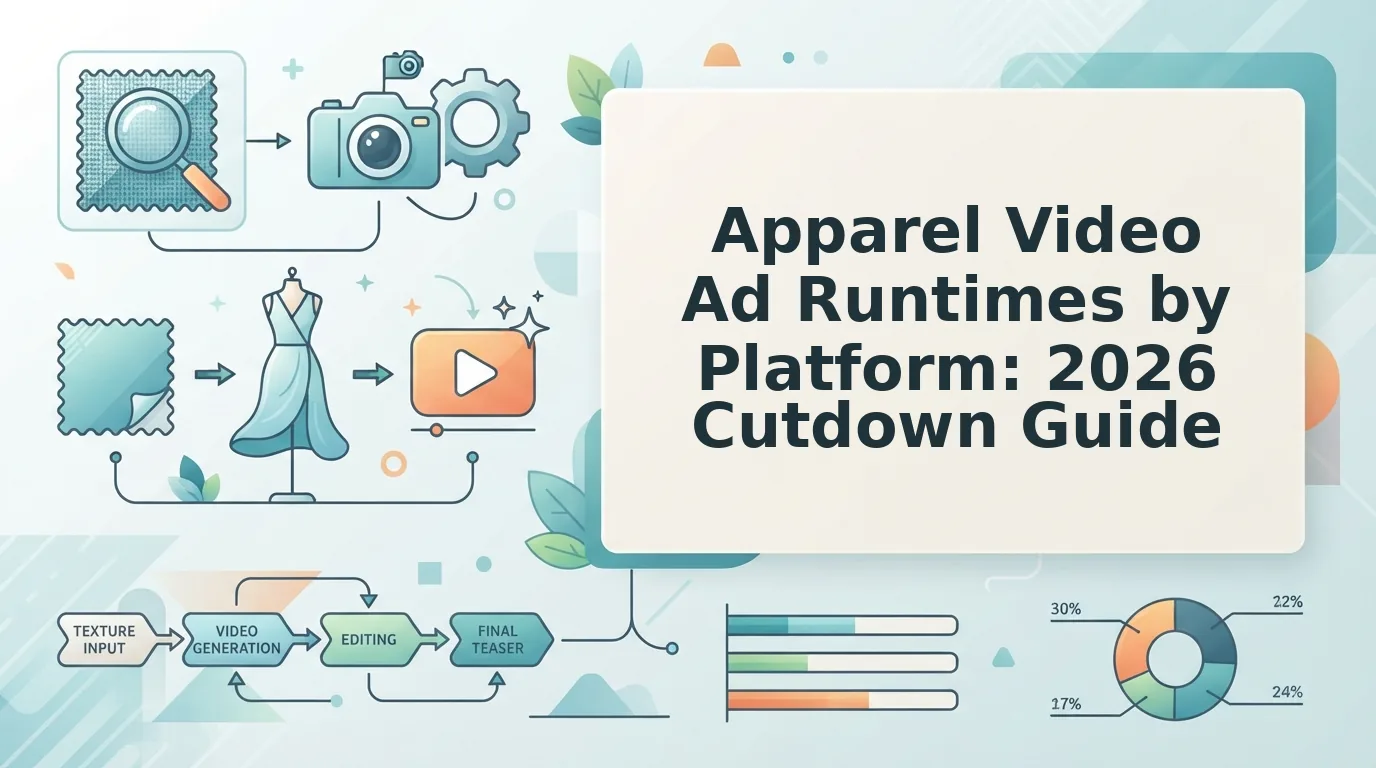
Apparel Video Ad Runtimes by Platform
Exact apparel ad runtimes for TikTok, Reels, Shorts, and Meta feed, plus a 15-second master, three-cut system to stop wasting ad spend.
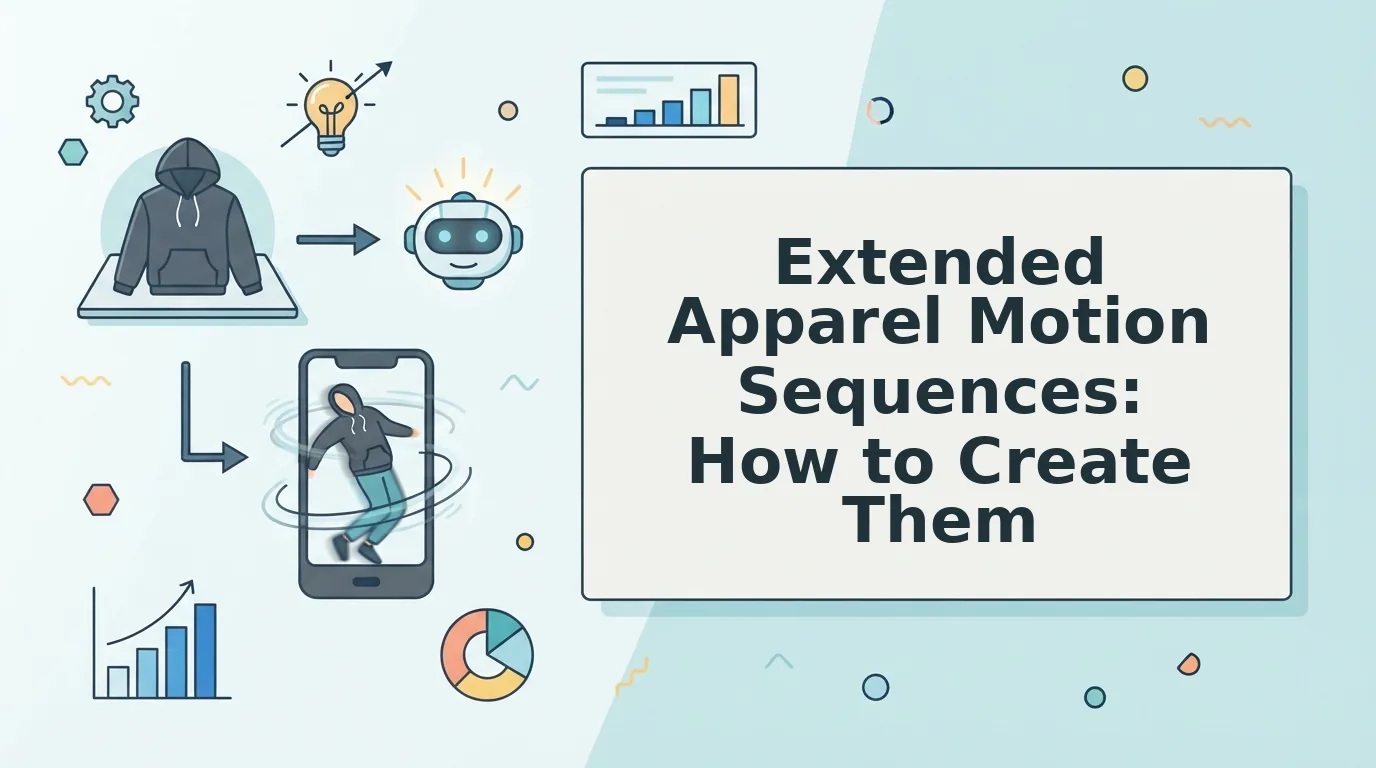
Extended Apparel Motion Sequences for Longer Video Ads
Learn how to build extended apparel motion sequences from product photos. The sequence architecture framework, length by funnel stage, and motion budget.
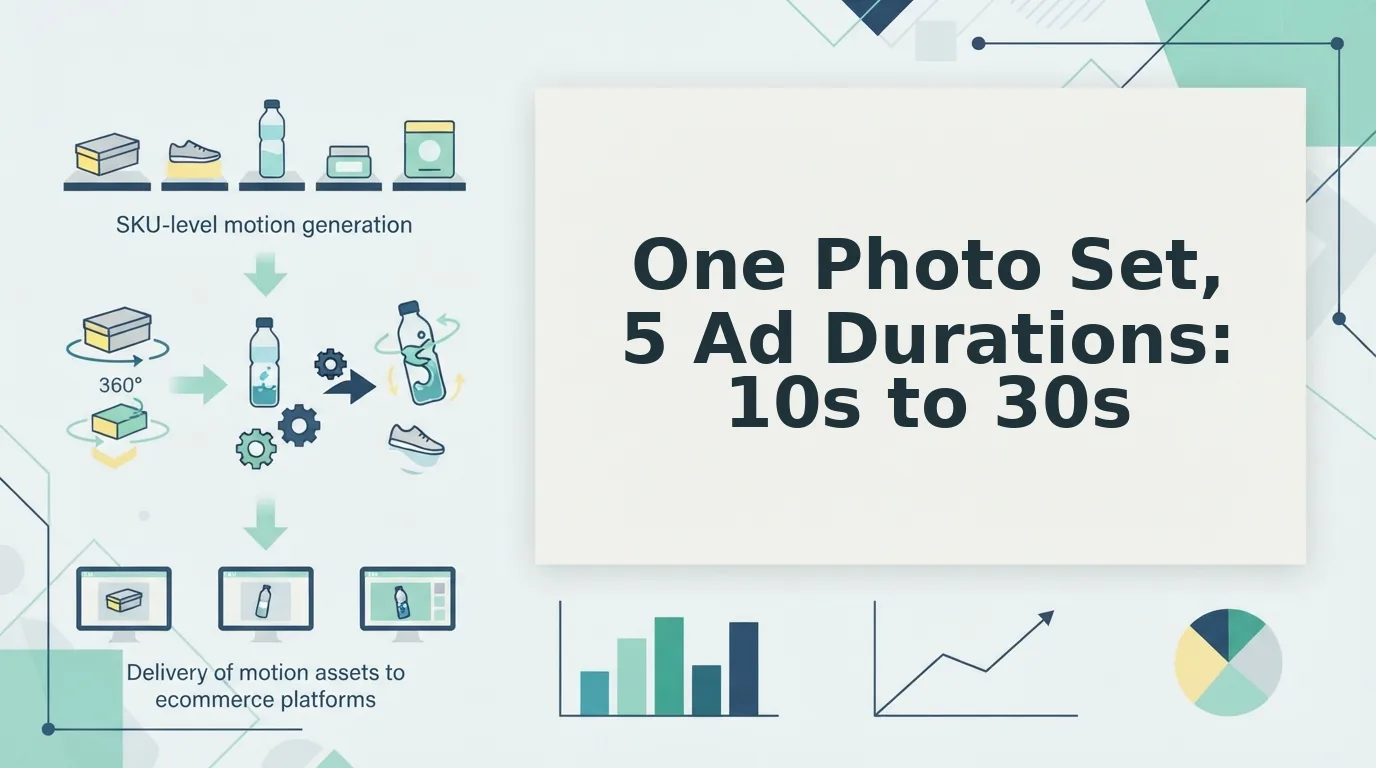
One Product Photo Set for Multiple Ad Durations
Turn one product photo set into 10, 15, 20, 25, and 30-second ad variants. No reshoots. See the duration-to-placement matrix inside.
Clothing Video Duration Testing with One Photo Set
Test 6s, 15s, and 30s clothing videos from a single photo upload. Match duration to placement intent and isolate the variable that actually moves conversion.
Fashion Video Ad Duration Mistakes That Waste Ad Spend
Fashion video ad duration mistakes cost impressions and sales. Learn platform-specific lengths, hook timing, and testing fixes. Stop guessing.

Create
Turn the photos you have into a video.
Upload the garment, pick a length, and post the clip.