

FashionUGC Journal
Roktim Saha
Editorial Writer
Roktim Saha writes the FashionUGC journal. He covers fashion video, product photography, and how clothing brands turn stills into short UGC.
30 articles
Instagram Reels Clothing Video Dimensions for Apparel Brands
Instagram Reels clothing video dimensions are 1080x1920 at 9:16. Map hems and logos to safe zones, then turn flat lays into native vertical clips. Start now.
YouTube Shorts Clothing Video Size and Framing Tips
YouTube Shorts clothing video size is 1080x1920 vertical. Learn where hems and logos sit safely, which product photos crop well, and build your first Short.
Square Clothing Video for Marketplace Listings Done Right
Make a square clothing video for marketplace listings that keeps sleeves, hems, and full silhouettes in frame. Pick source angles, render 1:1, and check it.
How to Test Piveth and Astra Versions of the Same SKU Ad
Test Piveth and Astra versions of the same SKU fairly. Generate both from one photo set, review garment fidelity, then run a one-variable split test. Try it.
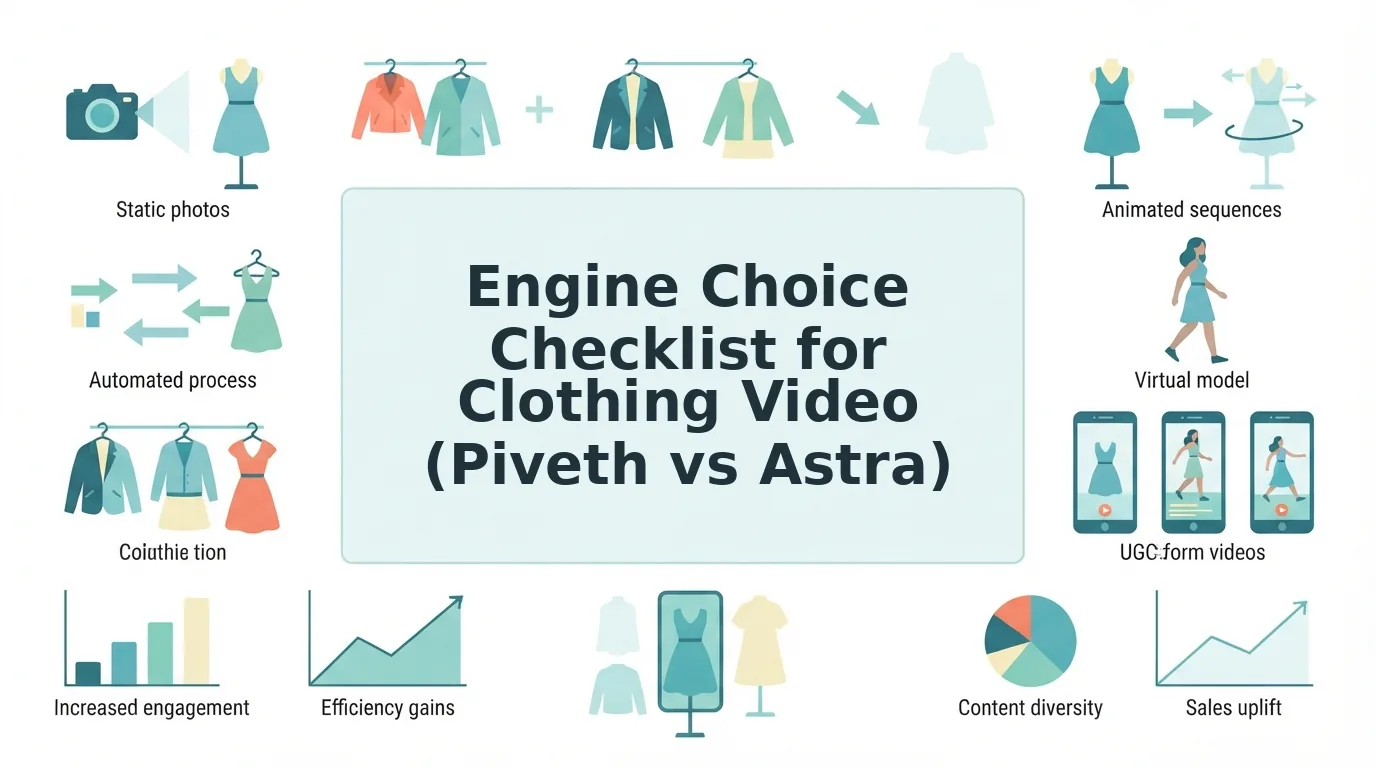
Engine Choice Checklist Before Generating a Clothing Video
Use this engine choice checklist for clothing video to pick Piveth or Astra by source photos, placement, runtime, garment complexity, and framing. Run it now.
Piveth vs VModel for Turning Clothing Stills into Motion
Piveth vs VModel clothing motion compared: virtual model stills vs garment-to-video clips. Run our 5-check test on your own photos to pick the right tool.
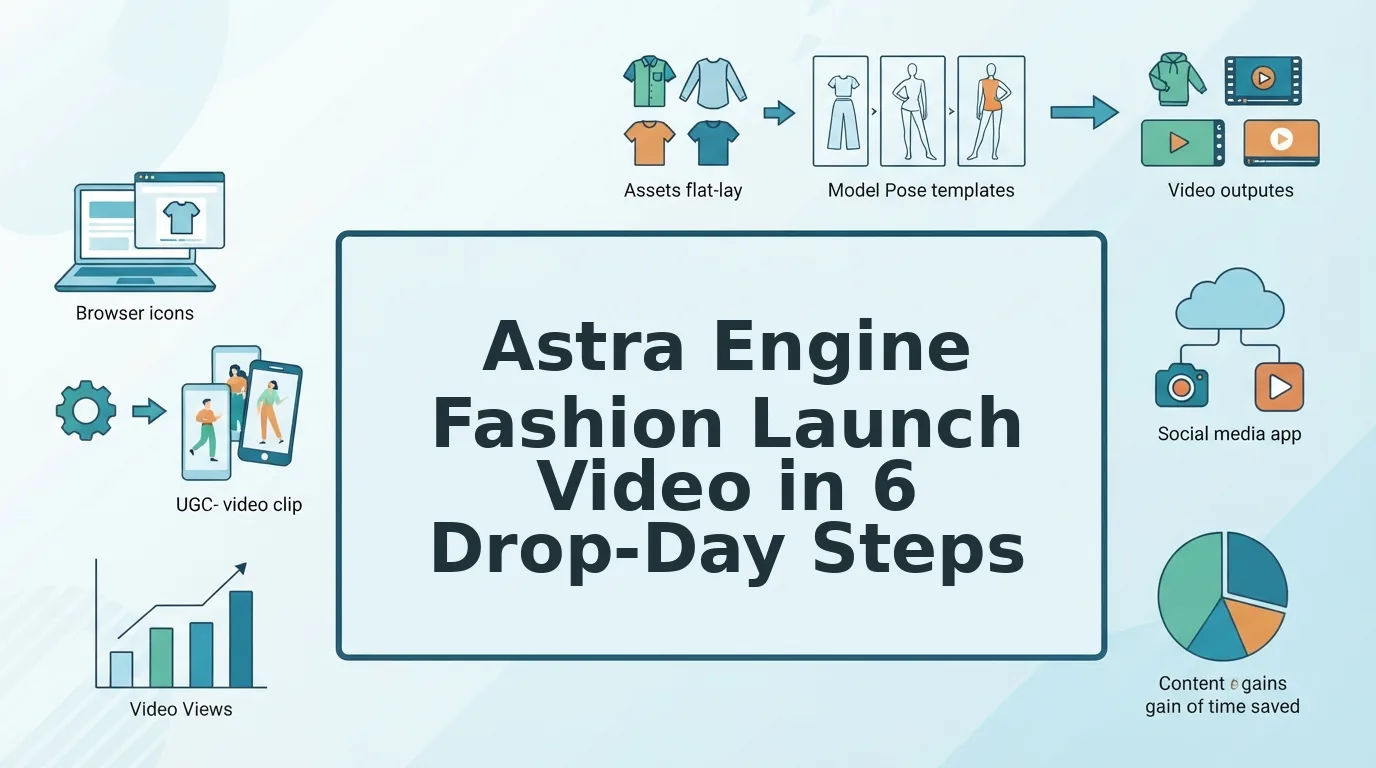
Astra Engine Fashion Launch Video Playbook for New Drops
Build an Astra engine fashion launch video from packshots you already own. Map drop-day beats, reframe for Reels and TikTok, and review before export. Try it.
Picking a Creative Engine for Instagram Reels Clothing Ads
Pick the right creative engine for Instagram Reels clothing ads. Match Piveth or Astra to your goal, prep catalog photos, and export native 9:16 video. Start no
Should I Use Piveth or Astra for an Evening Gown Video?
Piveth or Astra for evening gown video? Score drape, length, and silhouette on a bronze gown to pick the right framing, then generate and review your file.
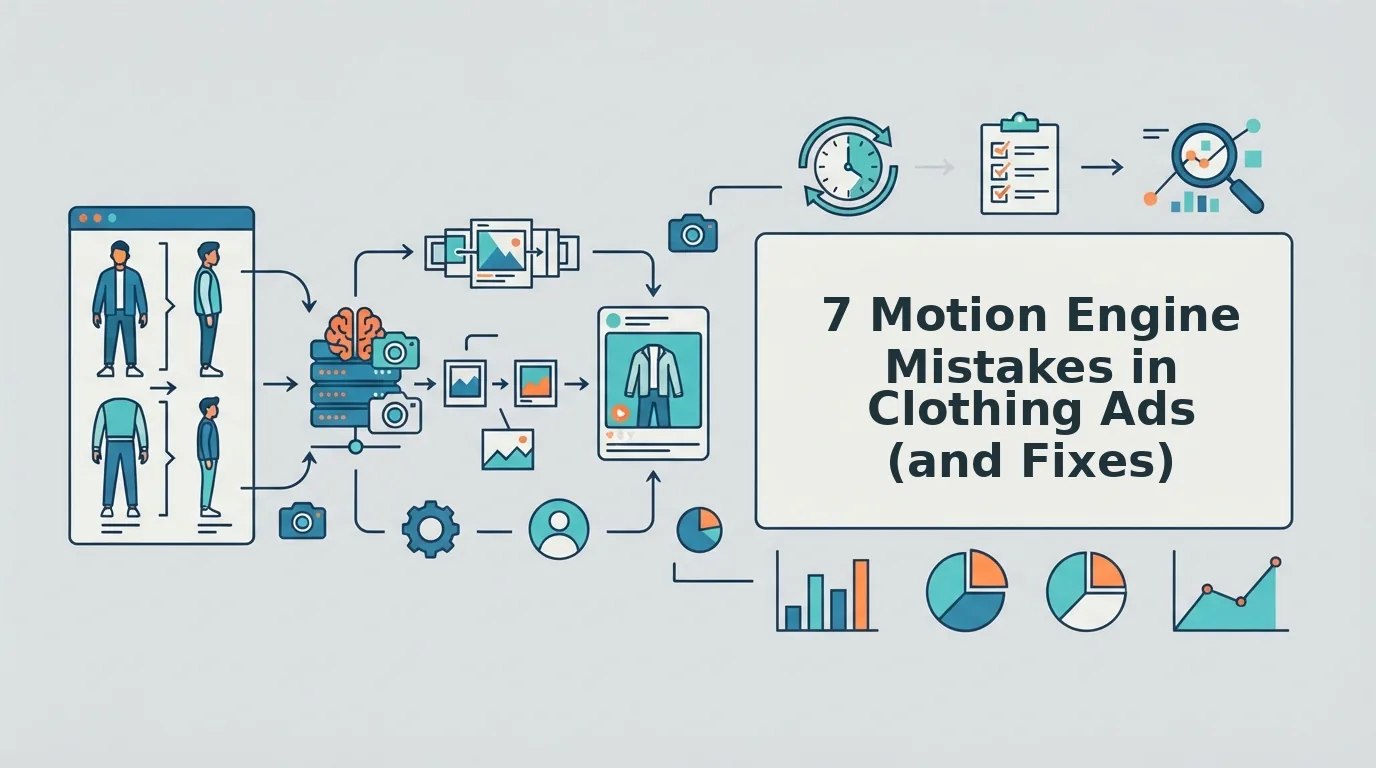
Motion Engine Mistakes That Weaken Clothing Video Ads
Avoid 7 motion engine mistakes in clothing ads, from forcing Piveth on detailed garments to misusing Astra. Use our matrix to pick the right engine per SKU.
Astra vs Arcads for Apparel Ads That Show the Real Garment
Astra vs Arcads apparel ads compared on exact-SKU accuracy, garment motion, hooks, and review load. Run the 5 tests and pick the tool that fits your catalog.
Piveth vs Kive.ai for Fast UGC Clips of Clothing Products
Piveth vs Kive AI for apparel teams: 10-second clips from packshots vs a broad creative workspace. Compare inputs and workflow, then upload your flat lays.
Astra Engine Pacing Controls for Slower Apparel Showcases
Use Astra engine pacing controls to hold on embroidery, pleats, and hems. See which photos, framing, and sequence lengths keep garment detail sharp. Start here.
VModel vs FashionUGC for Turning Ghost Mannequin Stills into Video
VModel vs FashionUGC for ghost mannequin photos: see which tool makes model stills and which makes garment motion video, plus photo prep rules. Compare now.
Packshot Library to UGC Video Workflow for Large Catalogs
Turn a packshot library into UGC-style videos SKU by SKU. Tier ghost mannequin and flat lay shots, pick 1-6 references, and review every clip. Get the playbook.
Grey Seamless Backdrop Packshots and How They Animate
Grey seamless backdrop packshots animate cleanly when garment edges separate from the sweep. Run 5 checks, including a desaturation test, before you upload.
Remove Props from Flat Lay Photos Before Generating Video
Remove props from flat lay photos before you generate clothing video. Sort each item with a triage rule, pick retouch or reshoot, and check your plate. Try it.
Steaming Garments Before Flat Lay Photos Meant for Video
Steam garments before flat lay photos so folds don't carry into AI video. Follow a 6-step routine, crease triage table, and fabric fixes. Prep your next shoot.
Folded vs Spread Flat Lay Photos for Realistic Garment Motion
Folded vs spread flat lay photos for AI video. Learn the Five Edges check, when a folded detail shot helps, and how to build a six-photo set. Shoot smarter.
What Resolution Should Packshots Be for AI Fashion Video?
Packshot resolution for AI fashion video, decoded: pixel sizes, crop math, compression, and export settings so weave and stitching survive. Run the checklist.

Reuse Past Season Catalog Photos for New Video Ads
Reuse past season catalog photos for video ads without a reshoot. Score your archive, match SKUs to campaigns, and turn packshots into 9:16 clips. Start now.
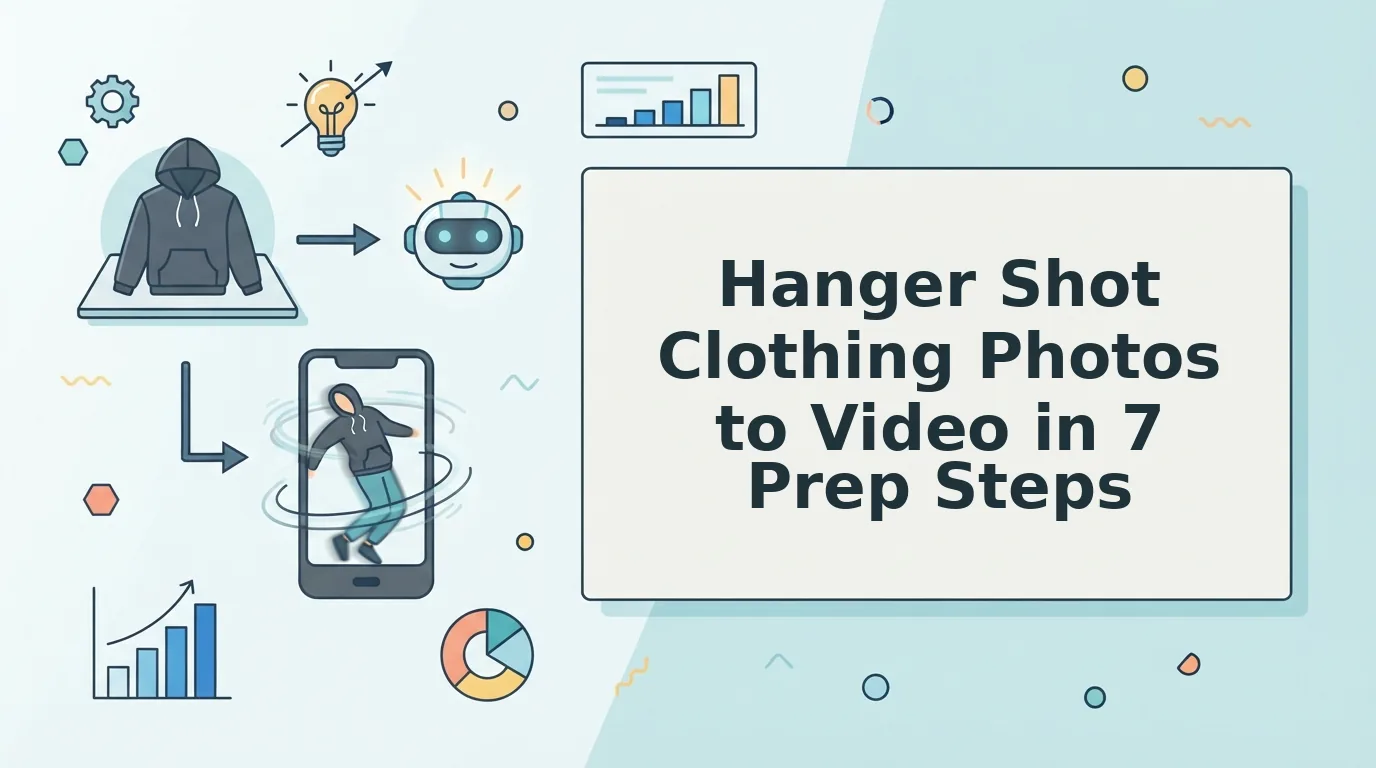
Hanger Shot Clothing Photos to Video Without a Model Shoot
Turn hanger shot clothing photos to video without a model shoot. Fix shoulder bumps, show full hems, map angles to upload slots, and prep stills for motion.
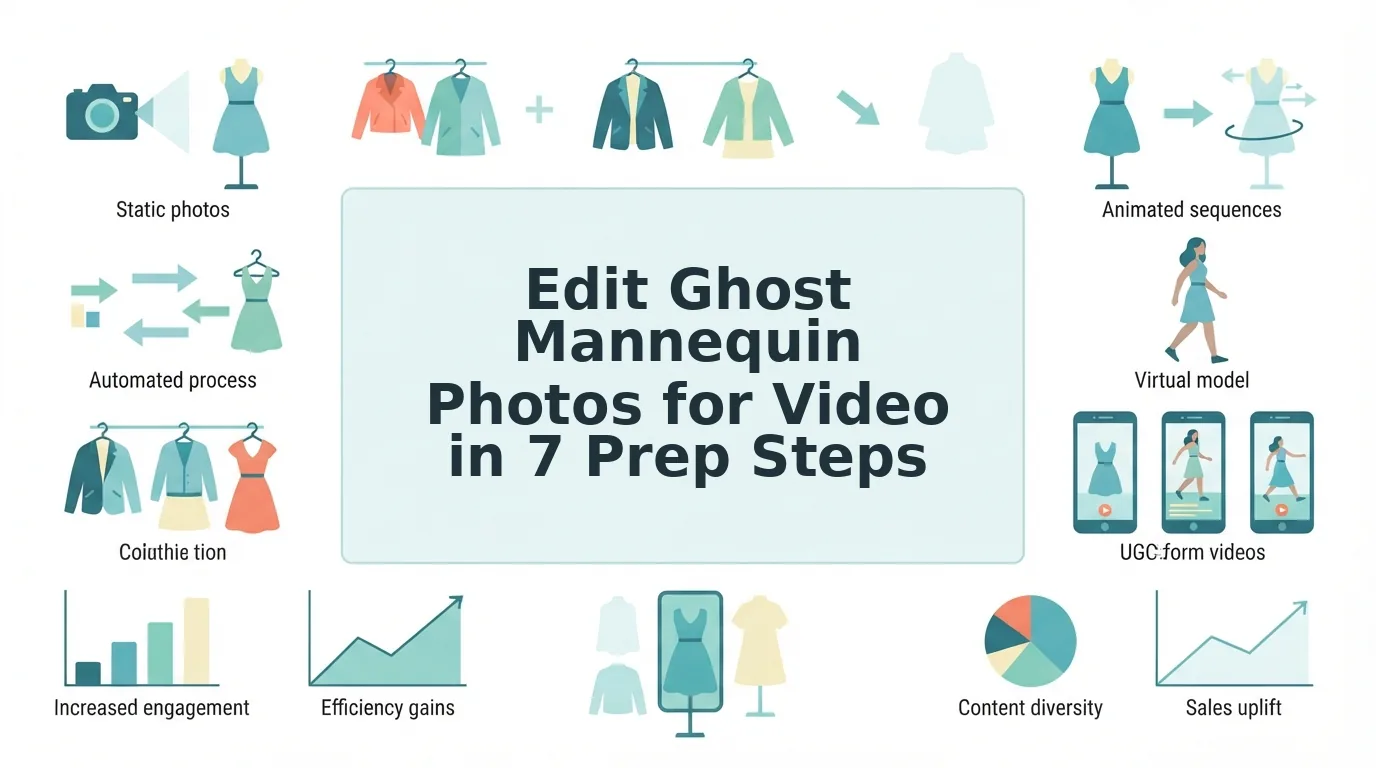
How Do I Edit Ghost Mannequin Photos Before Making a Video?
Edit ghost mannequin photos for video the right way. Fix neck joins, labels, edge halos, and plate mismatches so motion stays clean. Get the 7-step checklist.
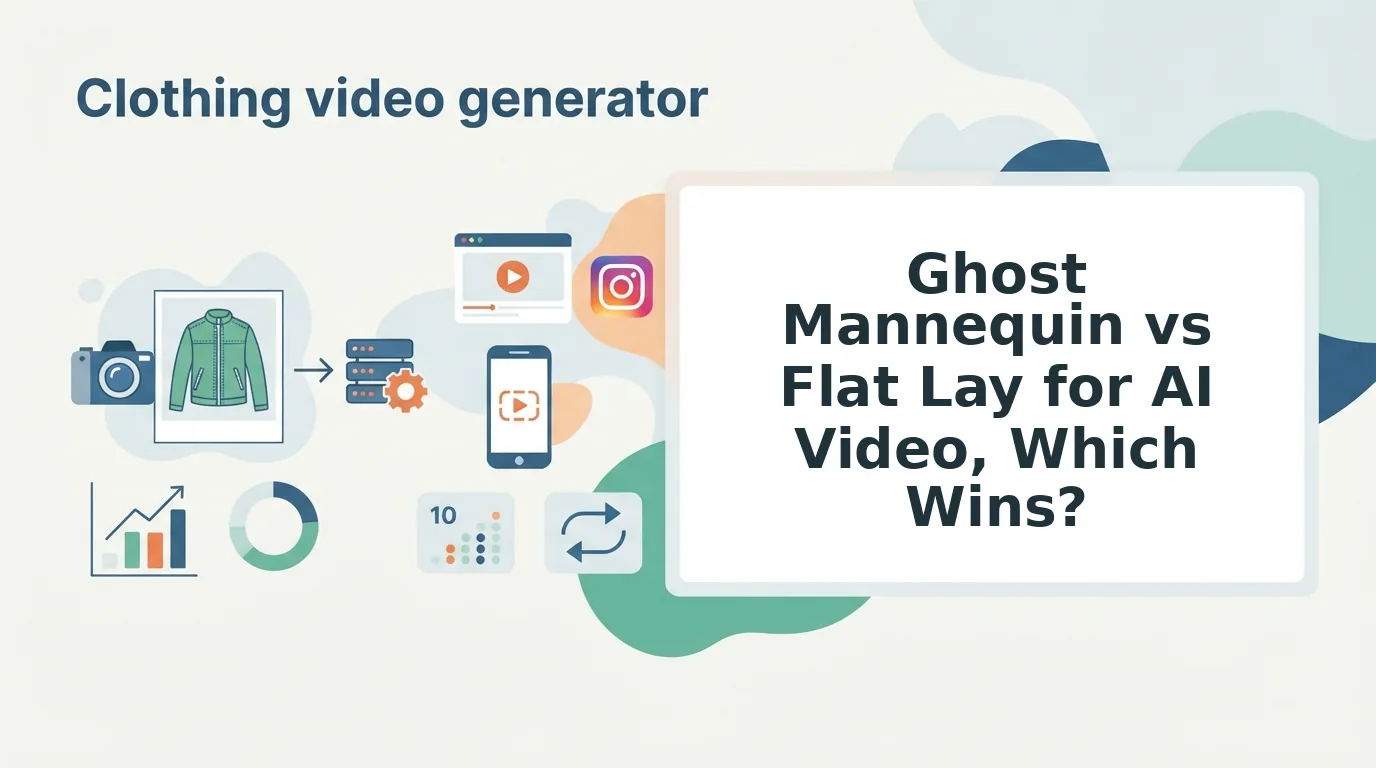
Ghost Mannequin vs Flat Lay Photos for AI Video, Which Works Better?
Ghost mannequin vs flat lay for AI video, compared on six cues a generator needs for fit, drape, and print. Learn when to upload both and prep your plates.
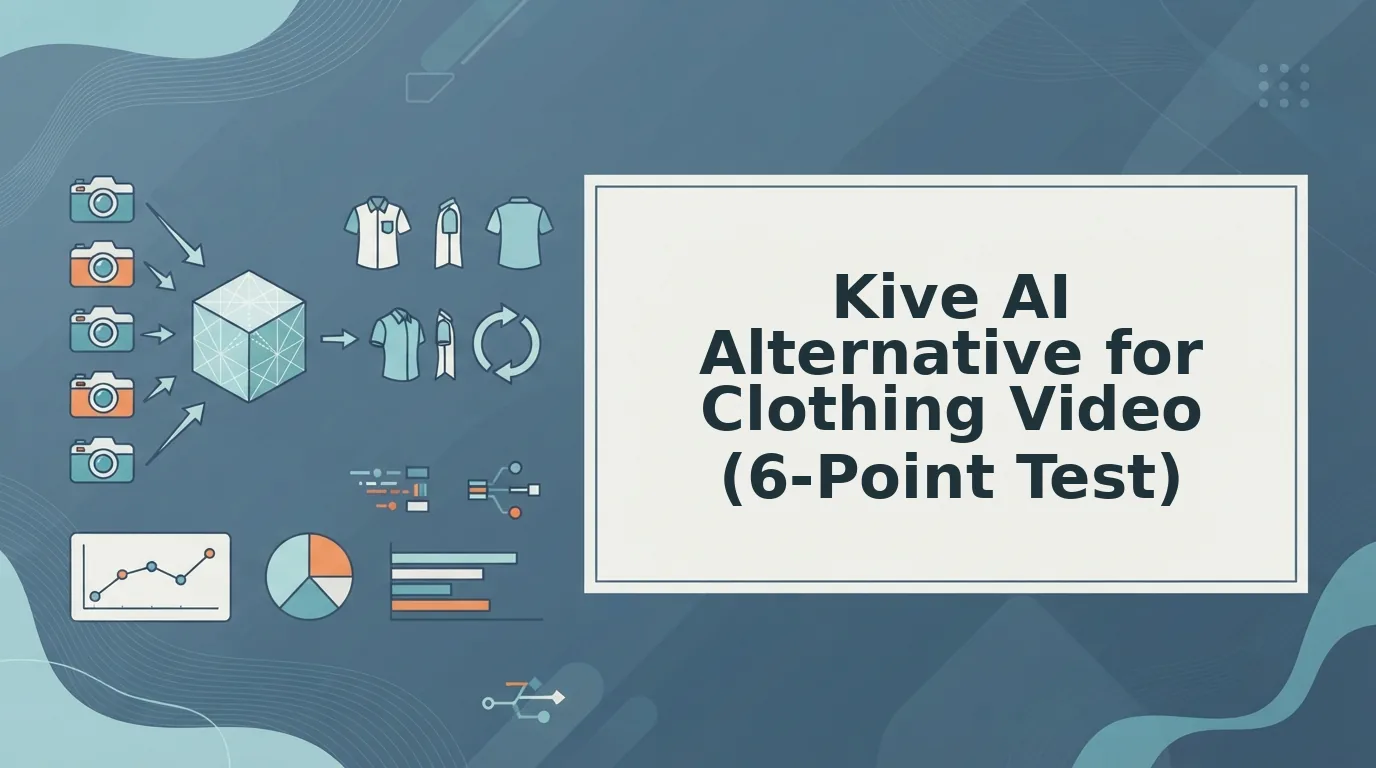
Kive.ai Alternative for Turning Garment Photos Into Video
Comparing Kive AI alternatives for clothing video? Score both tools on 6 garment-fidelity criteria, then upload 1-6 garment stills to generate 9:16 motion.
Sheer Fabric Photos for AI Video and How to Prep Them
Prep sheer fabric photos for AI video with the right backgrounds, backing shots, and closeups so chiffon, mesh, and lace stay translucent. Get the checklist.
Clothing Colorway Variant Videos Without a Separate Shoot
Make clothing colorway variant videos from each variant's own photos. Lock construction, swap only color, and check every file against its swatch. Start here.
Jacket Product Photos to Video Ad for Outerwear Brands
Turn jacket product photos into a video ad. See which front, back, open, and hardware shots to upload, how to sequence 9:16 beats, and what to check first.
Denim Product Photos to AI Video With Wash and Stitching Intact
Turn denim product photos into AI video without losing wash, fading, or topstitching. Use this 6-photo shot list for jeans and jackets, then check every frame.
Knitwear Product Photos to Video Without Losing Texture
Turn knitwear product photos into video that keeps ribbing, stitch texture, and weight visible. Use the 6-shot plan and texture fixes before you generate.

Create
Turn the photos you have into a video.
Upload the garment, pick a length, and post the clip.