
Most fashion brands shoot every ad in 9:16 vertical, then upload the same file to YouTube and watch it get letterboxed into irrelevance. That mismatch is exactly why wide framing fashion video ads deserve their own production workflow, not a crop job after the fact.
You already know landscape placements exist: YouTube pre-roll, connected TV, display banners, and in-feed desktop placements all demand horizontal composition. What you may not have realized is how different the framing rules are when a garment has to hold attention without a full-screen vertical takeover.
In this guide, you'll learn what wide framing actually means for apparel, when to choose 16:9 versus 3:2, and how to frame a product shot that survives text overlays and placement UI. You'll also see why the top-viewed landscape fashion videos on YouTube look nothing like product ads, and what that gap means for your creative strategy.
One capability changes the math: turning product photos into fashion videos in landscape means you can generate horizontal UGC-style motion from catalog images you already own, then review the file before it goes anywhere near a placement.
What Wide Framing Actually Means for Fashion Video Ads
Wide framing is a horizontal composition strategy where the garment sits centered with deliberate negative space on both sides, leaving room for text overlays, logos, and placement UI without cropping the product. It is the opposite of vertical framing, where the subject fills the frame edge to edge.
Think of wide framing like setting a dinner table for guests you haven't met yet. You don't place the plates flush against the table's edge, you leave margin so whatever arrives later (glasses, bread baskets, elbows) has somewhere to go. In landscape fashion video, the "guests" are headline text, brand logos, progress bars, and platform chrome.
At an intermediate level, you position that negative space asymmetrically, more room on the left if your brand lockup sits bottom-left, more on the right for right-aligned UI. At an advanced level, you plan framing per placement: a YouTube pre-roll needs a different safe margin than a 3:2 display banner, because each platform overlays different elements in different zones.
Here's the nuance most guides skip: the top-viewed landscape fashion videos on YouTube are not SKU-level product ads. They are cinematic brand films from houses like Armani and Dior, often shot on RED Komodo cinema cameras with sweeping sets and narrative arcs. That means the landscape format itself carries an expectation of polish, but a DTC brand generating UGC-style motion from product photos is playing a different game entirely. Your goal is not to mimic a luxury film; it's to make a product-forward, placement-ready file that holds its own next to one.
For a deeper breakdown of how frame shape changes composition rules, see this guide to fashion video aspect ratios.
Wide framing in fashion video ads means composing a garment so it occupies the central third of a horizontal frame, with intentional negative space on both sides reserved for text overlays, logos, and platform UI. This approach keeps the product fully visible even when a placement adds a headline, a progress bar, or a clickable CTA on top of the video. Unlike vertical framing, where the garment fills the screen and any overlay covers part of the product, wide framing treats the empty space as a functional design element, not wasted pixels.
Aspect Ratios for Landscape Fashion Video Ads: 16:9 vs 3:2
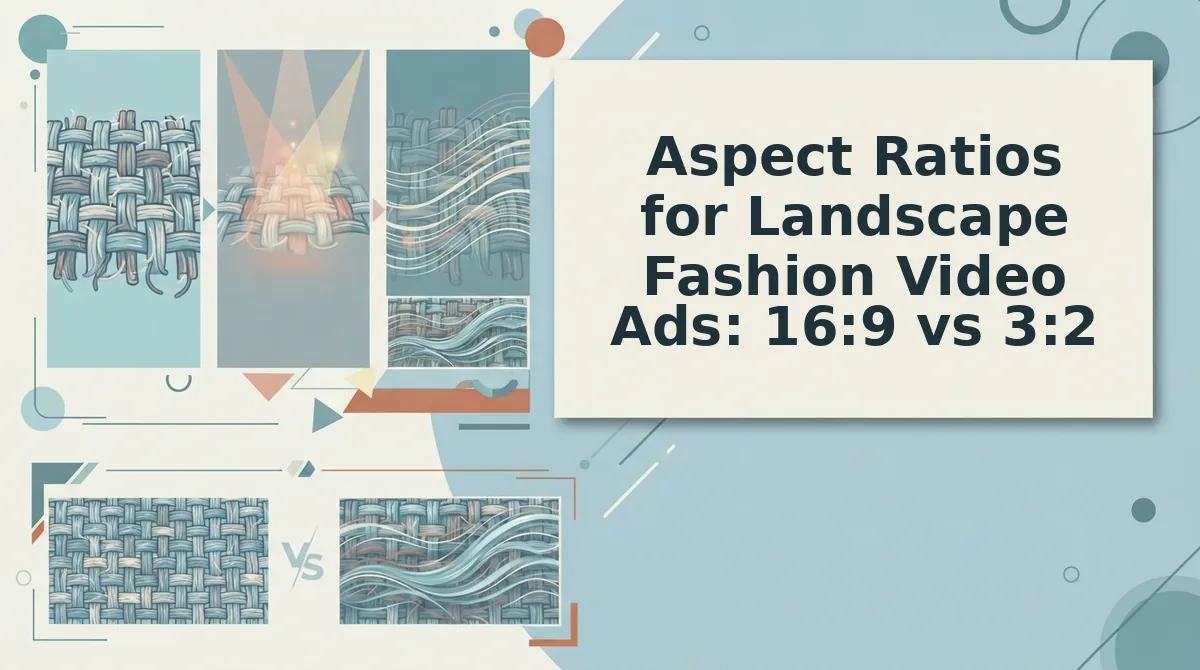
16:9 is the default landscape ratio for YouTube pre-roll, connected TV, and most in-stream video placements, while 3:2 appears more often in display banners and native ad slots where a slightly taller frame fits the layout better. Neither is universally superior, the right choice depends entirely on where the file will run.
16:9 earns its dominance honestly. It matches the native resolution of YouTube, most CTV platforms, and desktop video players, which means no letterboxing and no unexpected crops. The tradeoff is that 16:9 is wide enough to feel cinematic, which raises the bar for production quality in viewers' eyes. A product photo converted to motion can absolutely work in 16:9, but the framing needs to be deliberate, centered garment, controlled negative space, no awkward dead zones at the edges.
3:2 is the quieter workhorse. Display networks and native ad placements frequently request 3:2 or 4:3 files because those ratios fit card-based layouts better than a full 16:9 video. The slightly taller frame gives you more vertical room for the garment while still reading as landscape, which is useful when the product needs to feel substantial without cinematic scale. The downside: 3:2 files often need to be re-exported for video placements, adding a step to your workflow.
| Placement | Aspect Ratio | Safe Margin | Recommended Framing |
|---|---|---|---|
| YouTube pre-roll | 16:9 | 20% each side | Garment centered, negative space for overlay text |
| Connected TV | 16:9 | 15% each side | Garment slightly larger, minimal text reliance |
| Display banner | 3:2 or 4:3 | 10-15% each side | Garment fills more vertical space, tighter crop |
| Native ad card | 3:2 | 15% each side | Product-forward, logo-safe bottom corner |
Best for performance creative teams running YouTube and CTV campaigns: 16:9. It's the native format for the highest-intent video placements, and a single 16:9 master can be cropped down to 3:2 when needed. Best for ecommerce merchandisers focused on display and native retargeting: 3:2. The taller frame keeps the product prominent in card layouts where 16:9 would shrink the garment to a sliver.
Whichever ratio you choose, the file still has to be generated from source imagery that holds up horizontally. A fashion product video generator built for landscape output lets you produce both ratios from the same product photos, then review each file before it ships to a placement.
Next: how to actually frame a garment so it survives landscape placements without looking like a vertical video that got stretched.
How to Frame Fashion Video Ads for Landscape Placements
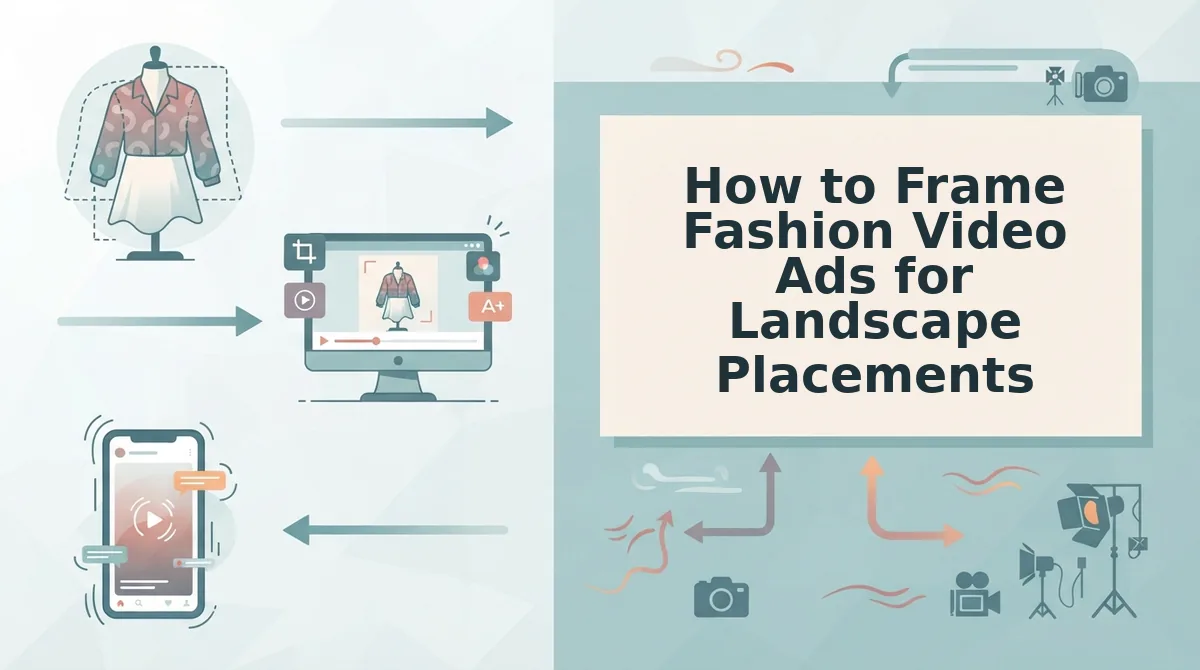
Follow these steps to protect your product from edge loss and leave room for ad UI overlays.
Prerequisites: Your original product photos for AI fashion video (1-6 angles per garment), a landscape output target (16:9 or 3:2), and a reference frame showing where platform UI elements sit.
- Open your source image and overlay a 16:9 crop grid. In any editor, set the canvas to 1920×1080 and position your vertical photo behind it. You should see the top and bottom 44% of the original frame fall outside the safe area, that is the crop loss you must design around.
- Center the garment in the middle third of the horizontal frame. Drag the photo so the product's widest point (shoulders, waistband, or hem) sits between the 33% and 66% vertical grid lines. You should see equal negative space on the left and right thirds.
- Leave negative space on the left or right third for text and UI. Platform overlays (headline, CTA button, logo) typically occupy the lower-left or lower-right corner. Position the garment slightly off-center toward the opposite side. You should see one clean, uncluttered third where ad copy can sit without covering the product.
- Check the hem and collar against the top and bottom safe margins. Keep all garment edges at least 10% inside the frame boundary. You should see no cropped hems, cut-off collars, or clipped sleeves at the final 16:9 output.
- Verify motion headroom if your generator adds movement. If the video includes a model turn, sway, or zoom, preview the full motion path. You should see the garment stay inside the middle third for the entire clip, never drifting into the text zone.
Design for the horizontal frame from the first upload, not as an afterthought.
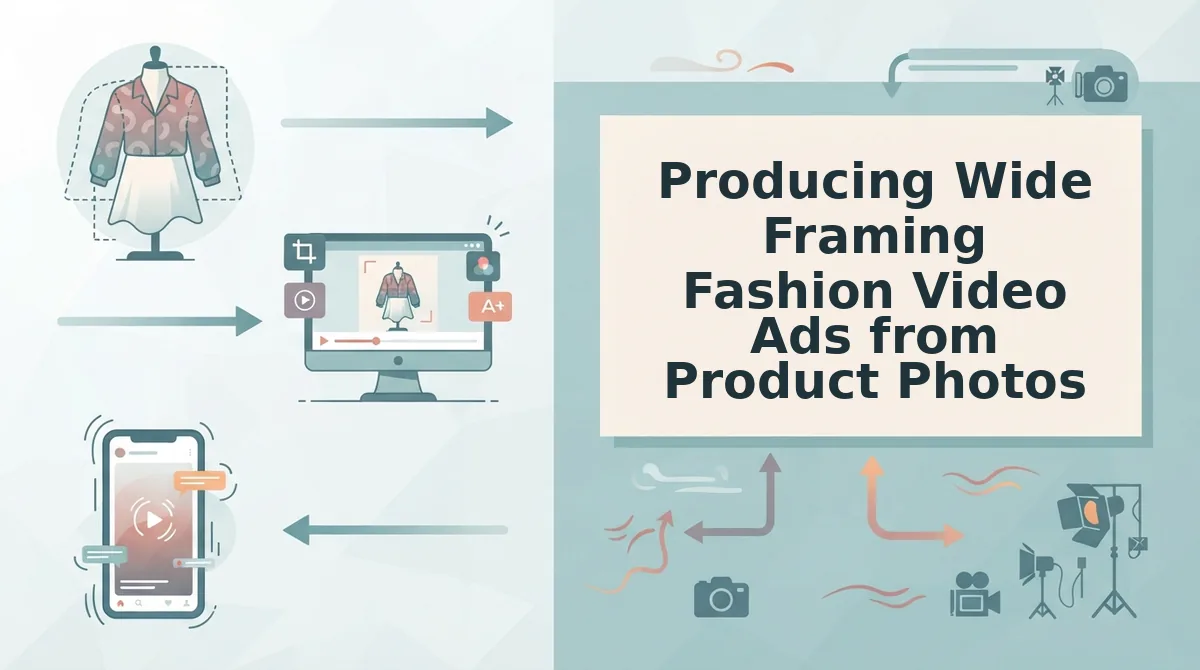
Producing Wide Framing Fashion Video Ads from Product Photos
You do not need video footage or a cinema camera to produce landscape fashion ads. FashionUGC generates 16:9 or 3:2 motion from 1-6 still product photos you already own.
Prerequisites: Sharp, well-lit product photos with visible hems and fabric detail, a FashionUGC account, and a landscape placement target (YouTube pre-roll, display banner, or connected TV).
- Upload 1-6 product photos per garment. Click Upload and select front, back, flat lay, and fabric detail shots. You should see thumbnails for every angle in the source tray.
- Select the landscape output ratio. Click Aspect Ratio and choose 16:9 for YouTube pre-roll or connected TV, or 3:2 for display banners. You should see the preview canvas switch to the horizontal frame.
- Choose a UGC-style motion template. Click Motion Preset and pick a template that keeps the garment centered, avoid aggressive pans that push the product toward the frame edge. You should see a motion preview loop in the canvas.
- Generate the video. Click Generate and wait 1-3 minutes depending on photo count. You should see a processing bar followed by a downloadable MP4.
- Review the output before publishing. Play the file full-screen and check that hems, collars, and fabric textures stay visible. You should see no cropped garment edges or motion drift into the text zone.
Worked example: a Shopify seller uploads four ghost mannequin packshots and one flat lay, selects 16:9, and generates a YouTube pre-roll ad in under five minutes, no reshoot, no camera rental. This is the core product photo to video workflow.
Wide Framing Fashion Video Ads FAQ
Wide framing in fashion video ads means composing product shots for horizontal aspect ratios, typically 16:9 or 3:2, where the garment occupies the center third and negative space is reserved for platform text and UI overlays.
What aspect ratio should I use for fashion video ads on YouTube?
Use 16:9 for YouTube pre-roll and connected TV placements, and 3:2 for display banners. 16:9 matches YouTube's native player and full-screen TV experience, while 3:2 performs better in banner slots where vertical space is limited.
Can I make landscape fashion video ads from product photos without a camera?
Yes. An AI fashion video generator converts 1-6 still product photos into 16:9 or 3:2 motion video. No cinema camera, video footage, or reshoot is required, sharp, well-lit packshots and flat lays are sufficient.
Why does my vertical fashion video look cropped when I convert it to landscape?
The top and bottom of the original shot fall outside the horizontal canvas, which is why garments must be centered in the middle third with safe margins from the start.
What is the difference between wide framing and cinematic framing in fashion ads?
Wide framing prioritizes product legibility and ad overlay space within a horizontal aspect ratio. Cinematic framing uses anamorphic lenses, letterboxing, and shallow depth of field for a film look. Wide framing is a composition strategy; cinematic is an aesthetic choice.
The Wide Framing Playbook, Distilled
Wide framing fashion video ads succeed when three decisions align before a single frame renders: choose 16:9 or 3:2 deliberately, keep the garment in the middle third with safe margins intact, and let negative space carry the motion. The payoff is a creative file that survives placement compression without losing the product.
That is the open loop from the start of this article, and the answer is simpler than most production teams expect. You do not need a reshoot. You need the right framing discipline applied to photography you already own.
Here is the sequence that closes it:
- Pick the ratio first. 16:9 for YouTube pre-roll and desktop placements; 3:2 when the ad will appear in-feed on mobile landscape surfaces.
- Frame the garment in the middle third. Leave breathing room on both sides. Safe margins are not optional when platforms overlay UI elements.
- Produce from product photos. Upload one to six stills, front, back, detail, flat lay, and generate the video file with a fashion product video generator built for apparel catalogs.
One thing remains non-negotiable: a person reviews the output before it goes live. The tool produces the file; the marketer owns the judgment call.
Wide framing is not a compromise for fashion brands that grew up on vertical. It is a second distribution lane, same product photography, different geometry, new inventory. Frame the garment like it is the only thing worth watching, because in a landscape placement, it is.