

Your apparel ad budget is paying for seconds nobody watches. The average TikTok user decides whether to keep watching a clothing video in under three seconds, and most brand-made apparel ads lose the viewer before the first cut lands. If you're running the same 30-second cut across TikTok, Reels, and Shorts, you're not testing creative; you're testing patience. Apparel video ad runtimes by platform are not interchangeable, and the gap between what platforms allow and what actually converts is where your CAC quietly inflates.
You already know the garment either lands in the first 3 seconds or the swipe happens. What you need is the exact second count that keeps a cold audience watching long enough to want the piece, and the cutdown system to produce those lengths without a reshoot. This guide breaks down platform-by-platform runtimes for prospecting versus retargeting, explains why shorter wins for cold traffic, and shows how to turn one product photo set into every runtime you need. Along the way, you'll see why the "safe" 15-second cut is often the worst performer in your ad account, and what to run instead.
Start with the runtime tables for TikTok apparel video ads and Instagram Reels apparel ads, then apply the funnel-stage matrix in the final section. If you're already sitting on catalog photography, an AI fashion UGC video generator can produce multiple runtime variants from the same stills, so you can test 6-second, 9-second, and 15-second cuts without booking a single shoot.
What Are the Exact Apparel Video Ad Runtimes for Each Platform?
Apparel video ad runtimes by platform are the optimal video lengths for clothing ads on each social or ecommerce channel, not the maximum upload limits, but the durations that hold attention and drive action at each funnel stage. Platform maximums are ceilings, not targets: TikTok allows 60+ seconds, Reels allows 90+ seconds, but apparel prospecting ads that clear 15 seconds see completion-rate collapse.
Think of runtime like a fitting room mirror. A shopper gives a garment about three seconds to decide whether it's worth trying on. Your video gets the same window. If the first cut doesn't show the garment clearly on a body or in motion, the viewer swipes, and the auction notices.
Here's the platform-by-platform breakdown for apparel, split by funnel stage:
| Platform | Prospecting (Cold) | Retargeting (Warm) | Notes |
|---|---|---|---|
| TikTok | 6-9 seconds | 15-21 seconds | Completion rate drives auction wins; 9s watched 100% beats 21s watched 40% |
| Instagram Reels | 7-12 seconds | 15-25 seconds | Reels reward full watches; loop-friendly cuts perform best |
| Meta In-Feed | 9-15 seconds | 20-30 seconds | Accepts vertical but crops to 4:5 in-feed, test both crops |
| YouTube Shorts | 8-12 seconds | 15-25 seconds | Shorts viewers skip faster than TikTok; front-load the garment |
| Ecommerce PDP | 10-20 seconds | 20-45 seconds | Product-page viewers already have intent; show fit, fabric, motion |
The pattern is consistent: cold audiences get the shortest cuts, warm audiences earn more time. That's why the same garment often needs three or more runtime variants per platform, each cut to a different attention budget.
One self-contained answer worth bookmarking: For apparel prospecting on TikTok, the optimal video ad runtime is 6 to 9 seconds. This window is long enough to show the garment on a body, in motion, and in context, but short enough that a cold viewer reaches the end before the swipe reflex fires. Retargeting audiences who have already engaged with your store or content can sustain 15 to 21 seconds, because their attention is pre-warmed and they're evaluating fit, fabric, and styling details rather than deciding whether to care at all. Meta feed placements accept vertical uploads but crop to a 4:5 aspect ratio for in-feed display, so test both crops before scaling spend. For a full breakdown of dimensions, see fashion video aspect ratios.
Why Shorter Wins for Apparel Prospecting (and When It Doesn't)
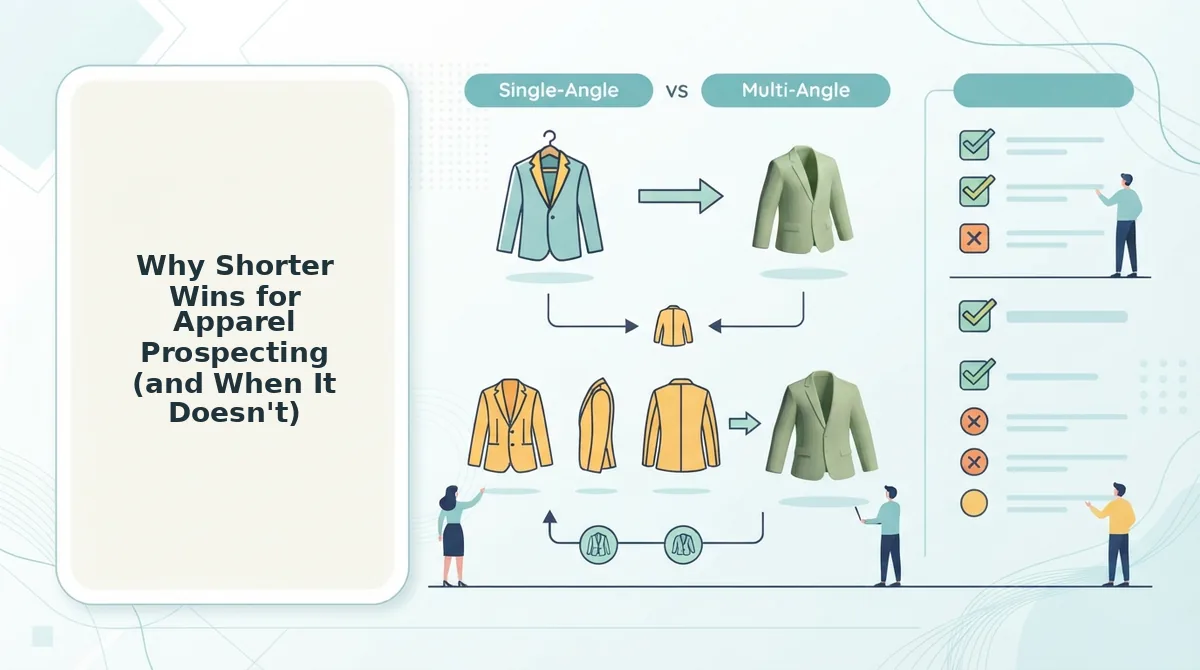
Prospecting runtime is the video length you show to people who have never seen your brand, and for apparel it follows a simple rule: the garment either lands in the first 3 seconds or the swipe happens. Apparel is a visual-decision category, there's no 30-second value proposition to unpack, just a piece of clothing that either looks good on a body or doesn't.
Think of a cold audience like a fitting room with a line behind it. Nobody's going to watch you explain the stitching when three other brands are already showing the full outfit in motion. The 3-second garment decision is the entire game: show the piece on a body, in motion, within the first cut, or lose the viewer to the next video in the feed.
Longer runtimes do earn their place, just not at the top of the funnel. Fit and feel stories, multi-piece lookbooks, and fabric detail sequences need 15 to 30 seconds to work, and they work best when the viewer already knows your brand. Retargeting audiences who clicked, added to cart, or watched a previous ad are evaluating specifics: how the fabric moves, how the fit sits on different body types, how the piece layers. That's when a 21-second cut outperforms a 9-second teaser.
The practical takeaway: cut cold-traffic apparel ads to 6-9 seconds on TikTok and 7-12 seconds on Reels, and reserve 15-30 second runtimes for warm retargeting and product-page placements. If you want the full TikTok-specific breakdown, see how long clothing video ads should be on TikTok. An AI fashion UGC video generator makes this split-testing practical by producing multiple runtime variants from the same product photo set, so you can run a 6-second, 9-second, and 15-second cut against each other without a single reshoot.
Next: how to match runtime to funnel stage with a simple apparel matrix.
How to Match Runtime to Funnel Stage: The Apparel Matrix
Most runtime advice treats every viewer like they've never seen your brand before. This matrix fixes that by mapping funnel stage to product complexity, so each cut earns its seconds against the right audience.
Prerequisites: A source image set (1-6 photos per SKU), a video generator capable of multi-cut export, and your ad account's audience segmentation already defined.
- Open your ad account and pull the last 30 days of audience data. Segment viewers into three buckets: cold prospecting (no prior engagement), consideration (visited site or engaged with content), and retargeting (added to cart or viewed product). You should see clear frequency and CTR differences between buckets.
- Select the product complexity tier for each SKU. Simple items (tees, basics) need one detail shot; complex items (outerwear, tailored pieces, technical fabrics) need two or more. This determines how many seconds your story requires.
- Build the prospecting cut at 6-9 seconds. Upload your front-angle and one motion shot, then trim to the hook only: garment in motion, no logo intro, no price. Expected outcome: a cut that survives the first 2 seconds of scroll.
- Build the consideration cut at 15 seconds. Add the back angle, one fabric detail, and a fit shot. This is the full garment story for people who already know your brand exists. You should see higher completion rates than your prospecting cut at the same spend.
- Build the retargeting cut at 21-34 seconds. Layer in objection-handling frames: sizing reference, material close-up, on-body movement from two angles, and a social proof frame. This audience needs reasons to finish the purchase, not an introduction.
- Label each export by funnel stage and runtime in your asset library. Use a naming convention like
SKU001_prospecting_6s. You should be able to pull any funnel-stage cut for any SKU in under 10 seconds.
For a deeper walkthrough of building these cuts for ecommerce apparel video ads, see the full workflow guide.
The 15-Second Master, Three-Cut System for Apparel Ads
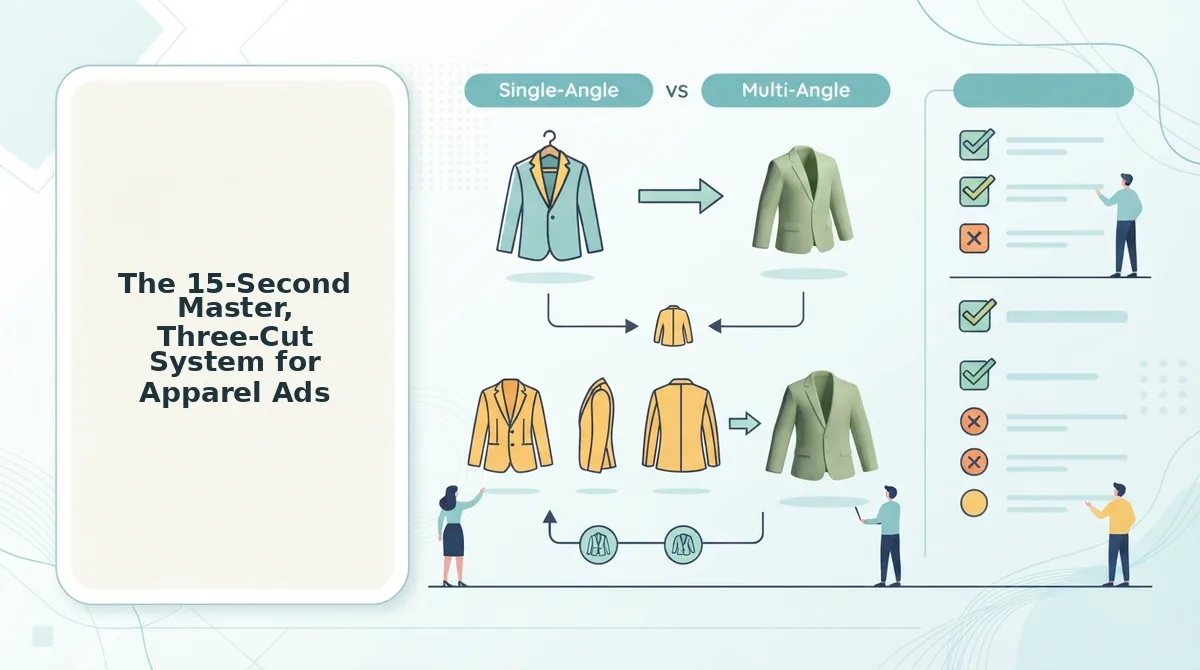
One 15-second master export can derive three platform-ready cuts: a 6-second hook, a 9-second mid, and a 21-34-second retargeting edit. This system solves the asset repurposing bottleneck that forces brands to choose between volume and quality.
Prerequisites: A complete source image set for one SKU (front, back, detail, on-body), a tool that can turn product photos into video, and 20 minutes per SKU.
- Upload all source images and generate the 15-second master. Select the full sequence: front angle, motion transition, back angle, fabric detail, on-body shot, end frame. You should see a complete garment story with no dead frames.
- Export Cut 1, the 6-second hook. Open the trim controls, set the in-point at the first frame where the garment is already in motion, and cut at 6 seconds. No logo intro, no text overlay. Expected outcome: a cut that starts mid-action and holds through the first scroll decision.
- Export Cut 2, the 9-second mid. Select the hook segment plus one detail shot, then add a text CTA overlay in the final second. This cut works for feed placements where the first 3 seconds decide everything.
- Export Cut 3, the 21-34-second retargeting cut. Extend the master with a social proof frame (review quote or UGC-style testimonial) and an offer frame. This is the full objection-handling sequence for warm audiences.
- Export all cuts in 9:16 vertical. Open export settings, set aspect ratio to 9:16, and render all three. Meta feed placements accept vertical but crop to 4:5 for in-feed, so test a 4:5 version of the 9-second cut separately.
- Upload all cuts to your ad library and tag by runtime and funnel stage. You should see three distinct assets per SKU, ready for Shopify fashion store video ads across prospecting, consideration, and retargeting campaigns.
Run this system across your top 20 SKUs and you'll have 60 platform-ready cuts from 20 master exports, enough to feed a full testing cycle without a single reshoot.
How Runtime Compresses as Creative Fatigue Sets In
Effective runtime is not fixed, it shrinks as frequency rises and viewers memorize your creative. This framework maps the compression curve so you can plan refreshes before performance decays.
- Week 1: The 15-second master works. Cold audiences give full attention to a new brand, so the complete garment story holds completion rate and drives qualified clicks. Use this window to bank learnings on which frames earn attention.
- Week 3: The 9-second cut is needed to hold completion rate. Frequency has climbed and viewers recognize your opening frame, so they skip faster. Trim to hook plus one detail shot plus CTA to reset the attention curve.
- Week 5: The 6-second hook cut or new creative entirely. At this frequency, even 9 seconds feels long to a saturated audience. Either compress to the pure hook or rotate in a fresh angle, new model, or different garment colorway.
This is a framework, not published data, but it gives you a planning rhythm instead of reacting to a dying ad set. When the 6-second cut fatigues, it's time to generate new creative with an AI clothing ad generator rather than trimming further. With that compression curve in mind, here are the most common questions brands ask about apparel video ad runtimes.
Apparel Video Ad Runtime Questions Answered
Apparel brands ask the same runtime questions across TikTok, Meta, and YouTube. Here are direct answers to the most common ones, pulled from real search and social threads.
What is the best video length for clothing ads on TikTok?
15 seconds is the sweet spot for TikTok clothing ads in 2026. TikTok's own creative guidance recommends 21-34 seconds for maximum completion, but apparel prospecting data skews shorter because product payoff happens fast. Keep the first 3 seconds on the garment, not the hook text.
Do 6-second ads actually convert for apparel?
6-second ads convert for retargeting and warm audiences, not cold prospecting. A 6-second cut works when the viewer already knows the brand and the product. For cold traffic, 6 seconds rarely communicates fit, fabric, and price point well enough to drive a click.
How long should a Facebook feed video ad be for a clothing brand?
15 seconds or under for Facebook feed placement. Meta's feed autoplays without sound, so the first frame must show the garment clearly. Longer runtimes underperform in feed but can work in Stories and Reels placements where viewing intent is higher.
Can I use the same video runtime across all platforms?
Yes, a 15-second master cut works across TikTok, Reels, Shorts, and Facebook feed. Platform-native pacing differs, but a 15-second runtime is the common denominator. Generate one 15-second master, then create 6-second and 30-second cutdowns for placement-specific testing.
What's the minimum video length for YouTube Shorts ads?
YouTube Shorts ads have no hard minimum, but 10-15 seconds is the practical floor for apparel. Shorter than 10 seconds feels abrupt in the Shorts feed, where viewers expect a complete narrative arc. For YouTube Shorts apparel ads, 15 seconds balances completion rate with enough time to show fit and motion.
Your Runtime Strategy Starts With One 15-Second Master
Runtime is not a creative decision you make once. It is a variable you manage against funnel stage, platform, and fatigue. The brands winning on paid social in 2026 treat runtime as a system: one 15-second master, three cutdowns, and a matrix that maps each length to where the viewer is in the buying journey.
Start by reviewing your current runtime mix against the funnel matrix from earlier in this article. If every ad you run is 30 seconds or longer, you are leaving prospecting efficiency on the table. If everything is 6 seconds, your retargeting is under-explaining the product.
The next step is generating a 15-second master from product photos you already own. An AI fashion UGC video generator turns existing catalog shots into that master cut in minutes, no shoot required. From there, the cutdown workflow is mechanical: 6 seconds for retargeting, 15 for prospecting, 30 for product pages and YouTube.
Runtime discipline compounds. Every second you trim from a losing ad is budget redirected to a winning one. Start with the 15-second master, and let the data tell you where to cut next.