

Your creative team just spent three days shooting one flat lay set, and now your media buyer wants six different video lengths for TikTok, Reels, and the PDP, by Friday. That tension between catalog constraints and creative testing demands is exactly where clothing video duration testing breaks most DTC apparel teams. You already own the photography; the bottleneck is turning one photo set into multiple motion assets without reshoots.
Agree: you're not short on ideas, you're short on production bandwidth. Promise: this guide shows you how to isolate duration as the only variable in your creative tests, using a single photo set across every placement. Preview: you'll learn why duration changes performance at the apparel level, see placement-specific benchmarks, and get a repeatable workflow for generating multiple lengths from one upload. The surprising part? The "optimal" duration for paid social is often the worst choice for your product page, and we'll unpack why that gap exists before you spend another dollar on creative. Start by turning clothing photos into video with a generator built for apparel motion, then apply the duration framework below.
Why Clothing Video Duration Changes Performance
Clothing video duration is the length of a motion asset, measured in seconds, that determines how much garment information, fabric drape, fit, stitching, and movement, a viewer can absorb before the video ends or they scroll away. Duration is not a creative preference; it is a visibility dial for apparel-specific signals.
Think of duration like the zoom level on a camera. A 6-second video is a wide shot: it establishes the garment exists and looks good, but the viewer never sees the fabric fall or the side seam tension. A 30-second video is a macro lens: it reveals drape, stretch recovery, and how the hem moves when a model walks. Neither is universally better, they serve different viewer intents.
The mechanism is straightforward. Shorter durations force the algorithm and the viewer to prioritize the hook: color, silhouette, and motion in the first two seconds. Longer durations give high-intent shoppers time to evaluate fit and fabric behavior, which is exactly what they need before adding to cart. Cutting a clothing video from 30 seconds to 6 seconds removes the fabric drape and fit visibility that high-intent apparel shoppers need to commit. The same garment can look identical in a thumbnail but convert differently based purely on how many seconds of drape and detail the viewer sees.
A practical workflow: a DTC brand uploads one flat lay set, generates three durations, 6, 15, and 30 seconds, and runs them against the same audience. Creative stays constant; duration becomes the only variable. This isolates whether length, not concept, drives the performance delta. For brands starting with flat lay photography, a flat lay to fashion video workflow produces the base motion asset that can then be trimmed or extended to each target length without reshoots.
Duration Benchmarks by Placement
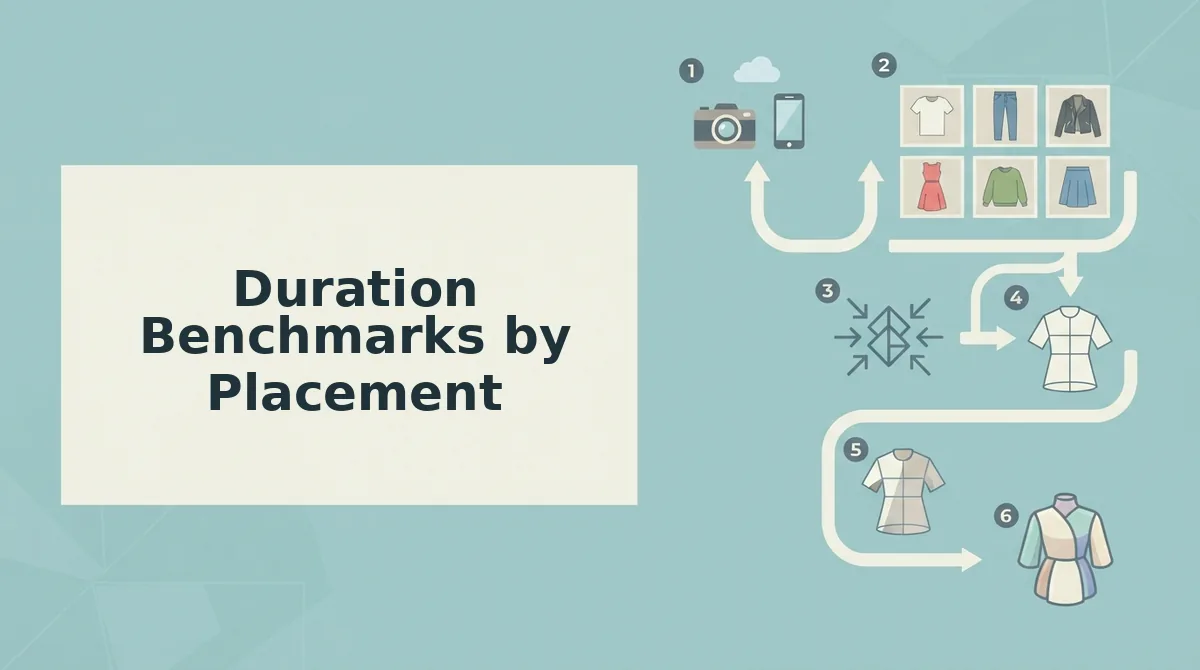
Duration benchmarks by placement are the recommended video lengths for each distribution channel, based on how viewer intent and platform behavior differ across paid social, product pages, and retargeting. The right duration for TikTok is not the right duration for a PDP gallery.
Paid social platforms. TikTok, Reels, Shorts, reward 6-15 second videos because users scroll fast and need a hook in the first two seconds. Product pages and PDP galleries perform better with 15-30 second videos because high-intent shoppers will watch longer if the garment motion shows fit, drape, and details. Retargeting and mid-funnel placements sit between at 10-20 seconds: viewers already know the brand and need a reminder, not a full introduction.
Competitors and generic creative guides often recommend "15-30 seconds" as a universal answer. That advice is not wrong for product pages, but it underperforms on paid social, where a 30-second asset wastes the first two seconds that decide whether anyone watches the rest. The balanced view: shorter is genuinely better for cold traffic, and longer is genuinely better for high-intent shoppers. The mistake is applying one benchmark everywhere.
| Placement | Recommended Duration | Apparel Rationale | Best For |
|---|---|---|---|
| TikTok, Reels, Shorts | 6-15 seconds | Hook in first 2 seconds; show silhouette and one motion detail | Cold-traffic prospecting teams running TikTok clothing videos |
| Product pages / PDP galleries | 15-30 seconds | High-intent shoppers need drape, fit, and fabric detail to commit | Ecommerce merchandisers optimizing product listing videos |
| Retargeting / mid-funnel | 10-20 seconds | Viewers know the brand; show one new angle or detail as a reminder | Performance creative teams running retention and cart-abandonment campaigns |
Placement-specific duration testing works because each channel has a different job. Paid social must stop a scroll; product pages must close a sale; retargeting must re-trigger interest. Using one duration across all three means at least two placements are running suboptimal creative. The fix is generating multiple durations from the same photo set, which is the next step.
How to Test Multiple Durations from One Photo Set
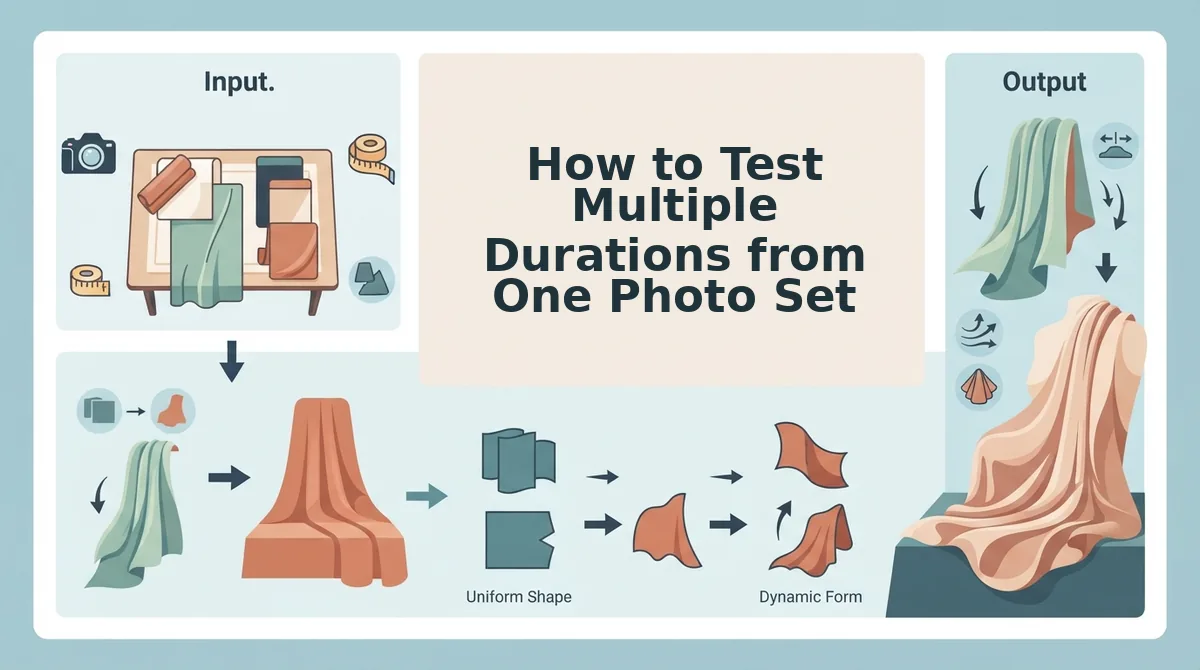
You can generate three or more duration variants from a single upload session by changing only the duration control between renders. This isolates duration as the variable while keeping the photo set, garment, motion template, and aspect ratio identical.
Prerequisites: A FashionUGC account, one to six photos of a single apparel item, and a stable internet connection. Total workflow time: approximately 15-20 minutes.
- Upload your photo set once. Click Upload and select one to six images of the same garment, front, back, side, flat lay, or detail shots. You should see all thumbnails appear in the preview panel with a green checkmark on each.
- Select your motion template and aspect ratio. Choose a template from the library and set the aspect ratio to 9:16 for Reels, TikTok, and Shorts. The preview should update immediately to reflect your selection.
- Set duration to 6 seconds. Locate the Duration control in the settings panel and type or slide it to 6s. Click Generate. You should see a processing indicator, followed by a downloadable 6-second MP4 in your output tray.
- Change duration to 15 seconds without re-uploading. Keep the same photo set loaded. Adjust the Duration control to 15s and click Generate again. The system reuses your existing upload, so no new files are required.
- Change duration to 30 seconds. Repeat the process with the Duration control set to 30s. Generate the third variant. You should now have three files in your output tray, each labeled with its duration.
- Review the 6-second cut for truncation. Open the shortest variant and check whether the hem, neckline, or fabric detail shot appears before the video ends. If the key angle is cut off, reorder your source images so the most important visual lands in the first two seconds, then regenerate.
- Export all variants for side-by-side testing. Download each file and name them by duration, for example, dress-6s.mp4, dress-15s.mp4, dress-30s.mp4. You should have a clean set of test assets ready for your ad platform.
This workflow is the core of duration testing with a clothing video generator built for SKU-level motion. By uploading once and changing only the duration control, you eliminate re-shoot costs and keep creative quality constant across every variant.
To run a valid duration test, upload one to six photos of a single garment once, then generate the same video at 6 seconds, 15 seconds, and 30 seconds without changing the photo set, motion template, aspect ratio, or garment. Keep every variable identical except duration. If the 6-second version cuts off the hem or a fabric detail shot, reorder the source images so the key angle appears within the first two seconds of the timeline. This produces three clean test assets from one upload session, ready for side-by-side comparison in your ad manager.
The Duration Testing Matrix
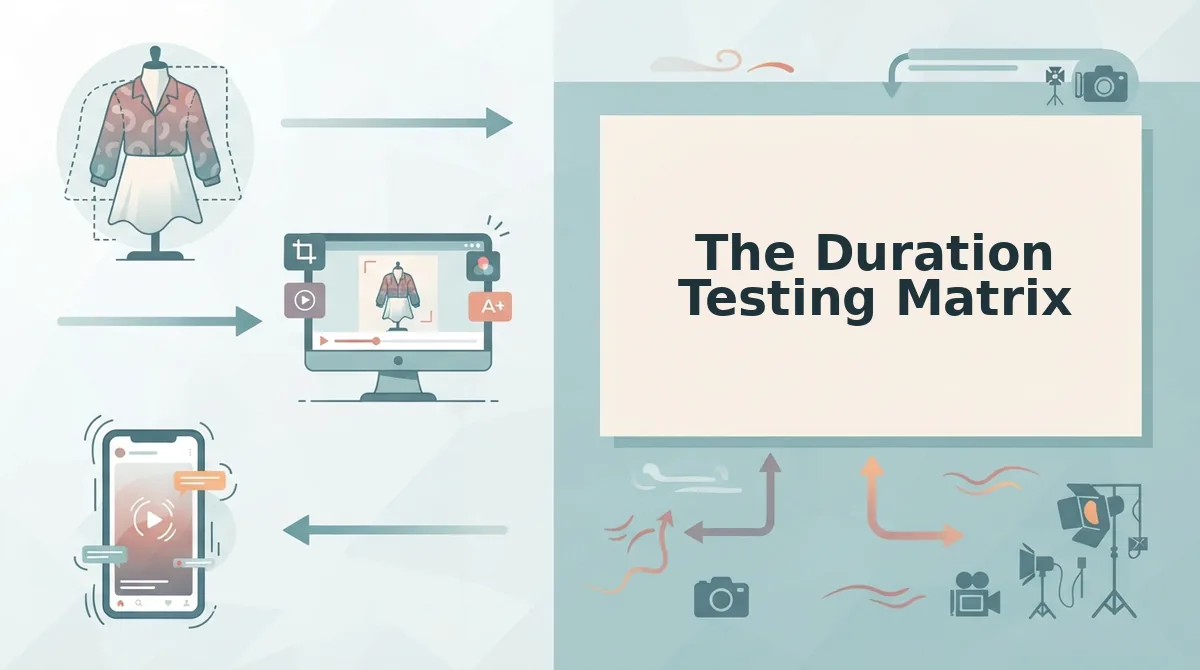
A duration testing matrix maps each placement against the duration band most likely to perform there, then flags which cells to test first. Use it to prioritize your testing budget instead of generating every possible combination.
- Paid social at 6-9 seconds, test first. Paid placements on TikTok, Reels, and Shorts reward fast hooks and complete message delivery before the skip. Generate a 6-second and a 9-second variant from the same photo set and run them against each other with identical audiences.
- Product page at 16-30 seconds, test first. Shoppers on a product detail page have already shown intent and will watch longer. A 20-second or 25-second cut lets you show multiple angles, fabric details, and fit without losing attention.
- Retargeting at 10-15 seconds, test first. Retargeting audiences already know your brand, so the video needs to remind and convert, not introduce. A 12-second or 15-second variant balances enough product detail with a fast path back to the product page.
- Organic social at 10-15 seconds, test second. Organic Instagram Reels clothing videos can reuse paid social winners, but a 10-15 second cut gives room for a mini-story: hook, detail shot, close. Test this band after your paid social winners are identified.
- Paid social at 10-15 seconds, test second. If your 6-9 second variants underperform, extend to 12 or 15 seconds before changing the creative. Duration is the variable, so keep the photo set and template identical.
- Product page at 31-60 seconds, test last. Longer cuts work only when the viewer is deeply engaged, such as a fit guide or fabric explainer. Reserve this band for hero products with multiple detail shots worth showing.
- Organic social at 6-9 seconds, test last. Short organic clips can work for trend-jacking or quick outfit reveals, but they rarely build the storytelling momentum that organic audiences reward. Deprioritize this cell until other bands are tested.
The duration testing matrix is a two-by-two framework that maps placement type against duration band. Placements include paid social, organic social, product pages, and retargeting. Duration bands include 6-9 seconds, 10-15 seconds, 16-30 seconds, and 31-60 seconds. The highest-priority cells to test first are paid social at 6-9 seconds, product pages at 16-30 seconds, and retargeting at 10-15 seconds. Organic social can reuse paid social winners but should test 10-15 seconds for storytelling. This matrix prevents wasted generation time by focusing your first tests on the placement-duration combinations most likely to move performance.
Reading Results Without Confounding Variables
A confounding variable is any factor other than the one you are testing that could explain a difference in results. In duration testing, the confound is almost always creative quality, a 6-second cut made from different photos than the 15-second cut tells you nothing about duration.
Start simple: hold every input constant except duration. Use the same photo set, the same garment, the same motion template, the same aspect ratio, the same audience, and the same placement. Change only the duration control. If conversion differs between the 6-second and 15-second variant, the difference is attributable to duration, not to a better angle or a stronger hook.
Think of it like baking the same cake recipe twice and changing only the oven temperature. If one cake rises and the other sinks, you know the temperature caused it, because the flour, eggs, sugar, and pan were identical. If you also swapped flour brands, you could not say which change mattered.
At the intermediate level, track one metric per placement. For paid social, use cost per acquisition or click-through rate. For product pages, use add-to-cart rate or time on page. For retargeting, use return on ad spend. Comparing the same metric across duration variants within one placement keeps your read clean.
At the advanced level, run duration tests sequentially, not simultaneously, within the same audience pool. Simultaneous tests split your audience and introduce delivery bias. Sequential tests let the same audience see each duration variant under similar conditions. For a deeper breakdown of how placement changes the optimal length, see clothing video duration by ad placement.
To isolate duration as the variable in a clothing video test, hold constant the photo set, garment, motion template, aspect ratio, audience, and placement. Change only the video duration. If conversion differs between variants, the difference is attributable to duration, not creative quality. This is the only valid way to read duration test results.
Once your results are clean, the next step is answering the questions that come up most often.
FAQ
Direct answers to the most common questions about testing clothing video durations from a single photo set.
How do I test different clothing video durations from one photo set?
Upload the same one-to-six product photos into the generator and render separate 6-second, 15-second, and 30-second versions. Keep the source images, hook, and music identical across all three. Run them simultaneously in the same placement and compare cost per acquisition before scaling the winner.
What's the best video length for clothing ads on TikTok?
For TikTok feed placements, 9 to 15 seconds is the current sweet spot for apparel creative. Shorter clips under 6 seconds often fail to show fabric movement or fit, while videos over 21 seconds typically lose swipe-through before the product detail appears. Test 9s against 15s first.
Does shorter video always convert better for fashion products?
No. Short videos win on cold audiences where attention is scarce, but longer durations often convert better on retargeting and product pages where shoppers already have purchase intent. A 30-second version showing multiple angles and fabric details can outperform a 6-second teaser for warm traffic.
How long should a product page clothing video be?
Product page videos perform best between 15 and 30 seconds. Shoppers on a PDP are actively evaluating the item, so they will watch longer content that shows fit, drape, and texture. A 6-second loop works as a thumbnail replacement, but the primary PDP video should show all uploaded angles.
Why does the same clothing video perform differently on Reels versus TikTok?
Each platform's algorithm weights watch time and completion rate differently. TikTok rewards near-full completion, favoring shorter cuts. Instagram Reels distributes based on replays and saves, which longer storytelling formats generate more reliably. Test duration separately per platform rather than assuming one length works everywhere.
Can I use the same photo set for a 6-second and a 30-second clothing video?
Yes. A single photo set of one to six images can generate multiple durations. The 6-second version typically uses the hero front shot and one motion transition, while the 30-second version sequences all angles with slower pacing. Both pull from the same source files without additional photography.
Duration testing for clothing video is a controlled experiment where the same product photo set is rendered at multiple lengths and run against identical audiences. The only variable that changes is runtime. A 6-second cut prioritizes the hook and a single angle. A 15-second version adds a second angle and a text overlay. A 30-second render sequences front, back, side, and fabric detail shots with slower transitions. Because the source images, music, and caption remain constant, any performance difference can be attributed to duration alone. This isolates the variable that matters and prevents creative fatigue from muddying the data.
Duration Is a Creative Lever, Not a Default
One photo set is not a single video. It is a raw material that can produce 6-second hooks, 15-second mid-funnel ads, and 30-second product page explainers, each serving a different placement and audience temperature. The brands that win on clothing creative are not the ones with the most footage. They are the ones who test systematically with what they already own.
Match duration to placement intent, not platform defaults. Isolate duration as the only variable so your results stay clean. Then let the data, not the template, decide which cut scales.
Start by uploading one product photo set to the clothing video generator and rendering all three durations in a single session. Run them side by side, read the results, and let the next test be a refinement instead of a guess.