

Your catalog already holds the photos. The real question is which motion engine for TikTok clothing ads belongs in the queue tonight â and it gets settled by clip length, not by a feature grid.
You are not hunting for the more powerful tool. You are choosing between a fast engine built for ten-second feed clips and a paced engine built for longer sequences, and the length of the ad you intend to run decides which one earns the slot.
By the end you will have a length-first rule you can apply before reading a single feature list: measure the cut, pick the engine, then count beats. You will also see where each engine sits inside the AI clothing ad generator workflow you already run.
One anomaly is worth flagging now. The same dress can hold a clean hem in one cut and smear at the hem in another, from identical photos going in. That is a source-plate problem wearing an engine costume, and it gets unpacked later.
What You Get and What You Need Before You Choose
A motion engine is the component that decides frame-to-frame garment movement and pacing. FashionUGC runs two: Piveth for fast ten-second feed clips where four beats must land, and Astra for longer paced sequences where the camera can afford to breathe.
You get a finished vertical video file. You need one to six photos of a single garment, and a decision about how long the cut runs.
Piveth reads a garment the way a fast pan reads a rack â movement forward, no lingering. Astra reads it the way a slow turn on a mannequin does, letting fabric settle between beats.
Three prerequisites matter before you touch a setting. No footage is required, only stills. Output is vertical 9:16. And the file is produced for a human to review, not published anywhere on your behalf.
On length: ten seconds is not too short to sell clothing. It is too short to sell two ideas. When the garment concept is single and clear, ten seconds carries it.
Do you need real footage to run a clothing ad? No. Upload between one and six still photos of a single apparel item â front, back, side profile, flat lay, on-body, or fabric detail crop â and the platform ingests them as source plates. Multi-angle input gives the engine more reference to preserve seam lines, print placement, and drape as it animates. A single front plate is enough to start. What replaces footage is photographic clarity: even light, sharp edges, and a hem that is fully in frame. Blurry or cropped sources limit what any engine can hold, which is why plate quality is the first thing to audit. This is also why you can turn clothing photos into video from a catalog that was shot months ago for a product page.
Start with the multi-angle intake: upload up to six views per garment and let the platform decide which plates carry the motion.
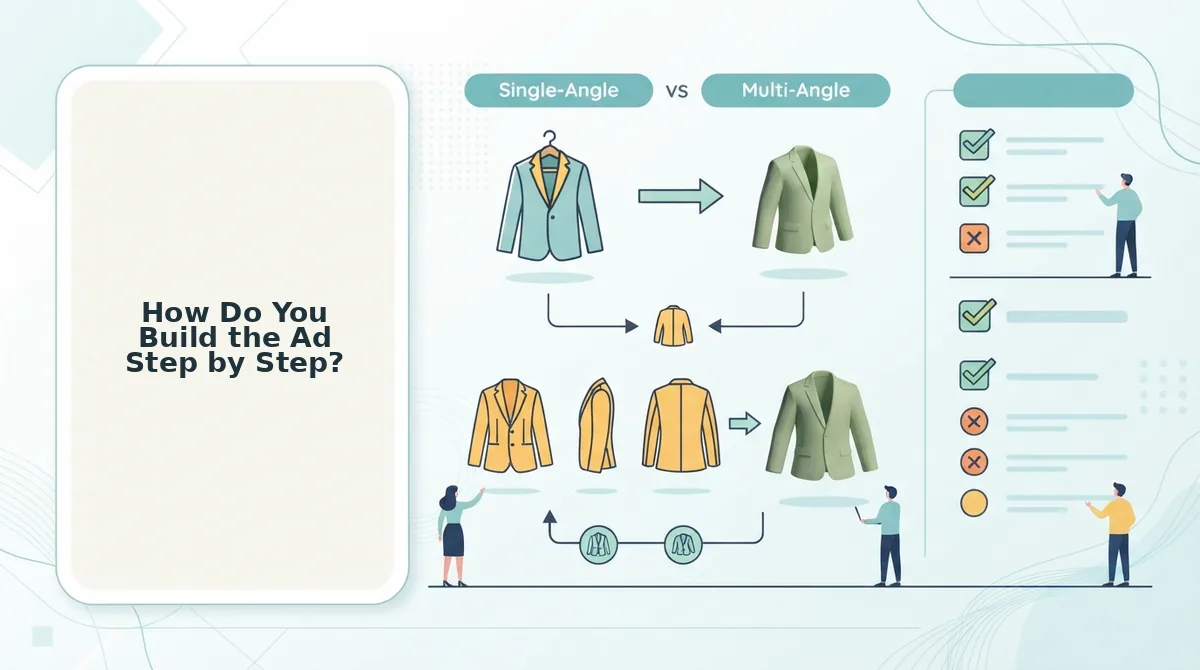
How Do You Build the Ad Step by Step?
Build it by fixing the clip length before you open the uploader, then choosing the engine that matches. You need one to six garment images, a browser, and roughly twenty minutes for a first SKU.
- Write the clip length on paper. Decide ten seconds or longer before anything else. Expected outcome: a fixed target that narrows every downstream choice, including which engine you are allowed to pick.
- Assemble the source plates. Select one to six photos per garment â a front angle at minimum, plus side and fabric detail if you have them. Upload them into the garment slot. You should see all plates attached to the same SKU, not split across two jobs.
- Choose the engine from that length. Pick Piveth when the cut is ten seconds, Astra when the sequence runs longer. Expected outcome: a pacing profile that matches your beat count instead of fighting it.
- Count the first ten seconds against four beats. Check that the export delivers a hook, a garment reveal, a fabric detail, and a close. One garment idea per second is what survives a cold feed â four beats in ten seconds is dense but workable, and this is why the fast engine earns the slot. If your catalog is thin, a single front plate carries the whole cut.
- Export vertical 9:16 and review. Render the file, download it, and watch it once at phone size before it leaves your hands. You should see the hem and collar holding shape across the cut, with no plate left unread.
Run one SKU through this loop end to end, then batch the rest of the drop against the same clip length so the clothing video generator output stays consistent across a launch. Keep your TikTok clothing videos in one shared review folder so the person approving them sees the whole set at once.
Now the part that changes with length: which engine to reach for at each cut duration.
Piveth or Astra? A Decision Table by Clip Length
Pick the engine by clip length, not by feature list: Piveth for a 10-second feed clip, Astra once the cut runs long enough for a multi-angle progression to land. The two differ on pacing, not on output quality.
| Clip length | Engine | Photos needed | What the viewer learns |
|---|---|---|---|
| 8â10 seconds | Piveth | 1â2 (front plus one detail) | Whether the silhouette reads instantly. One hook, one idea, no room for a second beat. |
| 10â15 seconds | Piveth, trimmed tight | 2â3 | Fit plus a single fabric cue. Two ideas maximum before attention drops. |
| 15â30 seconds | Astra | 3â5 | Front to back to fabric detail, in order. Construction and finishing earn attention here. |
| 30 seconds and up, or a PDP embed | Astra | 4â6, including on-body and flat lay | Drape, interior finishing, and real-world scale via an on-body to flat lay transition. |
Astra's multi-angle progression from front to back to fabric detail earns its keep only when the sequence has room to breathe. Compress that same progression into ten seconds and the viewer sees a flipbook rather than a garment.
Best for a performance creative team shipping ten hook variants a week: Piveth, because speed to a usable first frame is the constraint. Best for a merchandiser holding a six-angle PDP set and one flagship product: Astra, because the photo inventory already supports a paced sequence.
Which engine you choose should follow clip length, not a comparison chart. Choose Piveth when the ad is a single 10-second hook and the job is stopping a thumb. Choose Astra when the cut is long enough for a front-to-back-to-fabric-detail progression to register. Photo count follows the same logic: a ten-second clip needs one or two frames, a paced showcase needs three to six including an on-body and a flat lay. Neither engine fixes a weak source plate, and neither is the right default for every length.
If the ten-second format itself is still in question, the ten-second clothing ad comparison covers that separately; for the longer format, see the longer apparel showcase comparison.

How Do You Check the Clip Before It Ships?
Watch the hook, the hem, then the fabric. Every artifact you spot traces back to a specific defect in the source photo, not to the engine you picked.
- Hook frame at second one. Confirm the garment is fully in frame and the first pose is one a person could actually hold. If it reads as a body morph, the front plate was too tight a crop to animate from.
- Hem and cuff integrity. Warping at the hem usually means the still cut the garment edge off, leaving the engine to guess where the fabric ended. Recrop with two centimetres of margin and regenerate.
- Fabric texture and highlights. Blown highlights on pale or white fabric smear into flat grey during motion. Reshoot at flatter exposure so the weave has tonal information to carry.
- Colour consistency across angles. Mixed white balance between front and detail shots makes the garment shift shade mid-clip. Correct the plates to one reference before uploading.
- Flat lay proportion. Flat lays animate at the wrong scale unless the frame is square to the garment; the flat lay to fashion video guide covers drape and proportion handling in detail.
- Resolution floor. Low-resolution stills do not produce production-ready motion. Upscaling invents detail that then wobbles; reshoot instead, following the product photos for AI fashion video guide.
Source plate quality constrains the output more than engine choice does.
Choose by Length, Then Check the Plates
Length decides the engine; the photo plate decides the outcome. That is the whole rule, and it resolves the question you arrived with: there is no single better engine, only a better match for the seconds you have.
Name your clip length, pick the engine the table assigns to it, then generate one test clip and review it against the six checks above before anything ships. That review step is part of the workflow, not a disclaimer bolted onto the end â it is how the second clip outperforms the first.
Start with a single SKU: upload one to six photos in the fashion UGC generator, generate one clip at your chosen length, and judge the plates before you scale the batch.
