

There is a folder of packshots on your desktop, a 10-second slot in a 9:16 feed, and two browser tabs that each promise to fill it. The real question inside piveth vs capcut symphony isn't which tool has more transitions. It's which one turns a still garment into footage that moves like fabric.
You already own the photography; what you don't own is repeatable SKU-level motion without booking a shoot. Below you get the head-to-head verdict, the single criterion that actually separates these two products, and a four-question Motion Provenance Test you can run on any tool in under a minute. That test resolves the surprise worth flagging up front: their apparent feature overlap collapses to almost nothing once input and review are separated.
Worth clearing one confusion first, since most existing search traffic chases the wrong product. CapCut the editor, CapCut Symphony, and TikTok Symphony Creative Studio are three different things â if you're still sorting the editor from the rest, read Piveth Engine vs CapCut for clothing clips first.
The two tools don't compete on the same axis, which is why every feature table online ends in a tie. FashionUGC sits on the generation side of that line: upload one to six stills of a single item â front, back, side, flat lay, fabric detail â and it returns a short-form UGC-style video file for Reels, TikTok, Shorts, or a product page.
Is Piveth Better Than CapCut Symphony for Clothing TikTok Ads?
Piveth is better when a catalog needs garment-consistent motion at SKU scale; CapCut Symphony is better when a social team wants native TikTok assembly â templates, avatars, dubbing, publishing â in one place.
The short answer: Piveth generates motion from one to six still product photos of a single garment, so every moving pixel originates in photography you already own. CapCut Symphony assembles motion you add â templates, transitions, and avatar performance â layered onto input supplied as a product URL, photo, or prompt. Choose Piveth when catalog volume demands that fabric drape and silhouette stay consistent item to item. Choose Symphony when one concept has to live natively inside TikTok, where the output publishes directly and carries platform AI labeling and moderation checkpoints before an audience sees it.
Think of a loom versus a cutting table: one produces new material from what you feed it, the other arranges material you bring.
Symphony is free with a TikTok for Business account; CapCut runs a free tier plus a paid Pro tier that varies by region, so confirm current pricing on both vendor pages before you budget. Symphony's output ships as a publishable asset with platform review attached, while a generated clip is a file that goes through a human gate.
For SKU-level volume, the AI clothing ad generator path starts from the stills you already have â FashionUGC returns a reviewable video file, not a post.
Where Does the Motion in a 10-Second Clip Actually Come From?
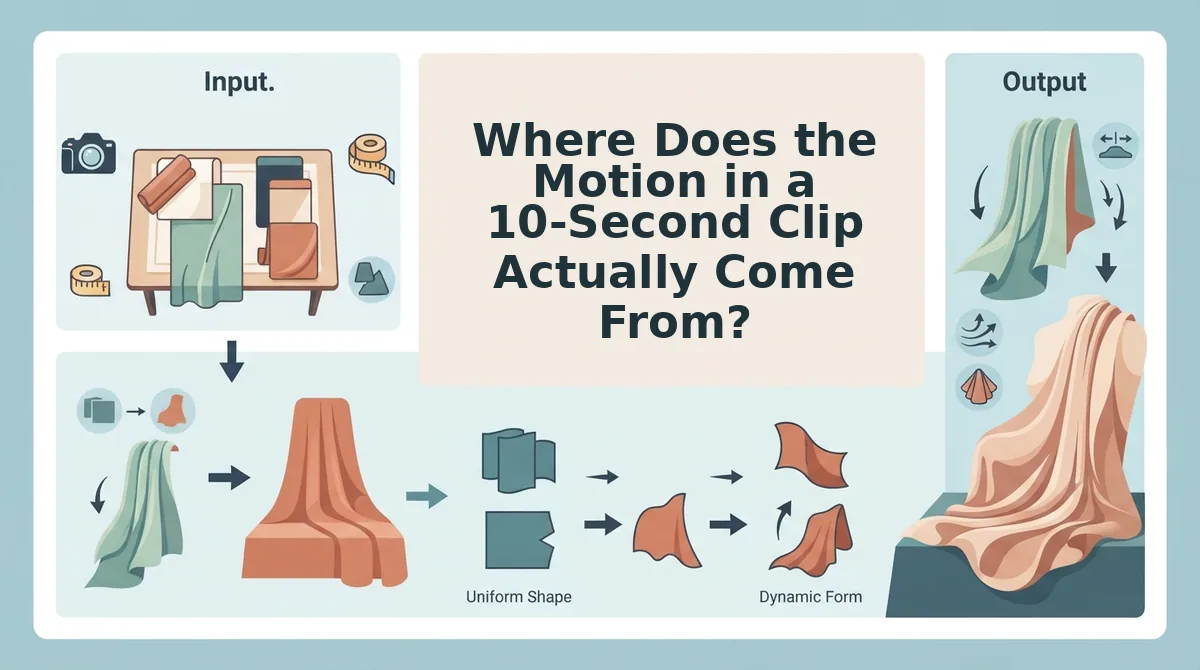
Motion provenance â the source of every moving pixel in a clip â is the criterion that decides everything downstream: which photos you need, what you receive at the end, and who signs off before anything ships.
Most comparisons open on transitions and close in a tie because they compare outputs that were never built the same way. Symphony's strengths are real. It lives inside TikTok for Business, it costs nothing with that account, it handles avatars and dubbing, and its output carries platform AI labeling and moderation checkpoints that a downloaded file never receives. That native path removes handoffs a lean team would otherwise manage.
Separate input from review, though, and the overlap narrows fast.
| Criterion | Piveth | CapCut Symphony |
|---|---|---|
| Input requirement | One to six still photos of a single garment | Product URL, photo, or prompt |
| Motion origin | Generated from the garment stills | Assembled from templates, transitions, avatar performance |
| Output type | Downloadable video file | Publishable asset inside TikTok |
| Placement fit | Any channel â Reels, Shorts, TikTok, product page | Native TikTok, tied to the TikTok for Business account |
| Review step | Human review gate before posting | Platform labeling and moderation; advertiser rejects output |
| AI labeling | Disclosed by the team that publishes | Applied by the platform |
The Motion Provenance Test
Run these four questions on any tool in under a minute.
- Does the tool need a garment in frame to produce movement? If not, it is assembling, not generating.
- Does the motion follow the fabric or the frame? Pan-and-zoom survives a wrinkled hem; fabric motion exposes it.
- Can you name what moved? "The sleeve lifted, the hem swung" is a garment. "The clip zoomed" is a template.
- Who reviews the result before it ships? A human gate and a platform moderation queue fail differently.
Best for catalog-scale DTC apparel teams rotating creative against CAC: Piveth, because one to six stills per item means existing packshots become the motion. Best for social teams already inside TikTok for Business: Symphony, because publishing, avatars, and dubbing are native. Best for most teams: both â generate garment motion from stills, then assemble and schedule in TikTok's ecosystem.
The apparent feature overlap between the products narrows to almost nothing once input and review are pulled apart. Symphony's case gets stronger the closer your workflow already sits to TikTok, which is where the next section picks up.
Where CapCut Symphony Is the Better Call
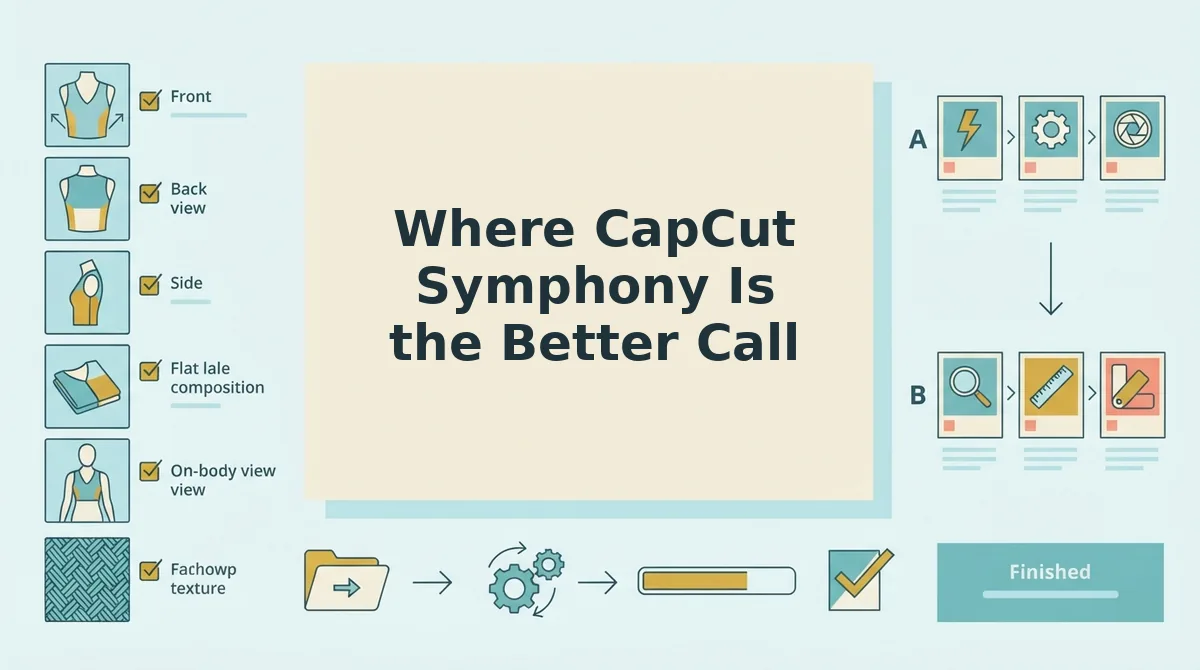
CapCut Symphony is a template-and-timeline editor with an AI assist layer: it assembles motion you supply rather than generating motion from a still. Being precise about where that genuinely wins is what makes the rest of this comparison worth reading.
The simple case is a clip you have already shot. Five seconds of a model turning on a sidewalk becomes a ten-second cut with readable captions and an audio bed in one sitting, which makes it one of the strongest single-clip workflows available when the brief is a high-effort hero video. Think of Symphony as a well-stocked kitchen â sharp knives, hot range â but you still walk in carrying the ingredients.
The intermediate case is dubbing, where Symphony has no real equivalent in this category. One finished clip can be re-voiced into several languages with matched tone, turning a single hero asset into a multi-market campaign without booking a second shoot. Avatar-led garment demos work the same way, covering the shots you never had a model for.
The advanced case is campaign operations. Output arrives natively formatted for the feed, and the safety layers reported for Symphony â AI-content labels, moderation checkpoints, and the advertiser's ability to reject generated output before it runs â sit inside TikTok Ads Manager, where media buyers already work.
Independent testing of nine AI video generators rated Symphony strongest on native platform fit, describing its output as strong enough for A/B testing after editing. That is a more honest bar than most vendor pages set, and it is the bar to hold every tool here to.
If your bottleneck is a hero asset rather than SKU volume, read this walkthrough of a CapCut alternative built from garment photos before you switch stacks.

Where Piveth Is the Better Call for Apparel
Piveth is the better call when the constraint is SKU count rather than shoot days: it generates motion from one to six garment stills, so a catalog that already exists as flat lay and on-body photography becomes video without a camera in the room.
- Motion that originates in the garment. Each clip is generated from the stills rather than cut from stock footage, so drape, seam movement and silhouette come from the actual product file. That is the difference between showing your garment and showing a garment.
- Catalog volume without a second production day. A hundred packshots are already paid for and sitting in a shared drive. Converting them costs review time, not studio time, which is the entire economics of the format.
- Batch consistency treated as an input. The documented situation is a 200-SKU run handled with the same garment, the same angle set and one job per SKU, so outputs arrive comparable instead of needing a normalization pass. Same inputs, same settings, no per-clip decisions.
- A source-photo cull tied to failure modes. Sharp hems, no blown highlights, three or more angles â smeared seams and unstable silhouettes start in the source file. Work through this guide to product photos for AI fashion video before you generate anything.
- Crop discipline on the reference frame. A hem cut off at the frame edge leaves the model inventing the missing yardage, so learn to crop clothing reference photos with the full garment inside the frame. Crop tighter and you are requesting a silhouette, not clothing.
- One-variable hook testing on a ten-second cut. Change the hook, or the garment, or the audio â one per test. Swapping all three together produces a result you cannot attribute to anything, which is how creative rotation stalls.
- A human review gate before anything publishes. The tool returns a file, a person approves it, and the approval is a real step rather than a checkbox. For apparel, where a wrong seam reads as a defect, that gate is worth the friction.
What photos do you need before either tool works? Three things must be true of the source file: the hem sits fully inside the frame, exposure holds midtones with no blown highlights on white or black garments, and at least three angles exist so the generator has somewhere to pull motion from. A blown highlight on a cream knit gives it no fabric information to work with, and a cropped hem forces it to invent the missing yardage. Fix the photographs first, because no setting recovers them.
If your catalog is already shot but sitting idle, the fastest next step is to take one SKU through the full photo-to-clip workflow and judge the output against your current creative.
What Piveth Cannot Do, and the Hybrid Setup Teams Land On
Piveth cannot post, cannot put a face or a voice on your garment, and does not yet handle anything outside clothing â which is precisely why most apparel teams run it next to an assembly editor rather than replacing one.
The limits are worth stating before you find them. It does not publish to social platforms, so the file still travels by hand. There is no avatar or dubbing layer, and the scope is clothing only for now. Because the output is a file rather than a live post, a person reviews every clip before it ships â a repurposing consequence rather than a quality verdict, since platform-labeled output and a reviewed file are simply two different workflow choices.
The hybrid sequence most teams land on runs in four moves. Cull the packshots first, generate the catalog clips from those stills, produce one or two avatar- or voiceover-led hero variations in Symphony, then test hooks one variable at a time across the set.
That closes the question this article opened with. The motion in a ten-second clothing ad was never really coming from the tool â it comes from the stills, which is the one part of the pipeline you already own and can improve this afternoon. Run one SKU through the AI clothing ad generator, or start with the flat lay to fashion video workflow if your photography needs work first.
Ten seconds is a small enough unit to iterate on weekly, and that is the real advantage â the teams that win the format will be the ones who fixed their source photography before they touched another setting.
