

Pull up a 12-second garment video and count the cuts. Four? You already hold the number that decides the Astra vs CapCut Symphony apparel question â and it appears on neither product page.
The honest frame: the comparison landscape here is three YouTube videos, zero written comparisons, and not one of them editing a real garment SKU. So the answer is a duration threshold, not a champion, and "longer" means two different things â more seconds per clip, or more shots per garment.
Views tell you what people want to watch, not what works: a CapCut walkthrough drew 13,294 while the two Astra-adjacent videos drew 735 and 537.
Below you get the Motion Budget arithmetic, a criteria table restricted to documented claims, and the point where template pacing starts fighting the fabric. That turning point is a ten-second pivot, and it is not the number either vendor advertises.
Want output rather than comparison? The fashion product video generator page starts from your existing packshots.
Should I use Astra or CapCut Symphony for longer clothing product videos?
Under 10 seconds, a template's fixed beat structure usually survives. Past 12 seconds, each garment needs its pacing re-decided, and there per-SKU control outweighs template polish. Neither tool's clip-length ceiling is confirmed in vendor documentation, so treat the threshold as the rule and the feature claims as pending.
For a clothing product video longer than 10 seconds, split the decision. Stay with a template tool while the sequence is one look with one obvious beat per second. Move to a shot-by-shot workflow once a single clip must carry a front, a three-quarter, a fabric detail, and a hem, because each of those shots needs its own hold time. Twelve seconds across four shots is three seconds of screen time per beat; eighteen across the same four is 4.5, and that longer hold is where fixed pacing becomes visible to a viewer.
The Motion Budget rule
A Motion Budget is the maximum screen time any one shot can receive, calculated as total clip seconds divided by distinct garment shots.
Think of it as splitting one plate among more guests: every portion shrinks whether or not the plate grew.
Three terms carry the rest of this comparison. Motion length is the total runtime of a finished clip. Framing control is the ability to set how much of the garment stays in frame and at what distance. Pacing control is the ability to set how long each shot holds before the next cut.
Treat every Astra capability statement in this space as unverified until vendor documentation is checked â the coverage so far is commentary, not spec sheets. The practical test is your own shot list: when the Motion Budget hands each beat more than three seconds, ask whether the tool can hold a frame that long without a template cutting away.
FashionUGC's multi-angle ingestion takes one to six stills per item â front, back, side, flat lay, on-body, fabric detail â so the shot list you budget is the shot list you upload.
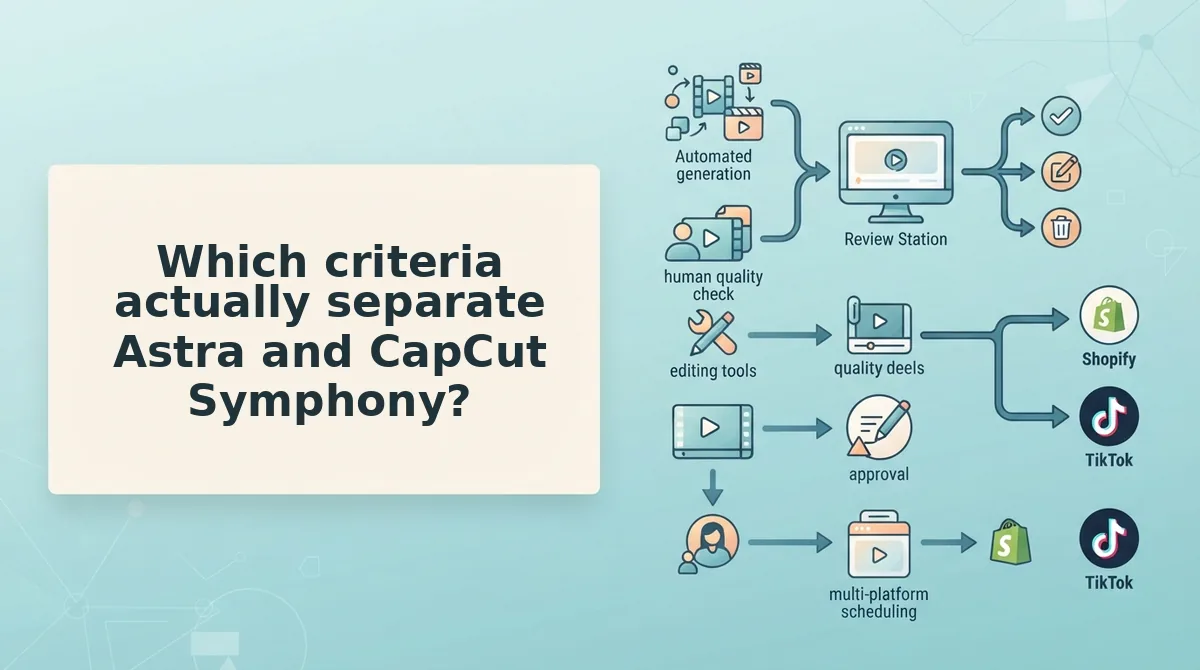
Which criteria actually separate Astra and CapCut Symphony?
Six criteria carry this decision: clip length supported, shots per sequence, framing control, pacing control, apparel specialization, and whether a human review step sits inside the workflow. Only two are addressed anywhere in the supplied research, and neither answer comes from vendor documentation.
That gap is the comparison. The whole landscape is three videos, all commentary, none showing a garment SKU mid-edit. The table marks what is documented rather than scoring what isn't, and every cell traces to a named source or is marked not documented.
| Criterion | Astra | CapCut Symphony |
|---|---|---|
| Clip length supported | Not documented | Not documented |
| Shots per sequence | Not documented | Not documented |
| Framing control | Not documented | Template-defined; commentary only |
| Pacing control | Not documented | Fixed beat structure; commentary only |
| Apparel specialization | Not documented | None stated |
| Multi-angle garment sequencing | Not documented | Not documented |
| Human review step | Not documented | Not documented |
Read the two commentary-only cells as credit where it is due: template-led ad construction and assisted editing are genuine strengths, and CapCut Symphony's advantage is speed on one look with an obvious beat. What no supplied source establishes, for either tool, is multi-angle garment sequencing.
Framing control outranks pacing control for apparel. A hem, a drape line, and a print scale each need a different distance from the garment, and a tight template crop removes exactly the evidence a buyer is scanning for. Pacing can be fixed by re-cutting; a frame that never included the hem cannot be recovered. Turning flat lays into garment motion covers shot distance per detail.
Best for a template-first social team on sub-10-second clips: CapCut Symphony, built for fast edits and documented in this landscape as a template-led ad workflow.
Best for a team sequencing four or more angles past 12 seconds: Astra, contingent on vendor confirmation of clip length and framing control â the two specs its commentary coverage never pins down.
What remains unclear is what CapCut Symphony is actually built for.
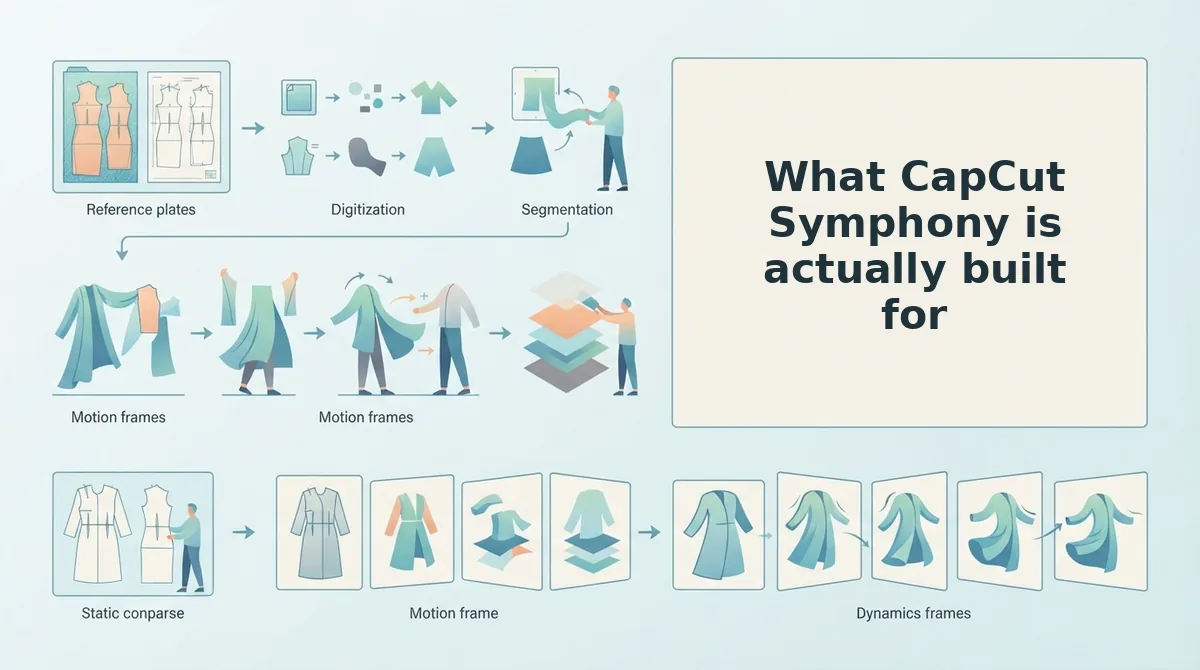
What CapCut Symphony is actually built for
CapCut Symphony is built to assemble a promotable ad fast, not to hold one garment on screen through four beats. Judged on that job it is not shallow â it is simply optimized for a different finish line than a catalogue showcase.
- Speed to a first cut. The template carries the structural decisions so an editor reaches a watchable draft in one sitting. That matters when a promo has a fixed ship date, which is why teams come back to it every season.
- A repeatable beat map across SKUs. One structure applied to twenty garments keeps a drop visually consistent and cheap to re-cut. Use it when consistency across the catalogue matters more than per-garment choreography.
- A lower skill floor. Nobody needs timeline craft to produce something publishable, which widens who can ship a creative and simultaneously caps how much control any one person gets over a single garment.
- Seasonal promo scaffolding. The only supplied source showing an end-to-end build is Chronos Code's 13,294-view walkthrough, and it is a seasonal promo workflow rather than an apparel catalogue workflow. Read it as a pattern, not as a garment-sequencing reference.
Watch what travels with the saved time: a template transfers its pacing decisions along with its structure. Past about twelve seconds the cut length belongs to the template, not to the garment. That is the template trade-off in one SKU.
CapCut Symphony's subscription tiers, export limits, watermark rules, and template availability are not documented in the supplied research and must be confirmed by the reviewer against the vendor's own pages. For the photo-first route instead, see CapCut alternative for clothing video.
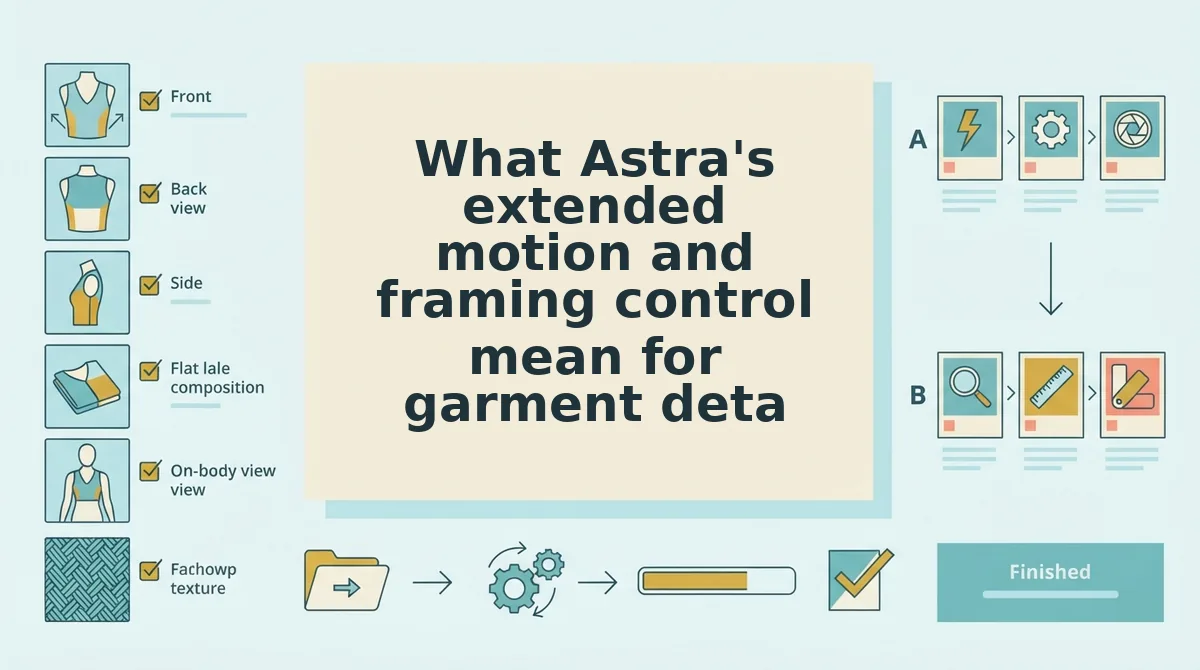
What Astra's extended motion and framing control mean for garment detail
Framing control is how much of the garment you decide fills the frame; extended motion is how long a shot keeps moving before it cuts. Together those two settings decide whether a four-second beat shows how fabric falls or only a silhouette. Both are vendor claims in this research set and remain unverified until checked against Astra's documentation.
Think of framing like a photographer who steps back to include the hem instead of shooting waist-up. Ask for the whole garment first, then tighten: simple is one front frame with the hem visible, intermediate adds a three-quarter angle so the shoulder seam and side drape read, and advanced is holding motion long enough for gravity to act on the cloth.
The twelve-to-twenty-second band is where pacing has to be re-decided, because a single fixed beat length either rushes detail or stalls on it. This sequence fixes it at four beats:
- Front, 0â3s: full garment head to hem, nothing cropped.
- Three-quarter, 3â6s: shoulder seam, sleeve drape, side profile.
- Fabric detail, 6â9s: print scale and weave, close and moving.
- Back, 9â12s: yoke, vent, and finished hem line.
A clothing product video should run at least twelve seconds if it has to show construction rather than silhouette. Four three-second beats â front, three-quarter, fabric detail, back â are the minimum for a viewer to judge hem length, drape, and print scale in one sitting. Ten seconds squeezes those same four shots into 2.5 seconds each, too short for fabric to move visibly. Twenty seconds is roughly the ceiling before a single garment runs out of new information. The arithmetic holds whichever tool renders the file.
If your source material is catalogue photography rather than footage, the same beat logic applies to converting product photos into video.
Where FashionUGC fits and what it cannot do
FashionUGC is the choice when your source material is already photography and your bottleneck is beat structure, not editing skill. It also rules itself out for some readers: output is clothing only, it produces a video file and publishes nowhere, it promises no performance, and a person reviews every output before it ships.
That narrowness is the honest frame for the whole comparison, so here is the claims ledger in the two columns the evidence actually supports:
| Option | Vendor-documented | Reviewer must confirm |
|---|---|---|
| Astra | Nothing established in the supplied research | Product identity, motion-length ceiling, framing controls, pricing |
| CapCut Symphony | An end-to-end promo build shown in a public walkthrough | Tiers, export limits, watermark rules, template availability |
| FashionUGC | Clothing-only input, file output, no publishing, human review | Quality on your own photos, retouching load per SKU |
One next step serves either vendor decision: take a single SKU, write the four beats, and check each shot against the twelve-second spec before generating anything at catalogue scale.
Best for: Astra where per-garment framing control outranks speed; CapCut Symphony where a seasonal promo has to ship this week; FashionUGC where the photos already exist and the remaining work is sequencing them.
The finding the intro teased holds: ten seconds is not a wall, it is the point where pacing decisions move from you to the template. What sets your ceiling sits upstream anyway â sharp focus, visible hems, clean lighting, and a safe 9:16 crop on the source images â which means the highest-leverage hour you can spend is the one on the photographs, not the export.
