

The manufacturer's catalog folder is already on your desktop: forty SKUs, clean fronts, and a Reels slot going live Friday. No photographer, no studio, no reshoot budget. That is precisely the situation a supplier photos AI clothing video workflow exists to solve â and one detail in that folder decides whether it works in an afternoon or quietly falls apart.
You are not wrong to think the images you already have are enough to start. What follows covers which supplier images a generator can actually read, how to score a set in ten minutes with a five-point check, what to add when the manufacturer's photography falls short, and where the permission question lands. The output is modest and specific: a reviewed 9:16 file per SKU, ready for Reels, TikTok, or a product page â a fashion UGC video generator accepts one to six stills per garment and needs nothing else.
The only real prerequisite is a usable reference set; the shoot, model, and studio are optional. One flaw, though, can break consistency across an entire gallery â and it is rarely the flaw the tutorials warn about.
What Makes a Supplier Photo Usable for AI Clothing Video?
Yes â supplier photos work when the set is sharp, covers the angles the garment needs, stays in a single colorway under one lighting setup, and arrives free of watermarks, text overlays, and collage grids. Image rights under your supplier agreement are a separate question the files themselves cannot answer.
A reference plate is the still image the generator reads to reconstruct a garment's silhouette, fabric behavior, and color. It is source data, not a picture to be cropped or styled. A packshot is the flat, evenly lit catalog framing most supplier folders arrive in: garment centered, background plain, no model â the passport photo of apparel photography, factual and unglamorous by design.
Here is the part that reframes everything: the generator reads garment shape, seam placement, fabric texture, and color. It ignores the background, the price tag in the corner, the styled props, and the hanger. A plate is usable when the garment â not the styling context around it â is legible.
Flat lays are the exception worth knowing. Because a flat lay carries no body to imply volume, it is interpreted through drape, which means even overhead light is what makes folds and hem lines readable. A flat lay shot under a single side lamp reads as a smudge of shadow. For that correction, the flat lay to fashion video guide walks through the lighting and framing that fixes it, and multi-angle ingestion in the generator handles the rest once the plates are clean.
The 5-Point Supplier Photo Sufficiency Check
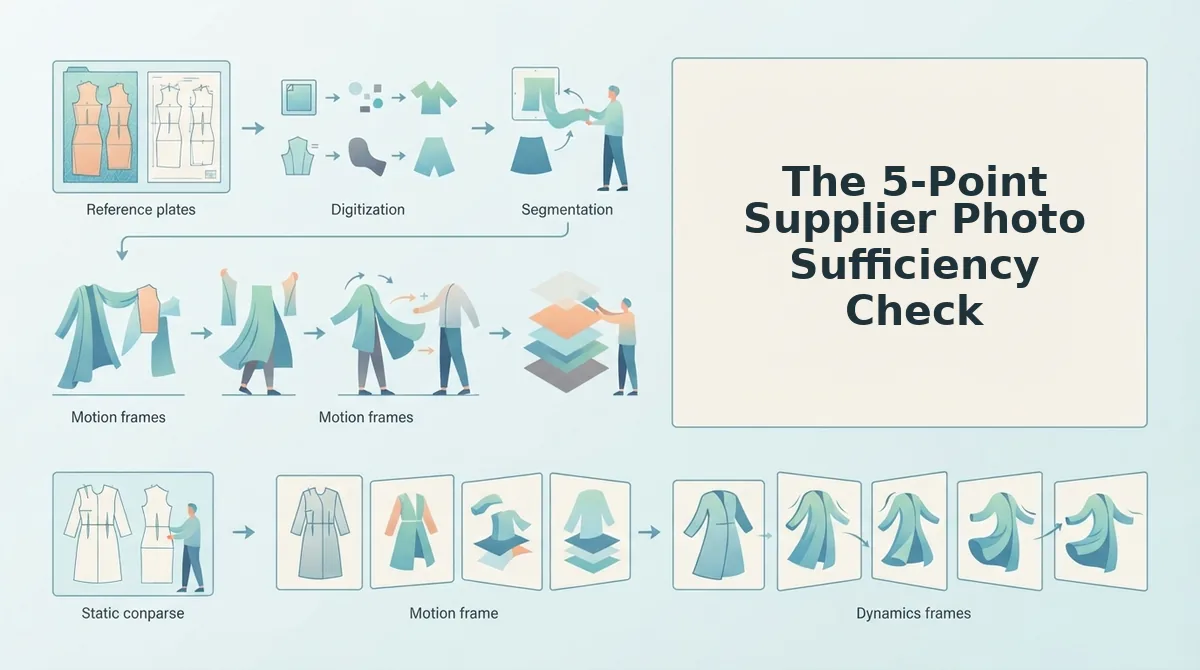
The sufficiency check is a five-row scorecard you run before uploading anything: angle coverage, resolution and sharpness, garment visibility, set consistency, and clean plates. Each row scores pass, fix, or replace, and the weakest row decides whether the set is ready.
Before you begin, collect the full supplier folder and open it in an image viewer that reports pixel dimensions. Budget ten to fifteen minutes per SKU. Do not upload until every row is scored.
| Check | Pass | Fix | Replace |
|---|---|---|---|
| Angle coverage | Front plus a back or detail plate, within the 1â6 input | Add a phone shot of the missing angle | Only one soft wide shot exists |
| Resolution and sharpness | Crisp at 100% zoom, fabric weave visible | Request the full-size original from the supplier | Compressed thumbnail or screenshot |
| Garment visibility | Hems, cuffs, and closures fully inside the frame | Re-crop from a wider source file | Cropped hem or garment cut by the frame edge |
| Set consistency | One colorway under one lighting setup | Shoot the odd plate under matched light | Mixed colorways or mixed white balance |
| Clean plates | No watermark, text, or grid | None â this row does not have a fix | Any watermarked or collage image |
Open the folder and map plates to the six accepted types
Count front, back, side profile, flat lay, on-body, and fabric detail. A front plus one back or detail plate beats six near-identical fronts. Success looks like: at least two distinct angles ticked off.
Zoom to 100% and judge sharpness
Check seam stitching and fabric texture at full magnification. If detail dissolves, the file is too soft to read. Success looks like: visible weave, not smoothed pixels.
Trace the garment edge for completeness
Confirm hem, cuffs, collar, and closures sit fully inside the frame. A cropped hem leaves the garment incomplete, which is a replace, never a fix. Success looks like: the whole silhouette is present.
Compare colorway and lighting across the set
Lay all plates side by side. One item should look like one item. Success looks like: the same white read as the same white in every frame.
Scan for watermarks, text overlays, and collage grids
Look along edges and corners where supplier branding usually sits. These are replaces, not fixes. Success looks like: five clean plates, no overlaid text.
A set that clears all five rows is ready to upload â but padding a passing set with extra mediocre plates is where quality quietly drops.
Why More Supplier Photos Can Backfire and How to Fill the Gaps
Uploading everything a supplier sends is the most common mistake in this workflow. The generator builds one consistent representation of the garment from the reference plates it is given, so inconsistent plates pull that representation in competing directions instead of adding detail.
Three things break consistency faster than anything else:
- Two colorways in one set. Black and bone are different reference objects, not different angles of one object.
- Mixed lighting temperatures. Daylight studio plates sitting beside warm indoor shots shift fabric color from frame to frame.
- A different sample cut. A pre-production sample with a shorter hem or narrower sleeve is not the garment being sold.
A supplier gallery often arrives with the same dress shot in black and bone. Split the folders before upload and run one colorway per video rather than one video for both.
Gap-Fill Decision Matrix
| Missing element | Cheapest fix | What it restores |
|---|---|---|
| No back view | Phone flat lay of the back | The unseen angle |
| No fabric read | Phone close-up of the weave | Texture and drape |
| Flat lay only | Overhead plate plus one on-body or ghost mannequin frame | Body context and scale |
| Cropped hem | Re-crop, or request the uncropped file | The full garment outline |
If the missing element is a back view and no phone shot is possible, when there is no back photo covers the fallback approach.
Image consistency matters more than image count. A folder of six plates shot in one session under one light source generates a cleaner result than twelve plates spanning two seasons, two colorways, and three lighting setups. The practical rule: keep the largest subset that shares colorway, lighting, and sample cut, then patch genuine gaps with a phone shot instead of borrowing a mismatched file from another supplier listing. Curating down is almost always faster than uploading everything and re-generating.
What the Tool Does and Does Not Do
- Does: accept one to six photos of a single garment and output a video file.
- Does: put a human review step between generation and publishing.
- Does not: publish to any platform or auto-post on your behalf.
- Does not: turn a low-resolution thumbnail or a watermarked image into production-ready motion.
Know that boundary before you generate, then start with turning clothing photos into video from a curated folder â one colorway, one light source â and treat the clothing video generator as the last step, not the first.

Supplier Photo Questions Sellers Actually Ask
These four come up repeatedly from resellers and boutique operators working with manufacturer files. Each answer is short enough to act on immediately.
How many photos do I need for an AI fashion video?
One to six photos per garment, and the platform accepts up to six. More angles help only when they are consistent: a single front plate produces motion, while a front, back, and fabric close-up give the generator a fuller picture of the item.
What disqualifies a supplier product photo outright?
Watermarks, text overlays, collage grids, heavy compression, and cropped garment edges. Those defects live in the pixels and generation cannot rebuild them, so replace the file or request a clean original before uploading.
Can I use supplier images in paid ads?
Check your supplier's terms and get written permission before running their photography in paid media. Licensing scope varies by supplier and this is a contractual question, not a technical one.
Is a single garment photo worth trying?
Yes, with expectations set. One front plate can produce motion, but the generator has less to work from and the output needs closer review before it goes anywhere. Add a phone shot of the back if you can.
Score the Folder, Fill the Gaps, Then Generate
Three moves fit in one sitting: score the supplier folder against the five-point check, curate down to one colorway under one light source, and patch the single missing angle with a phone shot.
Then generate and review. A ghost mannequin front plus a phone detail shot of the fabric is often enough to produce a usable clip â export at 9:16 and watch it end to end before it goes anywhere.
The flaw that ruins consistency, two colorways or two lighting setups in one folder, gets caught at the scoring step. That is the whole point of checking before you upload.
Start by turning your clothing photos into video in the fashion UGC video generator. The deliverable is one file per colorway that a person reviews before it goes anywhere.
