

Your shoot covered every front, grabbed a side angle on a few hero SKUs, and skipped backs entirely. That catalog is normal. It still raises a fair question before you build a no back photo clothing ai video: what will the rear of the garment look like on screen?
Direct answer: Without a back photo, the generator has no reference plate for the rear. A reference plate is a supplied photo the generator reads from. Any back view it produces is an inferred angle, meaning a view generated without a matching photo. The back is predicted, not copied.
Key takeaway: Inference works for symmetric basics. It is risky when the back is a selling point.
Picture a Shopify seller with front and side shots of one SKU who wants a Reels video this week. This guide gives you a way to decide for each SKU. It covers the Back-Risk Tiers, a quick test, workaround steps, and a frame check. One question decides whether you reshoot, and it has nothing to do with image quality.
What happens when you make an AI clothing video without a back photo?
The generator reads the views you supply and fills in the back by itself. It predicts any detail it never saw, such as a back print or a center-back zipper, instead of copying it.
Reference-based generation is the process of building motion from supplied plates and inferring every angle that has no matching photo. A real estate listing with only street-facing photos works the same way. A buyer can guess at the backyard, but nobody can confirm the pool.
What a missing back photo means for an AI clothing video: If you generate an apparel video without a back photo, the rear of the garment has no reference plate. Every back-facing frame becomes an inferred angle. The generator can carry fabric color, texture, and silhouette over from the front and side views. It cannot copy a back print, logo, center-back zipper, lace-up, or cutout it was never shown. The rule is simple: fewer supplied angles mean more prediction, so a person needs to review the frames more closely before publishing.
FashionUGC accepts one to six photos of a single item, including front, back, side, flat lay, on-body, and fabric detail shots. Each angle you add turns an inferred view into a read one. There is no algorithmic magic, and a human reviews the output before it goes anywhere.
Flat lays follow the same rule as on-form shots. If the back differs from the front, add a back flat lay before you start a flat lay to fashion video workflow.
What a side photo does and doesn't tell the model
A side profile adds real information, but only about the garment's edges. That also answers "Is one photo enough?" More angles mean fewer inferred views.
- Side photo reveals: silhouette, side seams, and hem shape.
- Side photo misses: back prints, logos, back closures, and cutouts.
Which garments are riskiest without a back view?
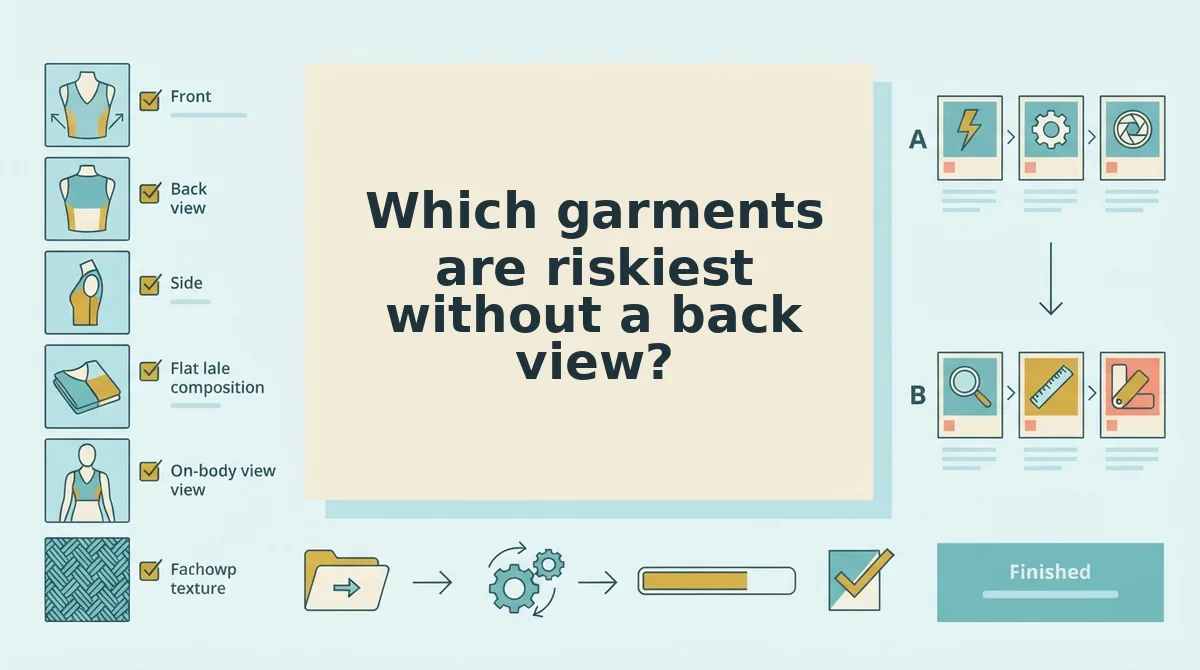
Garments whose back is the feature are the riskiest: open backs, lace-ups, back prints, logos, and cutouts. Symmetric basics are the safest, and pieces with hidden back structure fall in between.
The Back-Risk Tiers sort each SKU by how much its back hides. You can use them to triage a whole catalog before you generate anything.
| Tier | Garment examples | What the back hides | Safe without a back photo? |
|---|---|---|---|
| Tier 1 (low) | Plain tees, solid knits, basic leggings | Little, because the back mirrors the front | Usually, after a frame check |
| Tier 2 (medium) | Back yokes, pleats, jeans back pockets, center-back zippers, hoods | Construction and structure | Only with front-facing motion |
| Tier 3 (high) | Open or low backs, lace-ups, back prints, logos, cutouts | The selling point itself | No |
- Tier 1 is best for merchandisers working through large basics catalogs. Generate from the fronts you already have.
- Tier 2 is best for performance teams that need quick ad variants. Use front-facing poses and partial turns.
- Tier 3 is best for brands whose back detail drives the sale. Shoot the back first.
Which garments need a back photo before AI video generation: Any garment whose back carries a print, logo, lace-up, cutout, or open or low design needs a back photo before generation, because the generator cannot copy detail it was never shown. Front-only generation has a real strength. It turns the catalog you already own into motion, and it works well for symmetric basics such as plain tees and solid knits. Pieces with back pockets, yokes, pleats, hoods, or center-back zippers sit in the middle. Either keep the motion front-facing or add a back shot.
Once your SKUs are sorted, the next step is choosing what to do with each tier.
How to decide, reshoot, or work around a missing back angle
Tier the SKU, run a three-question test, then either shoot a back plate that matches your front or keep the motion front-weighted. The decision takes a few minutes per SKU. A reshoot adds a short session.
Before you start: gather the SKU's existing plates (front, side, detail), the physical garment, and the back-risk tiers from the previous section. If any plates need cleanup first, see our guide to product photos for AI fashion video.
- Tier the SKU. Turn the physical garment around and assign it a tier. Tier 1 is a symmetric basic, Tier 2 has hidden structure, and Tier 3 makes the back a feature. Allow about a minute per SKU. You should end up with every SKU labeled 1, 2, or 3.
- Run the 3-Question Reshoot Test. Work through the questions in order:
- Does the back differ from the front? If no, go to Step 3b. If yes, continue.
- Will the motion you want turn past profile? If no, Step 3b may work. If yes, continue.
- Would a buyer notice or care if the back were wrong? If yes, go to Step 3a.
- Shoot a matching back plate (Step 3a). Use the same lighting, the same background, and the same garment prep as the front. For example, if the front was shot on a ghost mannequin (an invisible form that holds the garment's shape), shoot the back on one too. Keep the hems visible and the plate sharp. Once the set is lit, expect a few minutes per garment. Success means the back plate looks like it came from the same session as the front.
- Restrain the motion (Step 3b). Choose front-facing poses and partial turns that stop at profile. More motion is not always better when the back was never photographed. For a front-only SKU, a restrained video is the safer creative. Success means no frame shows a back the model had to guess.
- Upload the plates and generate. Add one to six photos of the single item: front, side, and the back plate if you shot one. Then turn clothing photos into video. You should get a video file that is ready for frame review.
If you tier a batch of SKUs in one sitting, FashionUGC's multi-angle upload lets you run Tier 1 items from the plates you already have. Hold Tier 3 items until their back plates arrive.

How to check the video before you publish it
Have a person review every frame where the garment turns and compare it against the real product. FashionUGC makes the file. A human decides whether it ships.
- Pause at every frame past profile. This is where the model may be inferring an angle it never saw. Scrub slowly through each turn and flag any frame that shows more back than your plates covered.
- Compare back details to the physical garment. Check seams, closures, prints, and logos against the actual item, not memory. An invented zipper or a mirrored logo misrepresents what the buyer receives.
- Confirm the hem matches the front plate. Hem shape and length should stay consistent through the motion. Drift here changes how the garment reads on the body.
- Regenerate when the back is wrong. Reduce the turn so it stops at profile, or add a back plate and run it again. Both fixes give the model less to guess.
- Approve only what matches the real product. Sign-off belongs to a person, whether the file comes from our clothing video generator or elsewhere. For a fuller process, see how to review an AI clothing video before it goes on your PDP.
Sort your catalog by back risk, then generate
A missing back photo is a problem for some SKUs, not for every SKU. Once you sort by tier, you can see which SKUs need a back shot and which can be generated now.
Return to the seller from the earlier examples. They sort the full catalog by tier and generate Tier 1 SKUs from their existing plates. They run the Reshoot Test on Tier 2 and book a short back-angle session for Tier 3 only.
- Tier 1 SKUs are generally safe front-only, as long as the motion stays restrained.
- Tier 3 SKUs get a back plate before you generate anything.
- Every video gets a human frame check, whatever its tier.
So, can you just avoid showing the back? Yes, when the back has nothing to sell. When it does, photograph it.
Your next step: upload your front, side, and back plates to the AI fashion UGC video generator. Every video you approve will then show the garment buyers actually receive.
