
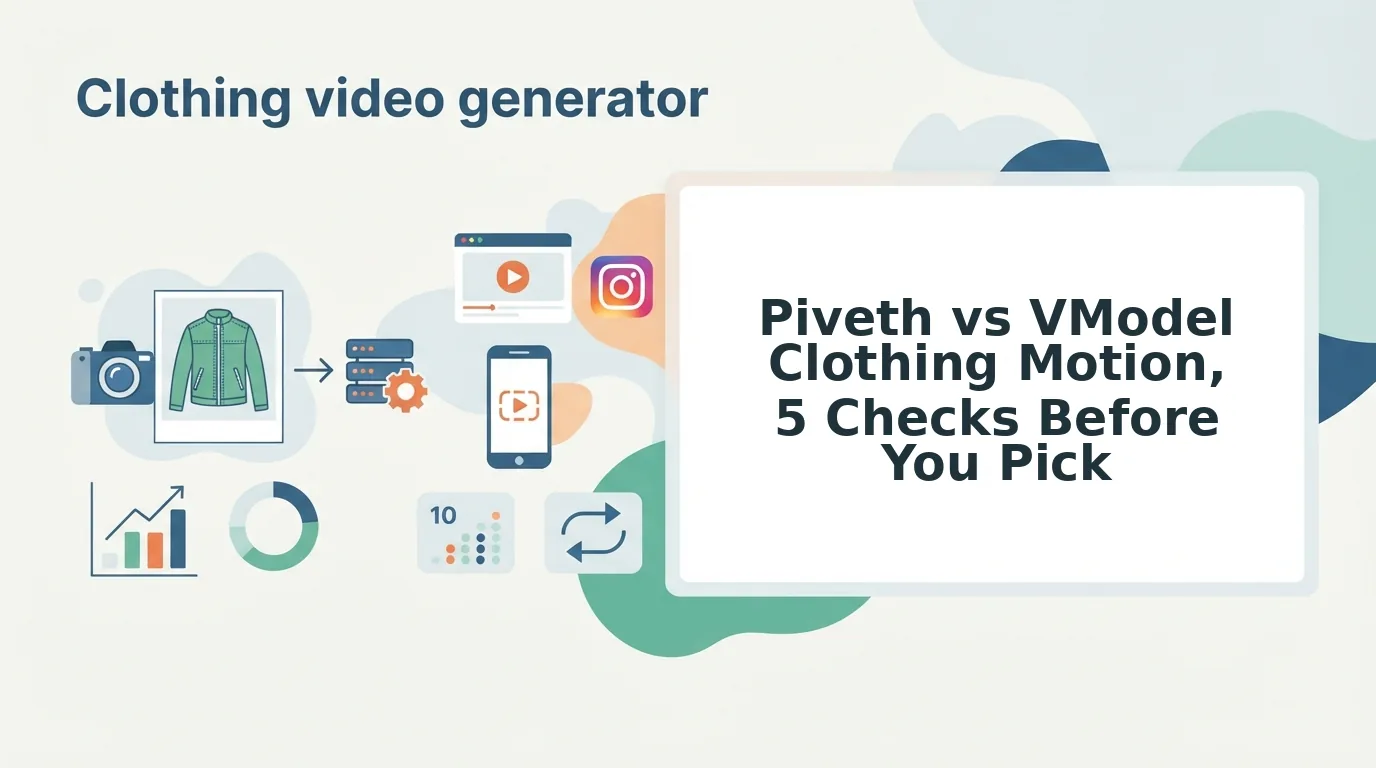

Your catalog is full of clean packshots, your ad sets are fatiguing, and there is no budget for a reshoot. That is the situation behind the piveth vs vmodel clothing motion question, and the answer depends on whether you need a still or a clip.
VModel is positioned around virtual model still images. Piveth is positioned around turning existing garment photos into UGC-style video. If you need motion for Reels, TikTok, or Shorts, start with the tool that outputs video, and confirm both positions on each vendor's current feature page before you commit budget.
Consider a Shopify seller with ghost-mannequin and flat-lay shots for every SKU. The brief is one vertical Reel per product, with no reshoot. Static images alone do not meet that brief.
No roundup answers this brand-vs-brand question directly. Existing coverage places both tools in YouTube lists of AI fashion apps without comparing outputs side by side.
This guide gives you a five-check test instead:
- Output type
- Source-photo requirement
- Fabric drape across frames
- Native 9:16 delivery
- Human review
Pay close attention to check #4, because that is where most stills-first tools stop. Before you read on, pull three representative SKUs from your catalog and score them against each check.
The 5-Check Stills-vs-Motion Test for Clothing Tools
The fastest way to choose between a stills tool and a motion tool is to score both on five checks:
- Output type
- Source-photo requirement
- Frame consistency and fabric drape
- Native 9:16 delivery
- Human review before publishing
Score each tool against your own catalog, not against a demo reel.
| Check | VModel | Piveth | Your catalog |
|---|---|---|---|
| 1. Output type | Positioned around virtual model stills. Check current site for any video output. | Positioned around UGC-style video. Check current site. | |
| 2. Source-photo requirement | Check current site for accepted inputs. | Built around existing garment photos. Check current site for limits. | |
| 3. Frame consistency and fabric drape | Not applicable to single stills. Check current site. | Check current site and test on your own SKUs. | |
| 4. Native 9:16 delivery | A still requires a separate motion step. Check current site. | Check current site for vertical export options. | |
| 5. Human review step | Check current site. | Check current site. |
Check #4 resolves the earlier open loop. A tool that outputs only stills cannot deliver a native 9:16 clip on its own. You still need a second tool or an editor to add motion and crop to vertical.
VModel has a real strength here. If your gap is on-model imagery for product pages, a stills-first tool covers that directly, and it is the more focused choice.
Why input quality drives motion quality
Motion models can only animate what the photo shows them. Sharp garment plates keep seams and prints stable across frames. Visible hems tell the model where fabric ends, which affects how drape and swing render.
Clear, even lighting reduces flicker from shadow guessing. Supplying more angles also helps the model understand the garment in three dimensions. FashionUGC accepts one to six angles per item, including front, back, side, flat lay, on-body, and fabric detail shots. See the product photos for AI fashion video guide for shot lists, and the flat lay to fashion video guide if your catalog is mostly flat lays.
Best for
- VModel: best for merchandisers who need on-model catalog and PDP imagery from garment photos.
- Piveth: best for performance creative teams that need UGC-style motion from existing stills, pending verification of current features.
Per-SKU cost formula
Compare the two paths with your own rates:
- Reshoot cost per SKU = reshoot day cost ÷ number of SKUs covered that day
- Generation cost per SKU = per-clip generation cost à clips needed per SKU
Fill in your quotes for both, and include review time in each.
What Does VModel Produce, and Does It Make Video?
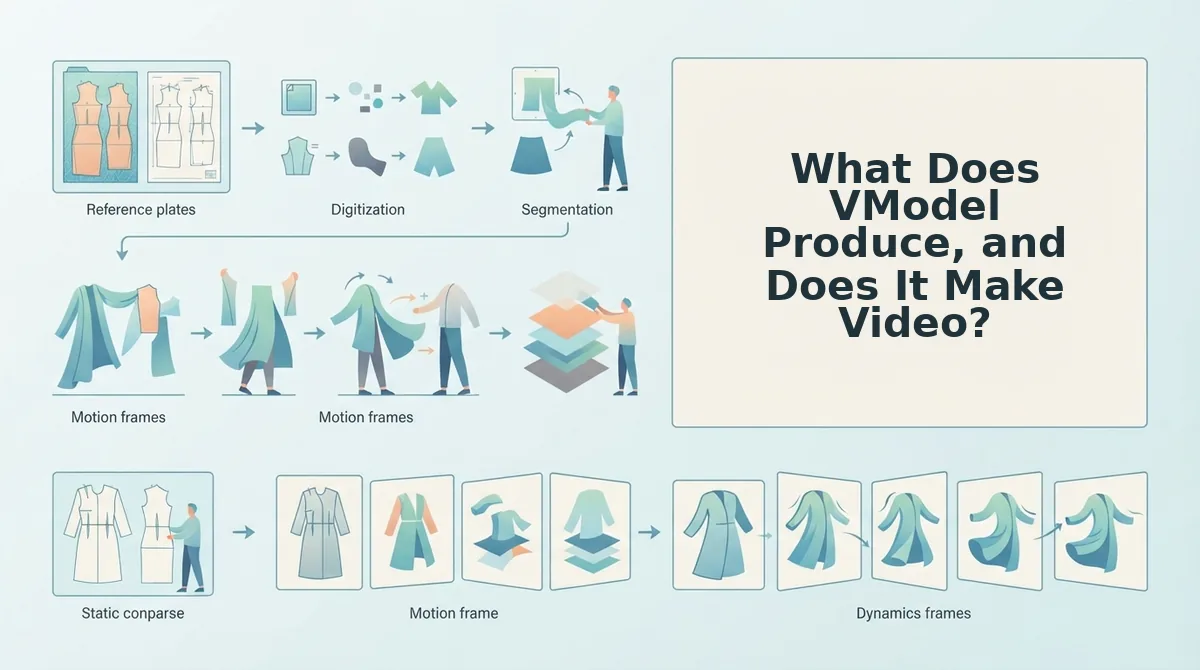
VModel is best known for virtual model still imagery: AI-generated photos that show a garment on a model who was never photographed. Confirm on VModel's current feature page whether any video output exists before you plan a motion workflow around it.
Two terms help define the category:
- Virtual model: an AI-generated person used to display clothing in place of a hired model.
- On-model imagery: product photos that show a garment worn on a body rather than on a hanger, mannequin, or flat surface.
Think of a virtual model still as a mannequin swap. The clothing gets a believable body, but the frame stays frozen.
That makes it a strong fit for catalog grids and product detail pages. In those placements, shoppers compare fit and silhouette across a row of images.
The confusion about motion has a clear source. The Buy it Sell it YouTube roundup, which has 9,856 views, groups VModel with AI model and outfit-changer tools. Sellers who see those tools listed together often assume they all produce motion.
Is VModel a video tool? VModel is positioned primarily as a virtual model still-image tool, not a video generator. Its core use is placing apparel on AI-generated models to create on-model photos for catalogs and product pages. A still image, however polished, does not meet a native 9:16 motion brief by itself. You would need a separate step to animate it and format it for Reels, TikTok, or Shorts. Check VModel's current feature page for any video capabilities added since this was written. For ghost mannequin catalogs specifically, see VModel vs FashionUGC for ghost mannequin shots.
Once a still is in hand, the next question is how motion gets added.
How Does Piveth Turn Garment Photos into Motion, and Can You Chain Both?
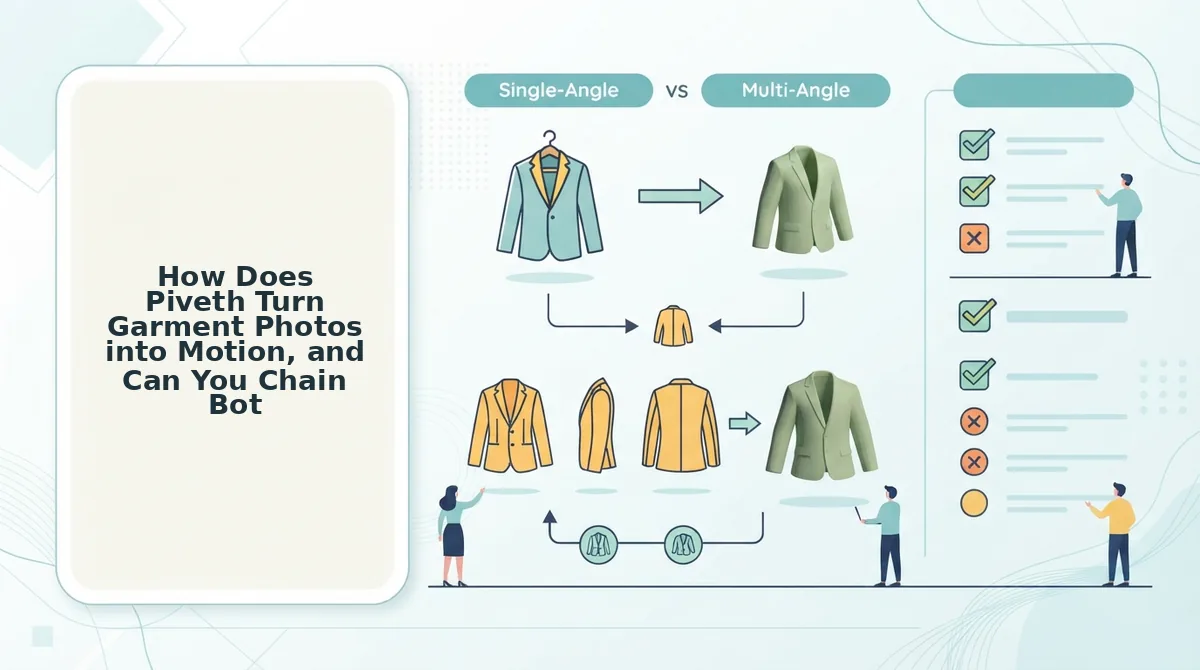
Piveth positions itself as a tool that turns existing garment photos into UGC-style video clips. Confirm the current scope on Piveth's own pages before you commit. In practice, you may need both tools in sequence: VModel makes the still, and a motion tool animates it.
In this article, UGC-style video means short, vertical, creator-feel footage that looks casually shot rather than studio-produced. It usually runs a few seconds and shows the garment moving on a body.
Prerequisites: one garment with a high-resolution front angle, back angle, and fabric-detail close-up. Optionally, add a VModel virtual model still. You also need an account on a motion tool and a person available to review the output.
A Veteran AI video with 8,607 views shows real demand for outfit-change motion workflows. Its steps are built for technical users, though. The steps below are written for merchants instead.
This is Worked example #2. It is a workflow, not a result.
- Export the still. Download your VModel on-model image at full resolution (about 2 minutes). You should have one clean PNG or JPG with no watermark.
- Assemble the angle set. Put the front, back, and fabric-detail shots in one folder with the VModel still (about 5 minutes). You should see four files of the same SKU and colorway.
- Upload and generate a 9:16 clip. Open the motion tool's upload area, add all four images, and select the vertical 9:16 aspect ratio. You should see a short vertical clip render. Generation time varies by tool.
- Review frame by frame. Check the clip for logo drift, warped prints, and an inaccurate back view (about 3 minutes). Anything that misrepresents the product gets rejected.
- Export the approved file. Click Download to save the MP4. You should have a file ready for your scheduler or ad manager.
Can you chain a still generator into a video tool? Yes. Treat the still generator's output as one input, not the final asset. A virtual model image from VModel gives the motion tool an on-body reference. Your real front, back, and detail photos keep the garment accurate: true color, construction, and print placement. The video tool then generates a vertical clip from the full set. A person reviews it before anything is published. Chaining works best when every image shows the same SKU in the same colorway. Mixed variants make the motion model blend details that do not exist on the real product.
If your bottleneck is turning catalog angles into vertical clips at the SKU level, you can turn clothing photos into video with FashionUGC's clothing video generator. It uses the same review-first workflow.
Where FashionUGC Fits for SKU-Level Motion, and Where It Stops
FashionUGC fits teams that already own clothing packshots and need vertical motion per SKU. It stops at producing a reviewed video file. It does not publish, and it does not promise performance.
Choose FashionUGC when these three conditions describe your catalog:
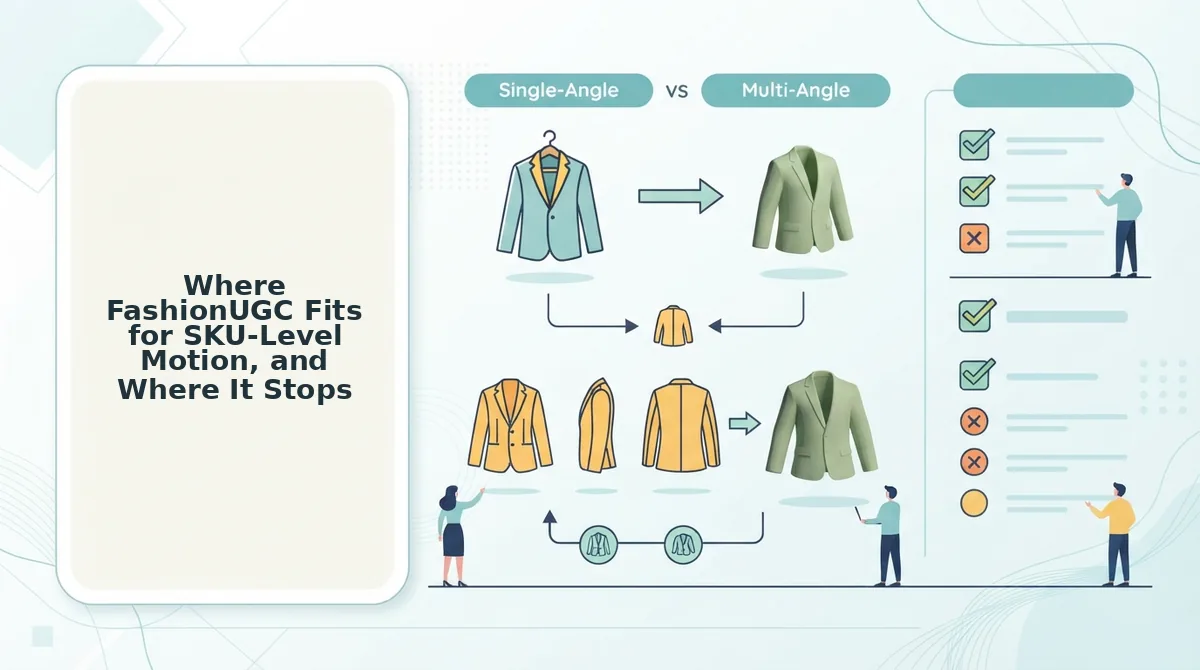
- You have one to six photos per garment. FashionUGC ingests one to six stills of a single item, including front, back, side, on-body, and fabric detail. More angles give the generator more of the real garment to work from. Upload the full set when you have it.
- Your catalog is flat lays or ghost mannequin shots. Both formats are accepted as input, so you do not need a model shoot first. In Worked example #3, a flat lay becomes a vertical clip that the social team reviews before use. The flat lay to fashion video guide covers how to prepare those shots.
- You want a file, with a person approving it. The output is a video file that your team reviews before it goes anywhere. That review step catches misrendered details before customers see them. Build approval into your content calendar, not after it.
Neither VModel, Piveth, nor FashionUGC is the right fit in these cases:
- Low-resolution stills: soft source images produce soft motion, and upscaling does not recover fabric texture.
- Missing back angles: without a back view, any turn or walk-away shot invents construction the garment may not have.
- Non-clothing categories: FashionUGC supports Clothing only. Beauty and Accessories are not available yet.
- Expectations of auto-publishing or guaranteed results: the tool creates a video file only. It does not post to TikTok, Reels, or Shorts, and it does not promise ROAS or CAC improvements.
Piveth vs VModel FAQ
The short version: VModel generates on-model stills, and motion tools such as Piveth or FashionUGC generate video from garment photos. A person reviews every clip before it is published. The answers below cover publishing, ghost mannequins, outfit changes, and paid ads.
Do AI-generated fashion clips publish automatically?
No. A tool like FashionUGC outputs a video file for human review and does not post to any platform. Your team downloads the clip, checks the garment details, and uploads it through its own scheduler or ad manager.
Can ghost mannequin photos become video?
Yes. Ghost mannequin shots are accepted as input. Pair the front with a back angle and a fabric close-up so the motion stays faithful to the garment's construction, neckline, and texture.
Can AI create outfit-change video from catalog stills?
Partly. YouTube coverage shows that outfit-change workflows exist, but they are usually technical. For merchants, the practical route is one clip per garment, generated from that garment's angles and edited together afterward.
Do these clips work as paid ads?
They can serve as ad creative once reviewed, but no tool guarantees performance. Test them against your existing creative. An AI clothing ad generator speeds up production, not results.
That leaves the final decision.
Which Should You Pick for Clothing Motion?
Choose based on the gap in your catalog, not on feature lists. VModel and Piveth are not true rivals: one fills a stills gap, and the other fills a motion gap.
- Stills gap: If you lack on-model catalog imagery, start with a virtual model stills tool like VModel.
- Motion gap: If you lack 9:16 clips for Reels, TikTok, and Shorts, start with a motion tool like Piveth.
- Chain them: If you already own virtual model stills, feed them into a motion tool instead of reshooting.
Before you commit, score one SKU on the five-check test. Then run the per-SKU cost formula with your own production and review rates, not vendor examples.
If motion is your gap, upload one to six photos of that same SKU to the AI fashion UGC video generator. You'll end up with a scored SKU, a real cost number, and a first clip to review before it goes anywhere.
The right clothing motion tool is the one that fills the exact gap your catalog already has.
