

You have clean front and back ghost mannequin plates for every SKU, your ads are fatiguing, and there is no budget to reshoot on a model. The stills are fine. The format is the problem, because Reels, TikTok, and Shorts want 9:16 vertical motion, and your catalog is all flat frames.
That is the real decision behind a vmodel vs fashionugc ghost mannequin search. A ghost mannequin shot uses the invisible mannequin effect: the form is edited out so the garment keeps its 3D shape. That makes it strong source material that does not need new photography.
The short answer depends on what you need. VModel is oriented toward virtual model still images. FashionUGC turns ghost mannequin and flat lay stills into a short-form garment motion video file that a person reviews before use. If your gap is motion rather than a new model image, that difference decides the choice.
Most guides stop once the ghost mannequin still is finished, and one of these two tools stops there as well. Below you will find a criteria table, a prep checklist, and an honest look at limits. Start by editing ghost mannequin photos for video so your plates are ready.
Is VModel or FashionUGC Better for Turning Ghost Mannequin Photos Into Video?
FashionUGC is better for turning ghost mannequin photos into video, because it is a browser-based generator that converts apparel stills into short-form UGC-style video. VModel focuses on virtual model still photography. Confirm its current feature set on VModel's official site before you commit.
A virtual model is an AI-generated person shown wearing your garment in a still image. 9:16 is the vertical aspect ratio used by Reels, TikTok, and Shorts, which fills a phone screen held upright.
Think of the two tools as a portrait studio and a film crew. The studio gives you a better photograph. The crew gives you footage. Both are useful, but they do different jobs.
Which tool should you pick?
If you already have ghost mannequin plates and need ad or product page motion, FashionUGC fits that job directly. You upload between one and six stills of a single item, such as the front, back, side, flat lay, and fabric detail. The platform then generates a short-form video file for Reels, TikTok, Shorts, ads, or ecommerce pages. FashionUGC does not publish the file anywhere, and a person on your team reviews the output before it goes live. That review step matters for apparel, because color, drape, and trim details need to match the real garment.
Pick VModel when the missing asset is a model-worn still. Use both when you want a virtual model image for the product page grid and garment motion for paid social.
How Do VModel and FashionUGC Compare on Output, Inputs, and Workflow?
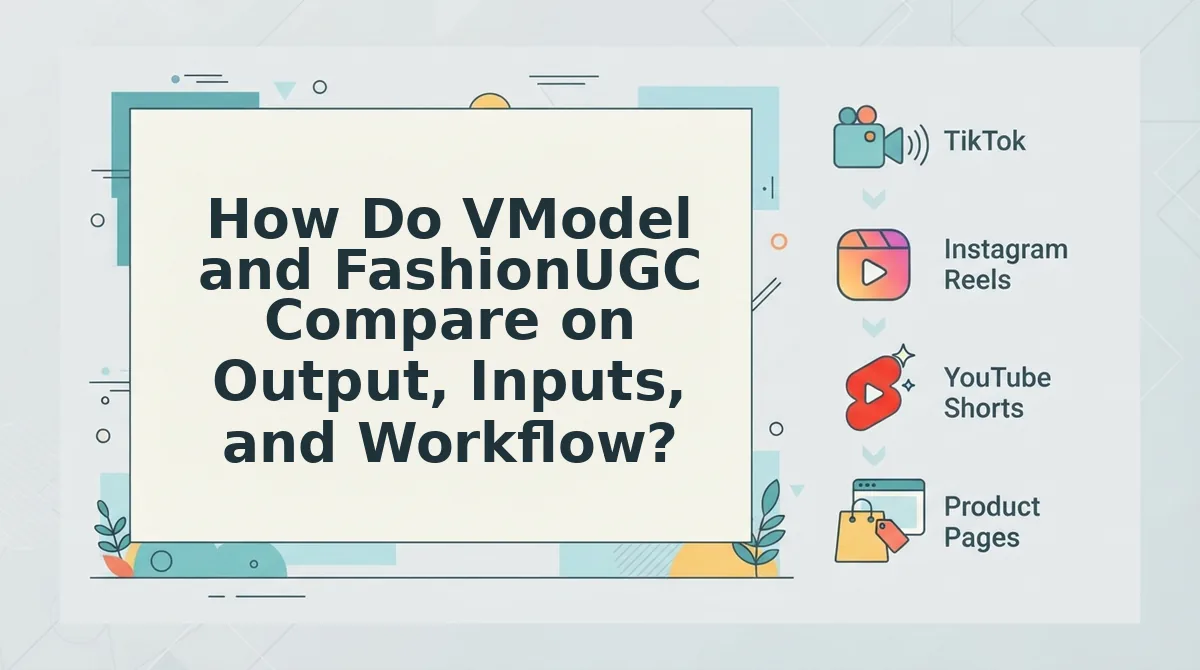
The two tools separate along output type. VModel centers on virtual model stills, while FashionUGC centers on garment motion video built from ghost mannequin and flat lay photos. Use the matrix below to match each job to the right output.
This table marks any VModel detail not covered in this article's source context as "confirm on vendor site." That way, no capability is assumed or understated.
| Job or criterion | VModel | FashionUGC |
|---|---|---|
| New model still | Core focus: virtual model still photography (confirm on vendor site) | Not its focus. Output is video, not a new model photo |
| Catalog consistency | Confirm on vendor site | Uses your existing SKU photos of the actual item as source |
| Ad motion | Confirm on vendor site | Generates short-form UGC-style video for paid social |
| PDP video | Confirm on vendor site | Output file can be used on ecommerce product pages |
| 9:16 vertical output | Confirm on vendor site | Short-form output built for Reels, TikTok, and Shorts |
| Accepted inputs | Confirm on vendor site | One to six stills: ghost mannequin, flat lay, front, back, side, on-body, and fabric detail |
| Publishing | Not presented here as publishing to TikTok. Confirm on vendor site | Does not publish. Creates the video file only |
| Human review | Confirm on vendor site | A person reviews the output before it is used |
Where each tool is strong
VModel's strength is filling the "no model on set" gap with still imagery. For a brand whose product page grid lacks on-body shots, a virtual model still answers a real merchandising need that motion does not.
FashionUGC's strength is reuse. It treats the ghost mannequin and flat lay plates you already own as video inputs, so you are not paying for a reshoot to get motion.
Best for each persona
- Best for merchandisers filling on-body gaps in a PDP grid: VModel. Verify its current features on the vendor site first.
- Best for performance creative teams fighting ad fatigue: FashionUGC, because it turns existing SKU stills into fresh vertical motion for testing.
- Best for Shopify operators with ghost mannequin catalogs and no reshoot budget: FashionUGC, with optional VModel stills for the product page.
Not every SKU has ghost mannequin plates. If yours are mostly flat lays, follow the flat lay to fashion video workflow. You can upload up to six angles of one item, including fabric detail close-ups, to give the motion more to work with.
To make the still-image side of the decision clear, it helps to look more closely at VModel itself.
What Is VModel Built For?
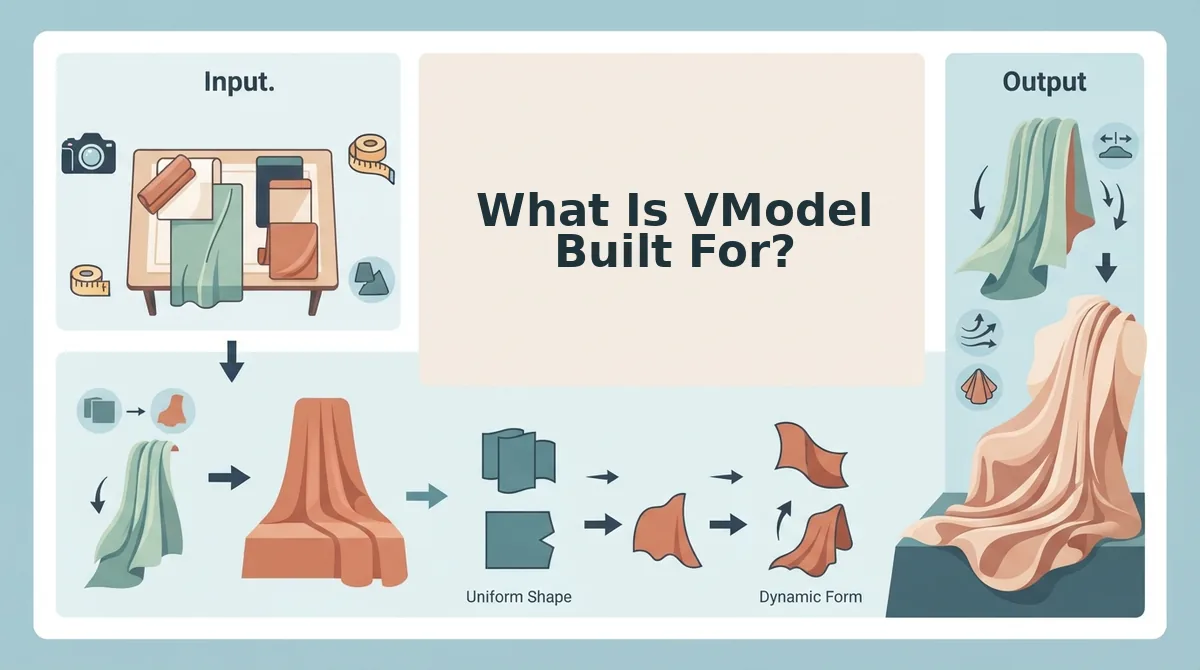
VModel's stated focus is virtual model still photography. It generates new on-model images of a garment rather than animating the photos you already own, so it is a still-image tool first.
Virtual model photography is the AI generation of a human model wearing your garment in a still image, without booking a model, studio, or photographer.
Think of it like hiring from a casting agency where you pick the face and body type and the garment is dressed onto them. What you get back is a photograph, not a clip.
Simple: On-Model PDP Imagery
The most basic job is filling a product detail page (PDP), the single-item page where shoppers decide to buy. If you only own ghost mannequin or flat lay plates, a generated model still gives that page an on-body view.
Intermediate: Model Variety
The next job is showing the same SKU on different models so more shoppers can picture themselves in it. This would otherwise mean booking several models for a single garment.
Advanced: A Consistent Catalog Look
At catalog scale, the harder job is keeping pose, lighting, and model styling uniform across hundreds of SKUs. A uniform look lets the collection grid read as one brand.
All three jobs come back to the format question. Photta's comparison of one dress shot as a flat lay, on a ghost mannequin, and on a model shows that each format surfaces different garment detail, and some shoppers specifically want to see fit on a body. For the trade-offs between the first two formats, see our breakdown of ghost mannequin vs flat lay.
Writer note: Verify every VModel capability on its official site before publishing. This section does not assume VModel's pricing, full feature list, or video output.
How Does FashionUGC Turn Ghost Mannequin Stills Into Garment Motion?
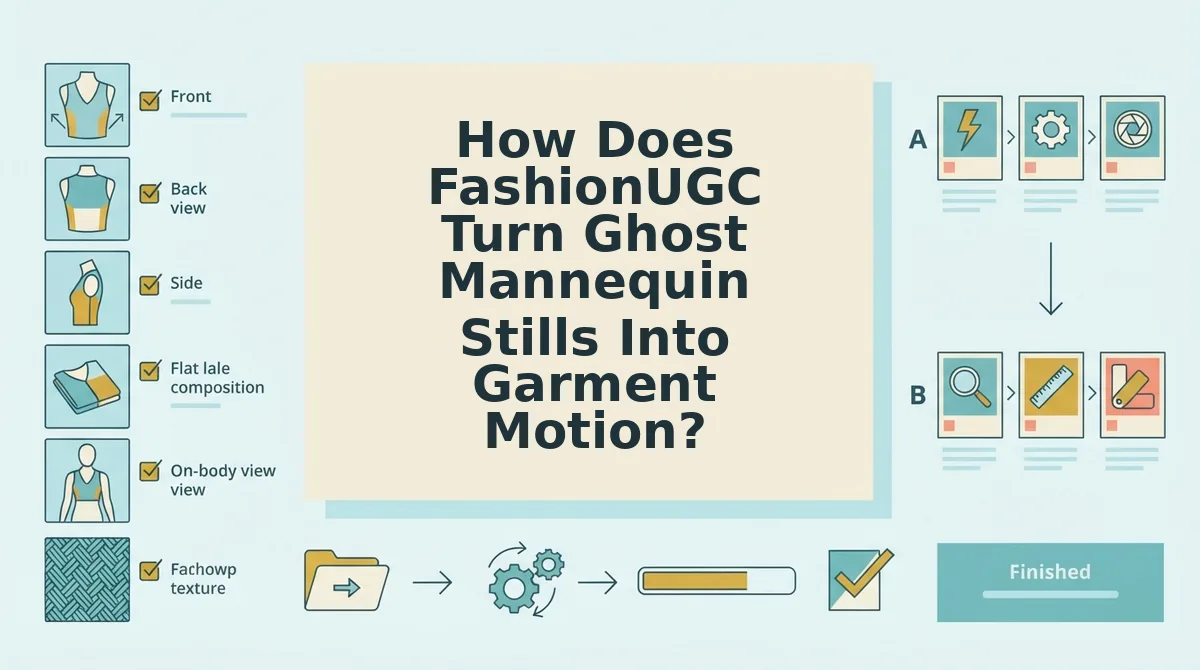
FashionUGC reads one to six photos of a single SKU and generates a short UGC-style video file that you review before using it anywhere. The steps below take a prepared SKU from upload to a 9:16 vertical file.
Prerequisites: You need a browser and one to six stills of one garment. Usable angles are front, back, side, flat lay, on-body, and fabric detail, and every image should pass the readiness checklist below.
How to Prep Ghost Mannequin Photos for Video
To prep ghost mannequin photos for video, check five things before you upload, because each one controls how the garment drapes once it moves. Hem visibility: keep the full hem in frame so the fall and swing of the fabric can be inferred. Interior neck shot: an inside-neck plate keeps the collar believable as the garment turns. Even lighting: hot spots read as false folds and shimmer in motion. Background contrast: a clean edge between garment and backdrop keeps the silhouette crisp. Resolution: low-resolution stills do not produce production-ready motion, so reshoot soft files instead of expecting generation to fix them.
- Audit your stills (5â10 minutes per SKU). Check each image against the five checklist items and drop any that fail. You should end up with one to six sharp plates of the same garment.
- Open FashionUGC and upload the plates. Add the approved stills for one SKU only. You should see each plate loaded for that single item, with no other products mixed in.
- Generate the video. Start generation for the SKU. You should receive a short UGC-style video file built from your uploaded angles.
- Review the output (2â5 minutes). Watch the hem, collar, and fabric texture frame by frame. A successful file has drape that looks physically plausible, with no warping or melting edges.
- Download the approved file. Save only the outputs that pass your review. You should have a finished file ready for your own upload to ads, social, or a PDP.
Worked Example: Front, Back, and Fabric Detail
Suppose you upload three plates, a front, a back, and a fabric detail, which sits inside the one-to-six range. When you review the generated 9:16 file, the front and back plates carry the silhouette as the garment rotates, and the detail plate keeps the weave sharp in close-up moments.
You may not need a model shot at all. Ghost mannequin plus flat lay plates can carry convincing motion on their own, which removes the step of generating or shooting a model first.
If your catalog is mostly ghost mannequin and flat lay imagery, you can turn clothing photos into video without a reshoot. You can also use the clothing video generator to build SKU-level motion from plates you already own.
What Are FashionUGC's Limits?
FashionUGC has clear limits. It creates a video file, it does not publish or guarantee results, it supports clothing only, and its output can only be as good as your photos. Vendor pages rarely list their own limits, so here are ours.
- Every output needs human review. The tool produces a video file, and a person must check it before use. Build a review step into your workflow for drape, texture, and color accuracy.
- Nothing is published automatically. FashionUGC does not post to TikTok, Instagram, YouTube, or any other platform. You download the file and upload it through your own channels and ad accounts.
- Results are not guaranteed. FashionUGC makes no promises about views, clicks, or conversions. Treat each video as a creative variant to test against your own CAC benchmarks.
- Clothing is the only live category. Beauty and Accessories are not available yet. Plan to use FashionUGC for apparel SKUs only for now.
- Input quality caps output quality. Soft, unevenly lit, or low-resolution stills produce weak motion. Run the readiness checklist before every upload.
With both tools' strengths and limits on the table, the choice comes down to your catalog and your goal.
Which Tool Should You Choose?
Choose VModel when you need new on-model stills. Choose FashionUGC when you need garment motion from ghost mannequin or flat lay plates you already own. The question from the start of this article resolves cleanly: these tools work at different stages of production, so they are not direct competitors.
- Need model imagery? Start with VModel.
- Have packshots but need video? Go straight to FashionUGC.
- Need both? Run them in sequence.
Picture a social team launching a jacket with only ghost mannequin plates. First, they generate on-model stills in VModel. Next, they upload up to six images to FashionUGC, combining those stills with the original ghost mannequin and detail shots, and create short UGC-style clips. A team member then reviews each file before it moves into testing through the AI clothing ad generator workflow.
Your next step is to pull the strongest front, back, and detail plates for one SKU and run them through the AI fashion UGC video generator. You get a review-ready clip without booking a shoot.
Stills define how a garment looks, motion defines how it moves in the feed, and the strongest catalogs will be built on both.
