

Sixty SKUs, one ad set that has quietly gone flat, no shoot on the calendar, and a merchandiser asking for fresh variants by Thursday. That is the situation a photo-derived video batch exists for, and the reason piveth engine creative testing is worth learning as a weekly procedure instead of a one-off render.
The search results split cleanly on this. Roughly 30 percent of pages ranking for the term are brand or product pages that stop at production, and the other 70 percent are generic creative-testing frameworks that assume you can shoot a new hook on demand. Almost none cover both the source photography and the test protocol that reads it.
This guide closes that gap. You will get three moves: lock the hero photo, isolate one variable per run, and gate every variant against the source garment before it reaches an ad account.
One correction comes early, and it changes how you plan the batch. The first variable most apparel teams reach for, the scripted hook, is the one thing a photo-derived clip cannot change â a generated clip inherits its opening second from the still you fed it. What you can control is narrower and more useful. Piveth removes the timeline from the clip workflow, and the platform accepts one to six angles per garment, which is enough source material to fill a test cell from catalog photography you already own.
What do you need before you generate the first variant?
You need one readable batch of 10-second clips per SKU and a ledger that makes that batch comparable next week. Four prerequisites make a variant testable: three or more clean source angles per SKU, one named reviewer, a filename convention agreed before the first run, and a single ad set that holds everything except the variable.
- Three or more clean source angles per SKU. Pull front, back, and a side or fabric-detail shot with visible hems and true colour. Clean lighting and sharp garment plates determine output quality â low-resolution stills do not produce usable motion. Choose the three sharpest frames in the catalog, not the three most recent.
- One named reviewer with a pass/fail mandate. Assign a single person to approve or reject every clip against the source photo. A shared review queue drifts on colour calls, and drift is what makes two variants incomparable.
- A filename convention fixed before the first run. Agree the string in advance so a variant can be traced back to its lever, its setting, and its render. Retrofitting names after a batch ships is how test history gets lost.
- One ad set that holds everything except the variable. Audience, offer, landing page, and budget stay identical across the batch. If two things move, you learn nothing about either.
Before you choose a variable, discard the one that is not available. A photo-derived clip inherits its opening second from the source photo, so hook rewrites are not a testable knob here â the opening angle is the closest analogue you actually control.
The Isolated-Variable Ladder
Move down this ladder one rung at a time, and hold the rungs above it fixed.
| Lever | What it isolates | What stays fixed | Use it when |
|---|---|---|---|
| Source-angle set | Angle emphasis â which angle opens the clip | Garment, pacing, crop, duration | You need to know whether the front or the back sells the item |
| Duration | The length of the read | Angle, crop, pacing | The clip holds attention but retention drops early |
| Frame | 9:16 against other crops | Angle, pacing, duration | One clip is going to feed placements as well as Reels |
| Regenerate | Render variance, not creative difference | Every lever | Only to confirm output stability, never to judge a creative |
Use this comparison of Piveth and Astra to settle which engine carries which ad set before you build the batch, so the engine itself never becomes the variable.
How do you build a weekly variant batch from one photo set?
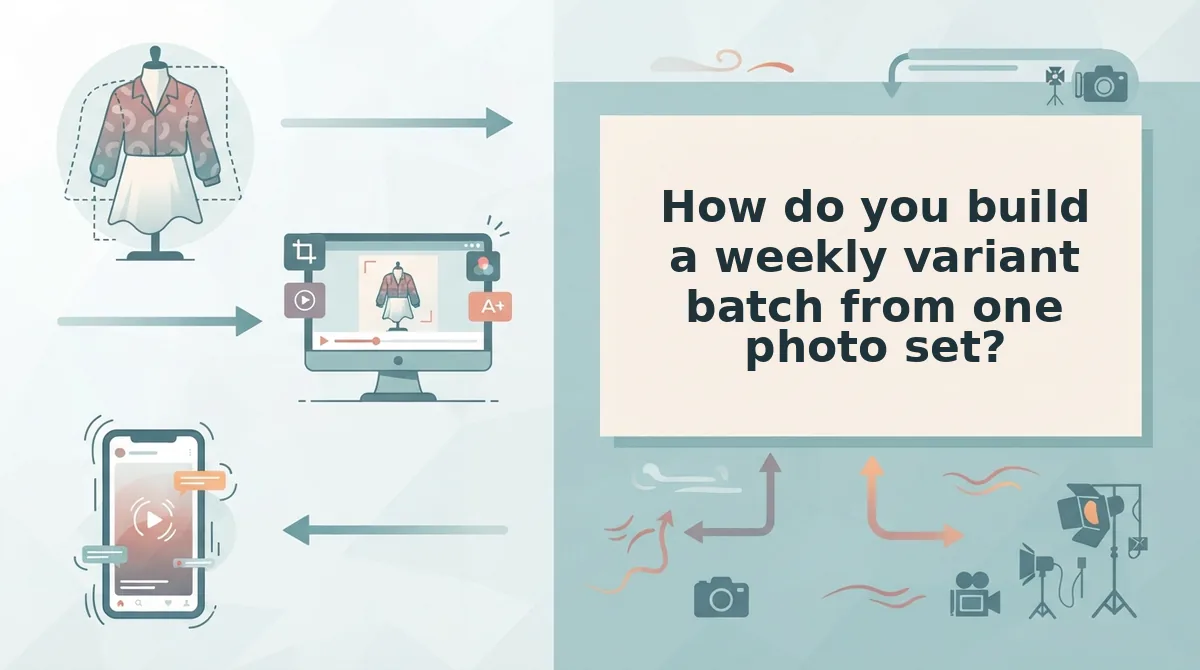
Build the batch by locking one hero photo, changing one variable per run, and gating every clip against the source garment before upload. Four runs on a single SKU photo set produce four comparable 10-second clips in roughly 60 to 90 minutes of human time [est.], and the ledger you keep is what makes next week's batch readable against this one.
You need an approved SKU with at least three photos, one ad set with a fixed budget, and a ledger with columns for SKU, lever, setting, filename, run date, reviewer, and verdict.
- Lock the hero photo (5 minutes). Open the SKU folder and choose the single sharpest image that will open every clip in the batch. Rename it with the SKU prefix before anything is uploaded. You should see the same filename stem on all four variants you are about to produce.
- Pick one rung of the ladder (2 minutes). Select source-angle set, duration, or frame â one, not two. If duration is the question, work from the duration ladder and keep the angle identical across every run.
- Upload the angle set (5 to 10 minutes). Select the photos, then use the angle selector to tag each one as front, back, side, or detail. Confirm the tags match the garment before generating; a mislabelled back shot will open the clip.
- Run once per setting (10 to 15 minutes per run). Generate four clips from the same three photos, changing only the opening angle on each run. Leave pacing, duration, and crop untouched. You should end with four files that differ in one respect and look like the same garment.
- Name every file at export. Use the convention sku-1042_angle-front_pace-slow_10s_v3.mp4 so the lever and its setting are legible without opening the file.
- Gate the batch against the source garment (20 minutes). Play each clip beside the original photo and check hem length, colour, print scale, and logo placement. Reject anything that drifts. Nothing leaves the account until all four pass.
- Log the batch. Write one ledger row per variant with its lever, setting, filename, and verdict. Compare against a shoot day â talent, studio, styling, and retouching line items against render time plus one review hour [est.] â and keep the ledger open for next week.
How do you check that the batch actually worked?
How do you check that the batch actually worked?
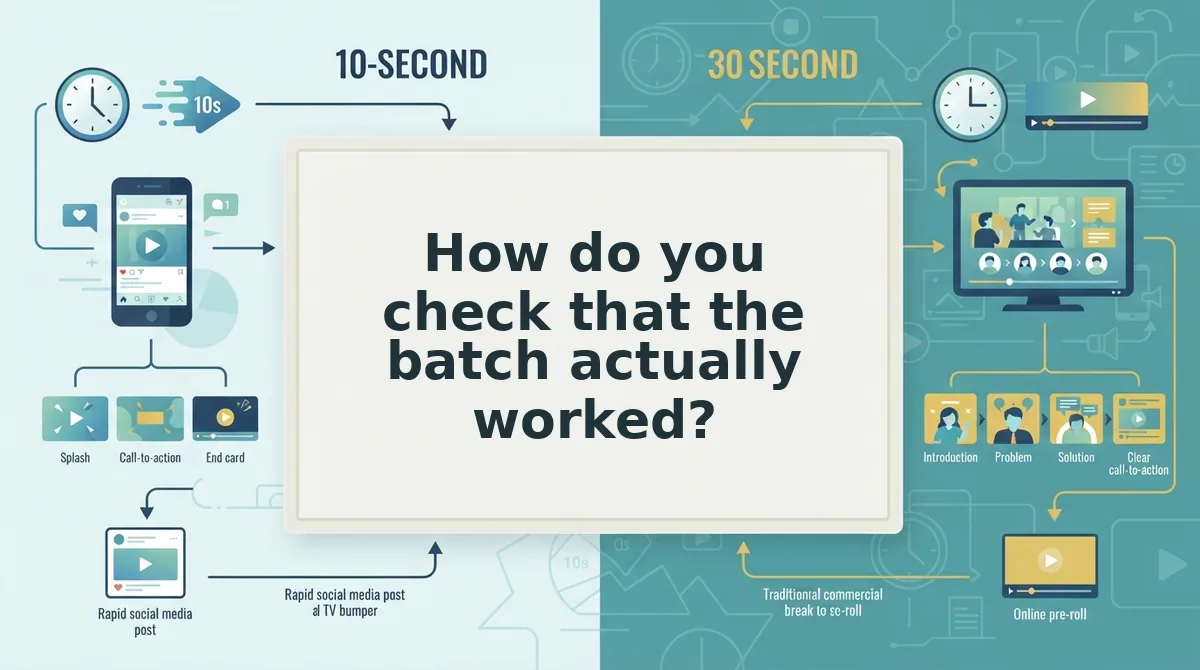
Check the batch before you check the numbers. A variant that differs from its control by more than one variable cannot tell you which variable moved the metric, and that failure is invisible in a dashboard.
- Diff every file against the control on exactly one knob. Keep the control in column A of a spreadsheet and confirm each variant changes one thing only â the hook, the opening frame, or the duration. A batch where two knobs moved at once can produce a winner you are unable to reproduce, which spends the week's generation run for nothing.
- Rule out the three confounds before reading a single result. The recurring failures are an angle set changed mid-batch, mixed durations, and mixed frames. Swapping source photos partway through means your variants came from different inputs, so hold one photo set for the entire batch and generate a second batch if a SKU needs new angles.
- Apply a traffic floor of 50 to 100 link clicks or 3x CPA per variant. xeli.ad's creative-testing framework, updated in January 2026, treats this as the point where a variant has seen enough traffic to be judged. Below that floor you are reading noise rather than creative quality.
- Apply a 50-conversion floor when purchases are the metric. Layer Insights' framework sets 50 conversions per variant as its read threshold. Clicks and conversions answer different questions, so commit to one primary metric per batch and hold the other as context.
- Review the batch by eye at full speed before the dashboard. Garment accuracy, hem lines, and print placement are craft checks no metric catches early. One reviewer, one pass, notes recorded beside the variant name â this gate is what stops a broken clip from absorbing spend.
- Confirm file hygiene at upload. Shopify accepts MP4, MOV, or WEBM at up to 1 GB per file against a 250-item media limit (nereo.io). Checking the export before upload prevents a batch from stalling on a format or size rejection.
What counts as a readable test? A readable test has four properties: one variable per variant, one source photo set held for the whole batch, a fixed primary metric, and enough spend per variant to clear its floor. In practice that means 50 to 100 link clicks or 3x CPA per variant on a click-based read, or 50 conversions per variant when purchases are the metric. A batch of eight variants generated from one shoot and read at those floors is a decision; the same eight read at 12 clicks each is a mood.
Build the whole batch from a single photo set in the FashionUGC generator, then run these six checks before anything reaches an ad account.

Common questions about Piveth engine creative testing
How many variants should one SKU get per week?
Between four and six, and the ceiling is set by usable source photos rather than generation cost. Angle variants are bounded by how many clean angles you actually own, so a three-photo set supports fewer distinct variants than a six-photo set. Add hook variants on top of those angles.
Is a 10-second clip long enough to produce a readable result?
Yes, provided the variant clears its own spend floor first â duration changes how fast a viewer decides, not how much data you need. The dedicated guide to clothing video duration testing with one photo set covers how to hold length constant across a batch.
Can one photo set serve more than one SKU?
No. A photo of one garment cannot become a variant of a different SKU, because the output is generated from what is visible in the input. Sharing a shoot across products produces mismatched colourways and trims, so each SKU needs its own photo set and its own batch.
Do I need a reshoot before running another batch?
Not if the existing catalog images are sharp, evenly lit, and show more than one angle. Most apparel packshots already meet that bar. A reshoot becomes necessary only when the source photos are too low-resolution or too tightly cropped to support motion.
What should you do with the first batch you build?
Treat the first batch as the calibration run, not the campaign. Its job is to tell you whether your photo set can carry motion at all.
Work the three tiers in order. Fix the input photos first â sharper hero frame, one more angle, even lighting â because photo quality is the constraint on variant count, not generation. Then generate one clean batch with a single variable per variant and a named file for every output. Only after that gate passes should you run the generator across the SKUs already sitting in your catalog.
The loop compounds when the hero photo and the review gate stay fixed week to week. Start with one SKU in the FashionUGC generator and hold that discipline for four weeks.
