

You found the perfect sweater and cut a crisp clip, but the Reel ends before anyone sees how the hem falls. Most advice on instagram reels clothing ad length treats every product the same, even though a tee and a trench coat do not need the same number of seconds. If you run creative for an apparel catalog, you already know a generic "keep it short" rule breaks down fast.
This guide shows you how to set runtime by garment instead of by habit. You will get working definitions, a runtime-by-garment matrix, and a method for choosing length from the photos you already own. Watch for one detail along the way: the runtime limit nobody mentions is your photo set.
Aim for about 10 seconds when the ad shows a single garment detail, such as a color or a texture. Stretch to 20 to 30 seconds when fit, drape, and wider framing matter. A merchant with one flat lay of a knit sweater can support a quick texture reveal but not a 30-second sequence, because nothing new is left to show after the first beat.
How Long Should an Instagram Reels Clothing Ad Be?
An Instagram Reels clothing ad should run about 10 seconds when it shows one garment idea, such as a color, a texture closeup, or a single silhouette. It should run 20 to 30 seconds when the garment needs fit, drape, back and side angles, and wider framing to make sense.
Reels clothing ad length is the runtime you assign to a vertical apparel video based on how many visual beats the garment needs. A visual beat is one new piece of information on screen, such as a fabric closeup or a back view. A garment reveal is the moment the item appears clearly enough to judge, and wider framing means pulling back to show the full garment, hems included.
Think of beats like slides in a pitch deck. Thirty seconds with only one slide feels padded, while ten seconds with five slides feels rushed.
Before you pick a length, confirm these prerequisites:
- Vertical 9:16 framing (see Reels clothing video dimensions)
- Sharp, even lighting that shows the fabric's true texture
- Visible hems in at least one source image
Maximum ad durations and on-screen safe zones change over time, so verify current specs against Meta's documentation before you export. Organic and paid Reels follow the same runtime logic. The difference is viewing context: a paid placement reaches people who never chose to follow you, so the first beat has to identify the garment quickly.
10 second vs 30 second clothing ad
A 10-second clothing ad works best when one beat tells the whole story, such as a new colorway, a ribbed knit closeup, or a single silhouette against a clean background. A 30-second clothing ad earns its length only when every added second shows something new, such as the back view, a side profile, the way fabric moves, or the full-length fit from shoulder to hem. Choose the longer runtime only when you have enough distinct angles to fill it without repeating a shot.
FashionUGC accepts one to six photos of a single item, so front, back, side, and detail angles can give a longer cut real beats. If you only have a flat lay, learn how to turn a flat lay into a fashion video.
Which Runtime Fits Which Garment?
Match runtime to how much of the garment a viewer must see. Tees and knits usually fit about 10 seconds with tight framing. Dresses, outerwear, denim, and sets usually need 20 to 30 seconds with wide framing, because their fit and silhouette cannot be read from a closeup.
Treat the matrix below as planning guidance, not measured data. Photo counts stay within FashionUGC's 1 to 6 image input.
| Garment | Suggested runtime | Framing | Source photos needed |
|---|---|---|---|
| Tee | About 10 seconds | Tight to medium | 1 to 2 |
| Knit | About 10 seconds | Tight | 1 to 3 |
| Dress | 20 to 30 seconds | Wide | 3 to 5 |
| Outerwear | 20 to 30 seconds | Medium to wide | 4 to 6 |
| Denim | About 20 seconds | Medium to wide | 3 to 5 |
| Set | 20 to 30 seconds | Wide | 4 to 6 |
Short clips have real strengths. They suit restocks, colorway drops, and texture closeups, where a single beat carries the whole message and any extra seconds would only repeat it.
Shorter is not automatically better for apparel, though. A 10-second clip cropped to the torso hides the silhouette of a dress or coat, which is the very thing a shopper needs to judge.
- Best for Shopify operators refreshing colorways: 10-second tee and knit reveals built from one or two packshots.
- Best for merchandisers handling fit-sensitive SKUs: 20-second denim cuts that show rise, back pockets, and hem.
- Best for performance creative teams launching new silhouettes: 20- to 30-second dress and outerwear sequences with wide framing.
- Best for DTC brands selling coordinated drops: 20- to 30-second set videos that show the top and bottom together.
A clothing video generator can only build beats from the angles you upload. So the next step is to work backward from the images already in your folder.
How to Choose Your Runtime From the Photos You Have
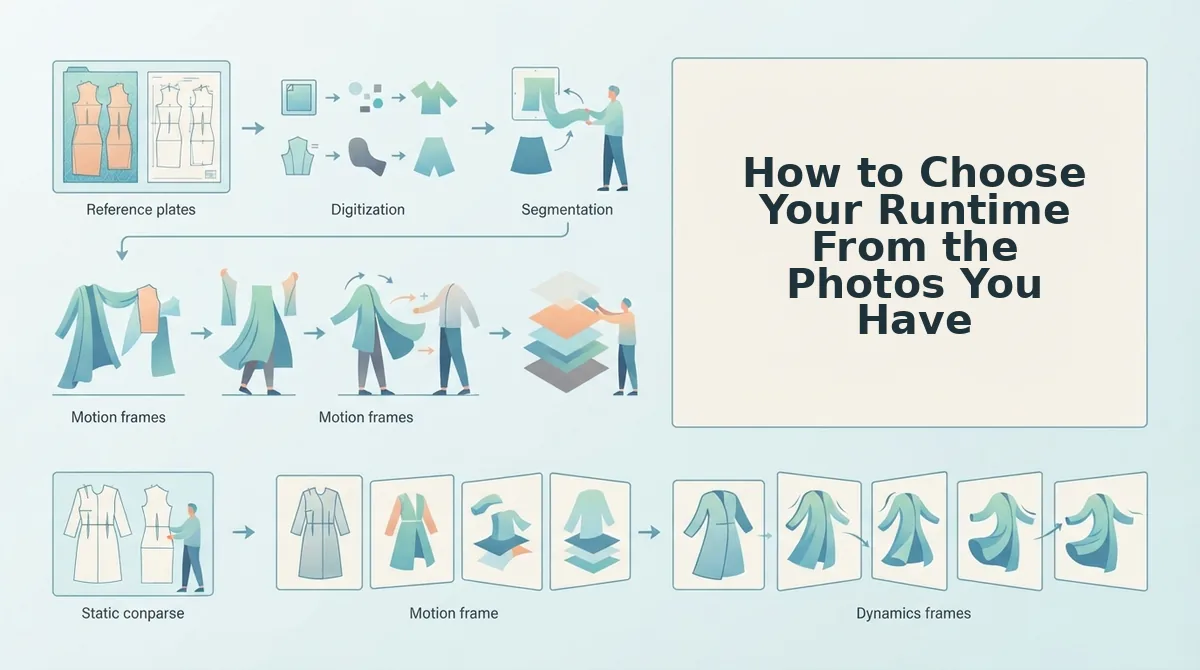
Choose your runtime by counting your distinct, usable photo angles and giving each one a beat of 3 to 5 seconds. Stop adding seconds at the point where a new beat would only repeat an angle you have already shown.
Before you start: Gather every still of one SKU, a notepad or spreadsheet, and about 10 minutes. FashionUGC accepts 1 to 6 product images per input, so six distinct angles is the practical ceiling for one sequence.
- List your usable angles (about 3 minutes). Open the SKU's image folder and write down each distinct view: front, back, side, detail, and flat lay or ghost mannequin. Cross out near-duplicates, such as two front shots with slightly different crops. You should end with a list of 1 to 6 genuinely different views.
- Assign one beat per angle. Give each angle 3 to 5 seconds and label its job: hook, detail, fit, movement, or close. Four angles at about 4 seconds each puts you near 16 seconds. You should now see a rough runtime next to your list.
- Place the hook in the first beat. Move your strongest view, usually the front or a striking detail, to position one. You should be able to name what the viewer sees in the opening 3 seconds.
- Cap the runtime where beats would repeat. Stop once every angle has a beat. A sixth beat that reuses the front shot reads as filler. The total on your list is your runtime.
- Prepare the photo set (5 to 15 minutes). Check each image for visible hems, sharp lighting, and an uncropped garment, using the guide to product photos for AI fashion video. Replace any weak shot. When you are done, every image should show the full piece clearly.
Pro tip: Count your usable angles before you pick a runtime. The photo set decides how long the clip can stay interesting. The ad slot does not.
How long can a ghost mannequin product video run? On its own, a single ghost mannequin front shot supports one or two beats, which is roughly 5 to 10 seconds. Upload it together with back and side angles, and the same SKU supports a five-beat sequence: a hook on the front, fit on the front silhouette, side drape, back view, and a closing frame. At 3 to 5 seconds per beat, that set fills about 15 to 25 seconds without repeating a view. Note that FashionUGC's maximum output clip length is not stated on the site. Plan around your beat count, and do not assume a fixed ceiling.
Once your beat count is set, upload the matching angles to turn clothing photos into video. Then review the output against the runtime you planned.
How to Check the Runtime Worked
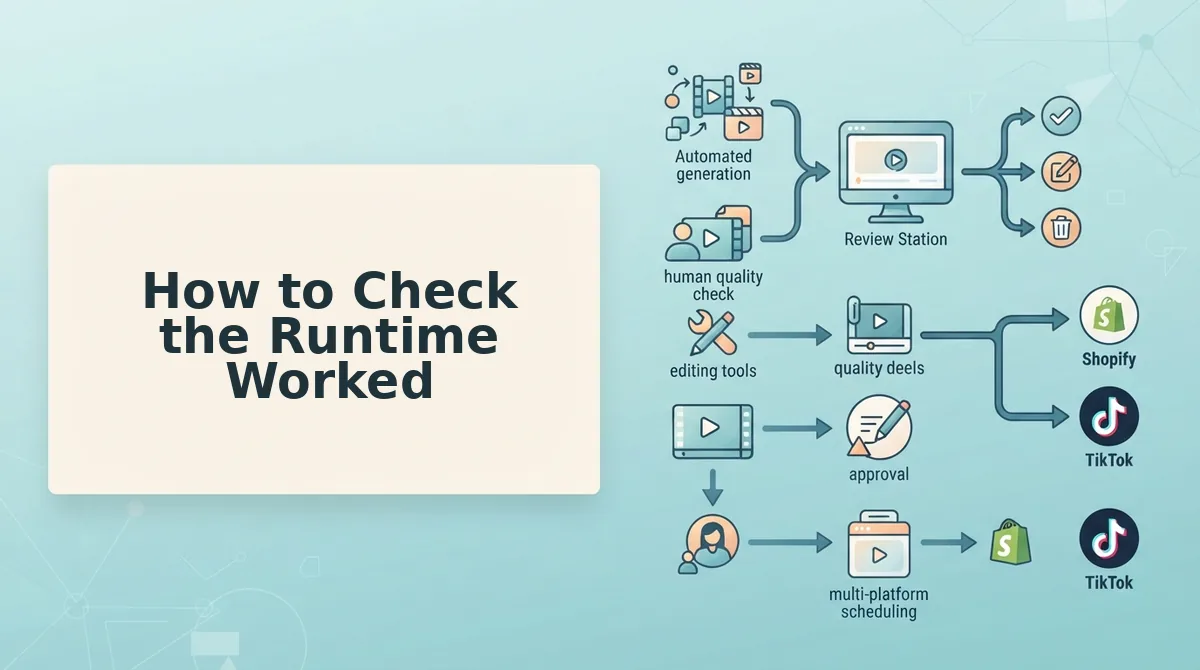
Check the runtime by reviewing the file before it goes anywhere. FashionUGC creates the video, but it does not publish it, so a person signs off on every clip.
- Confirm the hook lands in beat one. Watch only the first 3 seconds with the sound off. If the garment is not clear by then, move a stronger angle forward.
- Verify the full silhouette and hem. When fit matters, the whole garment must be visible from neckline to hem. Cropped source photos cause most failures here, so reshoot or swap the image.
- Cut any repeated beat. Look for a beat that reuses an earlier angle. Trim it, because filler lengthens the clip without adding information.
- Check the vertical safe area. Keep logos, prints, and key details clear of the caption and UI zones. Verify the current margins against Meta's own documentation.
- Test the loop. Play the clip twice back to back. The close should flow into the hook without a jarring jump.
Next, cut a 10-second and a 25-second version from the same SKU photos and test multiple video versions as a guard against ad fatigue. Treat the results as your own data, because no outcome is promised.
Pick the Runtime Your Garment Has Earned
The right Reels length is the one your photos can fill without repeating. A garment earns more seconds with every distinct angle you shoot.
Consider one last case. A merchant uploads front, back, side, and detail photos of an outerwear piece. That set supports a longer sequence with wider framing for the coat's length and drape, which a single flat lay could never sustain. More angles bought more time.
Keep the rule simple. One idea means about 10 seconds. Fit plus drape means 20 to 30 seconds.
For your next step, pick one SKU, count its usable angles, and match the runtime to that count. Then upload those photos to create a Reels clothing ad and review the cut against your beat plan. Your catalog already holds more video than you think, one angle at a time.
