

You do not need to reshoot. If your existing ghost mannequin plates already show a cleaned neck interior and a hem fully inside the frame, they can become a ghost mannequin dress video for Instagram Reels without a model, a studio, or a second photography day.
That matters if you are sitting on a catalog of hollow-mannequin dress shots that look flawless on the product page and wrong the moment they move in a vertical frame. Those stills were built for a 4:5 grid, not a 9:16 feed, and the tutorials in this space usually stop at making the invisible-mannequin image itself â the removal demos, the free-tool roundups â without covering the still-to-vertical handoff.
This guide covers that handoff: grading your plates before upload, what a vertical crop does to a 2000-pixel packshot, and how fabric weight should govern skirt movement. One warning up front: the bodice is not where these videos break. The hem is, in a specific and fixable way. Turning product photos into video starts with one to six stills, and the decisions you make before that upload determine whether the export is usable.
Who has the right photos for a ghost mannequin dress video?
Brands already holding hollow-mannequin catalog plates are ready to animate; everyone else needs either a reshoot or a different format entirely. The ghost mannequin effect is a photo treatment where a garment is shot on a removable form, the form is edited out, and the clothing keeps the shape of a body that isn't there â also called invisible mannequin or hollow mannequin photography.
At the simple end, the fit is DTC apparel brands, boutiques, and agencies with those plates already in a folder and a hem in frame. One step up, it covers sellers who need colorway coverage across many SKUs without booking a model for each one â think of it like a passport photo, where the shot must already meet the framing rules because no edit rescues a subject half out of frame. At the advanced end, disqualifiers get blunt: model-worn plates, flat lays with no interior neck shot, and files too small to survive the vertical crop.
The same prep logic carries over from tabletop captures, so the flat lay to fashion video guide is a useful companion. Upload up to six angles per garment and the platform returns a short vertical file you review before anything ships.
The prep workflow from flat plate to Reels-ready dress video
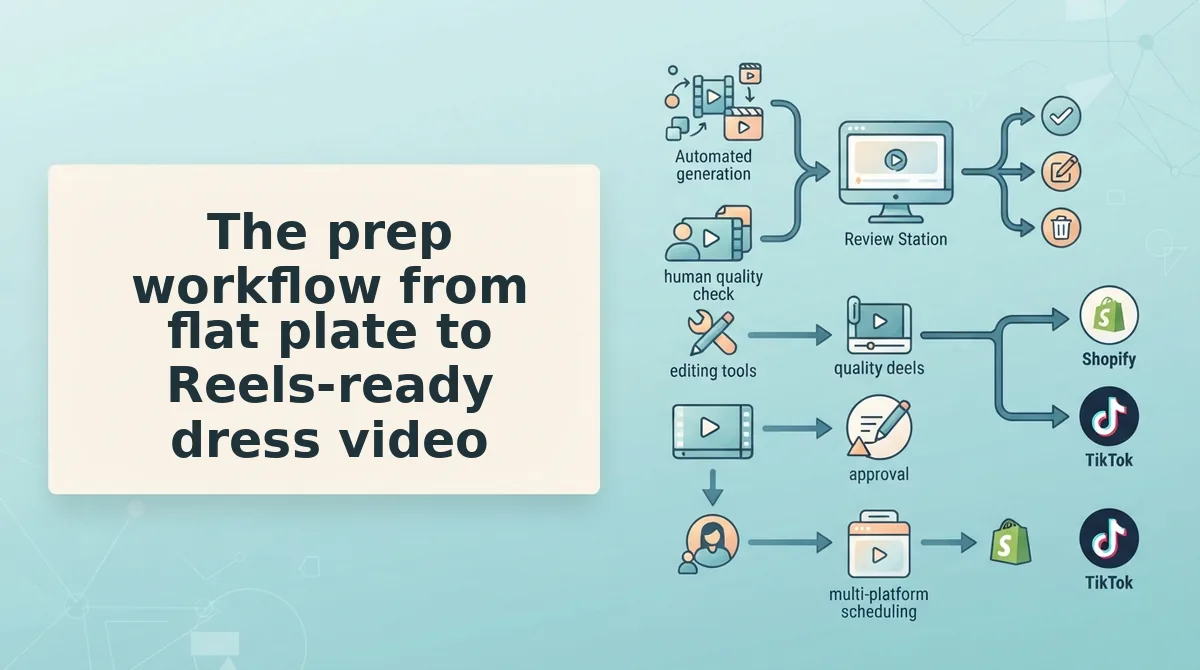
The workflow runs in five moves: grade the source plate against a six-point scorecard, upload one to six stills, set the output ratio to 9:16, review skirt movement at phone size, and export the file for manual posting â nothing publishes automatically.
The short answer
Upload one to six ghost mannequin stills to the generator, set the output to 9:16, review the skirt movement before committing, export the video file, then post it to Reels yourself. The tool produces a file, not a post: no publishing, no scheduling, no account connection. Most of the craft sits on either side of that upload â grading the source plate first, then checking the hem at full resolution on a phone screen before it goes live.
Prerequisites
Gather the full-resolution catalog files rather than the compressed web versions, keep one dress per upload set, and have a phone handy for review. No editing software is required.
- Grade the plate (about five minutes). Score each still against six checks: neck-seam interior cleaned up, hem wholly in frame, fabric weight identified, shadow direction consistent, garment separated from the background, and enough pixels left at the final crop. Success looks like six passes â or one clear reshoot instead of a wasted upload.
- Upload one to six stills (two minutes). A single plate is enough for a single-angle Reel; each additional plate adds angle coverage for the same SKU, and six is the cap.
- Set the ratio to 9:16 (under a minute). Confirm the crop rather than assuming the source framing survives it. Success looks like the full silhouette inside frame with the hem not touching the edge.
- Match motion to fabric weight (about two minutes). Chiffon and jersey need gentle amplitude; structured wool and heavy crepe need less, not more. Mismatched amplitude is what produces the rubbery hem.
- Review at phone size, then export. Watch the hem region specifically, because that is where the motion reads wrong first. Success looks like a downloaded file that plays cleanly in the Reels uploader.
If you are still choosing source plates, the single ghost mannequin shot breakdown and this guide to product photos for AI fashion video cover the capture side. When the plates pass, the clothing video generator handles the motion.
Next: what the exported dress video actually looks like.
What the exported dress video actually looks like
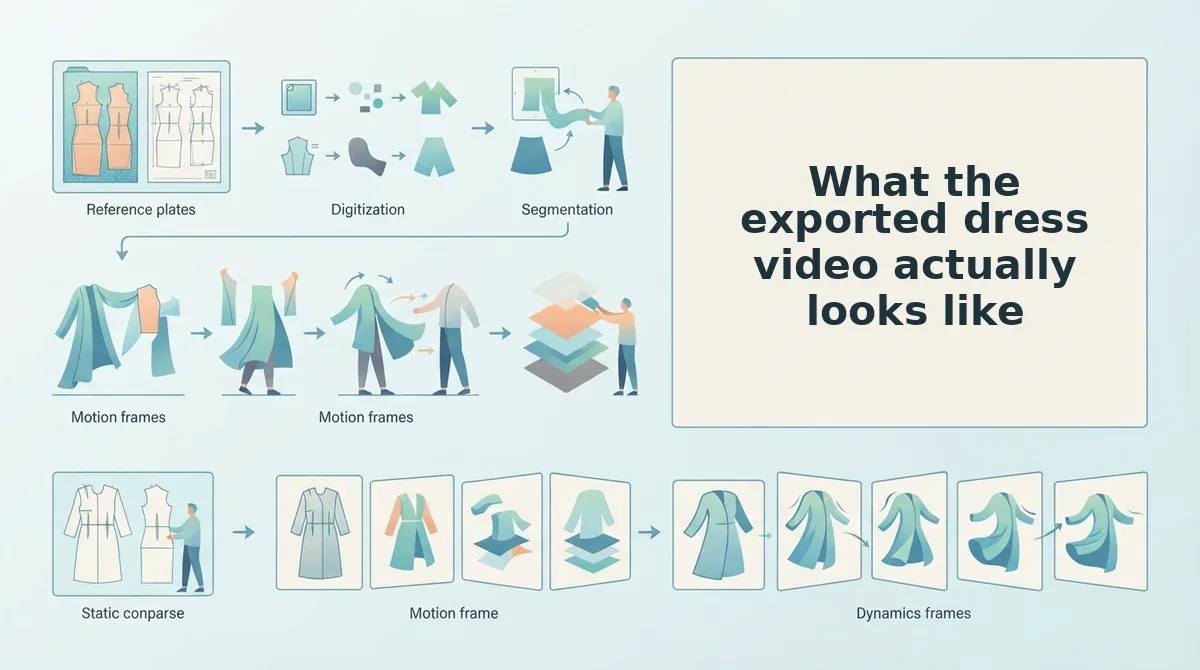
A finished ghost mannequin dress video is one 1080 Ã 1920 vertical file â a single continuous shot of the dress with body-free motion, a skirt moving inside its fabric's limits, no captions or audio bed, and no publish step. A person reviews the file before it goes anywhere.
- A true 9:16 frame at 1080 Ã 1920 pixels. The frame is built first and the dress is fitted into it, rather than a square being padded with bars. Use that vertical file for Reels and a separate re-crop for feed placements, so neither inherits the other's letterboxing.
- Crop arithmetic you can audit before export. The fraction of a source plate that survives equals its aspect ratio divided by 9:16, so the plate you own caps how much dress can fill the Reel. The retained hem-to-crop ratio is what decides full-bleed versus float â see fashion video aspect ratios or run the numbers in the aspect ratio calculator.
| Source plate | Pixels kept, fitted to frame | Share of 1080 Ã 1920 frame | How it reads on screen |
|---|---|---|---|
| 4:5 (1600 Ã 2000) | 1080 Ã 1350 | 70% | Dress carries the Reel; 570 px of background splits top and bottom |
| 3:4 (1500 Ã 2000) | 1080 Ã 1440 | 75% | Closest to full-bleed from a catalog plate |
| 1:1 (2000 Ã 2000) | 1080 Ã 1080 | 56% | Floats unless width is cropped, which risks clipping a sleeve |
| 9:16 native (1080 Ã 1920) | 1080 Ã 1920 | 100% | No arithmetic left to do; hem sits where the camera put it |
- A skirt moving at its fabric's weight class. Failures have names: hem whip (the edge runs ahead of the body), pleat collapse (folds flatten into a sheet), and tube-slide (the whole skirt drifts as one rigid cylinder). Chiffon and georgette whip first, crepe and cotton collapse at the pleat, satin and twill tube-slide.
- Less amplitude on heavier fabric, not more. Dense weaves carry their own weight, so cranking motion up is precisely what produces the rubbery hem most first attempts blame on the tool.
- The source plate's flaws, untouched. An uncleaned neck seam, blade-thin straps, or a shadow pointing the wrong way survive export unchanged. No motion setting repairs an interior the photograph never resolved.
- One reviewed file, not a published post. The deliverable is the video file itself; a human opens it, watches the full loop, and approves before anything reaches Instagram.
Worked example: a satin midi whipped at the hem on the first pass because the sheen exaggerated movement the fabric weight would never carry. Pulling amplitude back restored the hem line.
A rubbery hem usually means motion amplitude is too high for the fabric, not that the model is broken. Satin, twill and other dense weaves carry their own weight, so large displacement reads as stretch rather than sway, and the sheen amplifies the error because highlights travel further across a moving surface. Pull amplitude down until the hem settles near its resting line at the end of each loop, then re-export. If distortion persists, the plate is the problem: a hem cut off by the frame edge has nothing to anchor to.
Where this workflow stops and a reshoot wins
A reshoot is the decision to capture new footage rather than animate existing plates â the point where the photograph, not the motion settings, is the limiting factor. That line is easier to find than it sounds.
Start with the simple limit. The generator exports a file. It does not publish to Instagram, and it makes no promise about reach, watch time, or conversion â those are outcomes you test, not features you buy. Think of animating a still as tilting a photograph of a river: you can suggest flow, but you cannot recover water that was never recorded.
Next, the intermediate case. Low-resolution plates and model-worn captures degrade output, and a neck seam that was never cleaned stays visible no matter what you set. If the source is already soft, motion only gives the blur somewhere to travel. The incumbent fix in most search results â a per-image retouch service â handles mannequin removal competently, but it still hands back a still, so the vertical video problem stays exactly where you found it. If the seam itself is the blocker, fix the hollow ghost mannequin neck before you spend anything on motion.
Then the advanced routing decision, applied per SKU:
- Small catalogs of existing plates go to AI motion â the capture cost is already sunk.
- One hero garment that must show real drape goes to a short reshoot, because drape under gravity is captured, not inferred.
- Multi-colorway ranges go hybrid â stills provide coverage across the range, one hero clip carries drape.
Last gate before anything ships: a pre-export QC pass on neck seam, straps, shadow direction, and human approval. Then see Instagram Reels fashion videos for placement.
Start with one dress, then batch the colorways
Run the whole sequence on a single SKU first, because one plate exposes crop and skirt problems before they multiply across a range. Score it, export it, and check the hem at the end of the loop â that is where the teased finding resolves: the hem is verified at export, never repaired in post.
The plate scorecard is reusable. The same six checks apply to every colorway of the same block, so the second pass takes minutes instead of a session.
Then point the workflow at the fashion UGC video generator, and take the output into Shopify fashion store videos once a person has approved the file. One dress proves the system; the range follows.
