
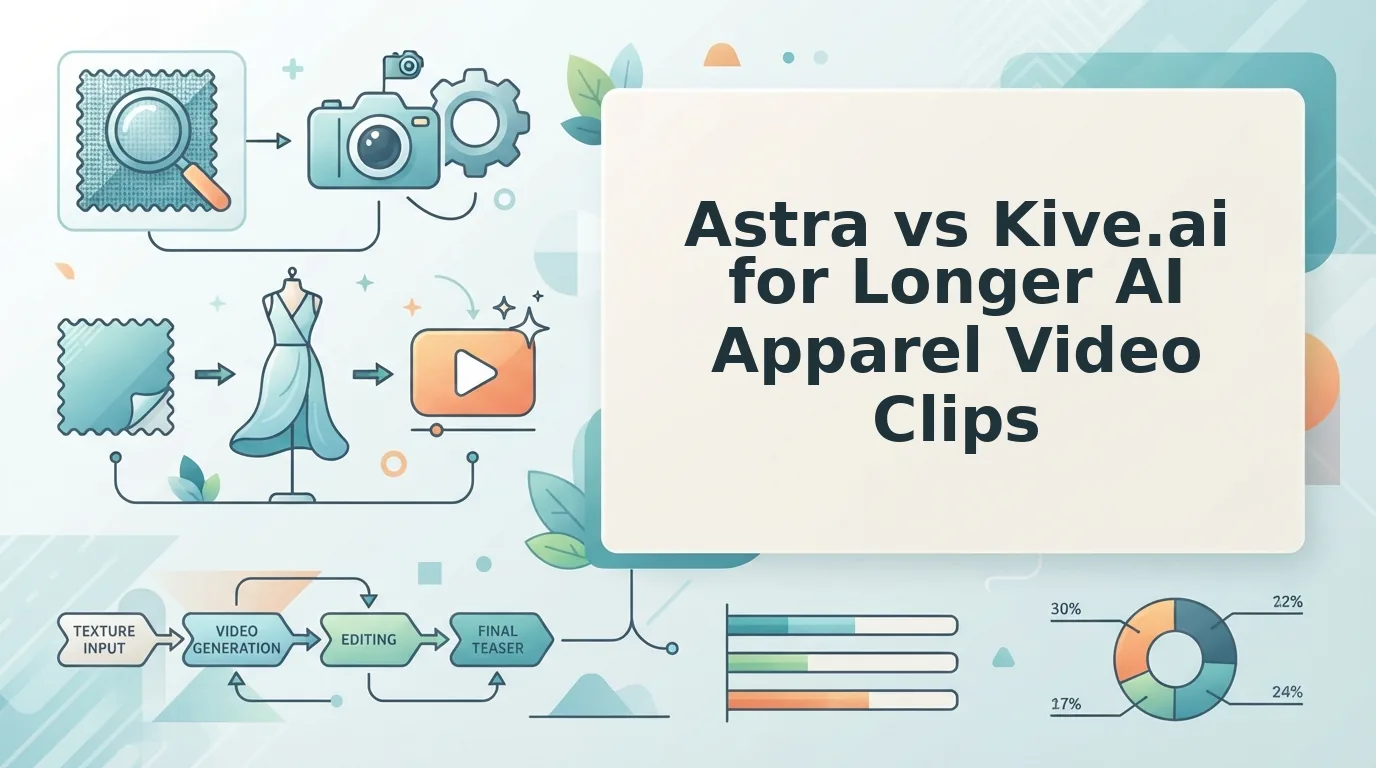

A catalog folder full of flat lays and packshots is not a video library, but this quarter's creative calendar keeps asking it to behave like one. That gap is why creative leads type astra vs kive ai apparel video into a search bar: one tool is documented as apparel-specific motion built from still plates, the other as a general creative workspace that carries AI product shots for fashion and preset video motion alongside everything else.
Fair problem to have. You already own the images and the SKU list; what you lack is a defensible way to decide which tool produces extended garment motion without a per-garment prompt session. What follows is a routing rule rather than a feature tour â which tool fits long-form apparel motion, which fits short product beats inside a wider workspace, and where the real cost lands once you multiply by SKU count.
Short answer. Astra is the better fit for extended apparel motion: its own feature documentation describes apparel-specific generation that runs longer from the same packshot or flat lay. Kive.ai is the better fit for short product beats inside a general creative workspace, where AI motion presets and AI product shots for fashion sit alongside other tooling. Any astra vs kive ai apparel video comparison ultimately turns on steering â Kive's breadth asks you to direct each clip, while Astra trades workspace breadth for garment-specific motion.
Collart_Fashion's walkthrough starts from one ordinary fashion product image and produces three faceless affiliate videos, which sets the input threshold the rest of this article tests. Before you upload anything, run your plates against the product photos for AI fashion video checklist.
The finding worth staying for: the difference between these tools is not the feature list. It is how many prompts each garment costs before the motion holds up â and that number is documented almost nowhere.
Astra vs Kive.ai at a Glance
Astra is an apparel-specific AI video generator built to turn packshots and flat lays into longer garment motion. Kive.ai is a general creative workspace that bundles AI product shots for fashion and preset-based video inside a broader toolset. That distinction decides most of the comparison before individual features enter it.
| Criterion | Astra | Kive.ai |
|---|---|---|
| Specialization | Apparel-specific, per the brand's own feature documentation | General creative workspace with AI product shots for fashion, per the brand's own positioning |
| Accepted input types | One to six stills per item: front, back, side profile, flat lay, on-body, fabric detail | Not documented in the source set |
| Motion length behavior | Designed for extended motion from a single still plate | Presets framed around short product beats in the vendor's own introduction video |
| Prompt effort per SKU | Positioned as plate-in, motion-out; prompt burden not documented in the source set | Presets plus operator steering; beginner tutorials exist because the workflow is learned, not obvious |
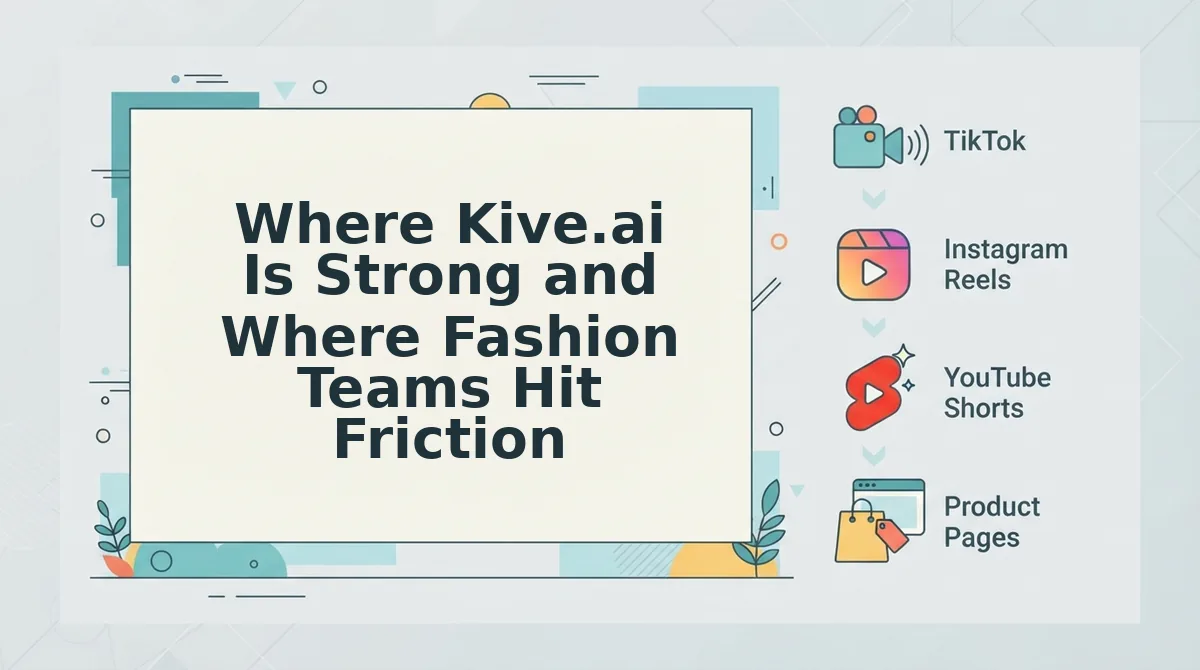
| Output format | Short-form vertical files for TikTok, Reels, Shorts, and ecommerce pages, reviewed by a person before publishing | Video output via presets; specific delivery formats not documented in the source set |
Read the columns as descriptions, not verdicts. Kive genuinely ships AI motion presets for products and markets AI product shots for fashion, so its strength is workspace breadth and speed on short beats. Astra's claim is narrower and deeper: apparel-specific motion that runs longer from the same plate.
No pricing, render timing, or benchmark figures appear above because neither vendor supplied verifiable numbers in the source set. The prompt-effort row is flagged as the least documented and most decision-relevant criterion on purpose.
Best for a DTC brand with a SKU backlog and an existing packshot library: Astra, which takes up to six stills per garment and returns finished vertical files for review. Best for a team already paying for a general creative workspace and needing short product beats: Kive.ai, where motion presets live beside the rest of your creative tooling.
Where Kive.ai Is Strong and Where Fashion Teams Hit Friction
Kive.ai is a capable workspace, and its documented workflow holds up from first image to first clip. The friction shows up one step later, when you repeat that workflow across a full catalog.
BitBranding's clothing brand product photography walkthrough is the fair reference here: the steps are real and sequenced, and nothing about the first garment is hard. Kive's own Video Presets introduction video is the fair reference for the promise â a menu of motion treatments applied to product imagery. That menu also explains the attention pattern in the category, where the vendor preset demo pulls the most views while beginner tutorials, like the Shax Finds walkthrough at 665 views, sit at small scale. A workflow people need to be taught is a workflow that costs time per item.
- Preset variety, paid for in per-SKU steering. A preset library gets your first clip made quickly, and that speed is real. The cost arrives at catalog scale, where every garment still needs a judgment call about which preset reads as that fabric, and that decision time multiplies by SKU count.
- Workspace breadth, paid for in garment-specific judgment. Keeping creative work in one place reduces tool sprawl and handoff friction. The trade-off is that a general workspace does not know what a bias-cut hem should do in motion, so the operator supplies that knowledge clip after clip.
- Styling control, paid for in time per listing. Presets give you deliberate control over look and pacing, which matters for brand consistency. That control is spent as operator hours, and the hours scale with how many listings you publish rather than with how many you plan.
- Fashion positioning, paid for in unverified output claims. Kive markets AI product shots for fashion, which is a legitimate draw for apparel teams. No spec sheet or benchmark in the source set verifies garment motion fidelity â drape, hem behavior, print distortion â so inspect early clips against your own photography before committing a catalog.
For a side-by-side on the longer-form end of that spectrum, read Astra vs CapCut Symphony for longer apparel showcases. Which brings the decision back to the plate itself.
What Does Extended Motion Actually Require From a Packshot?
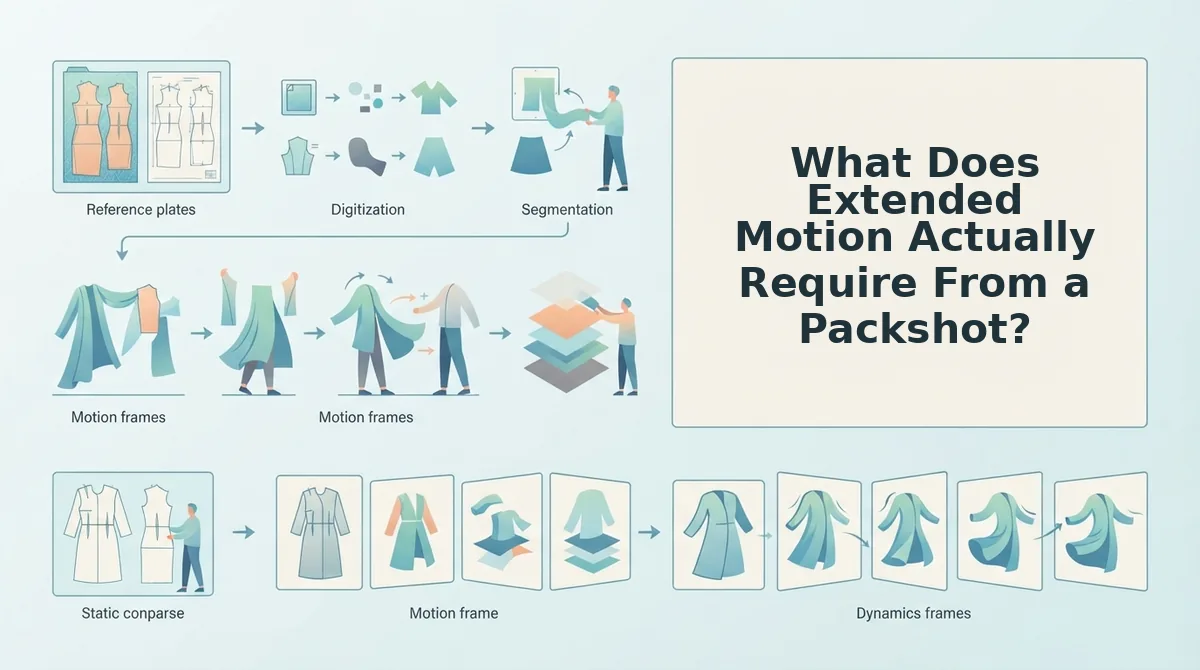
Extended motion is any generated apparel clip long enough that the generator must carry garment construction, fabric drape, and hem and seam continuity across many frames instead of holding a silhouette for a beat. Clip length does not add polish so much as it adds frames, and every frame is read from the same still photo.
Think of a passport photo versus a passport interview. One frame only has to look right once; sustained motion keeps asking the same plate new questions, and the answers begin to disagree.
The requirement scales in three stages.
- Simple â a few-second silhouette hold. A clean outline and even light are usually enough, because the garment barely moves.
- Intermediate â a turn or a fabric lift. Visible hems and a second angle start to matter, since the garment fills the frame from more directions.
- Advanced â extended runs. Drape and seam continuity become the failure mode: a hem that floats, a placket that drifts, a sleeve that changes length mid-clip. That error appears only as clip length grows, which is why it gets blamed on the model when it is a plate problem.
Audit the plate against five properties before generating anything.
- Resolution. Pass: edges stay crisp zoomed to the seam. Fail: softened edges or compression blocks.
- Hem visibility. Pass: every hem, cuff, and bottom edge sits inside frame. Fail: cropped hems the generator must invent.
- Lighting evenness. Pass: shadow detail readable on dark fabric. Fail: blown highlights or a crushed black side.
- Angle count. Pass: front plus one side or back. Fail: one angle only, so unseen geometry gets guessed.
- Fabric texture legibility. Pass: weave, ribbing, or sheen identifiable. Fail: texture flattens to solid color.
Flat Lay and Ghost Mannequin Plates Give Up Drape, Not Detail
A flat lay preserves texture and print with no body underneath; a ghost mannequin preserves structure with the body hollowed out. Both hand the generator an assumption about drape rather than evidence of it, which matters more as the clip lengthens. Our flat lay to fashion video guide covers working from those plates.
The BitBranding clothing brand photography scenario becomes one action: before any generation run, hold the photos you already own against those five properties and mark each pass or fail. Failures are re-shot or dropped from the queue.
Which Tool Fits Your Clip Length and Prompt Budget?
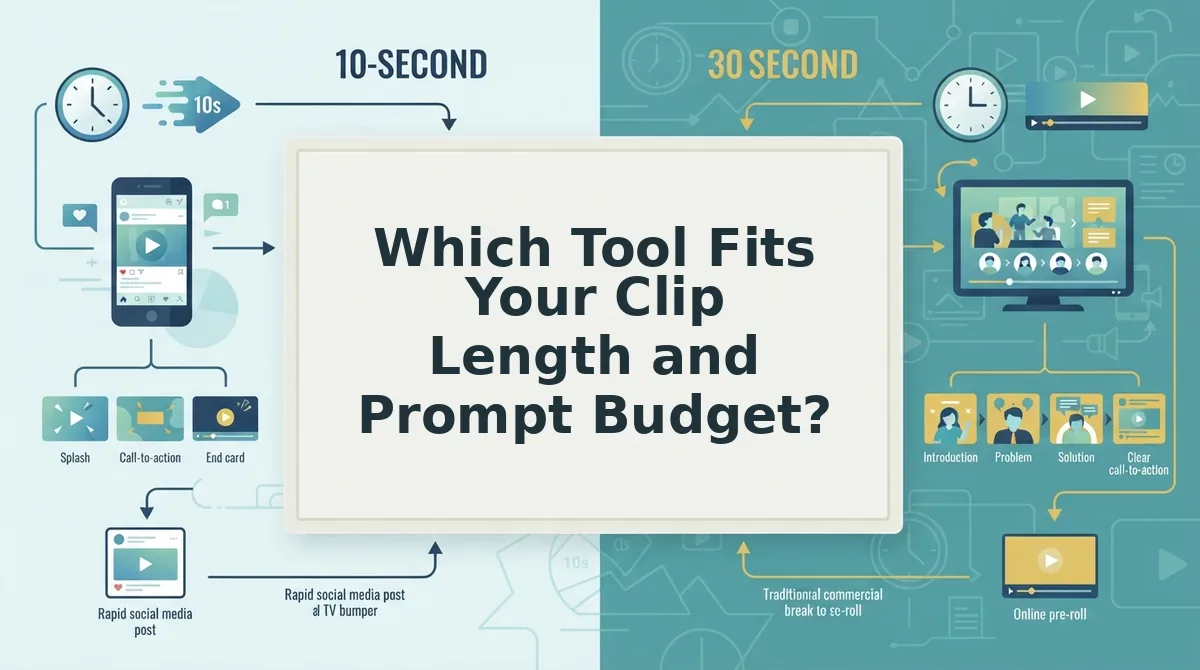
Fit comes down to two variables: how long your clips need to run, and how much per-SKU setup your team will repeat across a catalog. No vendor publishes the second number, so you estimate it from your own workflow.
Prerequisites: ten product photos you have already shipped with, a spreadsheet, and a timer. Steps 1 through 3 need no account.
- Record two numbers (5 minutes). Write your longest required clip in seconds and your live SKU count on one line. You should see two figures side by side.
- Audit ten plates (20 minutes). Score each against the five properties above. Expect a pass rate rather than a clean sweep; the misses are the plates that will burn retries.
- Locate yourself in the matrix (2 minutes). Pick the cell matching your clip length and whether your tool is apparel-specific.
- Apply your routing rule (1 minute). Read the matching sentence below and write the tool name beside your SKU count.
- Test one SKU (30 to 45 minutes). Generate, then review the file on a phone screen at arm's length. If drape breaks before the halfway mark, the plate failed, not the prompt.
The matrix is a reasoning frame built from documented capability claims and the step sequences in published tutorials, not from a controlled side-by-side test.
| Short clips (a few seconds) | Extended motion | |
|---|---|---|
| Apparel-specialized | Thin â most coverage here is preset-driven | Astra, per its own feature documentation; manual studio reshoots |
| General creative workspace | Kive video
What Neither Tool DoesNeither Astra nor Kive.ai publishes to social platforms, and neither guarantees performance. Both hand back a video file; neither rescues a source plate that fails the audit. The generation boundary is the point where output quality is set by the source photo rather than the model. Neither tool restores a hem cropped out of frame, corrects mixed lighting, or invents fabric drape it cannot see. Both produce a file for TikTok, Reels, Shorts, or a product page, but neither posts it, and neither promises click-through or conversion. A person reviews each video before it goes anywhere. Brands should treat generation as a production step, not a distribution system. Think of enlarging a blurry print: the paper gets bigger, the detail does not. The same standard applies to our own tool, stated plainly:
That review step is a feature of the workflow, not a gap in the tool. What separates the two products is how much prompting each demands to reach that file. Pick the Tool That Matches Your Prompt BudgetTwo sentences for anyone who scrolled: Kive.ai earns its place when preset variety and template breadth outweigh the prompting each SKU demands, and the route that turns an existing plate into extended motion without a written prompt per colorway wins when catalog volume is the binding constraint. Length was never the bottleneck â prompt count per SKU was. So the closing move is deliberately small:
Expect a short clip you can approve or reject on frame-level drape and hem behavior â not a finished campaign. That judgment is the asset you keep. The synthesis worth carrying forward: every tool in this comparison sits downstream of your source photography, so the plate workflow you build outlasts whichever interface you choose. Prompt budget, not clip length, is the line between a catalog you can animate and one you can't. 
Create Turn the photos you have into a video.Upload the garment, pick a length, and post the clip. |