
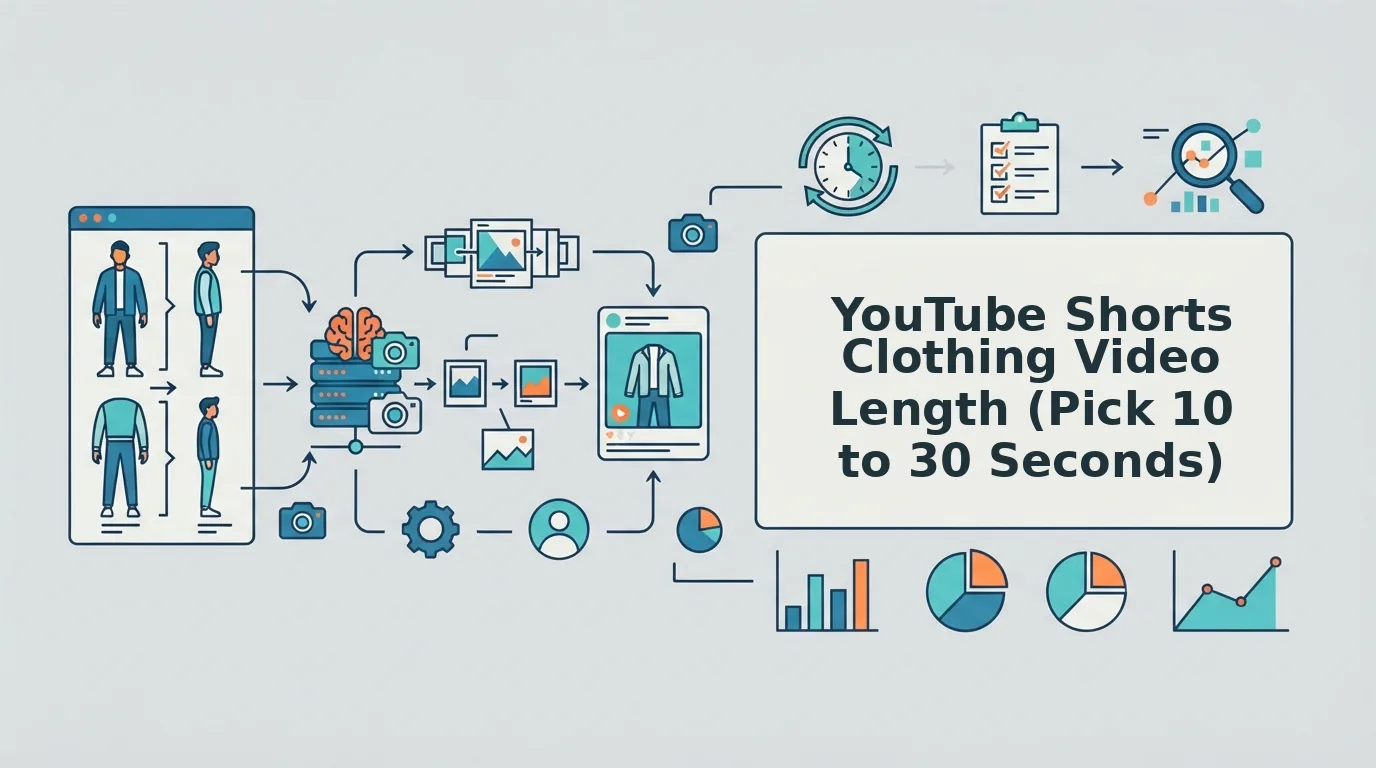

You have two catalog shots of one dress, a front flat lay and a ghost mannequin back, and YouTube Shorts wants vertical motion. No guide tells you how many seconds two photos can actually fill.
That gap turns youtube shorts clothing video length into guesswork for apparel teams. YouTube Shorts is YouTube's vertical short-form format, and runtime is the clip's duration in seconds.
How long should a YouTube Shorts clothing video be? Aim for 10 to 30 seconds, scaled to the number of distinct garment views you have. Shorts can run up to 3 minutes, but a single garment rarely has enough unique angles, details, and textures to fill that time without repeating frames.
If your instinct is to keep clips short, that instinct is sound. This guide turns it into a repeatable rule: which photos set your runtime, how each added view earns extra seconds, and when longer clips stop paying off.
You will get the prerequisites first, then a step-by-step Runtime-to-Coverage Ladder that settles the two-photo dress. The ladder also shows why the longest allowed Short is usually the wrong target for one SKU. Start by gathering every photo you own for a single item.
What You Need Before Choosing a Shorts Runtime
You need three things: the platform ceiling, a 9:16 frame, and a set of sharp product photos. The ceiling sets the maximum length, while your photos set the useful length.
A Shorts runtime is the number of seconds your vertical clip plays before it loops. Start with the ceiling: Shorts can run up to 3 minutes, as covered in vidIQ's video "YouTube Update - Shorts are Now 3 Minutes Long."
Next, frame for 9:16, the vertical aspect ratio Shorts uses. A garment shot in landscape loses its hem or neckline when cropped tall, so check that each image survives a vertical crop.
The real limit is your photo set. Think of your stills as ingredients and runtime as serving size: you can stretch a meal for more guests, but the plates start to look thin.
- Flat lay: a garment photographed laid flat from above.
- Ghost mannequin: a garment shot on a removable form so it keeps a 3D shape.
- Detail plate: a close-up of fabric, stitching, or hardware.
Each plate needs a sharp garment edge, even lighting, and a visible hem. Soft focus or harsh shadows make motion look smeared, which shortens the time a viewer will tolerate.
FashionUGC accepts 1 to 6 stills per item, from front and back angles to on-body and fabric detail shots. If you only have a flat lay, start with this guide to turn a flat lay into a fashion video.
How to Pick a Clothing Shorts Length Step by Step
Pick a clothing Shorts length by counting your distinct garment views, then giving each view about 5 seconds of screen time. Most single-SKU clips land between 10 and 30 seconds, and each added second should show something new.
Before you start, gather 1 to 6 sharp stills of one item, all croppable to 9:16. The process takes about 10 minutes per SKU.
| Runtime | Garment beats shown without repeating |
|---|---|
| 10 seconds | Hero view plus one detail |
| 15 seconds | Front, motion, detail |
| 20 seconds | Adds the back view |
| 25 seconds | Adds fabric texture or a hem close-up |
| 30 seconds | Full walk-around |
The Runtime-to-Coverage Ladder is a planning heuristic, not measured performance data.
- Count your distinct views (2 minutes). Open the folder for one SKU and list each unique angle: front, back, side, detail, texture. Two shots of the same front count as one view, so you should end with a single number.
- Map your count to the ladder (1 minute). Find the row in the table above that matches your views. The two-photo dress from the intro, a front flat lay and a ghost mannequin back, fits a 10 to 15 second clip.
- Add seconds only when you add a view (5 minutes). Shoot or pull a back, side, or detail plate before extending runtime. With front, back, and detail plates, you have enough coverage for a 20 to 25 second clip. Because uploads cap at 6 stills, six views sets the practical upper bound for one item.
- Decide whether to go past 30 seconds. Treat the 3-minute cap as a ceiling, not a target. A single-SKU clip runs out of new things to show, so extra time repeats frames you already used. No performance data is claimed here, so test 15, 20, and 30 second versions against your own audience.
- Generate and review the clip. Upload your stills to the clothing video generator, then have a person watch the full output before publishing. Success looks like every second showing a distinct view, with no warped hems or looped angles.
What a 15 Second Clothing Video Covers
A 15 second clothing video covers three beats: front, motion, and detail. The front view, about 5 seconds, shows silhouette and color so viewers know what the item is. The motion beat, about 5 seconds, shows how fabric moves, drapes, or swings, which a static packshot cannot show. The detail beat, the final 5 seconds, closes on texture, stitching, or hardware to signal quality. That structure works with just two or three stills, making 15 seconds a practical default for SKUs with a basic catalog set. Add a back view before stretching it to 20 seconds.
If your catalog holds hundreds of SKUs, you can turn clothing photos into video at each item's own ladder length. Paid teams can feed the same clips into an AI clothing ad generator workflow for creative testing.
Once the clip is live, confirm that your chosen length held up.
How to Check the Runtime Worked
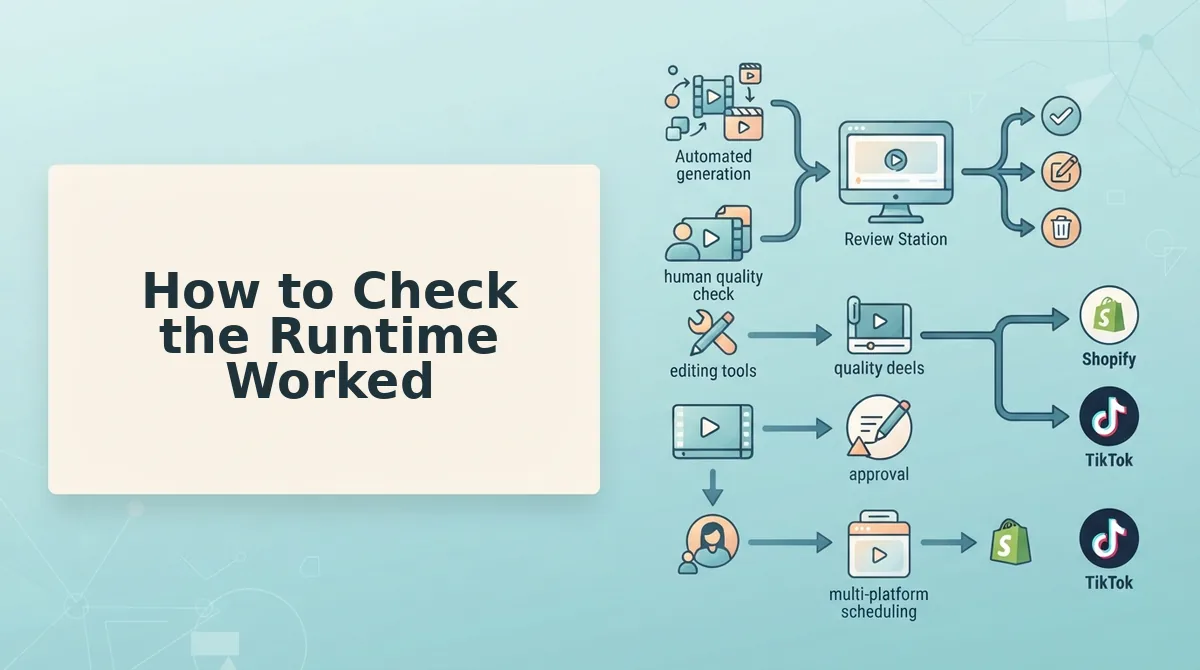
Watch the clip once and confirm that every second shows a garment view you have not already seen. If footage circles back to an angle it already showed, the runtime is longer than your photos can support.
Why does a longer clothing Short look repetitive? A clip looks repetitive when its runtime exceeds the number of distinct garment views in the source photos. Each upload, whether a front angle, back angle, side profile, flat lay, on-body shot or fabric detail, gives the generator one new thing to show. Once those views are used up, extra seconds can only re-present angles the viewer has already seen, so the motion loops over the same surfaces. Adding runtime without adding a view dilutes the clip. The fix is a shorter clip or another plate, such as a back angle or fabric close-up, that earns the added seconds.
Generic editing advice, such as trimming dead air, still helps and is often the fastest fix for a finished file. Editing cannot restore a hem the camera never captured, so most fixes below start with the photo. A person reviews every output before it is published, and this table is the checklist for that review.
| Symptom | Likely cause | Fix | Best for |
|---|---|---|---|
| Clip looks repetitive | Runtime exceeds the unique views | Shorten the clip or add a back or detail plate | Performance creative teams testing lengths |
| Hem is cropped | The source photo crops the hem, or the framing is wrong | Use plates with visible hems | Merchandisers auditing catalog shots |
| Fabric detail looks soft | Stills are low resolution or unevenly lit | Supply sharp, evenly lit plates | Brands reshooting hero SKUs |
| Aspect ratio is wrong | The export is not vertical | Export in 9:16 | Shopify operators repurposing assets |
FAQ About Clothing Shorts Length
These answers cover the questions the sections above leave open: the runtime limit, aspect ratio, single-photo clips and publishing.
What runtime does FashionUGC support?
FashionUGC does not state a maximum runtime on its site, so this guide does not quote one. Plan length from your source photos instead. Count the distinct garment views across your one to six uploads, map them to the ladder, and confirm the actual export length when you generate.
What aspect ratio should clothing Shorts use?
Clothing Shorts should use 9:16 vertical. That frame fills a phone screen and gives full-length garments room from neckline to hem. Square or horizontal exports waste vertical space and can crop hems. For framing by channel, see our guide to fashion video aspect ratios.
Can a single flat lay support a 30-second clip?
Usually not without repetition. One flat lay is one garment view, and the ladder maps one view to roughly 10-15 seconds. Stretching it to 30 seconds forces the motion to revisit the same surface. Add a back angle, on-body shot or fabric detail before extending the runtime.
Does FashionUGC publish the Short to YouTube?
No. FashionUGC creates the video file and stops there. It does not publish to YouTube or any social platform, and it does not promise views or sales. A person on your team reviews the output, then uploads it through your own publishing workflow.
Choosing a Runtime for Your Next SKU
Pick the shortest runtime your distinct garment views can fill, and add seconds only when you add a new view. Runtime is a photography decision before it is an editing one.
Worked example #3: a SKU with only one photo, such as a single flat lay, gets 10-15 seconds from the ladder instead of a clip stretched toward the platform cap. This answers the question from the opening: repetition is not a pacing problem. It happens when runtime outruns your views.
- Count your views, map them to the ladder, add seconds only with new views, check for repetition, and have a person review the clip before publishing.
- Test two lengths of the same SKU with your own audience instead of adopting a universal number.
Upload your next SKU's plates to the AI fashion UGC video generator and let the photos you already own set the runtime.
