
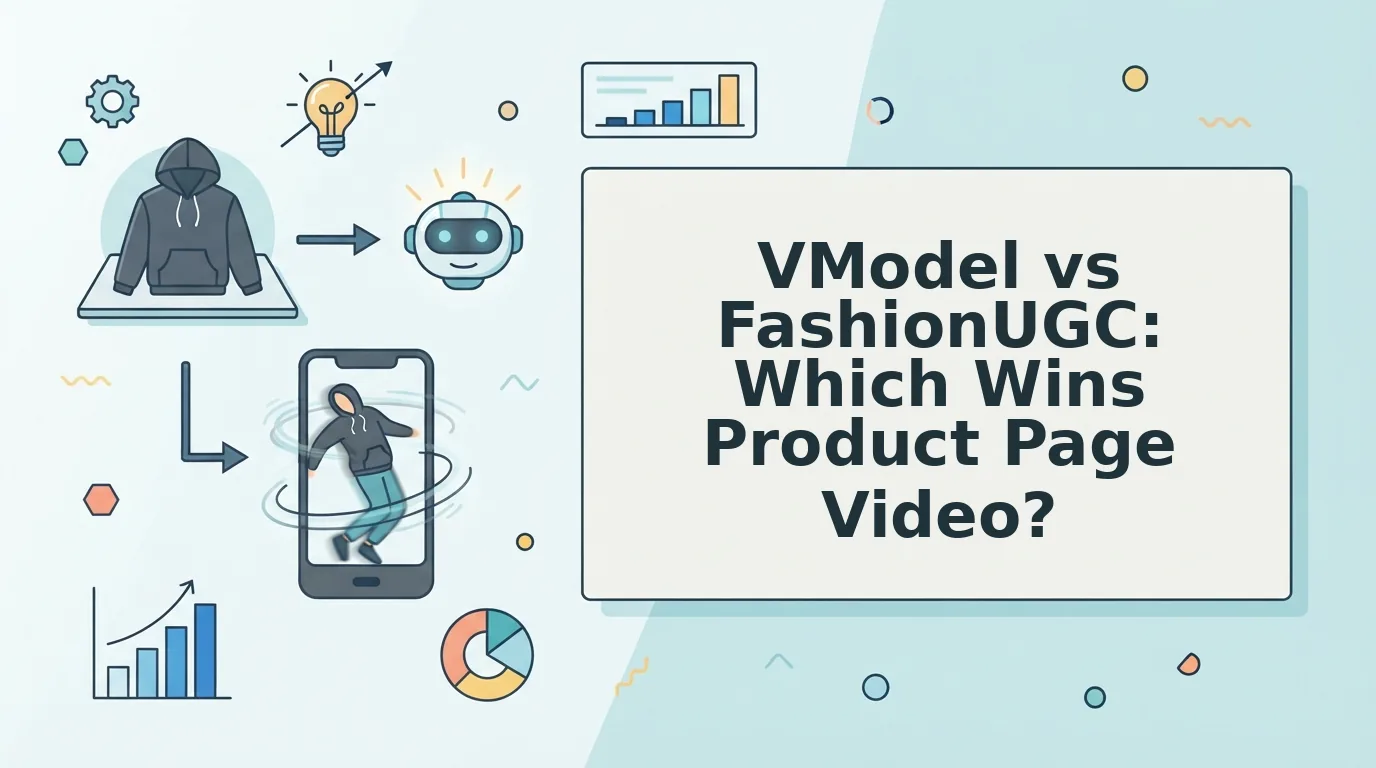

Your product page has a packshot, two flat lays, a size chart, and a note from your merchandiser that says "add video." Nobody specified which slot that video fills. That gap is what actually decides vmodel vs fashionugc product page video, and the two answers point in opposite directions.
Verdict first: stills fix the hero and the category grid; motion fixes the gallery, Reels, TikTok, and paid social. Both tools consume photographs you already own, so neither one demands a shoot day â which is precisely why buyers assume they are choosing between equivalents.
You are not picking a better vendor. You are picking which PDP slot to fill first, often from front-only imagery. What follows compares the two on output format, source-image requirements, and the slot each serves, then gives VModel its strongest honest case and names the situations where neither earns budget.
One high-traffic slot refuses both tools, and it is the one most teams try to fill first â that note closes the piece. One caveat up front: VModel's current output specifications, limits, and pricing were not verified for this article, so confirm them on its own product pages before committing spend.
VModel vs FashionUGC product page video compared by output, input, and slot
VModel produces on-model still imagery from garment photography; FashionUGC produces short 9:16 UGC-style motion from one to six product photos. The split is format, not quality â stills serve the hero and category grid, motion serves the gallery, Reels, TikTok, and paid social.
Four terms get used interchangeably and should not be. A virtual model still is a generated photograph of a garment worn by a synthetic model. A garment plate is the cleaned, evenly lit image of the item alone. A ghost mannequin shot shows the garment shaped as if worn, with no body visible. UGC-style motion is short vertical video built to read as creator-filmed rather than studio-produced.
| Criterion | VModel | FashionUGC |
|---|---|---|
| Output format | On-model still images (confirm current resolution on its own docs) | Short 9:16 UGC-style motion clips |
| Source images required | A clean, evenly lit garment plate, typically front-facing | One to six photos; output improves with front, back, profile, flat lay, on-body, and fabric detail |
| PDP slot served | Hero image, category grid, collection pages | Gallery, Reels, TikTok, Shorts, paid social |
| What it replaces | The model shoot and talent booking | The motion brief and video edit |
If your catalog is front-only, the source-image question decides this before quality does. Virtual-model workflows want a clean, evenly lit plate; photo-to-video workflows accept one to six photos and degrade when angles are missing. Upload front, back, profile, flat lay, on-body, and fabric detail where you have them â gaps show up as invented geometry, not as a soft render. Shoot or rescan hems, cuffs, and collars flat before either workflow. Our guide to product photos for AI fashion video covers the shot list.
Replacement mapping is the budget difference: stills retire the model shoot, motion retires the motion brief. Two line items, not one.
VModel's strength is genuine â consistent on-model imagery across a full category grid, at catalog scale, with no talent booking.
Best for VModel: a brand whose hero and collection pages live or die on model consistency. Best for FashionUGC: a performance creative team that needs motion for paid social from images already sitting in the DAM, with a human reviewing each clip before it ships.
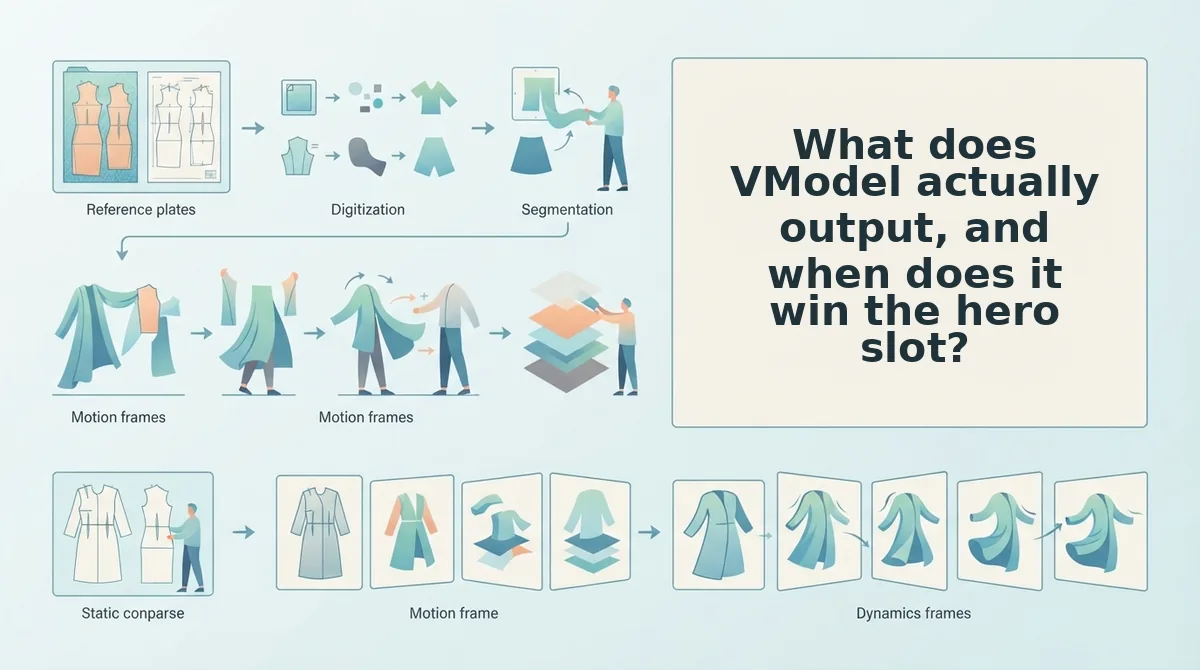
What does VModel actually output, and when does it win the hero slot?
A virtual model still is a generated photograph that places your garment on a synthetic model, rendered from a garment plate instead of a live fitting.
The output is an image, not a clip. That single fact settles most of the routing. If the slot you are filling accepts a still, VModel competes directly with the shoot you were going to book and removes talent, studio, and sample logistics from the line item.
Think of it as a mannequin program for a store window: swap the garment, keep the mannequin, and every window in the chain reads as one campaign. That is the real product â not one better photo, but a repeatable one.
At the intermediate level, this is where stills win outright. A category grid is scanned side by side, and a row of nine 9:16 videos cannot be compared that way; thumbnails of moving garments blur the silhouette differences shoppers are actually judging. Hero and collection pages are evaluated on consistency, and consistency is a stills-only benefit.
The advanced constraint is upstream. Garment-plate quality gates everything: front-only packshots with clipped hems limit what any virtual-model workflow ca
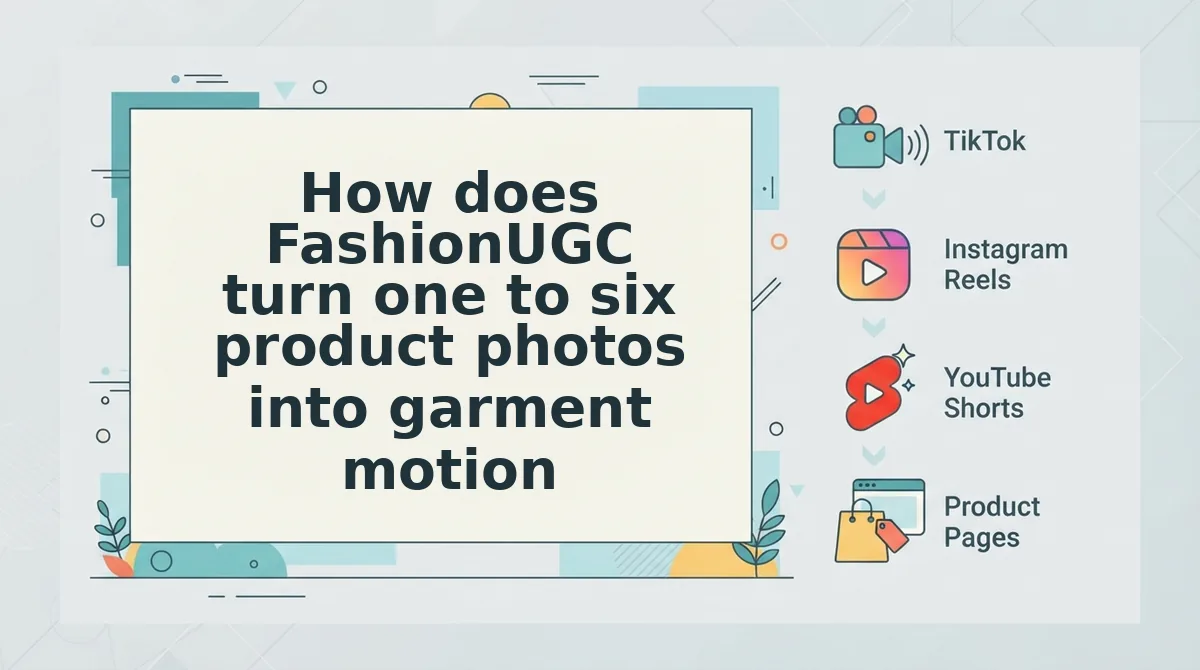
How does FashionUGC turn one to six product photos into garment motion?
FashionUGC turns one to six existing photos of a single garment into a 9:16 vertical video. No model, no studio, no shoot day â just the packshots and flat lays already sitting in your library.
FashionUGC is a browser-based generator that converts static apparel photography into UGC-style motion clips. Before you upload anything, run five checks against three SKUs. It takes about ten minutes and tells you which products are video-ready today.
- Sharpness: zoom to 100%. Soft weave stays soft in the output.
- Hem visibility: the full hem and cuff must sit in frame. Cropped hems read as an incomplete garment.
- Angle count: one photo works; three to six gives the generator the most to work with. More than six is surplus.
- Background consistency: mismatched backdrops across angles show up as visible jumps.
- Colour accuracy: compare the file against the physical garment under neutral light.
- Open the clothing video generator at fashionugc.org and start a new garment project. No install or plugin. You should see the upload panel.
- Upload one to six photos of the same item on the source panel. Lead with the front angle so it anchors the sequence, then confirm each thumbnail appears.
- Order the remaining angles â back, side, flat lay, detail â in the sequence you want them revealed. Wrong order is the most common reason a first draft feels off. If a flat lay is all you have, start with flat lay to fashion video.
- Generate. The output is a 9:16 vertical file sized for Reels, TikTok, and Shorts.
- Review and download. Watch the clip end to end before it leaves the browser. FashionUGC produces the file only â it does not publish anywhere, so a person approves every clip first.
Worked example: A store holds six-angle ecommerce sets for one knitwear style and a single flat lay for another. The six-angle set passes all five checks and goes straight into generation. The flat lay fails hem visibility, so it gets reshot against the same backdrop before it enters the queue. One SKU ships a video the same day; the other waits on a photo fix.
A garment is video-ready when one to six sharp, evenly lit, consistently backed photos cover the full silhouette.
That readiness test also marks the point where FashionUGC stops being the right call.
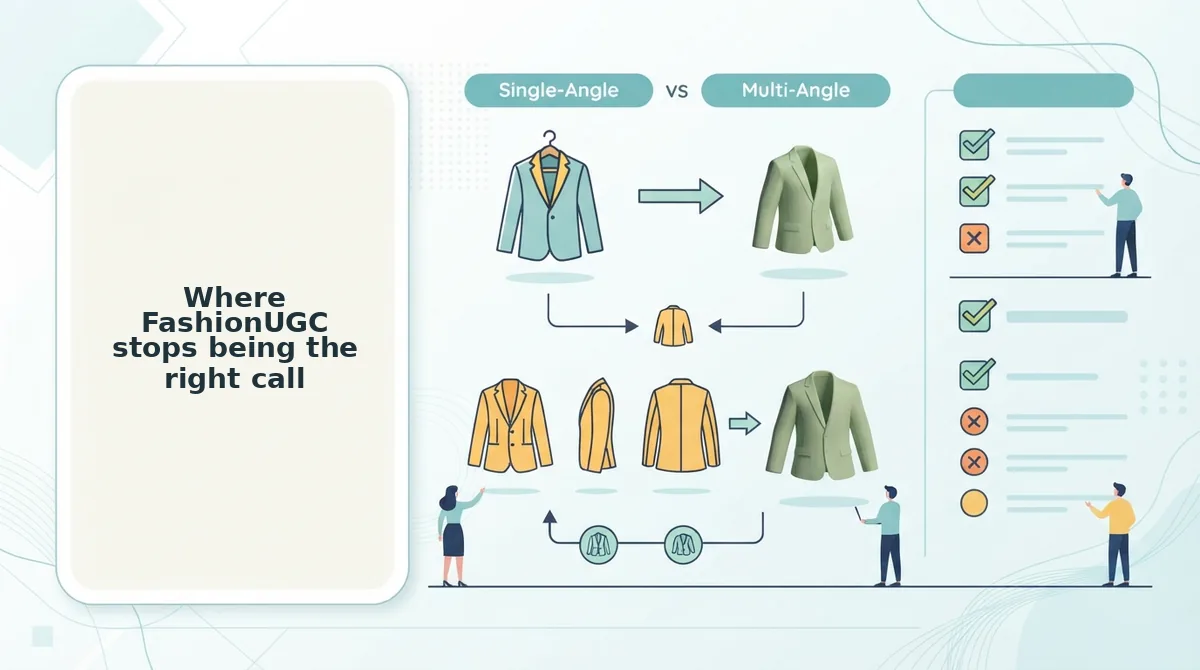
Where FashionUGC stops being the right call
FashionUGC is the wrong purchase in four situations: you sell outside apparel, your source photos fail the audit, you are buying performance rather than a file, or you need the asset published for you. FashionUGC is a browser-based video generation platform that converts static clothing photography into short-form, UGC-style clips. It is a production tool, and knowing its edges saves you a subscription.
- You sell beauty, accessories, or home. Clothing is the only live product category; beauty and accessories are not available yet. If your catalog is swimwear, handbags, and fragrance, the apparel workflow does not apply to most of it. Route those SKUs elsewhere and keep FashionUGC for the clothing lines.
- Your source photos would fail an audit. Motion generated from weak source photos will not substitute for a reshoot when fabric drape or construction is the selling point. Upload one to six angles â front, back, side, flat lay, on-body, fabric detail â and if you only have a single flat packshot of a garment whose value is in its hand-feel, book the shoot instead. For cases where sequencing matters more than motion, see slideshow versus garment motion on a PDP video.
- You need a performance number attached. The output is a file, not a campaign. FashionUGC makes no reach, conversion, or CAC claim, and the tool does not publish to social platforms. A person reviews every clip before it goes anywhere. Buy it to produce assets, not to buy an outcome.
- You expect the tool to ship the post. There is no scheduling, no ad account connection, no auto-publish. Budget the human review and upload step into your workflow before you count the time savings.
One scenario makes the boundary concrete. A merchandiser uploads three angles of a linen overshirt, generates a clip, and reviews it before publishing. The drape on the sleeve reads wrong because the fabric detail shot was soft. The clip is rejected and that single SKU goes back to a reshoot â while the rest of the drop, shot on a proper light table, moves through generation normally. The audit is the gate, not the generator.
If your catalog is clothing and your photos already cover multiple angles, FashionUGC turns one to six stills into a reviewable short-form clip for Reels, TikTok, Shorts, ads, and product pages.
Disclosure: this comparison is written by FashionUGC. VModel's pricing and specifications were not verified here â confirm them on VModel's own pages before you commit budget.
Start with one drop, not the whole catalog.
How to test both on one drop without rebudgeting the catalog
Test both on the three worst-converting SKUs in your catalog, not the newest drop. Assign each page slot to one asset type, then let your own conversion data settle the vendor question. You need both accounts open, one usable photo per SKU, and fifteen minutes to write the plan.
A slot matrix is a one-page table that maps every product page placement to a single asset type. Stills replace the model shoot; motion replaces the motion brief.
- Open your conversion report and sort by rate ascending. Skip any SKU without a usable front photo or packshot on file. You should see three SKU codes you recognize â usually the mid-priced basics, not the hero product.
- Type the slot matrix into your planning doc. Hero image â stills. Gallery â motion. Paid social â motion. Email â motion. Fit and fabric proof â neither. One asset type per row, one-line rule beside it. You should see five filled rows and no blank cells.
- Apply the routing rule to each SKU. If the hero is weak, commission stills first. If the hero is fine and the gallery is flat, commission motion. Every SKU inherits exactly one instruction, which is what lets you spread spend across two drops instead of signing with one vendor for the year.
- Upload one to six photos per motion SKU and generate. Review each file before it enters a product listing video slot, then reuse the same source images in your AI clothing ad generator run for paid social. You should end with one approved file per slot.
Worked example
Three slow SKUs, each with a sharp front shot and a thin gallery. The heroes held up, so the routing rule sent all three to motion. The result: gallery, paid social, and email slots filled from photos already on file, and the stills budget left intact for the next drop.
With the test closed, the remaining question is what to commission next for your product page video.
What to commission next for your product page video
This week, audit the photos you already own, fix your weakest PDP slot, and put both tools against three SKUs before you commit catalog budget.
If you keep one line from this comparison, keep the routing rule: stills take the hero slot, motion takes the supporting slots, and neither one replaces a reshoot when construction or drape is the proof the buyer needs.
- Soft path: work through the fashion video guides and repair your source photography first.
- Medium path: open the fashion product video generator and see what one to six angles realistically produce.
- Strong path: upload three SKUs, generate, and review every file before anything publishes.
Expect three slot-matched videos you have watched yourself â worth more than any comparison table, including this one. The question this article opened with closes here: neither name fixes a PDP on its own. The slot does.
Stop shopping for a winner and start assigning jobs, because the tool that fixes your product page is the one whose output matches what each slot is actually proving.
