


A slideshow shows a garment's surface; garment motion shows its behavior. That is the whole slideshow vs garment motion PDP video question in one line. Photo slides prove print, weave, trim, and construction detail. Motion proves drape, hem weight, and how a collar sits once a body moves. Neither format substitutes for the other.
Three terms carry this. A PDP is the product display page for one SKU. A packshot is the cut-out catalog still. Drape is how fabric hangs under its own weight â jersey pulling at a shoulder seam versus poplin holding a boxy line.
You likely already own the photos for one of these formats, which is why the question lands mid-season, page live, calendar full. What follows is what each asset can physically show a shopper, and where the cheaper slideshow is genuinely the better call.
The order runs: disclosure criteria, mechanical limits of pan-and-zoom, then an asset gate that settles this before budget does. One counterintuitive point surfaces later â in apparel the format that resolves more objections is often the one that moves least, much as product listing videos only work when the photography underneath them holds up.
What should a product page video for apparel prove?
A product page video for apparel should prove what a still photo cannot: how the fabric falls, how the garment holds at the points where it is stressed, how it scales on a real body, and how the material behaves when it moves. Conversion claims are not verifiable; garment behavior is. That is why every format deserves judging on disclosure alone â a PDP video is an evidence format, not an entertainment format.
The Four-Disclosure Framework is a four-part test for garment video â drape, construction at stress points, scale on body, and material behavior in motion â scored only by what an asset can physically show a shopper.
| Disclosure | Slideshow | Garment motion |
|---|---|---|
| Fabric drape | Partial â the fall, not the recovery | Full |
| Construction at stress points | Strong, given detail close-ups | Strong â shows strain, not just seams |
| Scale on body | Strong if an on-body shot exists | Strong |
| Material behavior in motion | Cannot | Full |
Reading the rows
Drape. A well-lit still shows the fall of a hem under studio light, but never how the fabric recovers when it lifts.
Construction at stress points. Slideshows handle armholes, plackets and waistbands well when you own the close-ups; motion shows the pull instead of implying it.
Scale on body. The row where slideshows draw level â provided the source set includes an on-body frame.
Material behavior in motion. Slideshows lose outright. No pan, zoom or crop reveals how linen creases at the elbow.
Best fit by team
- Best for a lean catalog team: a slideshow â one honest packshot, edited in minutes, no shoot required.
- Best for a DTC brand holding multiple angles per SKU: motion â you already own the inputs.
Our recommendation: if your library already holds several angles per item, build motion; if it holds a single flat lay, fix the library first. Choose a slideshow when photographic fidelity is the priority and the garment is simple. Choose motion when drape and movement carry the sale.
FashionUGC ingests one to six stills per item â front, back, side, flat lay, on-body, fabric detail â so the four disclosures can come from photography you already have rather than a new shoot, with a person reviewing each file before it goes anywhere.
Where the slideshow stops being enough becomes clearer once you know what a pan-and-zoom sequence is mechanically doing.
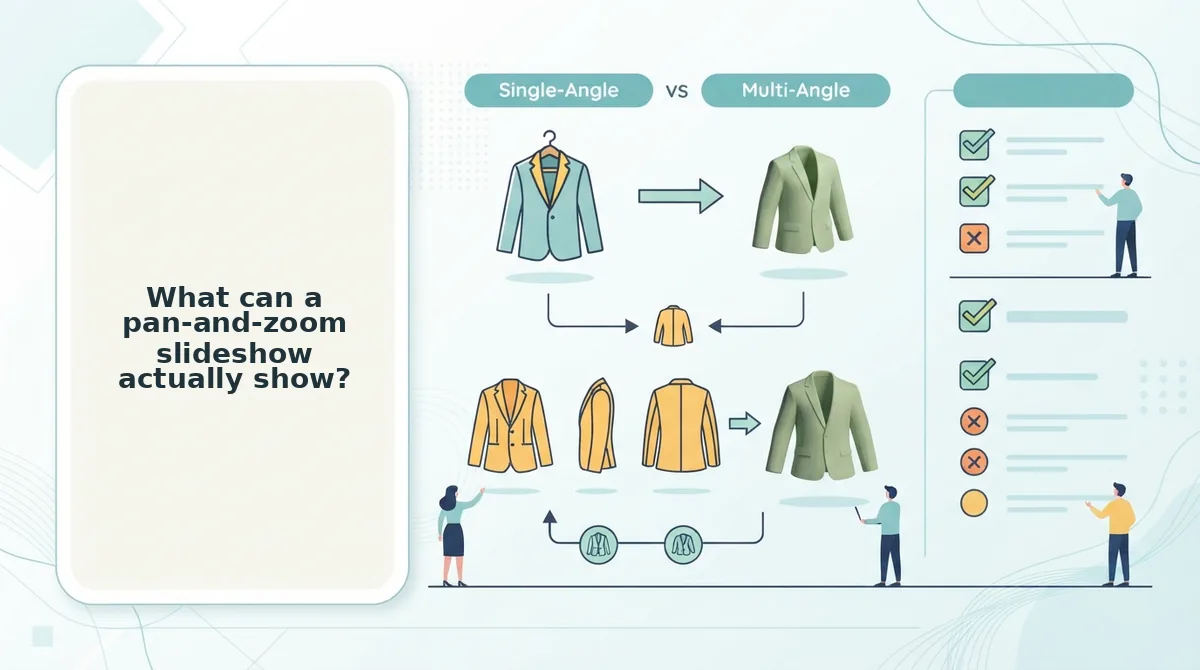
What can a pan-and-zoom slideshow actually show?
A pan-and-zoom slideshow shows one thing extremely well: a fixed photograph, moved. It reveals every detail the source image already contains, and nothing the garment does in real life.
Pan-and-zoom product video is a short sequence built from a still image, in which a scripted camera path (a lateral slide, a slow push in, a diagonal drift) simulates motion across the frame while cuts carry the viewer from one photo to the next. The camera moves. The subject does not.
What the format is, mechanically
Build one and the constraint becomes obvious. You supply a flat lay, a ghost mannequin shot, or a packshot. You set a start frame and an end frame, pick an easing curve, and choose a cut cadence â often two to four seconds per still. The renderer interpolates between the two states.
No new frame of reality enters the file. Every pixel in the output traces back to a pixel in the input, scaled, shifted, or dissolved. Think of it as a museum audio guide versus a guided walk: the narration can point, but the painting never turns to face you.
The disclosure gap
That structural limit has a specific cost on a clothing page. A shopper standing in a fitting room wants to know three things a camera move cannot answer:
- Drape â how the fabric falls when gravity and a body act on it together.
- Hem weight â whether a midi skirt swings out or hangs close to the calf with a heavier hand.
- Collar behavior â how a shirt collar sits at the shoulder when an arm lifts or a torso turns.
All three are behaviors, not surfaces. A fixed plate has no behavior to sample. The zoom can approach the hem indefinitely and still never show you what the hem does.
Where slideshows genuinely win
Concede this properly, because it is real: a tight push-in on a still beats most generated motion at showing weave structure, print repeat, and trim detail. Stitch density, a jacquard motif's alignment across a seam, the finish on a metal zipper pull â magnification reads these consistently, because the information is already in the photograph at full fidelity. Generated motion reinterprets surfaces and can soften or drift them. If your product's value sits in the textile rather than the silhouette, a slow pan across a fabric macro shot is a defensible asset, not a compromise.
The honest workflow follows from that: use pans and zooms to answer what is this made of, and look elsewhere for how does it move. A 3â6 angle upload set, as FashionUGC's ingestion supports, gives a slideshow more plates to cut between â more coverage, same fixed plates.
Which leaves the question of what a garment does once it is allowed to move.
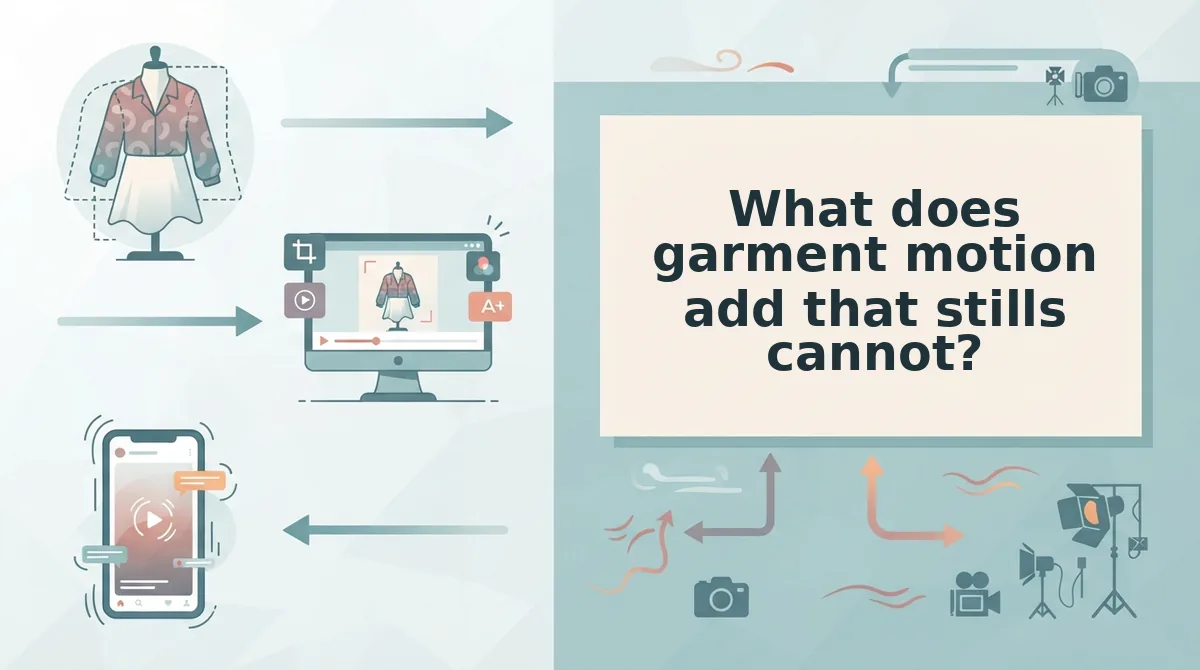
What does garment motion add that stills cannot?
Garment motion is generated footage in which the fabric itself moves â hem sway, sleeve fall, a collar settling â rather than a camera gliding across a frozen frame. It supplies the one fact a still cannot record: how the garment behaves under gravity and body movement.
Before you start, gather one to six photos of the same item â front, back, side profile, flat lay, on-body, or fabric detail â plus a browser and about 15 minutes. No model, studio, or lighting rig is required.
- Upload your angles. Open the generator and place the photos into the source slots, one garment per run. You should see every angle you plan to use listed before you generate. (5 minutes)
- Check sharpness and lighting first. Zoom to the hem, cuff, and seams, and replace any soft or flatly lit frame. Output inherits the resolution and light of the plates it came from. You should see clean edge detail at the stress points. (2 minutes)
- Select the 9:16 vertical ratio. Choose the crop that matches where the clip will live: Reels, TikTok, Shorts, or the PDP gallery. You should see the preview frame refit to vertical.
- Generate, then review frame by frame. Watch hem weight and collar behaviour, not smoothness alone â nothing publishes itself. You should see fabric moving the way it does on a body, and a file you can approve or discard.
Worked example: a boutique holds four ghost mannequin angles of a bias-cut satin dress. A five-frame zoom sequence shows the same silhouette four times, slightly larger. Motion generated from those four plates shows the bias seam travelling as the fabric turns. Bias cut is the hard case because the garment's shape is produced by gravity and drape rather than by seams â exactly what magnification cannot display.
If your catalog starts at a flat lay rather than a mannequin set, the flat lay to fashion video guide covers that entry point. To turn clothing photos into video, run one SKU both ways and compare before you commit a season.
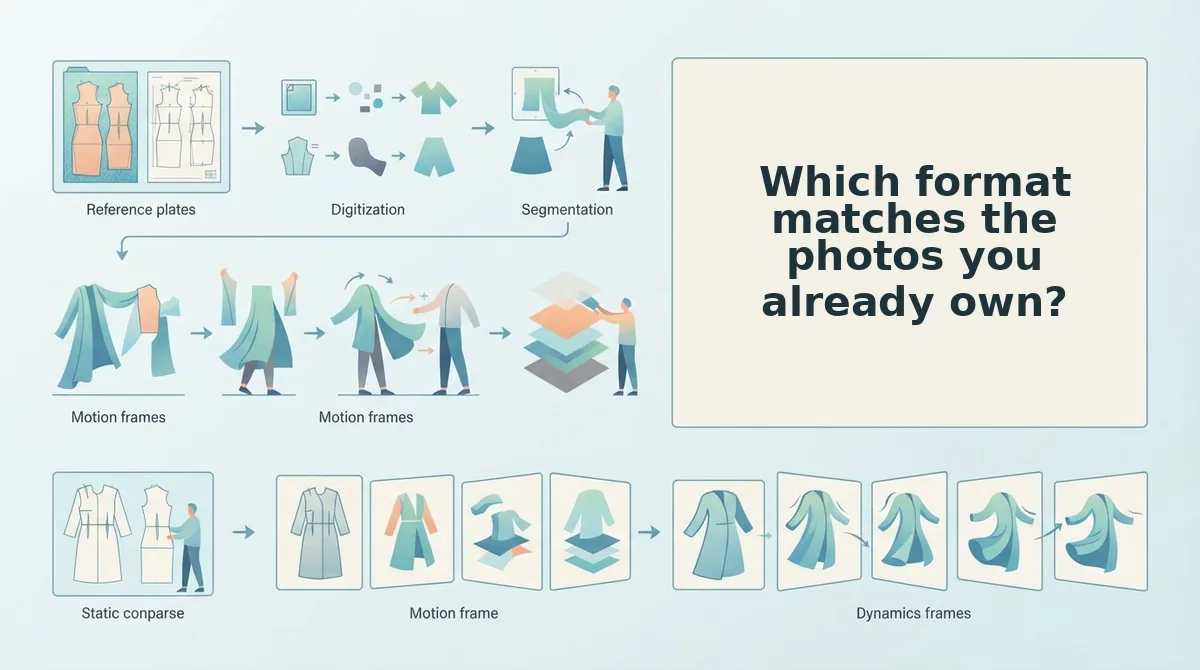
Which format matches the photos you already own?
The reliable answer is whichever format your existing image inventory can actually support â this is an inventory constraint before it is a creative preference.
- Ghost mannequin set (four or more angles): motion. A ghost mannequin set gives the generator body-scale reference and clean construction views. Generate vertical motion and let it disclose drape, hem weight, and sleeve fall. Use it when the garment's appeal depends on how it moves.
- Three to six detail angles: motion, with a construction caveat. This is enough coverage for fabric behaviour. Structured tailoring still benefits from one true close-up alongside the clip, because lapels and stitching read better magnified than in motion.
- Flat lay only: slideshow now, motion after a reshoot. A flat lay sits outside the source-image mix that motion generation expects, so a pan-and-zoom is the honest interim asset. Add two on-body or mannequin frames and the same SKU becomes viable for motion.
- Single packshot: slideshow, labelled as such. One still supports sequencing, not behaviour. Keep copy adjacent that states what the frame cannot show, and queue the SKU for a reshoot before paid spend.
Which garments benefit most from motion? Structured tailoring â blazers, denim jackets, corsetry â rewards magnification, because its value sits in seams, lapels, and topstitching that a zoom holds still. Fluid drape â bias-cut satin, jersey, chiffon â rewards behaviour, because its shape is created in movement and vanishes in a still. Route thin inventory to slideshow: it is the honest choice when you cannot show behaviour. Route qualifying inventory to motion, because those angles already exist and cost nothing extra to use. Start in the clothing video generator once you hold three or more angles of one SKU.
Where does each format fall short, including ours?
A PDP video asset is a rendering of the photographs behind it, so it carries every limitation those photographs already had.
The slideshow ceiling is an evidence gap, not a quality gap. A pan-and-zoom sequence can be beautifully graded and still say nothing about hem weight, because that information was never in the frame. Think of it like enlarging a print: the image grows, the detail does not.
The source-image ceiling is harder to design around. Generated motion inherits the resolution, lighting, and sharpness of the plates it was built from â a soft, dimly lit phone shot caps the output regardless of the settings you choose. A person reviews each file before it publishes; the tool drafts, it does not approve.
The deepest limit is that motion cannot invent construction. If a plate does not show a seam, the seam will not appear. Stitching that is illegible at upload stays illegible at delivery, and no amount of generated movement recovers it.
Put plainly: a photo slideshow sequences the evidence you already own, while a garment motion clip renders it â and for product listings, neither format outruns its source. The realistic choice is between two honest renderings of the same photos, not between proof and imitation.
Both ceilings get easier to manage once you decide what the page needs to establish first.
What should you put on the product page first?
Lead with whichever format closes your SKU's biggest purchase risk. Decide per garment, not per brand.
- Default to motion when drape, hem weight, or construction at stress points is what stops the sale.
- Default to a magnified slideshow when inventory is thin and photographic detail is the entire pitch.
That resolves the asset gate: the deciding variable is never preference, it is what your folder of photos can prove. A catalogue with three to six usable angles usually clears it without a reshoot.
If your inventory clears the gate, take one garment â upload its angles to the fashion product video generator, review the output, and set it against the slideshow already on that page.
The right PDP video is not the more impressive format; it is the format your existing photos can honestly support. Settle that per SKU once, and every future drop inherits a rule instead of a debate.
