
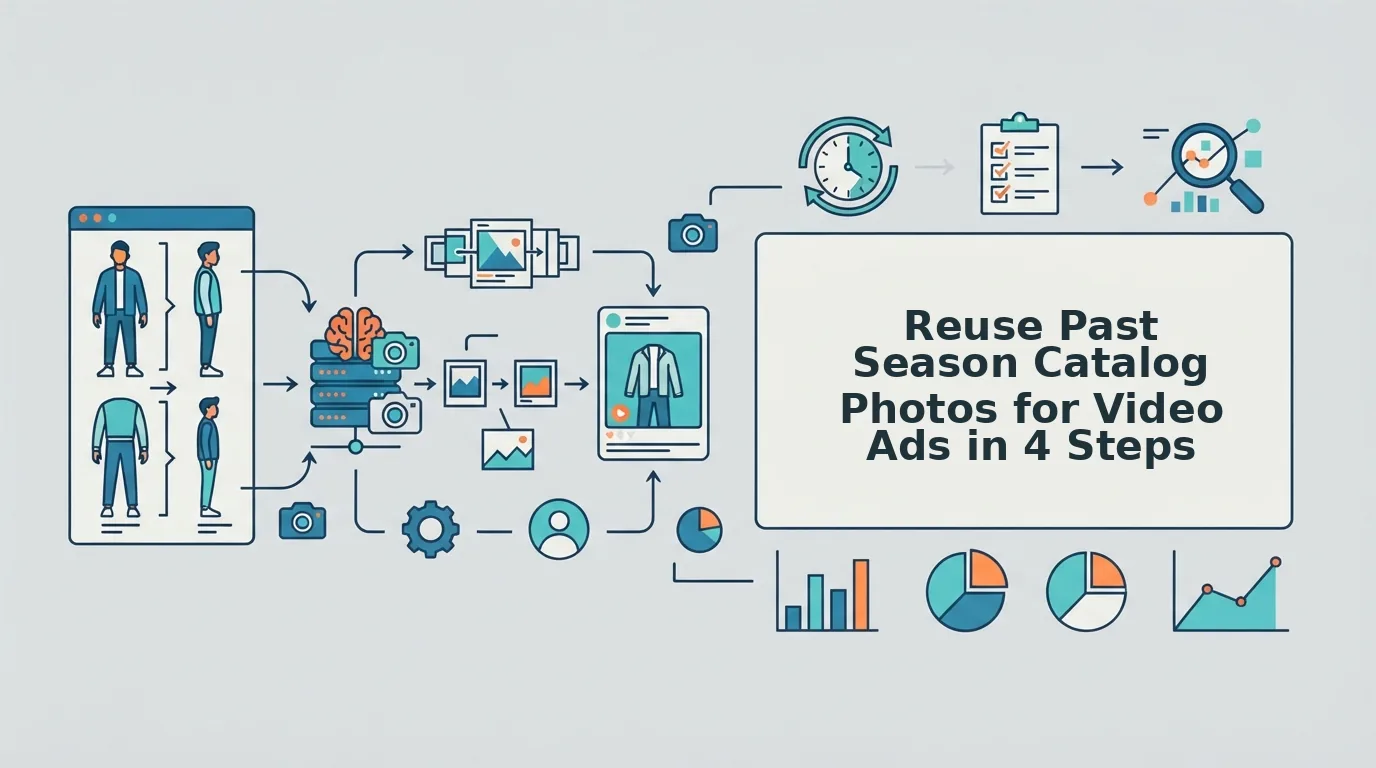

Your archive holds hundreds of packshots and flat lays, your current ad set is fatigued, and there is no budget for a studio reshoot. You can reuse past season catalog photos for video without booking a new shoot, as long as you start with the right images.
This problem shows up one SKU at a time. Picture a Shopify seller with last fall's ghost mannequin shots of a jacket that is now back in stock. The photos are sharp and color-accurate, but a static image does not fill a 9:16 Reels or TikTok placement the way vertical motion does.
This guide gives you a no-reshoot path from archived stills to 9:16 UGC-style clips. It covers a readiness test for old photos, a step-by-step generation workflow, and a review check to run before anything goes live.
Not every old photo qualifies. Some archive shots will produce weak motion and cost you more than they save. The next section gives you the test to find them.
Key takeaway: Upload 1 to 6 angles of one garment, generate the clip, then review it before posting.
Which Past-Season Photos and SKUs Are Worth Reusing?
Reuse sharp, evenly lit photos of SKUs you still sell or are restocking. Retire low-resolution shots and anything tied to discontinued items.
An archive photo is reusable for video when it passes five checks: it is high-resolution and sharp, the lighting is even, the hems and construction are visible, you have 1 to 6 angles of the same garment, and the color matches current stock. A photo that fails any of these checks needs a fix or should be retired.
Archive Readiness Scorecard
| Criterion | Reuse now | Reuse with one supplemental detail shot | Retire |
|---|---|---|---|
| Resolution and sharpness | Crisp at full size | Main angles crisp, close-up soft | Pixelated or blurred |
| Even lighting | Soft, consistent exposure | One angle slightly uneven | Harsh shadows or blown highlights |
| Visible hems and construction | Seams, hems, and closures readable | Construction hidden in one area | Key details cropped or obscured |
| Angle coverage (1 to 6 photos) | Front plus supporting angles | Missing a fabric detail angle | Single unusable angle |
| Color accuracy vs. current stock | Matches current dye lot | Minor shift, fixable with a new swatch shot | Visibly different colorway |
Our position is simple: low-resolution or harshly lit stills do not produce production-ready motion. Animating a flawed photo makes the flaw more visible.
Season-to-Campaign Reuse Matrix
| SKU status | Video approach | Best for |
|---|---|---|
| Carryover or core SKUs | Full UGC-style video for always-on ads | Performance creative teams refreshing fatigued ad sets |
| Restocks | Full UGC-style video for the relaunch | Shopify operators announcing a return to stock |
| Clearance | Short, direct offer clips | Merchandisers moving remaining inventory |
| Discontinued | No ads | Nobody. Put the budget toward live SKUs. |
Start by sorting. A merchant should separate carryover basics from clearance items before generating anything, because each group gets a different clip length and message.
A smaller, well-shot archive beats bulk conversion. Animating every old image fills an ad account with weak variants that teach you nothing. A dozen clean SKUs give you creative you can actually test.
Full reshoots and creator-made UGC still have clear strengths. They deliver new styling, real voices, and fresh settings that archive photos cannot. However, if a garment's main angles pass the scorecard and only the fabric texture or a hem is missing, one new detail shot is a better choice than a full reshoot. That single photo completes the angle set at a fraction of the effort, and FashionUGC's multi-angle ingestion accepts it alongside your existing archive images.
For clearance and offer-led creative, the AI clothing ad generator fits short promotional clips.
How to Turn Past-Season Catalog Photos Into Video Ads Step by Step
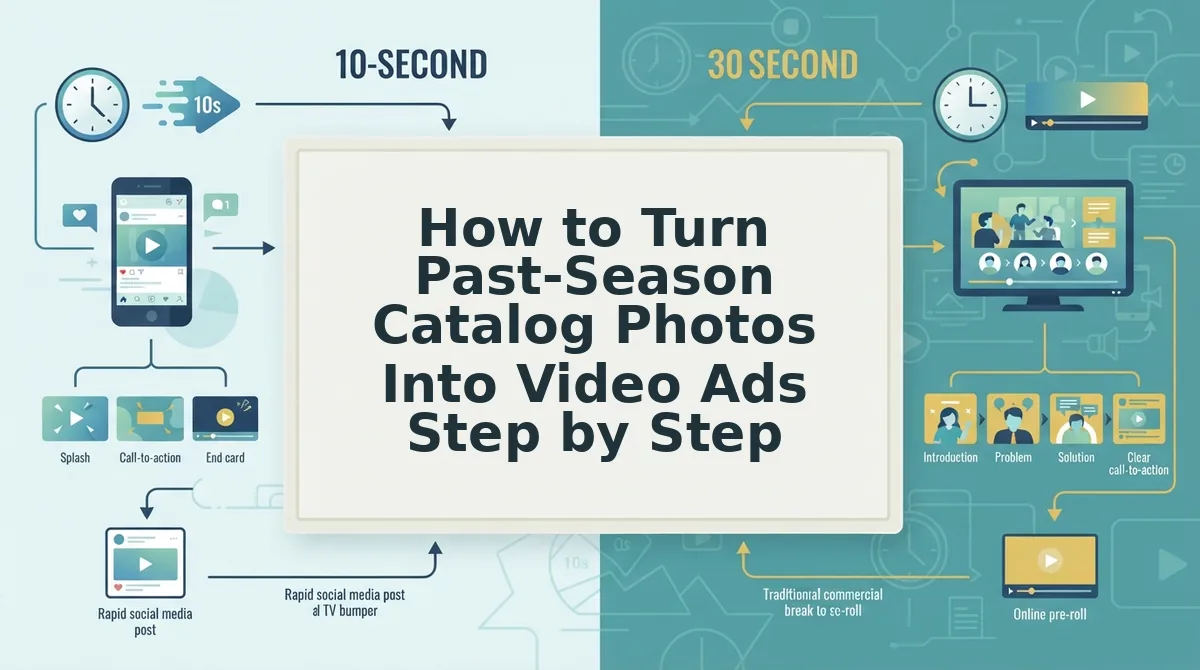
Audit the archive, pick the strongest angles, generate a 9:16 clip, and review it before posting. The workflow runs in four stages for each SKU.
To turn past-season catalog photos into video ads, first audit your archive against five criteria: sharpness, lighting, visible construction, angle coverage, and color accuracy. Next, pick 1 to 6 photos of a single garment and include front, back, side, flat lay, on-body, or fabric detail angles where you have them. Then upload the photos to a browser-based generator such as FashionUGC, generate a vertical 9:16 UGC-style clip, and have a person review the result for fit, color, and construction accuracy before it goes to any ad account or product page.
Prerequisites: your SKU list with current stock status, the archived image files for each SKU, and a browser. You do not need editing software.
- Export your active SKU list. Pull carryover, restock, and clearance items from your store admin. Expect about 15 minutes. You should end up with a list that leaves out discontinued items.
- Score each SKU's photos. Check each image against the readiness scorecard and tag it as reuse now, supplement, or retire. Allow a few minutes per SKU. You should have a shortlist of garments that are ready to generate.
- Stack your angles. Select up to six photos of one garment. Stacked angles keep the garment consistent from frame to frame. Fit-sensitive categories such as denim, tailoring, and dresses need back and side coverage so the silhouette holds as it moves.
- Upload the photos. Open the generator in your browser and add 1 to 6 images of that single garment. Ghost mannequin and flat lay shots are both accepted, and flat lays get fabric drape applied in motion. See the flat lay to fashion video guide for details.
- Generate the clip. Run the generation for a 9:16 output. You should get a UGC-style clip with the garment in motion. It should not look like a pan-and-zoom slideshow made from a template.
- Review before export. Compare hems, closures, and color against current stock. If anything drifts, regenerate the clip or retire that SKU.
Template tools slide a camera across a still image. A dedicated clothing video generator builds motion from the garment itself.
If your ad set is fatigued and your archive is full, start with your three strongest carryover SKUs and produce UGC-style fashion videos from the photos you already own.
Before any clip ships, run one final check.
How to Check the Video Worked Before It Ships
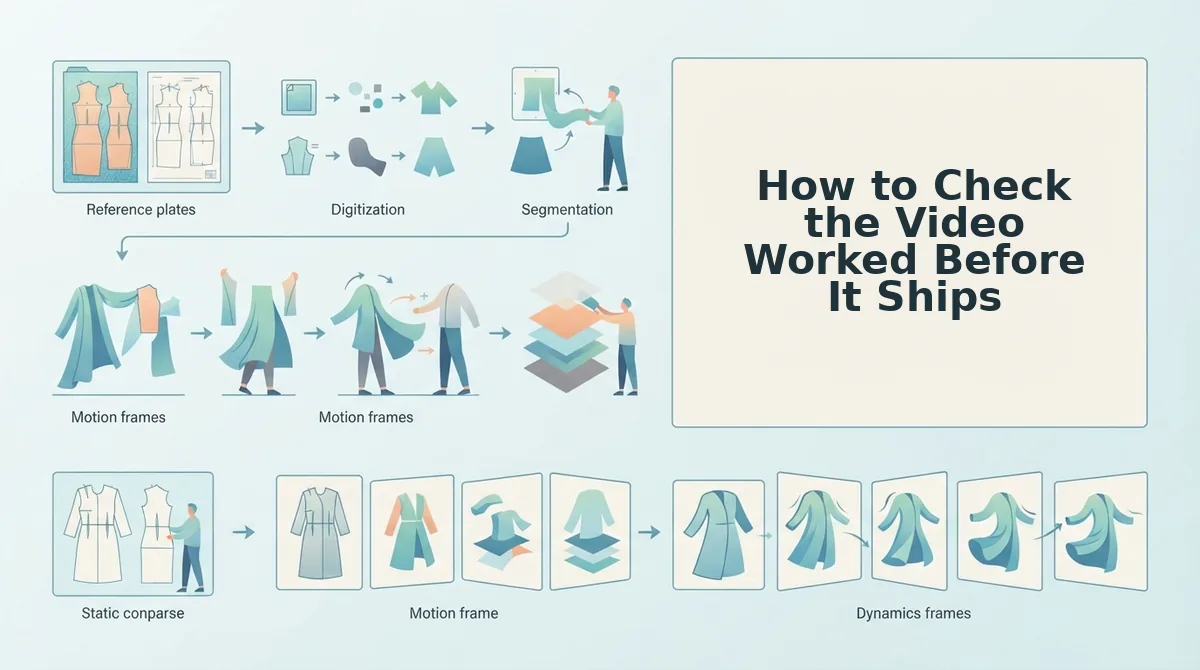
A pre-ship review is a human check that confirms a generated clip shows the garment you actually sell, framed correctly for its placement. Run it on every video file before it reaches an ad account, social channel, or product page.
Think of it like a final fitting before a garment goes on the shop floor. The pattern may be right, but someone still checks the seams on a real body.
Human review checklist
- Color match: Does the garment match the shade currently in stock, not a discontinued colorway? Our guide to garment color accuracy in AI video covers what to compare.
- Construction intact: Are hems, prints, seams, and closures preserved, with no warped logos or missing buttons?
- Angle consistency: Does the garment keep the same shape and details across frames? A frame is one still image in the video sequence.
- Framing: Is the clip a correct 9:16 vertical, meaning taller than wide, as Reels, TikTok, and Shorts expect?
These checks mirror the reuse scorecard from earlier. A SKU that scored high on color accuracy and angle coverage should pass quickly, while a SKU that scored low may need better source images.
Consider an agency that refreshes a client's archived flat lays for Reels. Before handoff, a reviewer compares each clip to the current product page swatch, scrubs frame by frame for print distortion, and confirms 9:16 framing. The outcome is a reviewed video file with no performance claim attached.
What FashionUGC does and does not do
- It outputs a video file only.
- A person reviews the output before posting, because the tool does not publish anywhere.
- It makes no promise about ad performance.
- It covers clothing only. Beauty and Accessories are not yet available.

FAQ About Reusing Old Catalog Photos for Video
Most questions about reusing old photos come down to four topics: whether you need a reshoot, how many angles to upload, how the motion looks, and which product categories are supported.
Can I make video ads from old catalog photos without a reshoot?
Yes. FashionUGC generates UGC-style short-form video from apparel photos you already own. Archived packshots, flat lays, and on-body shots can become Reels, TikTok, and Shorts creative without booking a new shoot. Confirm the garment still matches current stock before you use the clip.
Do I need multiple angles, or will one photo work?
One photo works. FashionUGC accepts between one and six stills of a single apparel item. Adding back, side, and fabric detail angles gives the generator more of the garment to work from, which helps it keep construction and prints consistent as the item moves.
Will the result look like a generic slideshow?
No. The output is motion generated from the garment itself, unlike pan-and-zoom template tools that move a virtual camera across a static image. For that reason, you should still review the clip to confirm that hems, prints, and color hold up in the generated movement.
Can I use the same workflow for accessories or beauty products?
Not yet. Only clothing is live in FashionUGC today, and Beauty and Accessories are not available. For now, limit past-season reuse to apparel SKUs such as tops, dresses, outerwear, and bottoms. Keep bags, jewelry, and cosmetics out of the upload queue.
Start With One Past-Season SKU
Start with a single SKU folder instead of the whole archive. One reviewed clip will tell you more about your back catalog than any audit spreadsheet.
This is the payoff promised at the start. The footage gap was never really a shoot problem, because your past seasons already hold the raw material. The real work is choosing the right photos and checking the results.
- Score one folder against the reuse scorecard, then match it to a campaign job.
- Upload its best one to six angles, then review the clip against the checklist.
Pick that folder now and turn clothing photos into video so last season's catalog can work for you again.
