

Your best-performing ad creative just hit fatigue, and reshoots for every SKU would burn through a quarter's production budget in two weeks. The fix isn't another front-and-back photo set, it's the side angle clothing photos for listing video you probably already have sitting in your catalog, ignored. Here's the problem: feeding only front and back angles into an AI video generator forces the model to guess at fit, and those guesses show up as warped torsos, floating sleeves, and hems that drape like cardboard. You're right to be skeptical of any tool that promises motion from stills without the right inputs. This guide gives you a practical framework for selecting and using side angle photos to improve AI-generated listing video accuracy, garment by garment. You'll learn which side shots actually matter, what they capture that other angles miss, and when to skip them entirely. One finding ahead may surprise you: a bad side photo hurts output quality more than no side photo at all. If you're ready to turn clothing photos into video, start with the angle most brands overlook.
Should You Include Side Angle Clothing Photos for a Product Listing Video?
Yes, include one side angle photo per garment when the side seam, hem, and sleeve profile are visible and well-lit. Side angles improve fit and drape accuracy in AI-generated listing videos, especially for fitted garments. Skip side angles if the photo is wrinkled, backlit, or crops the hem.
A side angle clothing photo is a still image captured at roughly 90 degrees from the garment's front-facing orientation, showing the profile silhouette from armpit to hem. Think of it like a blueprint's elevation view: the front photo tells you what the house looks like, but the side elevation tells you how deep the rooms actually are. Without that depth signal, an AI video model has to interpolate, a technical term meaning it fills in missing information by guessing from patterns it has seen before. Guesses work fine for loose silhouettes. They fail on anything fitted.
Start simple: if your catalog already contains a side profile shot, include it in every AI video generation batch. The model uses the side view to anchor the garment's lateral proportions, how far the fabric sits from the body, where the sleeve attaches, how the hem falls. Intermediate workflow: when shooting new product photography, add one side angle per garment as a standard capture, positioned at hip height with even lighting and the full hem in frame. Advanced consideration: for structured pieces like blazers, tailored trousers, or corset tops, a single side angle is non-negotiable because the garment's shape is defined by its profile, not its front.
The contrarian caveat matters more than most brands expect. A side photo with deep wrinkles, harsh backlighting, or a cropped hem teaches the AI model the wrong silhouette. The model will faithfully reproduce those flaws as motion artifacts, fabric that bunches strangely, hems that flicker, sleeves that twist. In those cases, omitting the side angle entirely produces cleaner output than including a bad one, because the model falls back to conservative front-and-back interpolation rather than learning from corrupted depth data.
What Side Angle Photos Actually Capture That Front and Back Photos Miss
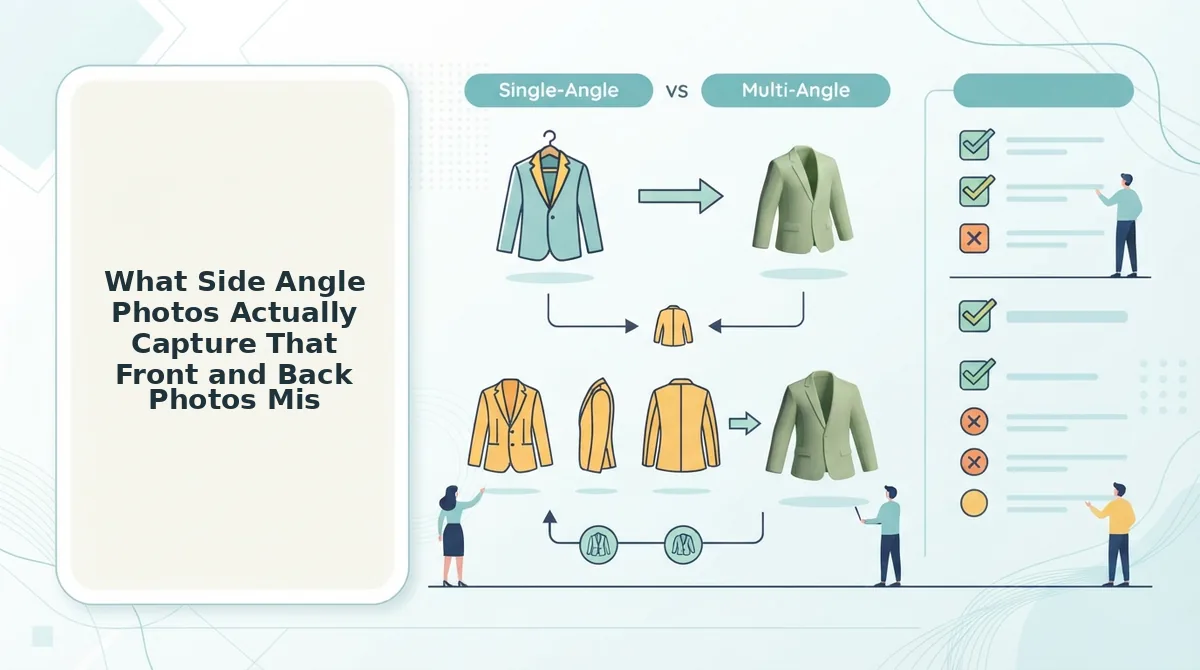
Side angle photos capture torso fit, sleeve pitch, collar roll, and hem drape, four depth-dependent details that front and back views cannot show. These details directly reduce motion artifacts in AI video generation because the model no longer has to invent lateral proportions.
A side angle photo in apparel photography is a profile-view still that records how a garment occupies three-dimensional space along its depth axis. Front and back photos are like reading a book's cover and back cover, you know the title and the summary, but not how the story unfolds. The side view is the spine: it shows how all the pages connect.
Start with torso fit. A front photo shows chest width; a side photo shows whether the fabric skims the body or billows away from the lower back. That distinction determines whether an AI-generated video renders a dress as tailored or tent-like. Next, sleeve pitch, the angle at which a sleeve hangs from the shoulder seam. Front views flatten this angle; side views reveal whether the sleeve falls naturally or pulls forward. Collar roll, the curve a collar makes as it wraps the neck, behaves the same way: it only reads correctly from the side. Finally, hem drape, how the bottom edge of a garment falls and moves, depends on fabric weight and cut, both of which are legible only in profile.
For a concrete workflow, consider a flat lay to fashion video pipeline. A flat lay gives the AI model fabric texture and print placement, but zero depth information. Adding one side angle photo of the same garment on a hanger or mannequin supplies the missing profile data, letting the model generate motion that respects how the garment actually hangs. The result is fewer warped silhouettes and less manual cleanup. Side angle priority varies by garment type.
Side Angle Priority by Garment Type
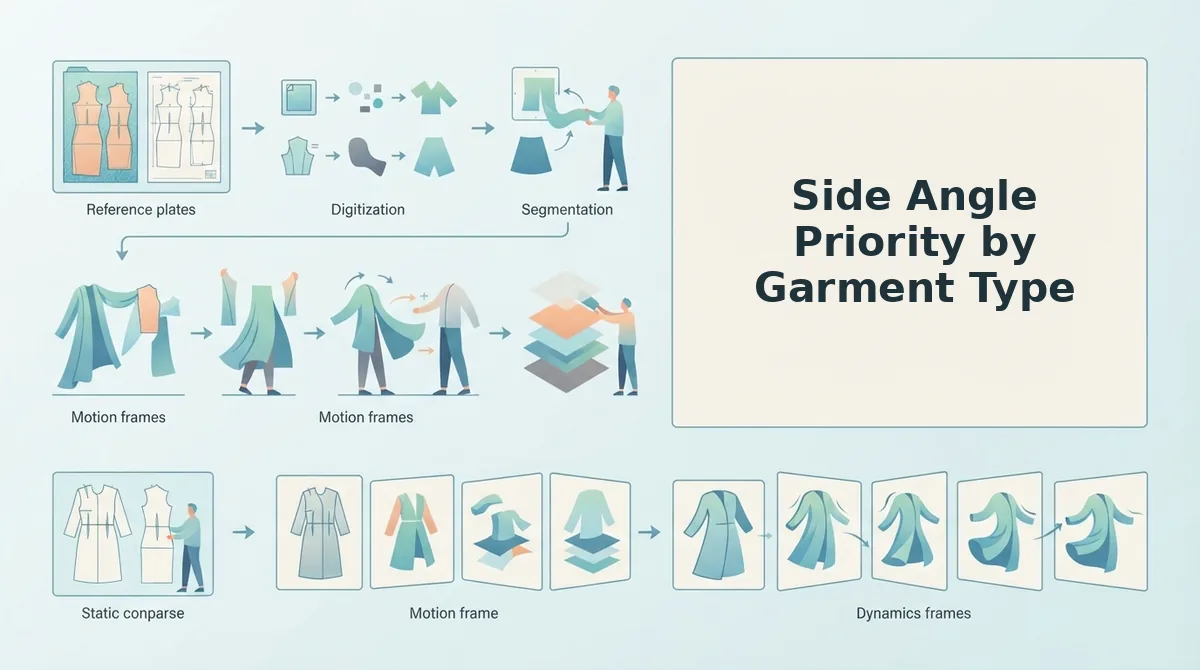
Side angle photos are not equally valuable for every garment category. The amount of motion accuracy a side view adds depends on how much of the garment's fit information is stored in its lateral profile.
The Side Angle Priority Matrix below ranks garment types by how much side-angle photography improves AI video output. Fitted tops and dresses gain the most because torso fit and sleeve pitch are primary motion cues that front and back photos cannot capture. Loose knits gain the least because drape is less angle-dependent and can be inferred from flat lays and front views.
| Priority Tier | Garment Type | Why Side Angles Matter | Best For |
|---|---|---|---|
| High | Fitted tops, blouses, dresses | Torso fit and sleeve pitch are primary motion cues; side views reveal bust-to-waist contour and armhole angle that front/back photos flatten. | DTC brands running Meta and TikTok ads where garment fit drives click-through and return rates |
| High | Fitted outerwear (blazers, tailored jackets) | Shoulder slope, lapel roll, and sleeve drape are only visible from the side; these cues determine how naturally the garment moves in generated video. | Premium apparel merchants where tailoring quality is the purchase trigger |
| Medium | Denim, trousers, structured skirts | Side views show hip-to-hem line and seat fit, but motion accuracy depends more on leg drape and fabric weight, which front and back photos partially convey. | Denim and bottom-focused brands testing video for product pages |
| Low | Loose knits, oversized sweaters, flowy dresses | Drape is less angle-dependent; AI can infer volume and movement from front views and flat lays without significant accuracy loss. | High-volume SKU catalogs where shooting speed matters more than per-garment precision |
Competitor platforms that accept only front and back photos handle loose knits adequately, and that is a legitimate strength for budget-conscious teams. The tradeoff appears on fitted garments, where side-angle ingestion is the difference between a video that looks like the actual product and one that looks like a generic mannequin render.
The 6-Point Side Angle Quality Checklist
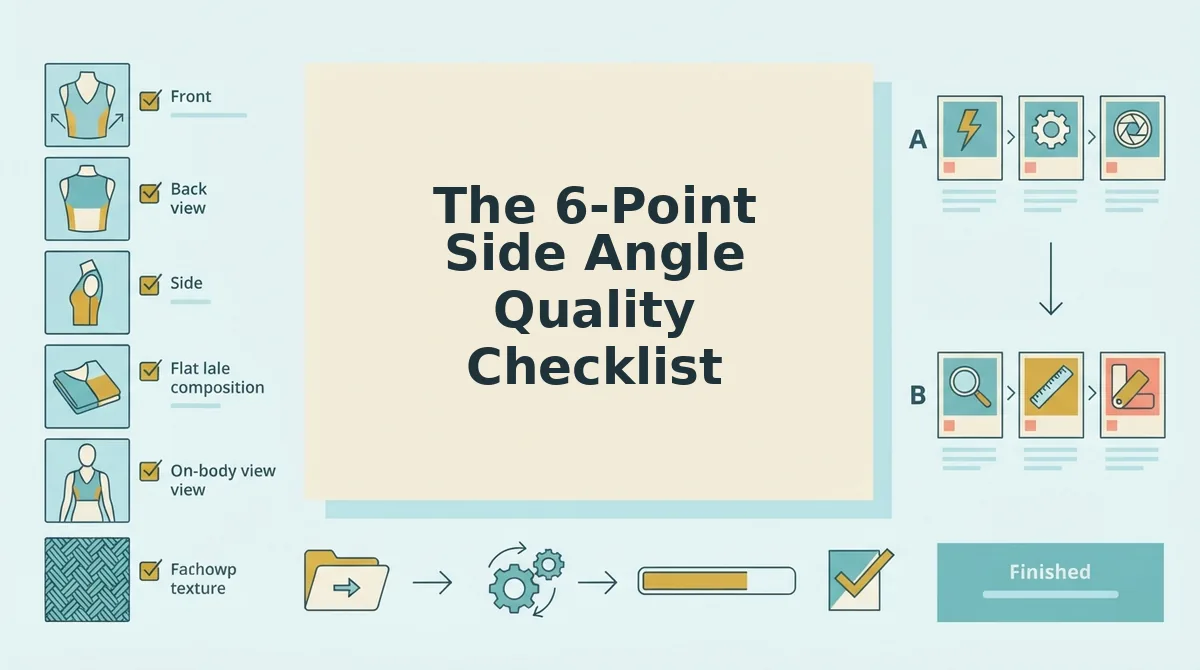
Side angle photos are only as useful as their worst visible flaw. Each checklist item below is a binary pass/fail criterion that determines whether a side photo will improve or degrade AI video output, a single failed item can introduce artifacts that make the generated video unusable.
- Seam visibility: The side seam must be fully visible from armpit to hem without the arm covering it. AI motion generation uses the side seam as a primary anchor for torso rotation, and a hidden seam forces the model to guess, producing warped or floating fabric.
- Hem alignment: The front and back hem edges should align within a few millimeters at the side view. Misaligned hems read as a construction defect in generated video, especially when the garment rotates or the wearer turns.
- Sleeve drape: The sleeve must hang naturally without being pinned, tucked, or folded at the shoulder. AI interprets unnatural sleeve positioning as the garment's resting state and will reproduce that distortion in every generated frame.
- Collar profile: The collar or neckline should show its true side profile, not a flattened or folded version. For collared shirts and jackets, the collar stand angle is a key motion cue that affects how the neckline behaves during movement.
- Side seam contrast: The side seam must be distinguishable from the surrounding fabric in the photo. Low-contrast seams on dark or heavily textured fabrics can disappear during AI processing, causing the model to blend front and back panels incorrectly.
- Wrinkle control: The side panel should be free of deep creases, fold lines, or hanger marks. AI treats visible wrinkles as fabric properties and will exaggerate them in motion, making a pressed garment look permanently crumpled.
This checklist applies to every side-angle image you plan to upload. For a broader guide on preparing product photos for AI fashion video, review the full ingestion standards before shooting. The FashionUGC generator processes between one and six images per SKU, so every side photo that passes this checklist directly improves the motion accuracy of the final video file.
How Many Side Angles Do You Need for AI Listing Video?
One side angle per garment is enough for most SKUs. Two side angles, left and right, are recommended for fitted outerwear to capture both sleeve pitches, and the FashionUGC generator accepts between one and six images per item, so you have room to add both without exceeding the ingestion limit.
Prerequisites: a garment on a mannequin, model, or hanger; a camera or smartphone at torso height; even lighting with no harsh shadows on the side panel.
- Position the garment at a true 90-degree profile. Rotate the mannequin or model so the side seam faces the camera directly. You should see one arm, one side seam, and the full side profile of the collar or neckline.
- Capture the first side angle. Shoot at torso height with the lens parallel to the garment. Check the 6-point side angle quality checklist before moving on, you should see a clean, unbroken side seam from armpit to hem.
- Decide if a second side angle is needed. For fitted blazers, tailored jackets, or any garment where sleeve pitch differs between left and right, rotate the garment 180 degrees and capture the opposite side. For most tops, dresses, and bottoms, skip this step.
- Upload one or two side angles alongside your front and back photos. In the clothing video generator, add the side image or images to the same SKU upload set. The platform accepts up to six total images per garment.
- Review the generated video for side-profile motion. Play the output and watch the torso rotation and sleeve movement. If the side seam stays intact and the sleeve pitch looks natural, your side-angle count is correct.
For most catalog SKUs, one clean side angle is the efficient default; for fitted outerwear, two side angles are the precision upgrade. The most common questions about side-angle ingestion are answered below.
FAQ
Side angle photos answer the questions buyers ask before purchase: how the garment drapes, where the seams sit, and whether the fit matches the catalog promise. These are the questions real shoppers and store owners ask about side-view imagery for AI product listing videos.
Do ghost mannequin side views work for AI clothing videos?
Ghost mannequin side views work when the neckline and hem are fully visible in the frame. The AI uses those edges to reconstruct silhouette and drape. Crop either and the generator fills the gap with guessed geometry, which produces warped seams on fitted garments.
Can I use flat lay photos instead of side angle shots for video generation?
Flat lays can supplement side angles for drape and fabric weight reference, but they cannot replace side views for fitted garments. A flat lay shows the garment at rest, not under tension on a body. AI video output for blazers, dresses, and structured tops loses fit accuracy without at least one true side angle.
Why does my AI video show the wrong fit on the side profile?
Wrong side-profile fit happens when the source set lacks a true 90-degree side angle. The generator extrapolates from front and back photos, which contain no depth data for the torso curve. Add one clean side view per fitted garment and the silhouette error drops immediately.
How many side angle photos do I need for an accurate product listing video?
One clean side angle per garment is the minimum for fitted styles. Two side angles, left and right, improve symmetry on structured pieces like blazers and tailored dresses. Loose or boxy garments can often generate acceptable video from front, back, and a single side view.
What resolution should side angle clothing photos be for AI video?
Side angle photos should match the resolution of your front and back shots, ideally 1080×1080 or higher. Mixed resolutions force the generator to upscale the lowest-quality frame, which softens fabric texture and seam detail across the entire output video.
Side Angle Photos Are the Highest-Leverage Upgrade You Can Make Today
One clean side angle per garment, prioritized for fitted styles, is the highest-leverage addition to your existing photo set for AI listing video accuracy. That single image closes the silhouette gap that front and back shots leave open, and it costs you one extra frame per SKU.
If you only remember three things from this article, make them these:
- Add one side angle first. Fitted dresses, tailored jackets, and structured trousers benefit most. Loose, boxy silhouettes can wait.
- Run the 6-point checklist before upload. Flat side profile, no arm occlusion, consistent lighting, matching background, correct hem length, and true-to-color fabric.
- Upload it alongside your existing front and back shots. The AI uses the side view to interpolate natural movement and drape, not to replace your hero angles.
Every side angle you skip is a guess the generator has to make about how the garment actually hangs. Every side angle you add is motion accuracy you get back in the final video.
Upload your side-angle photo set to the clothing video generator and see how one extra frame changes the output. When you are ready to scale that into paid creative, the AI clothing ad generator turns the same source images into ad-ready variations.
Side angles are not a nice-to-have. They are the difference between a video that looks like your product and a video that looks like a guess.
