
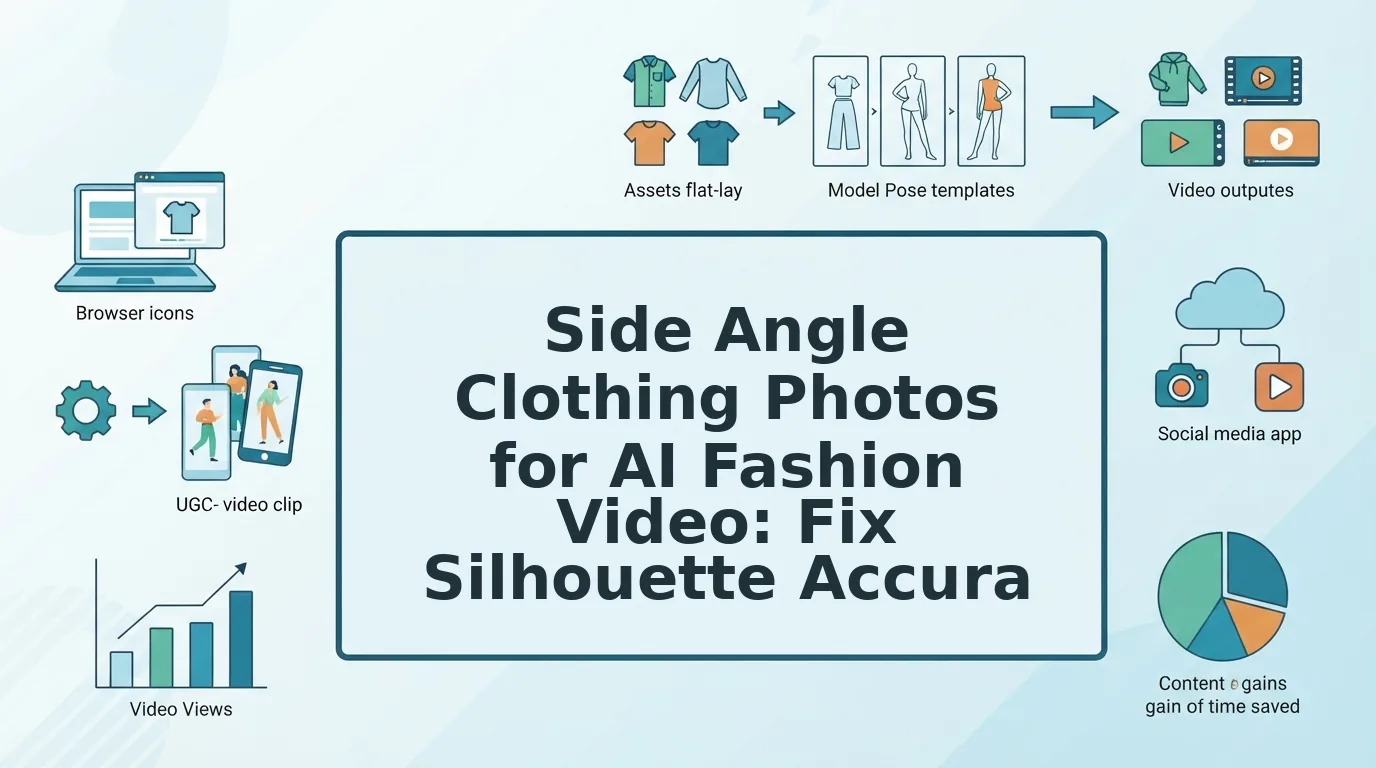

Your flat-lay packshots look flawless on the product page, but feed them into an AI fashion video generator and the A-line dress suddenly reads like a shapeless column. That's because side angle clothing photos for AI fashion video are the missing reference point most brands never think to capture.
You already own front, back, and detail shots. What you're missing is the lateral silhouette data that tells the generator how fabric actually falls off the body. Without it, the AI extrapolates side drape from front and back plates alone, and structured cuts like peplums, A-lines, and tailored blazers pay the price.
This guide walks you through why side angles change output quality, how to shoot a side plate the AI can actually read, and which garments benefit most. You'll also see how a product photo to video workflow handles multi-angle ingestion, including one surprising garment category where skipping the side shot ruins the video entirely.
Why Side Angle Photos Change AI Fashion Video Output
A side angle photo is a 90-degree lateral reference image that gives the AI fashion video generator a true silhouette profile of the garment, shoulder slope, sleeve pitch, hem flare, and drape fall; instead of forcing it to guess those dimensions from front and back plates alone.
Think of the generator like a sculptor working from reference photos. Give it only front and back views, and it has to invent the depth of every curve. Add a side profile, and the sculpture suddenly has measurable dimension. The AI reads the lateral plate the same way: it extracts the garment's side contour and applies that geometry to every frame of motion it generates.
The mechanism is straightforward at first: more angles mean more reference data. But the intermediate layer matters more. The generator doesn't just stitch photos together, it reconstructs a 3D drape model. A side plate anchors that model's lateral axis. Without it, the AI falls back on a generic body template and flattens the silhouette.
Here's the advanced consequence: a flat-lay-only workflow on a flared dress causes the AI to flatten the A-line silhouette because it has no lateral reference. The hem flare that defines the garment's movement gets compressed into a straight fall. The same issue hits peplum waists, swing coats, and any cut where volume lives on the side profile. If you're working from a flat lay to fashion video workflow, adding one side plate is the single highest-impact upgrade you can make to the source set.
How to Shoot a Side Angle That the AI Can Actually Use
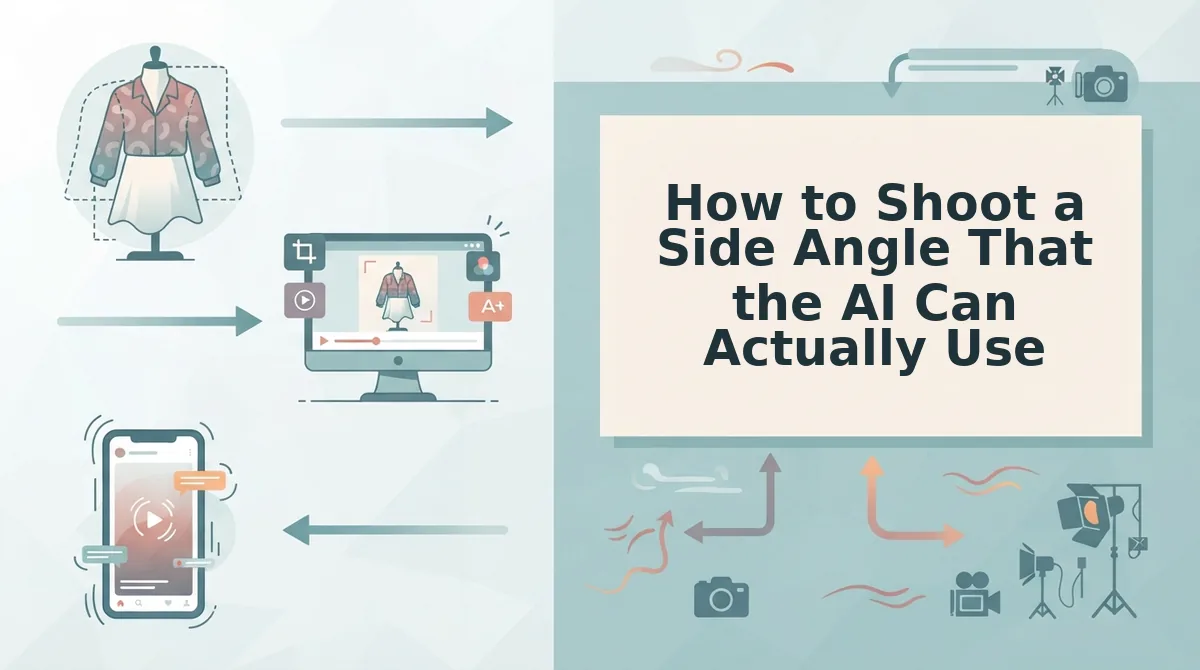
A usable side angle photo is a 90-degree profile shot with the full garment in frame, matching exposure and background to your front and back plates. Capture it correctly and the generator reads the lateral silhouette without distortion.
Prerequisites: Your front and back plates already shot, the same camera and lens, and a tripod locked at a consistent height. Total added capture time: roughly 2-3 minutes per garment.
- Position the garment at a true 90-degree profile. Rotate the form or mannequin exactly 90 degrees from your front plate position. For flat lays, rotate the garment itself on the same surface. You should see the side seam running vertically through the center of frame.
- Set camera height to mid-garment. Match the tripod height from your front and back shots. The lens should sit level with the garment's natural waist or midpoint, not angled down. You should see no keystone distortion at the hem or shoulders.
- Frame the full garment with breathing room. Leave at least 10% empty space above the shoulder and below the hem. A cropped hem forces the AI to invent the bottom edge, which reintroduces the exact distortion you're trying to eliminate.
- Match exposure and background to your front plate. Use the same lighting setup, same aperture, same shutter speed, same backdrop. Inconsistent exposure across plates causes the generator to blend mismatched tones, producing visible seams in the video output.
- Choose the right side-shot format for the garment type. Use a ghost mannequin side shot for structured pieces like blazers and coats, it preserves the tailored silhouette. Use an on-body side shot for drape-dependent fabrics like jersey, silk, and knits. Use a hanger side shot only as a last resort for lightweight tops, since hangers distort shoulder slope.
After uploading the side plate alongside your front and back images in the flat lay to fashion video workflow, the generator reconstructs the lateral drape instead of guessing at it. The result is a video where the hem flare, sleeve pitch, and side volume match the physical garment.
That lateral reference matters most for certain cuts, and the next section breaks down exactly which garments gain the most from side references.
Which Garments Gain the Most from Side References
Side-angle reference photos deliver the highest output-quality gains on structured and shaped garments, while flat, simple knits see the smallest improvement. The impact difference comes down to how much three-dimensional information the AI must reconstruct from a two-dimensional front or back view.
| Garment Type | Side-Angle Impact | Why It Matters | Best For |
|---|---|---|---|
| Outerwear (blazers, coats, jackets) | High | Structured shoulders, lapel roll, and collar stand need lateral reference to avoid flattening. | DTC brands selling tailored coats or workwear where silhouette drives conversion. |
| Dresses (A-line, bias-cut, wrap) | High | Side drape and flare geometry distort without a lateral view; the AI misplaces the fall of the fabric. | Occasionwear and dress-focused boutiques where movement sells the garment. |
| Tailored separates (trousers, skirts, blazers) | High | Sleeve pitch, side seams, and pocket placement require lateral data to render accurately. | Workwear and suiting brands where fit precision is a purchase trigger. |
| Knits (sweaters, cardigans, jersey dresses) | Medium | Drape is softer and more forgiving, but side hem reference still corrects length and volume errors. | Knitwear labels balancing speed with acceptable output accuracy. |
| Tees and basic tops | Low | Flat knits gain the least, though a side hem reference still prevents boxy or stretched proportions. | High-volume basics merchants running flat-lay-only workflows on simple silhouettes. |
No competitor publishes a garment-type impact matrix, which leaves merchandisers guessing which SKUs need reshoots. The decision rule is simple: if the garment has structure, seams, or engineered drape, add a side angle. If it is a flat knit with no tailoring, a front and back may suffice.
For brands working with structured outerwear, the side view is not optional. A blazer photographed only from the front loses shoulder pitch and waist suppression in AI output, producing a video that looks like a flattened template rather than a garment with body. The same applies to bias-cut dresses, where the diagonal grain creates a drape pattern that front-only references cannot reconstruct.
What Breaks Without Side Angles
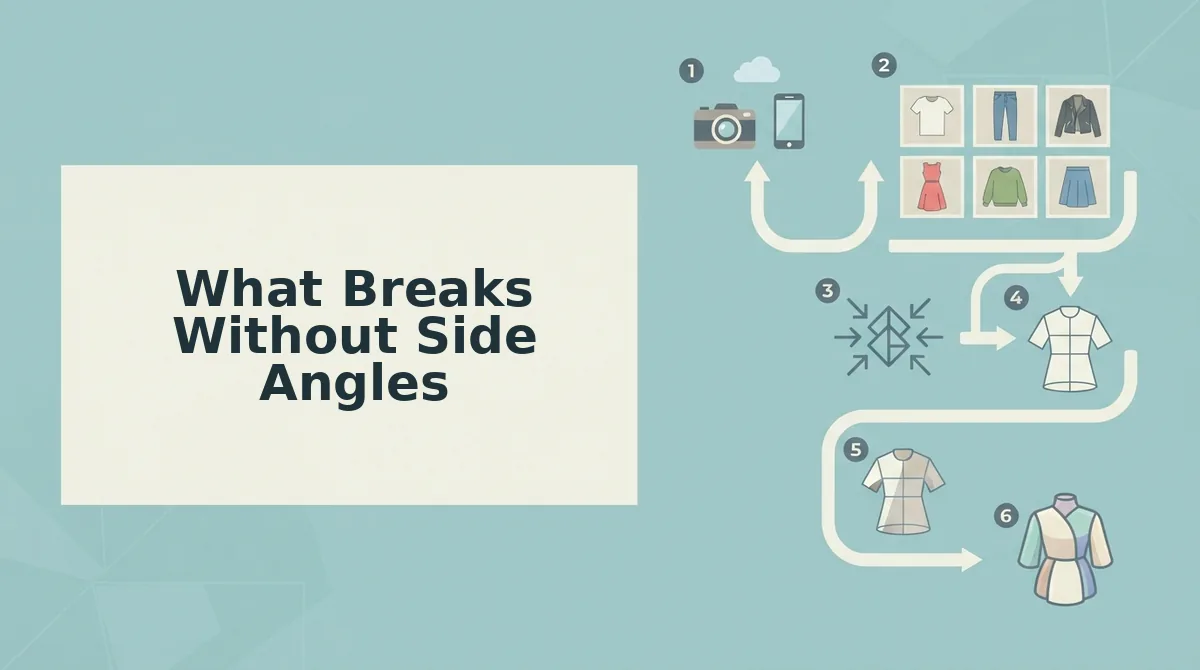
Omitting side-angle reference photos produces three predictable failure modes in AI fashion video output, each tied to a specific garment category. These are not rare edge cases; they appear consistently when the model lacks lateral depth data.
- Silhouette flattening on structured pieces. Blazers, coats, and tailored jackets lose shoulder definition and waist suppression when the AI only sees front and back views. The output renders the garment as a flat panel, erasing the three-dimensional shaping that justifies the product's price point. Add one side angle per structured garment to preserve the lateral contour.
- Drape misread on bias-cut and A-line garments. Dresses and skirts cut on the bias or with A-line flares depend on side drape to communicate movement. Without a lateral reference, the AI flattens the flare or misplaces where the fabric falls, producing a stiff, unnatural motion path. A single side profile shot corrects the drape geometry.
- Asymmetric detail loss. Side zips, side slits, pocket placement, and asymmetric hems disappear or shift position when the AI has no lateral view to anchor them. This is most damaging for garments where the side detail is a selling point, such as slit skirts or zip-detailed jackets. Two side angles, left and right, are required for asymmetric pieces.
These failure modes are documented in more depth in our guide to flat lay to video mistakes and garment drape, which covers how missing lateral reference compounds drape errors across multiple garment categories. The pattern is consistent: the more structure or engineered drape a garment has, the more a missing side angle degrades output accuracy.
Side Angle vs. Flat Lay vs. Front/Back Only: A Quick Decision Rule
The minimum viable photo set depends on garment complexity: one side angle for symmetric pieces, two for asymmetric or structured garments, and zero only for flat-lay workflows on basic tees. This angle-count framework is the fastest way to decide whether your existing catalog photography is sufficient.
| Photo Set | Minimum Angles | Strengths | Best For |
|---|---|---|---|
| Flat lay only | 0 side angles | Fastest to produce; works for simple flat knits with no tailoring. | High-volume basics merchants with tight production timelines and simple tees. |
| Front/back only | 0 side angles | Captures primary design details; adequate for low-structure garments. | Brands testing AI video on knitwear or simple tops before committing to reshoots. |
| Front/back + 1 side | 1 side angle | Preserves lateral contour for symmetric structured pieces; minimal added shoot time. | DTC brands running tailored separates, coats, and A-line dresses through the clothing video generator. |
| Front/back + 2 sides | 2 side angles | Anchors asymmetric details, side zips, and slits on both lateral planes. | Performance creative teams working with asymmetric or highly structured SKUs where detail accuracy drives conversion. |
Flat lay and front/back-only workflows are not inferior; they are faster and sufficient for low-structure garments. The decision rule is about matching photo investment to garment complexity, not about one approach being universally better. If your catalog skews toward structured outerwear and dresses, budget for at least one side angle per SKU. If you are running flat-lay-only on basic tees, your current workflow is already adequate.
Ready to apply this framework to your catalog? The next section answers the most common questions about side-angle photography for AI fashion video.
FAQ: Side Angle Clothing Photos for AI Fashion Video
Side angle photos give AI fashion video generators a true lateral silhouette reference, which front and back shots alone cannot provide. One clean side profile per garment is the minimum; two are needed for asymmetric construction.
How many side angle photos do I need for AI fashion video generation?
Upload one clean side profile per garment as the minimum. Add a second side angle when the piece has asymmetric construction, such as a one-shoulder top, a wrap dress, or a side-zip jacket with an offset hem. More than two side angles rarely improves output quality and increases processing time.
Do side angles matter for flat garments like t-shirts or basic knits?
Side angles matter less for flat knits than for structured pieces, but they still help. A side reference gives the AI a true hem line and side seam position, preventing the model from inventing a curved or distorted drape on a straight-cut tee or crewneck.
What happens if I only upload front and back photos?
The AI extrapolates the side silhouette from front and back outlines. On A-line dresses, peplum tops, and flared skirts, this extrapolation often distorts drape, creating a flat or unnatural side profile. The model fills the gap with its best guess, which is rarely accurate for volume-heavy garments.
Why does my AI fashion video look flat when the garment has side volume?
Without a side reference, the generator cannot measure lateral depth. Garments with peplums, A-line cuts, puff sleeves, or side ruching lose their dimensional drape because the model only sees width and height, not depth. A side angle photo supplies the missing third dimension.
How do I shoot a side angle photo the AI can actually use?
Shoot at garment mid-height with the lens parallel to the side seam. Keep the full silhouette in frame, including hem and shoulder. Use even, diffused lighting and a neutral background. Avoid angled or three-quarter shots; the AI needs a true lateral profile, not a perspective view.
Side Angles Are the Cheapest Upgrade to Your AI Fashion Video Pipeline
Side angle photos fix the single most common failure in AI fashion video generation: a distorted or flattened silhouette. Front and back shots tell the model what the garment looks like; side shots tell it how the garment occupies space. That lateral reference is what separates a believable drape from an obviously synthetic one.
The decision rule is simple: one clean side profile per garment, two for asymmetric pieces. Structured garments gain the most, but even flat knits benefit from a side hem reference. If you already shoot front and back catalog photos, adding a side angle costs minutes per SKU and measurably improves output quality.
Start generating with side-angle inputs in the AI clothing ad generator and compare the drape accuracy against your front-only renders. The difference in silhouette fidelity will show up in the first output.
