
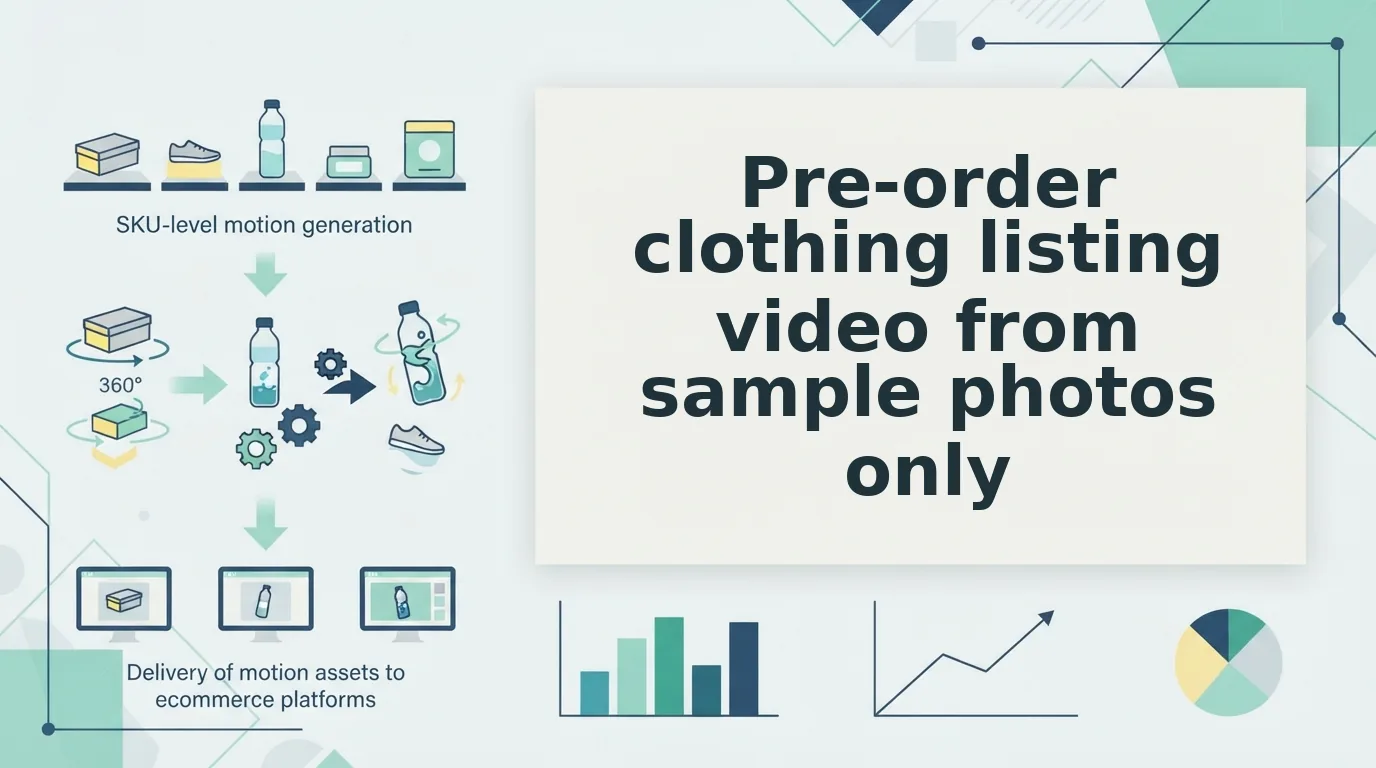

The drop page is live. The stock is not. And the listing needs a video before a single production plate exists.
That gap is normal. Pre-orders go up while the garment is still in the sample room, which means the only photography you own is a handful of fit shots, a flat lay, and a detail crop. Search for a pre-order clothing listing video and you mostly get strategy: Derek Dahl on pre-order mechanics, Mr. BeSpecial on drop walkthroughs, atari on launch sequencing. All of it assumes the video already exists. None of it shows how the asset gets built from stills already on your phone.
This piece covers that build. You will learn the three beats the clip needs, where the ship window and pre-order status have to sit on screen, why 9:16 is the only export worth cutting, and how to keep an unproduced garment from overpromising fit or colour. You will also see how to slot it into a product listing videos workflow without a shoot day.
Then there is the part that matters most when stock finally lands: you will not rebuild from zero. Same SKU, swapped plates, regenerated file â the mechanism comes later.
What a pre-order clothing listing video has to do differently
A pre-order clothing listing video is a short vertical clip built from sample photography that states the ship window on screen and sells the garment without pretending it is in stock.
Four specs carry it:
- Pre-order status visible on screen, not buried in the caption.
- One to six sample plates â front, back, side, flat lay, detail.
- 9:16 vertical export for Reels, TikTok, and Shorts.
- A human review pass before anything publishes.
A sample plate is any still of the garment taken before production: a sample-room flat lay, a ghost mannequin shot, a fit photo on a model. The ship window is the date range you commit to at checkout. Get both into the first three seconds and the viewer knows what they are buying, when it arrives, and roughly what it will look like on a body â which is the whole argument for making the clip at all.
Here is the contrarian part. An in-stock PDP clip exists to maximise desire; this one exists to set expectations. Overclaiming on an unproduced garment manufactures disputes and returns, so disclosure is a design constraint, not legal boilerplate.
Derek Dahl's pre-order strategy video and Mr. BeSpecial's drop walkthrough both start from a finished asset. That is the lane this article takes: the clip is a different asset class from an in-stock PDP video, built from weaker plates and judged on honesty rather than aspiration.
Which closes the loop from the top. When production lands, keep the SKU ID, swap the sample plates, regenerate. URL, reviews, and ad history survive; only the footage changes.
Upload the plates you already have and turn clothing photos into video â one to six stills in, a reviewed 9:16 file out. The garment is not finished; the listing does not have to wait for it.
