

A merchant uploads a front shot, a back shot, a flat lay, and a fabric closeup of one item, then watches the generated clip shift the garment's color between frames. Each photo came from a different session, and each looked fine on its own. That mismatch is the problem that lighting consistency for garment photos in AI video solves.
The AI reads every image together, so habits built for still catalogs fall short. Below is a pre-upload routine built for multi-image input:
- The setup steps, including step 6, the one most catalogs fail
- A quick audit of the photos you already have
- A decision table for reshooting versus correcting
How do I keep lighting consistent across garment photos for AI video? Lock one light setup for every angle of the item. Set a fixed Kelvin value with auto white balance off, shoot in manual exposure, and keep the key light coming from the same direction. Apply one synced preset to all images before uploading.
Start with why small lighting gaps turn into visible motion.
Why Does Lighting Drift Cause Flicker in AI Fashion Video?
Lighting drift causes flicker because the generator reads color, texture, and fit from every reference plate. When plates disagree, those differences show up as color shifts and motion artifacts. FashionUGC builds one garment representation from up to six photos.
Lighting drift is a change in light color or brightness between photos of the same garment. A reference plate is one source photo: front, back, side, flat lay, on-body, or detail. Color temperature, measured in Kelvin, describes how warm or cool light looks. White balance is the camera setting that neutralizes it. When one plate reads warm and another reads cool, the generator receives two contradictory versions of one fabric. It cannot choose, so it reconciles them frame by frame. The garment's color pulses or its texture shimmers in motion. That pulsing is flicker.
Picture two witnesses describing one jacket in different shades. The sketch never settles.
Mixed lighting means two light sources of different color temperature in one setup. The rule is simple: never mix daylight and tungsten in one reference set.
Before you shoot, gather these prerequisites:
- A gray card
- A camera with manual exposure and manual white balance
- One repeatable light setup
- Editing software that can sync presets
Upload a matched set to FashionUGC and try it with the flat lay to fashion video workflow. For single-image listings, see lighting consistency for product listing videos.
Next, put that kit to work in a repeatable shoot.
How to Keep Lighting Consistent Across Garment Photos in 9 Steps
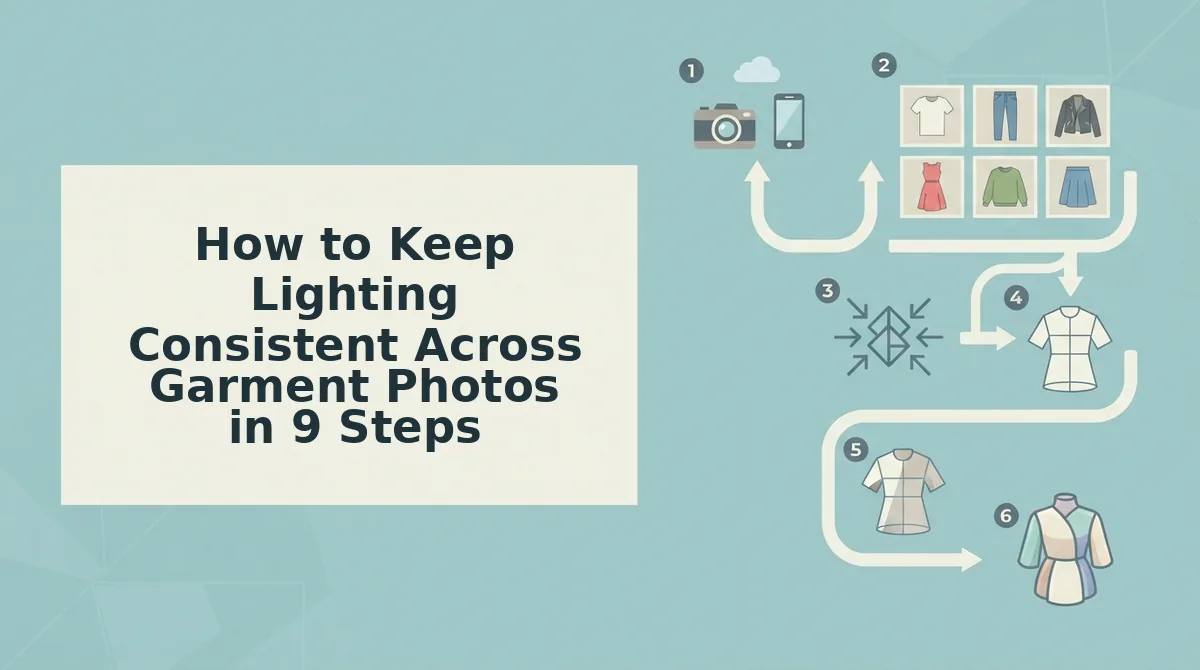
To keep lighting consistent across garment photos, lock one light setup, fix your Kelvin value, shoot in manual exposure, and apply one synced edit preset to every file. These four controls remove most frame-to-frame drift before the images reach an AI video generator.
AI motion models read every photo of an item as one continuous subject. A single locked light setup, a fixed Kelvin value with auto white balance off, manual exposure, and one synced edit preset across the set give the model the same color, brightness, and shadow direction on every angle. The model then has no lighting change to interpolate, so the result shows less flicker and fewer color jumps. Treat consistency as a property of the whole photo set, not of each photo on its own.
Before you start: you need a camera with manual mode, a gray card, continuous or strobe lights with diffusion, tape or floor markers, and editing software that can sync presets. FashionUGC accepts one to six photos per apparel item, and every one of them should come from this workflow.
Lock one light setup and mark light positions
Tape stand positions on the floor before the first frame. When the model compares angles, every one of them should come from the same rig.
Set a fixed Kelvin value and shoot a gray card
Dial in one Kelvin value, turn off auto white balance, and shoot a gray card in the first frame. Does auto WB ruin consistency? Yes. It re-guesses Kelvin on every frame, so the same fabric shifts color between angles.
Use manual exposure
Fix aperture, shutter, and ISO for the full session. Auto exposure brightens dark garments and darkens light ones, and the AI reads that as a lighting change.
Remove mixed light
Block windows and switch off overhead room lights. A second color temperature adds tinted shadows that move as the angle changes.
Keep diffusion and light-to-garment distance constant
Measure the distance once and repeat it for every angle. Changing either one alters shadow softness, which shows up as texture shimmer in motion.
Match key-light direction across shot types
Here's where most catalogs break. Each shot type gets lit correctly on its own, but the key comes from a different side in each one. Use these notes:
- Flat lay: lit from above. Set the key so shadows fall the same way as on the hanging and on-body shots.
- Ghost mannequin: needs even fill, but the key side must still match. See how this carries into ghost mannequin photos for video.
- On-body: treat this as the reference key direction for the rest of the set.
- Detail closeup: watch for clipping on light-colored fabric, because blown highlights erase the weave.
Shoot detail closeups in the same session
Capture fabric and trim closeups before you strike the lights. Reshoots on another day rarely match the color or the shadows.
Apply one synced edit preset
Edit one hero frame, then sync that preset across the set, with no per-image auto-tone. Auto-tone corrects each file differently and brings back the drift you removed on set.
Export every file in sRGB at the same resolution
Use one color profile and one pixel size for the whole set. Mismatched profiles shift saturation, even when the edits are identical.
Next, confirm the set actually matches before you upload it.
How to Check Your Photo Set Before Upload (Lighting Delta Audit)
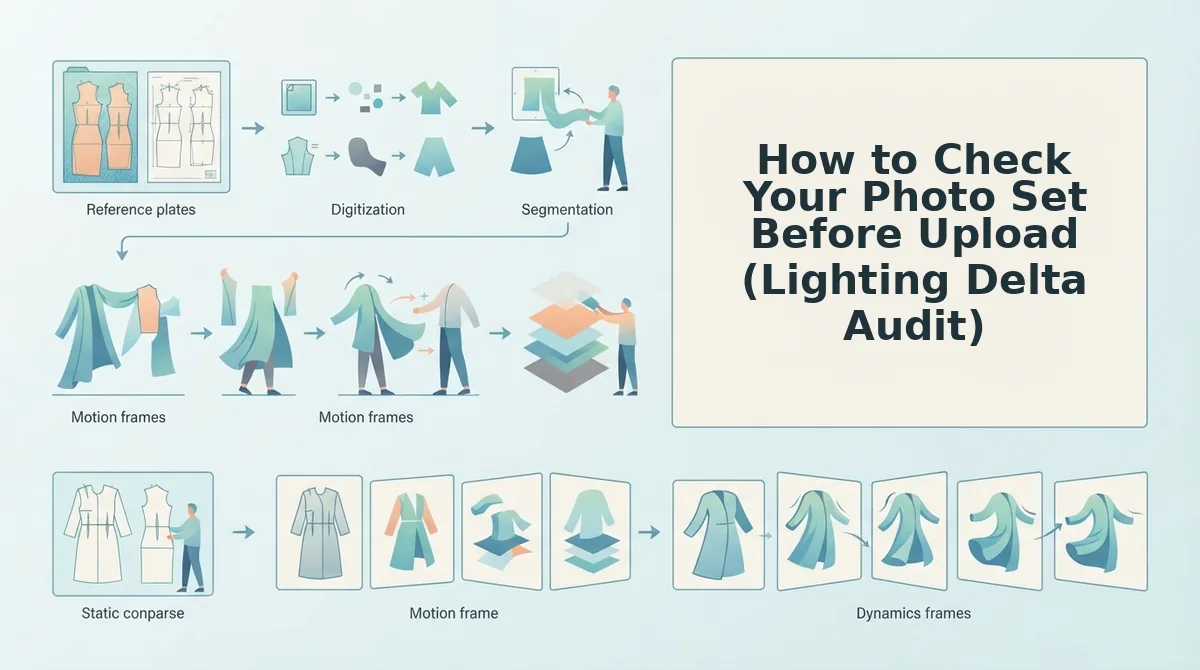
Run a five-minute Lighting Delta Audit. Place every plate on one contact sheet, compare four lighting signals, and match each mismatch to one fix: reshoot, batch-correct, or drop.
A side-by-side grid exposes drift that looks fine when you review images one at a time. Check these criteria in order:
- Background tone: Does the sweep read as the same white or gray on every plate?
- Garment color: Does the fabric hold one hue, or does a cast push it warmer or cooler?
- Shadow direction: Do shadows fall on the same side in every frame?
- Highlight clipping: Are any whites blown out with no visible texture?
| Mismatch | Action | Why it works | Best for |
|---|---|---|---|
| White-balance cast | Batch-correct | A uniform shift is fixed with one adjustment applied across files. | Merchandisers managing large SKU catalogs |
| Small exposure gap | Batch-correct | The tonal data is still in the file and can be recovered. | Shopify operators without studio access |
| Reversed shadow direction | Reshoot | Editing cannot convincingly move a light source. | Brands with an in-house studio setup |
| Clipped highlights | Reshoot | Blown fabric detail cannot be rebuilt in post. | Teams shooting white or pale garments |
| Off-session closeup | Drop | A plate from a different setup will never fully match. | Performance creative teams on a deadline |
Each fix has a real strength. Batch correction is fastest, a reshoot gives the cleanest result, and dropping a plate costs nothing. Dropping is a valid fix because the generator accepts one to six photos, so four matched plates still make a complete input.
The contrarian rule: consistency beats brilliance. One stunning detail shot under different light hurts the video more than it helps. Once your set passes the audit, you can turn clothing photos into video knowing every plate was lit the same way.
Lighting Consistency FAQ for AI Fashion Video
These answers cover the lighting questions apparel teams most often raise before generating video from product photos.
Can I mix flat lay, ghost mannequin, and on-body shots?
Yes, as long as key-light direction and white balance match across every plate. Different presentation styles are fine. Shadows falling on opposite sides or color temperatures that differ between shots are what create visible flicker in the motion.
Can the generator correct lighting mismatches for me?
No. FashionUGC produces a video file that a person reviews before it is used, and it does not publish or promise performance. Mismatched or low-resolution stills do not produce production-ready motion, so correct the lighting before you upload.
What if one photo still doesn't match after editing?
Drop it and regenerate. A matched set of fewer plates is better input than a full set with one outlier, and the generator accepts as few as one photo.
Does lighting matter for ad creative too?
Yes. An AI clothing ad generator reads the same source plates, so the same lighting rules apply to ad variants.
Upload a Matched Set, Not a Highlight Reel
The flicker you saw in early tests was rarely a generator problem. It came from plates that each looked good on their own but disagreed with one another. Consistency beats brilliance when the generator reads every plate.
Turn that rule into habit:
- Lock the setup, Kelvin, exposure, and key-light direction for every SKU session.
- Run the Lighting Delta Audit on one contact sheet before each upload.
- Drop outliers without guilt, because four matched plates beat six mixed ones.
Your next step is to upload your audited set to the AI fashion UGC video generator and review the output. Every matched catalog you shoot from here becomes a reliable source for future video.
