

Your catalog already holds rows of flat lays and ghost mannequin packshots, yet your Reels and TikTok ads fatigue before the next shoot reaches the calendar. That is why many apparel teams start searching for a kive ai alternative for clothing video. A broad creative workspace is a different tool from one that animates the garment you already photographed.
That frustration is fair. You test creative against CAC, you respect photographic quality, and you cannot justify a studio day every time a hook stops converting.
Consider a Shopify fashion seller who has only flat lays and ghost mannequin shots and needs Reels motion for every SKU without booking a studio. Upload the existing stills for each item and generate a vertical clip. Review it, then send only approved files to the ad account.
This guide gives you a head-to-head comparison scored on apparel-specific criteria, which generic AI-tool listicles skip. You get the verdict first, then a six-point fit test, a closer look at each tool, and the honest limits of both.
One criterion decides the choice for most apparel teams, and it is not the feature list.
What Is a Good Kive.ai Alternative for Turning Clothing Photos Into Video?
A good alternative starts from the garment photos you already own, not from a blank prompt box. For SKU-level motion, FashionUGC fits that description.
FashionUGC accepts 1-6 existing clothing photos (front, back, side, flat lay, on-body, or detail) and outputs UGC-style 9:16 video without complex prompting. It suits SKU-level motion built from catalog packshots. Kive suits broader campaign creative work.
A photo-to-video garment generator is software that turns still apparel images into short motion clips while using those images as the visual reference. UGC-style means the footage looks like casual, creator-shot content rather than polished studio film. The 9:16 format is the vertical frame used by Reels, TikTok, and Shorts.
Think of it like a tailor working from your pattern pieces versus a designer sketching from scratch. The tailor's output stays tied to what you handed over.
The workflow scales in three steps. In the simplest case, you upload one front packshot and get a clip. A step up, you add back, side, and detail angles so the motion has more reference to draw from. For full coverage, you repeat the process for every SKU in a drop and build a library of vertical assets that is ready for testing.
The output of FashionUGC is a video file and nothing more. FashionUGC does not post to TikTok, Instagram, YouTube, or your Shopify store, and it does not promise any ad performance. A person on your team reviews each clip for garment accuracy, color, and brand fit before it goes anywhere. That review step keeps you in control of what customers see, which matters when a misrendered seam or shifted print could create returns or erode trust. You can see the full input flow on the AI fashion UGC video generator page.
Choose by starting point: if you begin with catalog stills, pick FashionUGC. If you begin in a creative workspace for wider campaign work, pick Kive.
Kive vs FashionUGC on the 6-Point Garment-Fidelity Fit Test
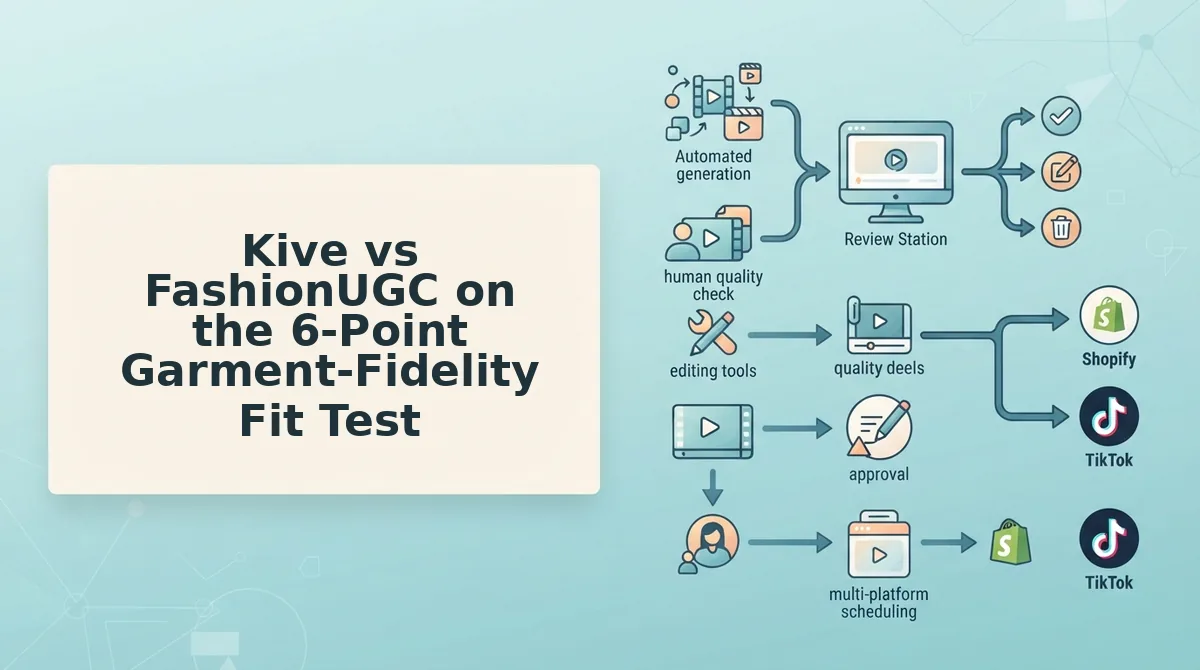
The 6-point garment-fidelity fit test scores a tool on six areas: accepted inputs, multi-angle reference support, prompting burden, garment preservation across frames, 9:16 output, and the human-review boundary. FashionUGC is built around existing stills. You should check Kive's video capabilities directly on kive.ai.
| Criterion | FashionUGC | Kive |
|---|---|---|
| Accepted inputs | 1-6 garment stills per item | Creative workspace assets; video input details: verify on kive.ai |
| Multi-angle reference support | Front, back, side, flat lay, on-body, and detail shots | Verify on kive.ai |
| Prompting burden | Uploaded garment plates replace written prompts | Tutorials show product photography workflows inside a creative tool |
| Garment preservation across frames | Stills act as the reference, and a person confirms accuracy in review | Verify on kive.ai |
| 9:16 output | UGC-style vertical video for Reels, TikTok, and Shorts | Verify on kive.ai |
| Human-review boundary | Video file only, with no publishing and no performance promise | Verify on kive.ai |
| Best for | Shopify fashion stores and DTC merchandisers who need motion for every SKU from existing packshots | Creative and brand teams building broad campaign concepts and moodboards in one workspace |
Inputs
FashionUGC accepts between one and six stills of a single apparel item. Each extra angle, such as a back view or fabric close-up, gives the generator more garment reference.
If your catalog is mostly flat lays, the flat lay to fashion video guide explains how to prepare those images.
Prompting
Kive has a real strength in creative work. Tutorials such as BitBranding's video for clothing brands focus on product photography workflows inside a creative tool, which helps teams that want to explore concepts and art direction.
FashionUGC takes a narrower approach. You upload garment plates instead of writing prompts, so merchandisers without prompt experience can still produce clips.
Output boundaries
FashionUGC produces a video file and stops there. It does not publish anywhere or promise results, and a person reviews every output before use.
For Kive, confirm export formats and video features on kive.ai before you commit budget.
This resolves the open loop from the introduction. Your starting point decides the choice. Teams that hold finished garment stills lean toward FashionUGC, while teams that work from prompts and a shared workspace lean toward Kive.
That raises a fair question about the other side of the table.
What Does Kive.ai Do Well, and Does It Cover Fashion Now?
Yes, Kive now covers fashion. Its own channel promotes "AI Product Shots for Fashion" for campaign photos and videos, and "Video Presets" for turning products into motion. Many alternative listicles still call Kive "not for fashion," which is out of date. The items below draw only on what Kive's published video titles and descriptions say.
- Fashion campaign photos and videos. Kive's "AI Product Shots for Fashion" video says AI Product Shots now produces fashion campaign photos and videos. This puts apparel inside Kive's stated scope. Use it when you need campaign-level visuals rather than one clip per SKU.
- AI-powered video presets. Kive's "Introducing Video Presets" video describes AI motion presets that turn products into videos. Presets speed up motion work because you pick a preset instead of directing each shot. Use them to add motion to product imagery inside the same workspace.
- Product shot generation. Kive's "AI Product Shots 2" video demos its product shot workflow. Strong stills are the base for most campaign assets. Use it to create new product scenes, not to animate existing packshots.
- A shared creative workspace. Kive is built as a workspace for creative teams. Asset creation and organization happen in one place, so you avoid passing files between tools. Use it when several people work on one campaign direction.
- Multi-category coverage. Kive's product shots are not limited to apparel. A brand that sells clothing, beauty, and accessories can keep everything in one tool. Use it when your catalog extends beyond garments.
Kive's features change often, so check kive.ai for current capabilities before you commit.
How to Turn Clothing Product Photos Into Video Without a Reshoot
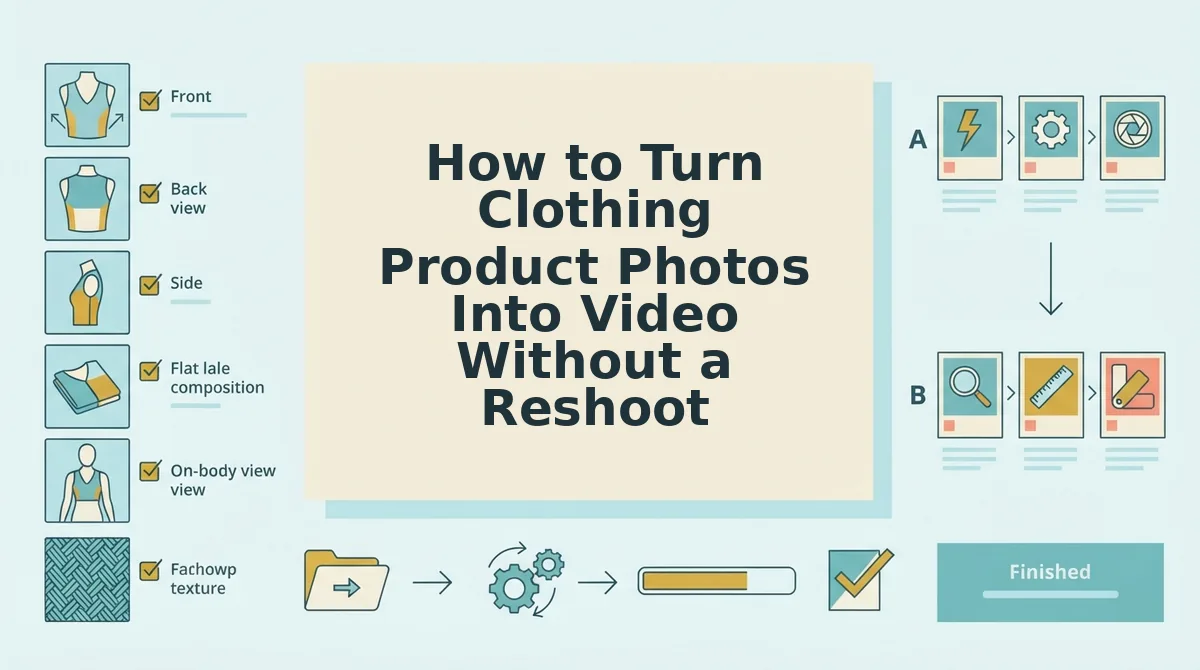
To turn clothing photos into video without a reshoot, choose 1 to 6 existing stills of one SKU, check them against a photo-readiness checklist, upload them, generate 9:16 motion, and review the result before you use it. Most of the work is choosing the right photos.
Prerequisites: a browser, a FashionUGC account, and existing catalog photos of one garment. You do not need a studio, models, or editing software.
- Select 1 to 6 stills per SKU (about 5 minutes). Pull the front, back, side, and detail angles of one item from your catalog. You should end up with a single folder of photos that all show the same garment and colorway.
- Check each photo against the readiness checklist (about 5 minutes). Confirm five things: even lighting, visible hems and cuffs, sharp focus on fabric texture, adequate resolution, and a clean garment plate. Remove any image that fails. The photos that remain should show the garment clearly from every angle you kept.
- Upload the garment plates. Open FashionUGC and add your checked stills to the upload area for that SKU. You should see every angle listed under one item.
- Generate 9:16 motion. Choose vertical output for Reels, TikTok, or Shorts and start generation. You should get a short UGC-style clip built from your photos.
- Review the output before use. Watch the full clip and compare the print, seams, logos, and drape against the source photos. Approve the clip only if it matches the real product. FashionUGC creates the file but does not publish it.
Which garment photos work best for AI video? The best results come from several angles of the same garment, not from a single hero shot. Use a ghost mannequin or on-body front shot to show silhouette and fit. Add a back angle so the model does not have to guess construction it cannot see. Include a sharp fabric close-up so texture, knit, or print carries across frames. Flat lays work well for graphics and color accuracy. Every photo should have even lighting, visible hems and cuffs, adequate resolution, and a clean background, because shadows and clipped edges tend to become distortions in motion.
Worked example: upload a ghost mannequin front, a back angle, and a fabric close-up for one SKU, then generate 9:16 motion. Agency example: an agency batching a seasonal drop runs its existing packshots through the same steps, one SKU at a time.
For a full photo-prep breakdown, see our guide to product photos for AI fashion video. When your stills are ready, turn clothing photos into video and get SKU-level motion from images you already own.
When Is Kive or a Free AI Video Tool the Better Choice?
Kive is the better choice for moodboards, broad campaign creative, and catalogs that include beauty or accessories. Free general generators suit low-stakes experiments. FashionUGC fits a narrower job: SKU-level clothing motion from existing packshots.
FashionUGC has clear limits. It covers clothing only for now, so beauty and accessories are not supported. It does not do moodboarding or broad campaign ideation. It does not publish to social platforms, and it makes no promise about ad performance.
Free tools draw a lot of interest. Becky the Ai Girl's video "Finally! China Just Dropped FREE AI Video Tools to Challenge Higgsfield!" shows how many people want no-cost generators. General-purpose tools, however, are not built to keep garment details consistent across frames. Prints, seams, and logos can drift as the clip plays.
| Need | Best tool | Best for |
|---|---|---|
| Moodboards and broad campaign creative | Kive | Agency creative directors |
| Beauty, accessories, and apparel in one tool | Kive | Multi-category brands |
| SKU-level clothing motion from existing packshots | FashionUGC clothing video generator | DTC apparel and Shopify fashion teams |
| Experiments with no garment-fidelity requirement | Free general AI video tools | Solo creators testing ideas |
Once you know your main job, the choice gets simpler.
Which Should Your Apparel Team Pick?
Pick the tool that starts where your assets already are. The best match depends on your starting point, not on which tool has the longer feature list.
- Start with FashionUGC if you already have catalog stills and need SKU-level 9:16 motion for Reels, TikTok, Shorts, or product pages.
- Use Kive if you need workspace-based campaign creative across categories, not just apparel.
Your next step is small. Choose one SKU with front, back, and fabric detail shots, then run it through the six-point fit test from earlier.
You get a short UGC-style video file that someone on your team reviews before it goes anywhere. FashionUGC does not publish to social platforms, so final approval stays with you.
Upload your garment photos to the AI fashion UGC video generator and turn your existing catalog into motion.
The fastest path to apparel video starts with the product photography you already own.
