

A black pencil skirt, shot flat on a clean plate, renders beautifully â until the waistband seam drifts two centimeters left in the second second of the clip. The fabric moves. The seam does not follow it.
You already own that photo, and probably five more of the same SKU, sitting in a folder named for a season and uploaded to a product page nobody scrolls. You want motion out of them without booking a studio day, and that is the job an ai clothing ad generator is built to do.
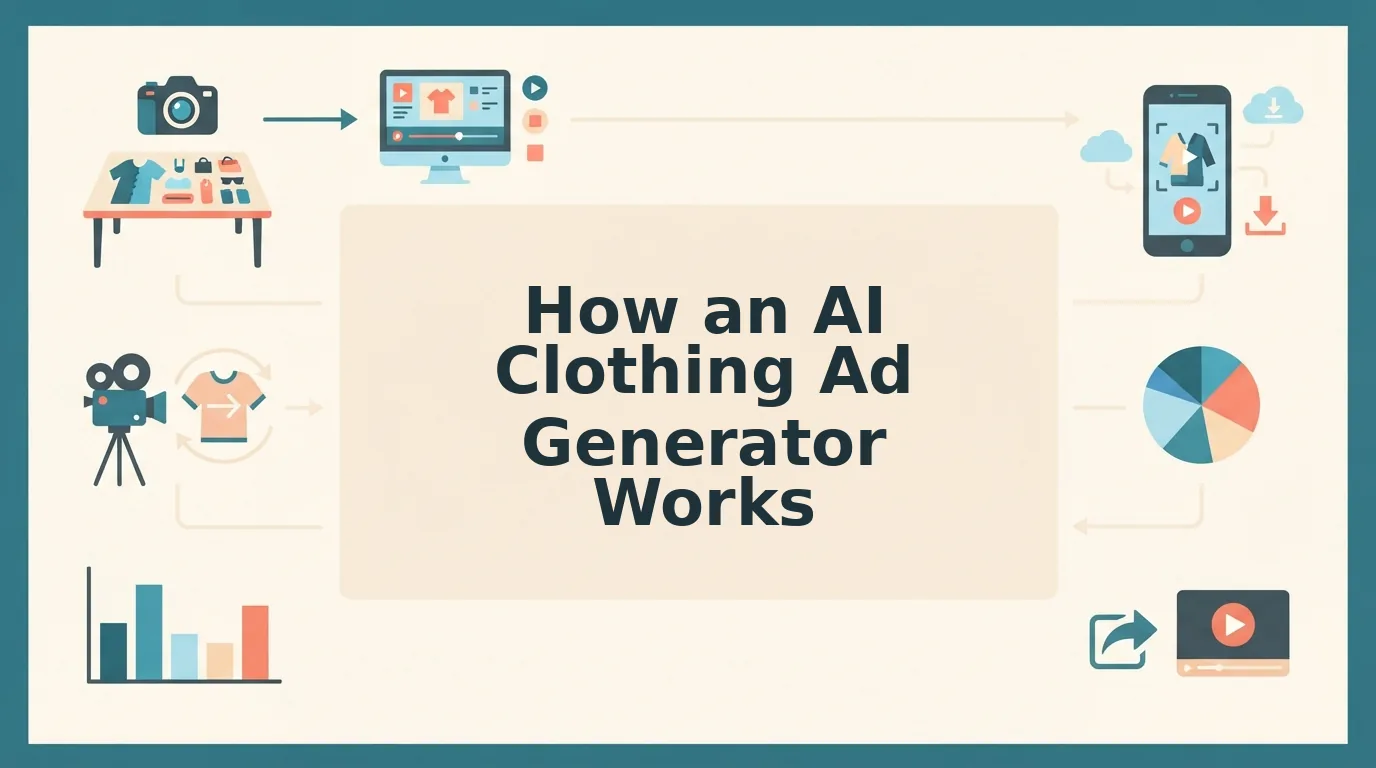
What follows is the mechanism in order: how one to six stills get ingested, how a garment's construction is modeled, how motion is assigned, and where the render breaks. You will also see the boundary that most tool comparisons skip â the file, the review, the absence of any performance promise.
Hold onto one detail as you read. The skirt that failed and the skirt that worked came from the same camera, the same lighting, and the same subscription. The difference was a single extra angle, and the reason is the most useful thing on this page.
How Does an AI Clothing Ad Generator Work?
An AI clothing ad generator converts still photos of a garment into a short video ad. It ingests one to six images, models how the garment is built, assigns motion, and renders a vertical file. The output is a video file â nothing is published for you and no performance is guaranteed.
Working from images rather than text is the part that matters. A prompt describing "a black pencil skirt" gives a model no evidence of your waistband, your stitch density, or your print placement. Uploading one to six stills â front, back, side profile, flat lay, on-body, fabric macro â hands over that evidence directly. This is image-to-video generation, and it explains why garment fidelity rises as the source set widens: the model is not guessing at construction it can see. Vendors selling into this market draw the line in the same place, contrasting text-to-video output with image-to-video output for exactly that reason.
What comes back is a file, not a campaign. The platform renders the video; a person reviews it before it goes anywhere. Nothing posts to TikTok, Reels, or a product page on your behalf, and no tool can promise a CAC or a view count â those turn on the creative, the offer, and the audience.
Start with one SKU that already converts and pull the stills you have: front, back, and a detail shot at minimum. Then add a second angle anywhere the garment has structure a single flat lay flattens â a waistband, a placket, a raglan seam. Run that set through the workflow that turns clothing photos into video and watch whether the seam holds.
That drifting waistband seam was never a rendering bug. A flat lay shows the skirt from one direction, so the model had no evidence of where the waistband attaches at the side, and it interpolated. A side-profile still removed most of the drift. The plate changed, not the subscription.
Upload the photos you already own for one product and let the render tell you what the catalog was missing.
