

Your best-selling maxi dress looks stunning in the catalog shot, until TikTok crops the hemline off at the knees and your ad starts running with a garment that looks unfinished. That single crop mistake quietly burns ad spend every day, and it happens because most fashion brands treat fashion video aspect ratios as an afterthought instead of a framing decision.
You already know the frustration: you upload one video, the platform reshapes it, and suddenly the neckline is missing or the silhouette reads completely wrong. You're not doing anything wrong, you're just working against a system that crops aggressively by default.
This guide will show you exactly how to frame apparel videos so they survive every platform's crop, which ratios actually preserve garment proportions, and how to produce ratio-specific versions without reshooting a single photo. You'll learn the safe-zone math that prevents hemline and neckline loss, why 1:1 often beats 9:16 for product detail pages, and how an AI fashion UGC video generator can output multiple ratios from the same source images.
One finding ahead may surprise you: the "always shoot vertical" rule that dominates fashion marketing advice is actively hurting your PDP conversions, and the fix takes about five minutes.
What Aspect Ratio Actually Controls in a Fashion Video
Aspect ratio is the proportional relationship between a video's width and height, expressed as two numbers separated by a colon, and in fashion video, it directly controls how much of the garment is visible in the frame and how the fabric drapes on screen.
Think of aspect ratio like a picture frame around a dress. The frame's shape doesn't change the dress, but it decides whether you see the full silhouette, just the bodice, or a cropped torso with no hemline. A 9:16 video is taller than it is wide, a 1:1 video is perfectly square, and a 16:9 video is wider than it is tall. Each shape forces a different crop on the same source footage.
At the simple level, the ratio determines screen real estate: vertical 9:16 fills a phone screen on TikTok and Reels, square 1:1 sits comfortably in Instagram feeds and PDP embeds, and horizontal 16:9 suits YouTube and desktop product pages. But the ratio also dictates composition before you ever hit record, or before your AI generator renders a frame.
At the intermediate level, the ratio changes how a garment reads. A full-body dress shot framed for 9:16 shows the complete silhouette from neckline to hem. That same shot cropped to 1:1 cuts off the bottom third, turning a maxi dress into a midi and erasing the drape that sells the fit. The fabric's movement, how a skirt flares or how a sleeve falls, only registers if the ratio keeps those elements inside the frame.
At the advanced level, aspect ratio interacts with platform rendering. TikTok, Instagram, and Shopify all apply their own auto-crop rules when a video's native ratio doesn't match the placement. A 16:9 video uploaded to a Reels placement gets center-cropped to 9:16, which can slice off both the hemline and the top of a model's head. Understanding this pipeline, source ratio, native render, platform crop, is what separates fashion brands that control their creative from brands that let the platform decide what the garment looks like.
For fashion ecommerce specifically, aspect ratio is a garment rendering decision. The same dress photographed once can appear as a complete outfit, a torso detail, or an awkward crop depending entirely on the ratio you export. That's why ratio selection belongs in the creative brief, not in the upload settings.
Why Garment Framing Changes With Every Ratio
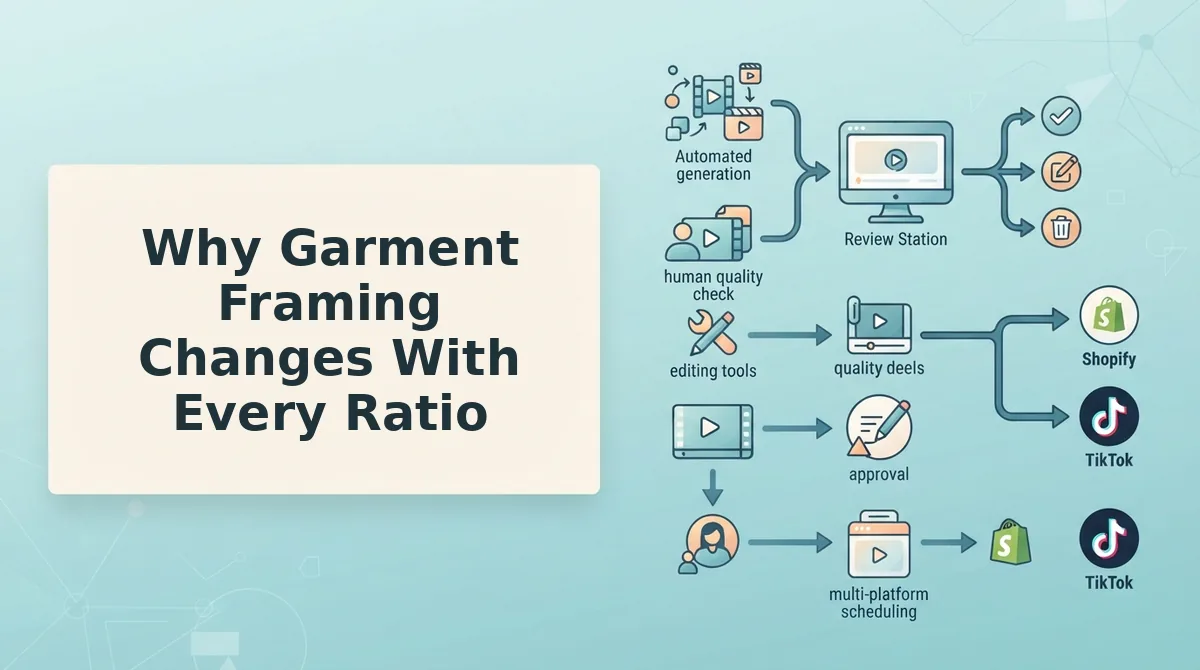
Garment framing is the portion of the apparel item that stays visible inside a video's boundaries, and every aspect ratio change redraws those boundaries, cutting off different parts of the garment.
Think of framing like a tailor's cutting table. The fabric is the same, but where you place the pattern piece decides whether you get a full gown or a crop top. When a platform or export setting changes the ratio, it's effectively re-cutting your garment footage without asking.
The most damaging crop happens when a 9:16 full-body dress shot converts to 1:1. What remains is a torso shot that tells the viewer nothing about the dress's length, flare, or drape, the exact details that drive purchase decisions.
Platform auto-crop compounds the problem. TikTok and Instagram Reels center-crop horizontal or square uploads to fill a vertical screen, often cutting off the bottom of a dress or the top of a neckline and making the garment look unfinished. A blouse with statement sleeves can lose the sleeves entirely; a pair of wide-leg trousers can read as cropped capris.
The practical fix is a safe-zone discipline: keep critical garment detail within the center 60% of the frame for 9:16 to 1:1 conversion. If the hemline, neckline, and sleeve details all sit inside that central band, they survive the crop regardless of which ratio the platform applies. For flat lay photography converted to motion, the same rule applies, position the garment's defining features away from the frame edges before generating video. Our guide on flat lay to fashion video walks through framing flat lays so they convert cleanly across ratios.
Here's the full breakdown of the five ratios fashion brands actually use, and which one belongs on your PDP.

The 5 Aspect Ratios Fashion Brands Actually Use
Fashion brands converge on five aspect ratios because each one solves a distinct merchandising or distribution problem. The right ratio preserves garment proportions, fits a platform's native player, and determines whether your video feels like an ad or an editorial.
- 9:16 Vertical, the full-body reveal workhorse for TikTok, Reels, Shorts, and Stories. This ratio fills the entire mobile screen, eliminating competing content and maximizing attention. It is best for full-body garment reveals, try-on transitions, and outfit transformations where vertical space lets the garment breathe from neckline to hem. Use it for TikTok fashion videos and Instagram Reels fashion videos where motion and personality drive engagement.
- 1:1 Square, the proportion-preserving standard for Instagram feed, PDP embeds, and marketplace listings. Square crops symmetrically from both sides, keeping the garment centered and undistorted without favoring top or bottom. It is best for preserving garment proportions when showing a full product on a model or flat lay. Use it for product page hero videos and Amazon or Etsy listings where buyers expect a clean, catalog-style presentation.
- 16:9 Horizontal, the lifestyle and lookbook format for YouTube, landing pages, and email. Horizontal framing provides room for environmental context, multiple models, and narrative scenes that vertical crops cannot accommodate. It is best for lifestyle content, brand films, and lookbook edits where the garment is part of a broader story. Use it on YouTube pre-roll, homepage hero sections, and email campaigns that link to full-site experiences.
- 2:3 Portrait 4:6, the detail-shot specialist for Pinterest and select PDPs. This taller-than-square ratio gives extra vertical room without the extreme narrowness of 9:16, making it ideal for fabric closeups, stitching details, and texture reveals. It is best for detail shots and fabric closeups where buyers need to inspect material quality before purchasing. Use it on Pinterest pins and PDP gallery thumbnails where zoom-level clarity matters.
- 3:2 Landscape, the legacy stills bridge for catalog packshots converted to video. Many apparel brands hold thousands of DSLR catalog images shot at 3:2, and this ratio lets those assets become motion without aggressive cropping. It is best for catalog packshots where consistency across hundreds of SKUs matters more than platform-native framing. Use it for internal catalog videos, wholesale line sheets, and B2B presentations.
The Decision Matrix: Which Ratio for Which Platform
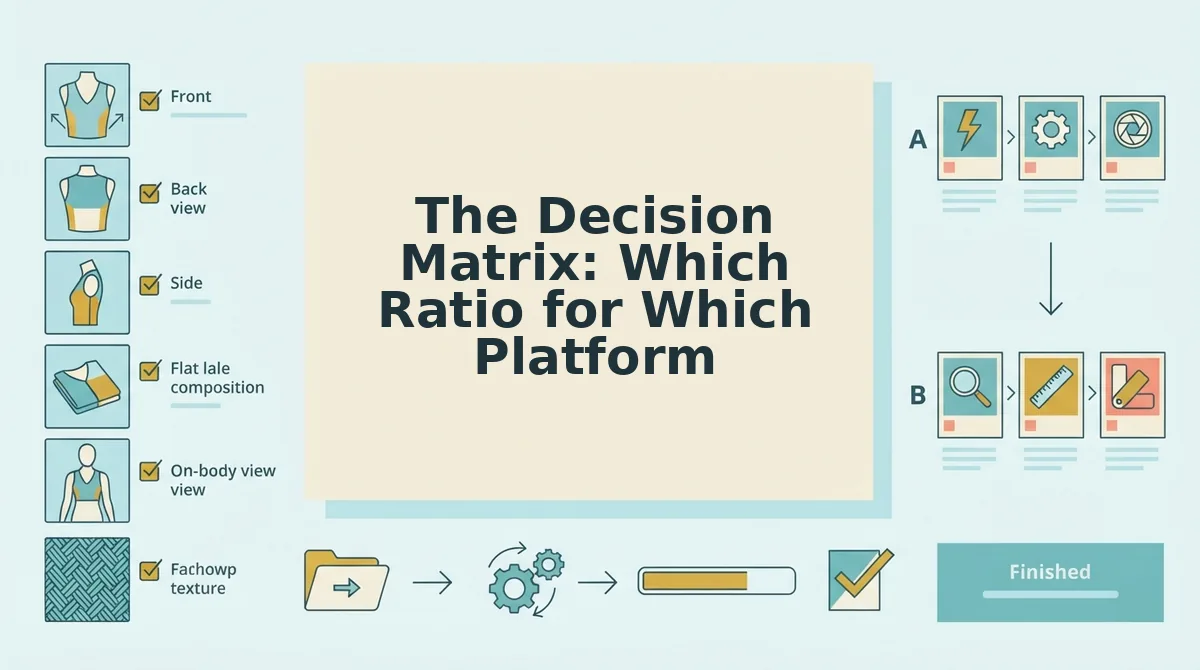
No single aspect ratio works everywhere, and forcing one ratio across all channels guarantees either cropped garments or letterboxed dead space. The matrix below maps each ratio to its strongest platform, the garment types it frames best, the framing risk you inherit from mismatched source footage, and the export settings that preserve quality.
| Aspect Ratio | Best Platform | Best Garment Type | Framing Risk | Recommended Export |
|---|---|---|---|---|
| 9:16 | TikTok, Reels, Shorts, Stories | Full-body reveals, dresses, outerwear, coordinated sets | Low if shot vertically; high if source is horizontal | 1080×1920 |
| 1:1 | Instagram feed, PDP embeds, marketplaces | Proportion-critical items: tailored blazers, fitted dresses, denim | Medium if source is 9:16; low if source is square | 1080×1080 |
| 16:9 | YouTube, landing pages, email | Lifestyle looks, outerwear in context, multi-model scenes | Low if shot horizontally; high if source is vertical | 1920×1080 |
| 2:3 | Pinterest, select PDP galleries | Fabric closeups, stitching details, texture shots | High if source is 16:9; low if source is portrait | 1200×1800 |
| 3:2 | Catalog packshots, wholesale line sheets | Standard apparel catalog items shot on legacy DSLRs | Low; matches native DSLR stills | 1800×1200 |
Best for TikTok-first DTC brands: 9:16, because full-body garment reveals in native vertical framing outperform repurposed horizontal footage on mobile feeds. Best for Shopify merchants optimizing PDP conversion: 1:1, because square embeds preserve garment proportions without cropping hemlines or necklines. Best for brands running YouTube and email funnels: 16:9, because horizontal framing supports lifestyle storytelling that builds brand affinity beyond the product shot. Best for Pinterest-driven discovery brands: 2:3, because detail shots at portrait framing capture the texture and construction cues that Pinterest shoppers pin and revisit. Best for wholesale and B2B catalog teams: 3:2, because legacy DSLR packshots convert to motion without destructive reframing.
Platform-native ratios are not a preference; they are a distribution requirement. TikTok, Reels, and Shorts reward 9:16 content with full-screen placement, while square or horizontal uploads get letterboxed and deprioritized. PDP embeds, by contrast, favor 1:1 because ecommerce templates are built around square media slots. The framing risk column matters most when your source footage does not match your target ratio: a 16:9 lifestyle shot cropped to 9:16 loses the model's head or feet, and a 9:16 try-on cropped to 1:1 clips the garment's silhouette. You can generate fashion videos in any aspect ratio from a single set of product photos, which removes the reshoot bottleneck entirely.
How to Avoid Cropping and Letterboxing
Cropping cuts off hemlines and necklines; letterboxing adds black bars that make your fashion video look unfinished.
Prerequisites: one to six product photos of the same garment, a browser-based video generator such as FashionUGC, and a target platform list before you start.
- Generate the master video at 9:16 with critical garment detail in the center 60% of the frame. Upload your product photos and select vertical output. Position the garment so the neckline, waistline, and hemline all sit inside the middle 60% of the frame, leaving the outer 20% on each side as safe margin. You should see the full garment visible without any part touching the frame edges.
- Export the 1:1 square version using center-crop. Open the export settings and select square output with center-crop enabled. Review the preview frame by frame: hemlines, necklines, and sleeve cuffs must remain fully visible. If any garment edge is cut, adjust the crop anchor slightly upward or downward until the full silhouette fits.
- Export the 16:9 horizontal version using blur-pad or reframe. Select horizontal output and choose blur-pad, which fills the side bars with a blurred, scaled copy of the video rather than black bars. Alternatively, use reframe to reposition the garment within the wider canvas. Confirm the garment is not stretched or distorted, aspect ratio changes should never alter garment proportions.
- Preview all three exports side by side before downloading. Check the 9:16 master, the 1:1 square, and the 16:9 horizontal in a single review screen. Look for cropped hems, distorted silhouettes, or visible black bars. You should see three clean, platform-ready files with the garment fully intact in each.
This workflow eliminates the reshoot bottleneck entirely: one set of product photos becomes three platform-ready videos in minutes. You can turn product photos into platform-ready fashion videos without re-photographing a single SKU. The next section answers the most common questions about fashion video aspect ratios.
Fashion Video Aspect Ratio FAQs
Fashion brands ask the same framing questions before exporting product videos. These answers cover the ratio decisions that cause the most rework, from TikTok cropping to flat lay framing.
What aspect ratio should I use for fashion video ads on TikTok and product pages?
Use 9:16 for TikTok ads and 1:1 for product pages. TikTok fills the full mobile screen at 9:16, while 1:1 embeds cleanly into PDP galleries without letterboxing or pushing the add-to-cart button below the fold. Export both from the same master file.
Why does my clothing video get cropped when I upload it to Instagram?
Instagram auto-crops uploads to match the feed's native ratio, cutting off garment details at the edges. A 9:16 video posted to the feed gets center-cropped to 4:5, which can remove sleeves, hems, or model faces. Export a 4:5 version for feed posts instead of relying on auto-crop.
Can I use the same fashion video file for TikTok and my product page?
Yes, if you export a 9:16 master and a 1:1 center-crop from it. The 9:16 file works for TikTok, Reels, and Shorts. The 1:1 crop keeps the garment centered for PDP embeds. Using one file for both forces one platform to crop unpredictably.
What's the best aspect ratio for flat lay fashion videos?
1:1 or 2:3, depending on the platform. Square framing keeps flat lays balanced on Instagram feeds and PDP galleries. A 2:3 ratio gives more vertical room for full-length garments like dresses or coats on Pinterest and mobile product pages.
Does aspect ratio affect how the garment drapes on screen?
Yes. Wider ratios like 16:9 show more of the garment's horizontal flow and fabric movement across the frame. Vertical ratios like 9:16 emphasize length and silhouette, which suits dresses, maxi skirts, and full-body outfit shots where drape reads top-to-bottom.
If you are exporting one fashion video for multiple placements, start with the highest-resolution master your source photos support. Then export a 9:16 version for TikTok, Reels, and Shorts; a 1:1 version for product pages and Instagram feed posts; and a 16:9 version for YouTube pre-roll and landing page hero sections. Each export should be a deliberate crop, not an automatic platform resize, so the garment stays fully in frame at every ratio.
Choose the Right Ratio, Keep the Garment Whole
The ratio you export is the ratio your garment survives. Every crop decision either preserves the silhouette or amputates a sleeve, a hem, or the drape that sells the piece. The framework is simple: 9:16 for TikTok, Reels, and Shorts; 1:1 for product pages and Instagram feed; 16:9 for YouTube and landing pages.
The contrarian take worth remembering: 1:1 outperforms 9:16 for PDP embeds. Square framing keeps the full garment visible next to the buy button, while vertical video forces shoppers to scroll past the product to see the whole item. Performance creative teams that treat PDP video as a separate export, not an afterthought, see fewer abandoned product views.
Your next step is to generate a platform-ready fashion video from the product photos you already have. Generate platform-ready fashion videos from product photos with the AI Fashion UGC Video Generator, then export your 9:16 master and 1:1 PDP crop from the same source. The ratio is not a setting you fix in post. It is a decision you make before the garment ever moves.
