


Static catalog photos underperform in video ads, that's the quiet killer eating your creative budget. Every reshoot you avoid by reusing existing photography is margin recovered, but only if the AI has enough visual information to work with. Fabric detail closeup photos for ai clothing video are the difference between motion that looks like a cheap slideshow and motion that reads as authentic UGC shot on a phone.
You already own the product photography. You already paid for the shoot. The problem isn't a lack of assets, it's that most brands feed the AI only front and back angles, starving it of the texture data that makes fabric move believably. This article breaks down why closeups matter, how to shoot them so the AI can actually read them, and how to allocate your upload slots for maximum output quality.
One finding will surprise you: the lighting setup that works for ecommerce packshots actively degrades AI fabric simulation. The fix is counterintuitive and costs nothing. FashionUGC's multi-angle ingestion engine uses these closeups to drive texture mapping and drape simulation, but only if you shoot them the right way.
Why Fabric Closeups Matter More Than You Think
Fabric closeups are high-magnification still photographs of a garment's surface, its weave, knit structure, pile, stitching, and construction details, that an AI video generator uses as texture reference data to simulate realistic motion. Without them, the AI guesses. With them, it renders.
Think of a fabric closeup like a voice sample for a voice clone. A front-angle catalog shot tells the AI what the garment looks like from ten feet away. A closeup tells the AI what the fabric is, how it catches light, how the weave deforms under tension, how the drape folds. That's the difference between a generic digital mannequin and motion that looks like someone actually picked up the shirt.
What Closeups Actually Feed the AI
Closeups provide three distinct data streams to the simulation engine. First, texture maps: the AI extracts the visual surface pattern, ribbing on a knit, twill lines on a woven, pile density on fleece, and applies it across the garment as it moves. Second, weave pattern data: the structural grid of the fabric tells the simulation how the material should bend, stretch, and fold. Third, drape behavior: hanging folds and gravity response captured in a closeup give the AI a reference for how the fabric falls in motion.
This is why the platform's multi-angle ingestion and fabric drape modeling features exist. When you turn clothing photos into video, the closeup slots aren't decorative, they're the primary input for texture fidelity and drape realism. On-body shots contribute fit and silhouette. Closeups contribute how the fabric actually behaves. You need both.
Closeups vs. On-Body Shots: A Decision Matrix
| Input Type | Contributes | Best For | Limitation |
|---|---|---|---|
| Fabric closeup | Texture fidelity, drape realism, construction detail | Knits, textured wovens, embellished fabrics, fleece, denim | No fit or silhouette information |
| On-body shot | Fit, silhouette, proportion, how garment sits on a body | Structured garments, tailored pieces, anything where fit sells | Limited texture resolution at full-body distance |
| Flat lay | Overall shape, color blocking, print placement | Graphic tees, patterned pieces, colorway comparison | No drape behavior; fabric looks stiff |
If you're generating video for a chunky cable-knit sweater and you upload only front and back on-body shots, the AI will render a sweater-shaped object with blurry, undefined surface texture. Add one closeup of the knit stitch pattern, and the simulation has the data it needs to render every cable twist as the garment moves. The closeup is not a nice-to-have. It's the input that separates convincing motion from obvious CGI.
How to Shoot Fabric Closeups That AI Can Read
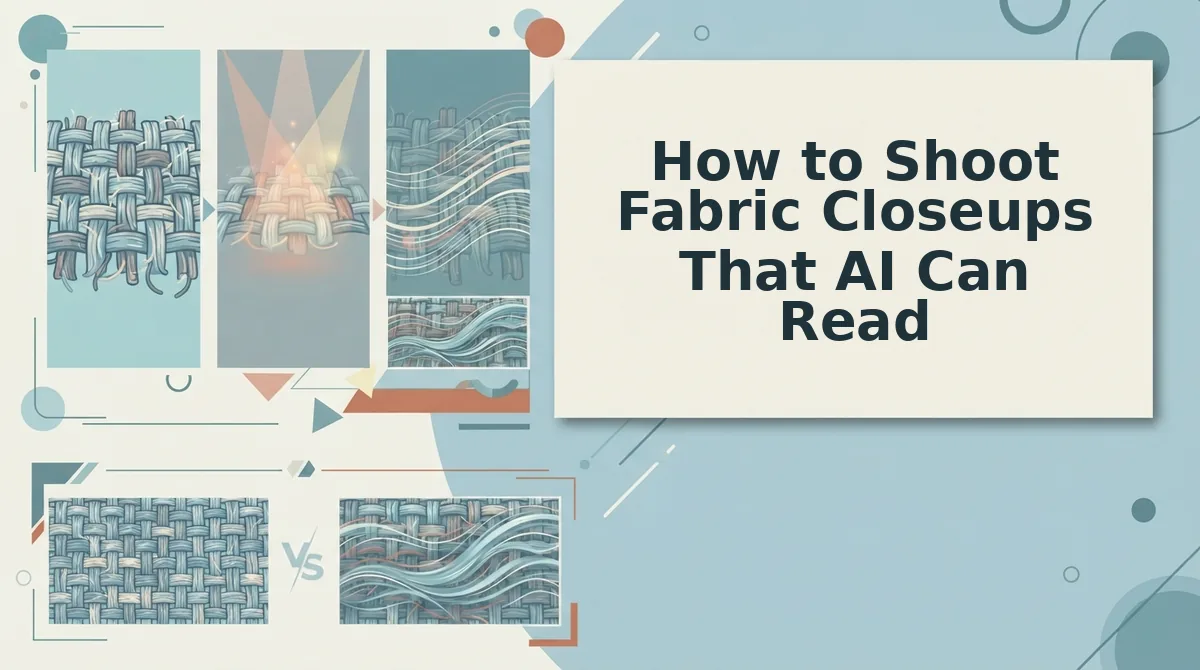
Shoot fabric closeups with diffuse, angled light at 45 degrees to the weave, filling the frame with the fabric surface so individual threads are visible. Sharpness matters more than megapixels, if you can't see thread definition when you zoom in, the AI can't extract texture data.
Prerequisites: A camera or phone with macro capability or a close-focusing lens, a diffused light source (window light works), and a stable surface or tripod. Total time: 10-15 minutes per garment.
- Identify the fabric type before you shoot. Knits, wovens, drape-heavy fabrics, and structured fabrics each need different framing. A knit closeup should capture stitch definition at a 45-degree angle to the knit direction. A woven needs the weave pattern shot flat and perpendicular. Drape-heavy fabrics like rayon or silk need hanging folds, not flat captures. Structured fabrics like denim or canvas need seam and hem detail. Getting this wrong means the AI receives texture data that doesn't match how the fabric actually behaves.
- Fill the frame with fabric only. Position the camera so the fabric surface occupies at least 80% of the frame. No background, no garment edges, no hands. The AI needs pure texture reference. You should be able to see individual threads or stitch loops clearly on your screen before you press the shutter.
- Diffuse your light source. Overhead LED panels create specular hotspots, bright reflective patches that wash out texture and confuse the AI's surface extraction. Place a white sheet, diffusion panel, or even parchment paper between the light and the fabric. Shoot at 45 degrees to the weave direction so the light rakes across the surface, creating micro-shadows that define thread structure. This is the contrarian fix: the lighting that looks clean for ecommerce packshots actively degrades AI fabric simulation.
- Capture hanging folds for drape-heavy fabrics. For silk, rayon, modal, or any fabric where drape is the selling point, hang the garment and shoot the folds where gravity pulls the fabric. This gives the simulation engine a reference for how the material falls and moves. You should see soft, defined fold lines with visible surface texture inside each fold.
- Shoot seam and hem details for structured garments. For denim, canvas, twill, or tailored pieces, capture one closeup of a seam line and one of a hem edge. Construction detail is a trust signal in UGC-style video, visible stitching reads as quality. The AI uses these details to render garment edges cleanly during motion instead of blurring them.
- Review at 100% zoom before uploading. Open the image and zoom to full size. If individual threads are visible and sharp, the closeup is AI-ready. If the surface looks soft or mushy, reshoot with more light or a steadier hand. Sharpness is the gate, not resolution, not file size.
Once you have sharp, correctly framed closeups for each fabric type in your catalog, the next question is how many of your upload slots to dedicate to them.

The Closeup Allocation Formula: How Many Slots to Use
For a six-image upload, allocate 2-3 closeup slots for drape-heavy garments (silk, chiffon, jersey) and 1-2 for structured garments (denim, canvas, tailored wovens). The number depends on how much motion the fabric must convincingly reproduce.
Drape-heavy fabrics need more closeup data because the AI must infer weight, flow, and light interaction from surface texture alone. Structured fabrics hold their shape predictably, so fewer closeups suffice, the silhouette carries most of the visual information.
Skip closeups entirely when source images are low-resolution or you are time-constrained. A sharp full-garment shot beats a blurry macro every time; the clothing video generator extracts more usable texture data from one clean image than from three soft ones.
| Fabric Category | Recommended Closeup Slots (of 6) | Why | Best For |
|---|---|---|---|
| Drape-heavy (silk, chiffon, jersey, rayon) | 2-3 | Flow and weight must be inferred from surface texture and light falloff | Dress and blouse brands where fabric movement is the hero shot |
| Structured (denim, canvas, tailored wovens, twill) | 1-2 | Silhouette carries the visual weight; texture adds realism without driving motion | Denim, outerwear, and workwear brands prioritizing fit over flow |
| Textured knits (cable, ribbed, bouclé) | 2 | Pattern depth reads poorly at distance; closeups preserve stitch definition | Sweater and knitwear brands where stitch pattern is a selling point |
| Low-res or rushed shoots | 0 | Blurry closeups degrade output more than omitting them | Teams with catalog archives below 1000px or tight production deadlines |
Competitor platforms that accept only single-image uploads force a tradeoff between full-garment framing and texture detail. The six-slot model lets you keep both, which is why allocation strategy, not just image quality, determines output realism.
Common Closeup Mistakes That Degrade AI Output
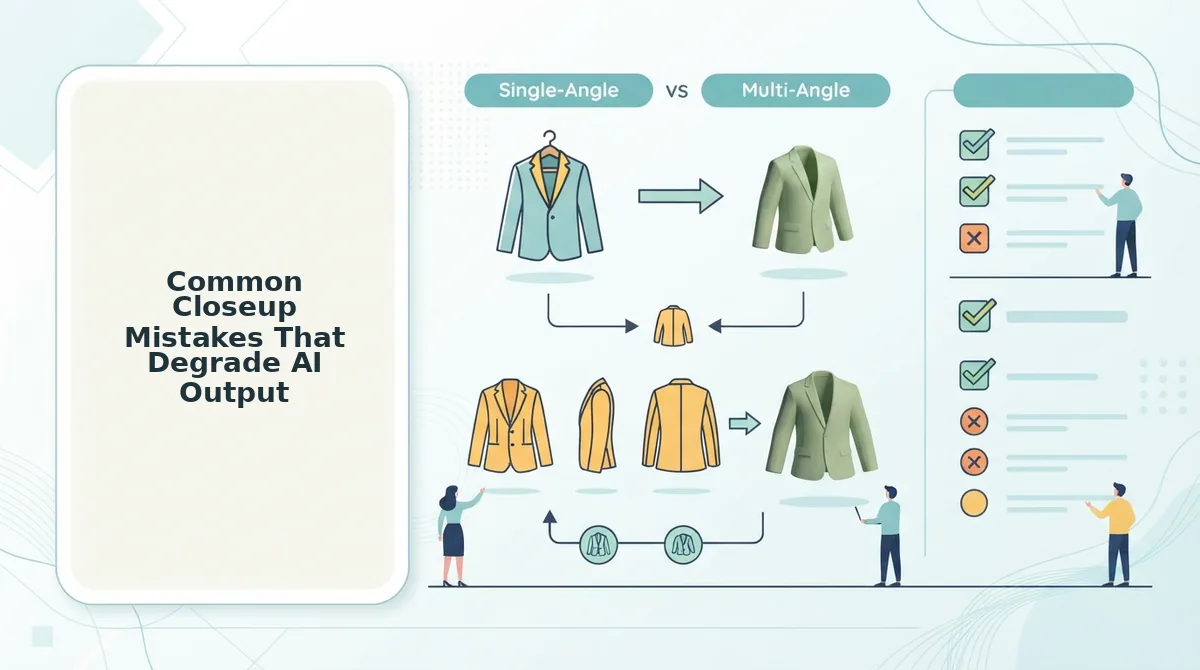
Most fabric closeup failures come from three avoidable shooting errors: specular hotspots, handheld blur, and cropped construction details. Each one strips the AI of the texture data it needs to generate believable motion.
- Specular hotspots from overhead lighting. Direct overhead light creates bright reflective patches on satin, coated fabrics, and even matte cotton. These hotspots confuse texture extraction because the AI reads them as missing surface data rather than shine. Fix by diffusing the light source or angling it 30-45 degrees off-axis so the fabric surface stays evenly lit.
- Blurry closeups from handheld shooting. Macro shots amplify every micro-shake, and a soft image gives the AI nothing to work with. Blur is the single most common reason closeups underperform. Fix by using a tripod, a stable tabletop, or bracing your phone against a solid surface and using a 2-second timer to eliminate shutter movement.
- Cropping out hems or seams. Cutting a seam line or hem edge out of frame removes the construction detail that tells the AI how the garment is assembled. The model then guesses at stitching patterns and edge behavior. Fix by framing closeups to include the full seam line, hem fold, or stitch run, not just the fabric surface between them.
- Inconsistent lighting across closeup and full shots. When closeups are shot under different light temperature than the full-garment images, the AI must reconcile mismatched color and shadow data. Fix by shooting all six images in the same session under identical lighting conditions.
- Over-sharpening in post-processing. Aggressive sharpening adds artificial edge contrast that the AI interprets as real texture. Fix by exporting closeups with minimal or no sharpening applied; let the model extract natural detail.
FAQ
How do fabric detail closeup photos improve AI clothing video?
Fabric closeups give the AI model high-resolution texture data, weave pattern, stitch density, surface sheen, and fiber behavior, that it uses to generate realistic drape and movement. Without closeups, the model extrapolates texture from low-detail full-garment shots, producing flat or synthetic-looking fabric motion in the final video.
What resolution should fabric closeups be for AI video?
Aim for at least 1000px on the shortest edge, with 2000px or higher preferred for textured fabrics like bouclé or cable knit. Higher resolution preserves stitch definition and weave structure that the AI needs for accurate texture mapping. Images below 1000px typically lose the micro-detail that makes closeups worth including.
Can I use phone photos for fabric closeups?
Yes, modern phone cameras capture sufficient detail for AI fabric closeups when shot in good light with a stable setup. Use the main rear camera, avoid digital zoom, and brace the phone against a surface or tripod. The limiting factor is usually lighting and stability, not the sensor itself.
How many closeup photos should I upload?
For a six-image upload, use 2-3 closeups for drape-heavy fabrics like silk or jersey and 1-2 for structured fabrics like denim or canvas. Skip closeups entirely if your source images are low-resolution or you are time-constrained, since a sharp full-garment shot outperforms a blurry macro.
Close the Loop: Closeups Are the Difference Between a Catalog Video and a UGC Video
The open loop from the start resolves here: fabric closeups are not a nice-to-have. They are the single highest-leverage input you control. A garment with zero closeup slots produces motion that reads as a slideshow. The same garment with two to three well-lit closeups produces motion that reads as someone holding the fabric up to a phone camera.
Your allocation formula is now concrete. One slot for structure, two to three for drape and texture, zero slots wasted on redundant front angles. Your lighting fix is equally simple: diffuse the source, shoot at 45°, kill the specular hotspot before it reaches the AI.
Here is the synthesis that ties it together:
- Shoot closeups at 45° with diffused light. This single change eliminates the hotspot artifacts that degrade AI motion estimation.
- Allocate 2-3 closeup slots for drape-heavy garments. Structured pieces like denim jackets can survive on one; chiffon and knitwear cannot.
- Review every output before it ships. The generator creates the file. You decide if the fabric motion matches the real garment.
If you are still working from flat lays, start with the flat lay to fashion video guide to build your source set correctly. Then run those images through the AI fashion UGC video generator and watch how the closeup slots change the output.
The brands winning on paid social in 2026 are not the ones with the most expensive cameras. They are the ones whose source images give the AI enough fabric truth to work with. Feed the model texture, and it will return motion that sells.
