
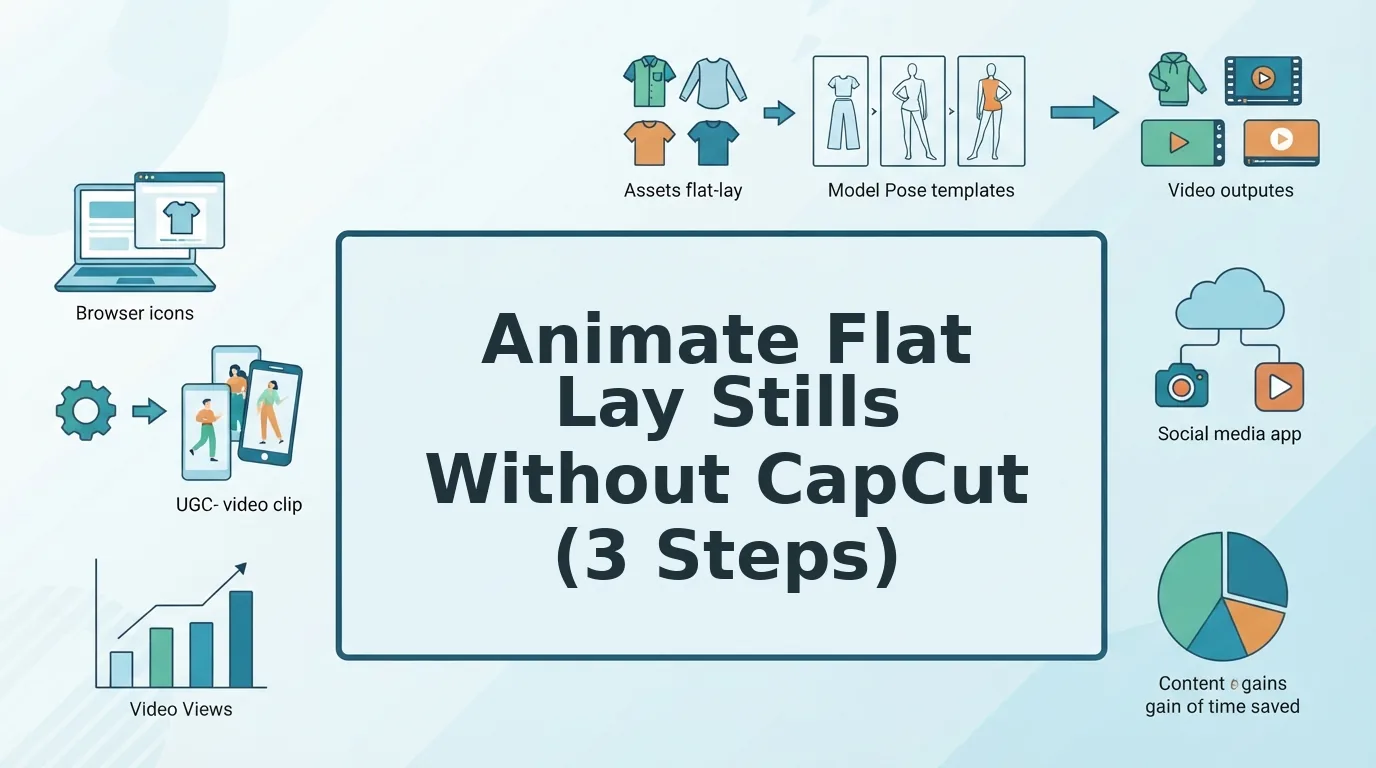

Your CapCut flat lay animations all look the same, and your audience has already scrolled past them. When every DTC brand uses the same pan-and-zoom presets, the algorithm stops rewarding the format, and your creative testing hits a ceiling. If you're tired of keyframing 40 SKUs a week only to watch CTRs plateau, you're not alone.
Here's the core distinction most fashion marketers miss: CapCut moves the frame; AI generation moves the garment. A flat lay photo of a hoodie doesn't need a camera sweep, it needs fabric drape, a natural sway, and the subtle fit cues that make UGC feel human. The good news: your existing flat lay photos already contain enough visual data to generate that motion, provided the lighting is even and the hems are visible.
In this guide, you'll learn why CapCut's frame-based animation falls short for apparel, how to prep a flat lay so it animates cleanly, and how to generate garment-level motion without manual keyframes. You'll also discover a surprising reason most flat lay animations fail before the first frame renders, one that has nothing to do with your editing skills. By the end, you'll have a repeatable workflow for turning static product photography into scroll-stopping UGC-style video using an AI fashion UGC video generator built specifically for apparel.
Flat lay animation without CapCut means converting a static overhead garment photo into short-form video where the clothing itself moves, fabric ripples, sleeves shift, the silhouette breathes, rather than applying camera pans, zooms, or shakes to a frozen image. The distinction matters because viewers register garment motion as authentic product behavior, while frame motion reads as an ad template. A browser-based AI fashion UGC video generator accepts one to six flat lay or on-body angles of a single apparel item and outputs a UGC-style clip ready for TikTok, Reels, Shorts, or product pages, no timeline scrubbing, no keyframe curves, no CapCut template hunting.
Why CapCut Falls Short for Flat Lay Fashion Ads
CapCut is a frame-animation tool: it applies camera-style movement, pans, zooms, rotations, shakes, to a static image. It cannot alter what's inside the frame. For flat lay fashion ads, that limitation is the entire problem.
Think of CapCut like mounting a photo on a motorized easel. You can tilt the easel, slide it left, push it closer to the viewer, but the photograph never changes. The hoodie stays frozen mid-fold. The dress hem doesn't sway. The fabric doesn't catch imaginary light. Viewers subconsciously register this as "a picture being moved around," which is why template-based flat lay ads fatigue so quickly in paid social feeds.
AI garment generation works differently. Instead of animating the camera, it animates the subject. The model interprets the flat lay's visual cues, fabric weight, seam placement, drape lines, hem geometry, and synthesizes plausible motion: a sleeve settling, a collar lifting slightly, the garment's silhouette breathing as if worn. This is the frame-vs-garment distinction that separates template editing from generative video.
Here's the comparison at a glance:
| Capability | CapCut (Frame Motion) | AI Generation (Garment Motion) |
|---|---|---|
| What moves | The camera around a static image | The fabric, hems, and silhouette of the garment |
| Motion types | Pan, zoom, rotate, shake, speed ramp | Fabric drape, natural sway, fit preservation, subtle breathing |
| Perceived authenticity | Reads as an edited photo | Reads as organic UGC footage |
| SKU scalability | Manual keyframes per product | Batch generation from existing photos |
| Creative fatigue | High, same presets across brands | Lower, motion varies with each garment's geometry |
The scalability gap compounds quickly. A merchandiser managing 60 SKUs needs 60 unique CapCut timelines, each with manually tuned keyframes, easing curves, and export settings. That's hours of repetitive editing for motion that still reads as a template. AI garment generation inverts the workflow: upload the flat lay, let the model infer motion from the garment's actual structure, and review the output. The person still approves every clip before it ships, the tool just removes the keyframing bottleneck.
For a flat lay to animate convincingly through AI, the source photo must contain enough structural information: even lighting so shadows don't confuse the model, visible hems so the garment's boundaries are unambiguous, and sharp edges so the silhouette doesn't blur during motion synthesis. CapCut never asks for these conditions because it never touches the garment, it just moves the frame. That's precisely why it can't produce the organic, human-feeling motion that flat lay fashion ads need to survive in 2026 feeds.
Step 1: Prep Your Flat Lay for Motion
Flat lay prep is the five-point quality gate that determines whether your garment animates cleanly or warps into an unusable mess. Spend three minutes per SKU here, and you'll eliminate most generation failures before they happen.
Here's where most flat lay animations die before they start: the source photo wasn't shot with motion in mind. AI garment generation needs structural clarity, not artistic styling. Run every flat lay through this checklist before uploading:
- Check lighting evenness. Open the photo and look for harsh shadows or hot spots across the garment. Uneven lighting confuses the motion model because it can't tell a shadow from a fold. Expected outcome: the garment's surface brightness varies by no more than a subtle gradient. If shadows are visible, reshoot or adjust exposure before proceeding.
- Verify all hems are visible. Zoom in on sleeve cuffs, the bottom hem, and the collar. If any edge is cropped or folded under, the model will invent a boundary, and it usually invents wrong. Expected outcome: every garment edge is fully in frame with at least 5% margin around the item.
- Confirm sharp garment plates. Check that the fabric's main panels are in focus. Blurred texture reads as noise to the generator, producing smeared or melted-looking motion. Expected outcome: fabric weave or knit texture is crisp at 100% zoom.
- Assess the background. A neutral, low-contrast background, white, light gray, or beige, gives the model a clean separation between garment and surface. Busy backgrounds create edge artifacts. Expected outcome: the garment silhouette is visually distinct from the background at thumbnail size.
- Count your angles. One to six angles per garment produce the best results. A single overhead flat lay works, but adding a detail shot or a second angle gives the model more structural data. Expected outcome: you have at least one front-facing flat lay with all four checklist points above confirmed.
If you're unsure whether a photo will pass, review the common flat lay photo prep mistakes that cause warped hems, ghosting, and failed generations. Once your flat lay passes all five checks, you're ready to upload and generate garment motion.
Step 2: Upload and Generate Garment Motion
Upload one to six flat lay angles into an AI fashion UGC video generator, and the platform reconstructs garment motion from your existing stills. One angle is the minimum; three to six angles deliver the most accurate fit and drape.
Prerequisites: Your prepped flat lay images from Step 1, a browser-based AI fashion video generator account, and 2-5 minutes per SKU.
- Open the generator's upload panel and drag your first flat lay image into the drop zone. You should see a thumbnail preview appear within seconds.
- Click the Add Angle button and upload your remaining views, back, side profile, fabric detail, or on-body shot. The platform maps each angle to garment construction points, preserving seam lines, collar shape, and hem fall.
- Select a motion preset from the style menu, such as Subtle Sway or Try-On Flow. Each preset applies UGC-style movement without manual keyframing.
- Click Generate. Processing typically takes 1-3 minutes per SKU. You should see a progress bar followed by a preview thumbnail with a green checkmark when complete.
Multi-angle ingestion is the mechanism that preserves garment construction. A single front flat lay gives the AI enough data to animate basic drape, but three to six angles let the model infer how fabric behaves across seams, shoulders, and hems, reducing warping on structured pieces like blazers or denim. For a full walkthrough of angle selection and styling, see the flat lay to fashion video guide.
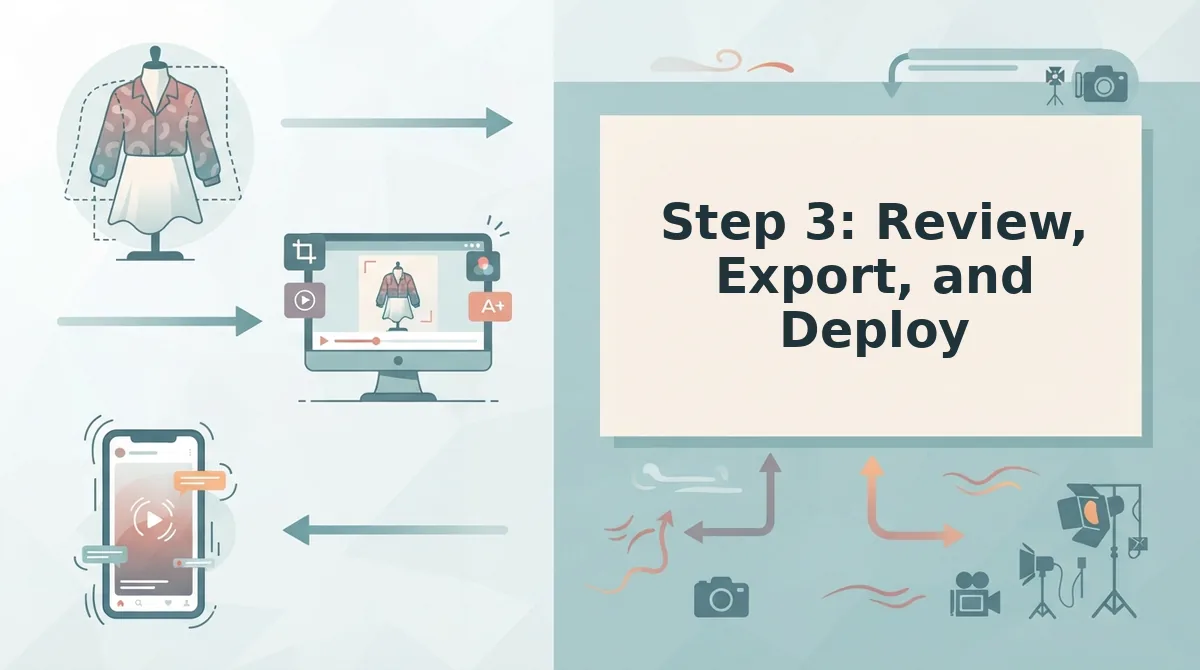
Step 3: Review, Export, and Deploy
Review the generated clip against a three-point checklist, export as a 9:16 vertical file, and deploy to your ad or product page workflow. This is the step CapCut tutorials never mention.
Prerequisites: A generated preview from Step 2 and 5-10 minutes for review and export.
- Open the preview player and check garment consistency: does the collar sit the same across all frames? You should see no flicker or morphing on structured details.
- Check drape naturalness: fabric should move with believable weight, not stretch like rubber. Check color accuracy against your original flat lay, no shifts in hue or saturation.
- Click Export and select the 9:16 vertical preset. The file downloads as an MP4 ready for TikTok, Reels, Shorts, or ecommerce product pages.
- Deploy the file to your ad manager or PDP. A human reviews the output before it goes anywhere, the generator creates the video file only.
CapCut vs. AI Garment Motion: Production Throughput
CapCut gives you frame-level control but costs 15-30 minutes of manual keyframing per SKU. AI garment motion processes a SKU in minutes from plates you already own, at the cost of granular creative control.
| Factor | CapCut Manual Keyframing | AI Garment Motion |
|---|---|---|
| Time per SKU | 15-30 minutes | 1-5 minutes (upload + generate + review) |
| Skill required | Timeline editing, keyframe curves | Image upload and preset selection |
| Batch capability | One SKU at a time | Sequential batch generation from existing plates |
| Creative control | Full frame-by-frame | Preset-driven, human review before export |
| Output format | Manual export settings | 9:16 vertical MP4 preset |
Best for solo creators and one-off hero pieces: CapCut. If you animate three products a month and want exact control over every frame, the manual workflow is manageable and free.
Best for DTC brands and agencies running SKU-scale catalogs: an AI clothing video generator. At 50 SKUs, manual keyframing costs 12-25 hours; batch generation cuts that to under 4 hours including review. If your creative testing depends on refreshing ad variants across a full catalog, the throughput math favors automation. For the most common questions about this workflow, see the FAQ below.
FAQ: Animating Flat Lay Stills Without CapCut
Direct answers to the most common questions about turning flat lay product photos into motion without CapCut, based on real queries from fashion ecommerce operators.
Can I animate flat lays without any video editing software?
Yes. An AI fashion UGC video generator converts flat lay stills into motion directly in the browser, with no timeline, keyframes, or editing software required. You upload one to six photos, the AI generates garment motion, and you download a finished short-form video file.
What's the fastest way to turn flat lay photos into TikTok ads?
Upload flat lay images to an AI garment motion tool, generate UGC-style motion, and export in a vertical 9:16 format. The three-step workflow, prep, generate, export, typically produces a TikTok-ready ad in minutes rather than the hours manual CapCut editing requires.
Do I need to reshoot my flat lays for AI animation?
No. AI garment motion works with existing flat lay photography as long as the garment is fully visible, evenly lit, and shot on a clean background. Multiple angles improve output quality, but a single well-composed flat lay is sufficient to generate motion.
Is CapCut better than AI for fashion product videos?
CapCut offers manual control but requires editing skill and time per video. AI garment motion generates UGC-style movement from stills automatically, making it faster for SKU-level catalog animation. For high-volume fashion catalogs, AI throughput outperforms manual CapCut editing.
Why does my flat lay look static in AI-generated video?
Static output usually stems from low source image quality, cluttered backgrounds, or insufficient garment contrast. Uploading multiple angles, front, back, and detail shots, gives the AI more motion reference points and produces more natural fabric movement in the generated video.
What file format do AI flat lay animations export in?
Most AI fashion UGC generators export MP4 files in vertical 9:16 aspect ratio, ready for TikTok, Instagram Reels, and YouTube Shorts. The output is a standalone video file you review before publishing, the tool does not post to social platforms automatically.
Turn Your Flat Lay Catalog into Motion
Animating flat lays without CapCut comes down to a repeatable three-step workflow: prep your flat lay for motion, generate garment movement with AI, and review the export before it goes live. The payoff is a catalog that moves at the speed of your ad calendar, not your editing queue.
The real unlock isn't replacing CapCut, it's removing the per-video editing bottleneck entirely. Every flat lay you already own becomes a potential ad creative without a reshoot or a timeline session.
Start by running one flat lay through the AI fashion UGC video generator and compare the output against your current manual edit. When you're ready to scale, learn how to turn product photos into video across your full SKU catalog. Your next winning ad is already sitting in your product photography.
