
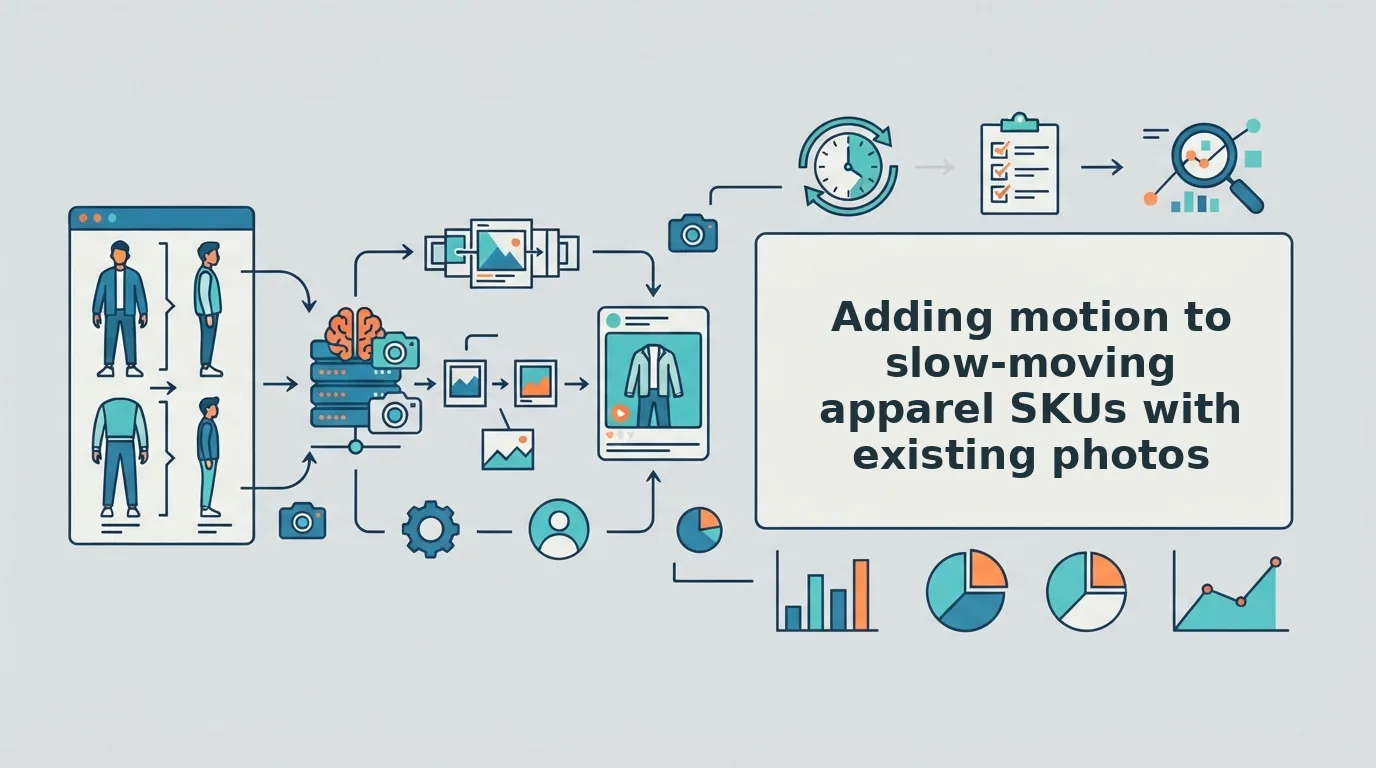

Three seasons of ghost-mannequin plates sit retouched on a server, and the styles they show are still in the grid long after the sell-through window closed. The photography isn't the problem. Most slow movers are one visual objection away from a second look, and most do not need a reshoot to answer it â they need a way to decide which styles earn motion, and a way to build the clip from files already paid for. That is the shape of a working slow-moving apparel SKU video process.
Inventory-side material stops at the SLOB classification and never reaches the creative step, so the two halves rarely get joined. This walkthrough joins them in order: triage the SKU, check the plate, generate the clip, review it. No sales outcome is promised anywhere here.
One triage signal reads backwards from how most merchandisers apply it, and it settles more SKUs than margin alone â the comparison below turns on it. For the generation half by itself, turn clothing photos into video from one to six stills of a single garment, then approve the clip before it goes anywhere.
Which Slow-Moving SKUs Earn a Video and Which Ones Don't
A slow-moving SKU is a style whose sell-through has stalled inside its planned window, and SLOB stock â slow-moving and obsolete â is the inventory term for that same style once the window has closed. The deciding question is not how old the file is; it is whether the objection is visual.
To add video to a slow-moving apparel SKU without a reshoot, pull the packshots from your catalog, confirm they meet a minimum plate standard, and generate short motion clips from those files for paid and organic channels. Triage first: rank the style by margin dollars at risk, compare its return rate to your category norm, and check how much sell-through window is left. Styles carrying real margin exposure with above-norm returns earn motion; styles that are slow on price or a broken size curve do not. A person reviews every clip before it runs.
| Signal | What it tells you | Verdict |
|---|---|---|
| Margin at risk is real, return rate above your category norm | Fit or drape doubt â a visual objection motion can answer | Yes |
| Margin at risk is real, returns at or below the norm | Price, assortment, or a size curve â not a picture problem | No |
| Margin at risk is thin, sell-through window still open | Cheap to wait; spend the slot on another style | Defer |
| Window closing and the plates already pass the check | Markdown exposure needs a creative now, not a shoot date | Yes |
Run the arithmetic before generating anything: units on hand times the spread between landed cost and the markdown likely to clear them, through the profit margin calculator.
A full reshoot is best for the merchandiser who needs angles the catalog never captured. Generating from existing plates is best for the operator holding retouched files and no calendar room. Doing nothing is best for the buyer whose slow style is genuinely a price or size-curve problem.
That is the signal the opening flagged: motion fixes "I can't picture it on a body" and nothing else, so
What Your Existing Packshots Must Prove Before You Upload Them
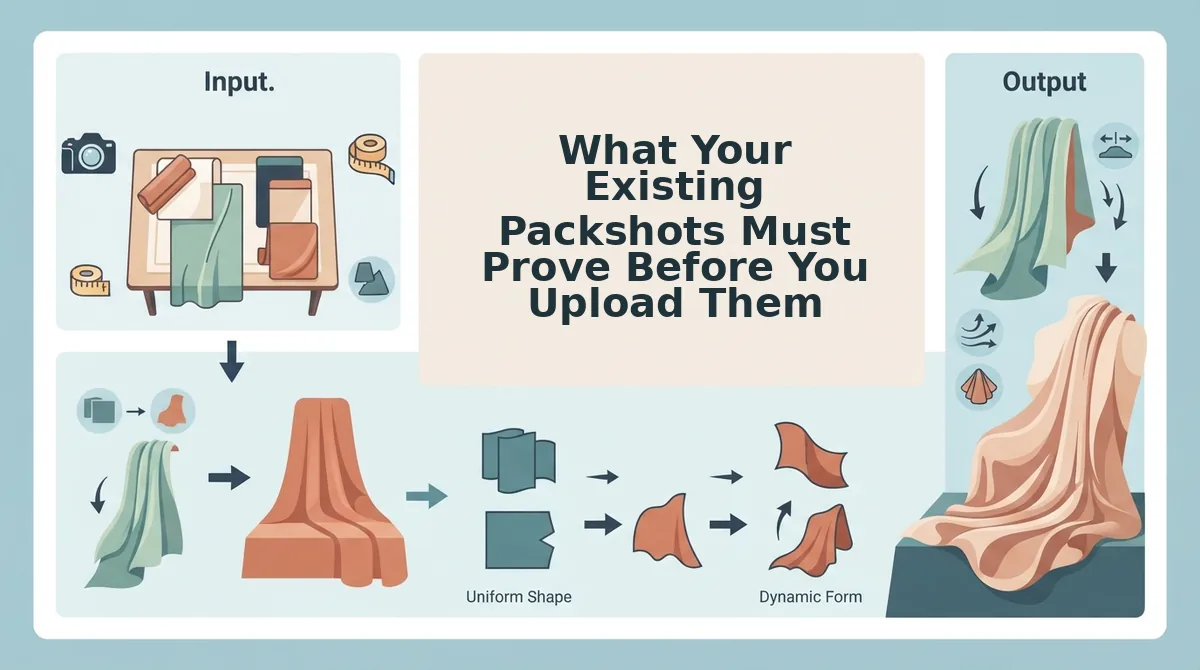
Before you upload, your packshot has to prove four things: the garment fills the frame, the hem and cuff both sit inside it, one light direction defines the fabric, and the silhouette separates cleanly from the background. A plate that passes all four animates as real cloth. A flat, front-lit plate with the hem cropped out produces motion that reads as fake, no matter how strong the model is. A plate is the single finished still a catalog shoot delivers â and it is the only thing the video model ever sees. Treat that as the brief you hand your photographer or your archive, not as a limitation to work around.
- Garment fills the frame. A packshot with the item floating in an island of white gives motion nothing to grip. Crop tighter or reshoot so the garment reaches close to the edges â our guide to flat lay to fashion video shows how much frame a flat lay actually needs.
- Hem and cuff both inside the plate. These two lines anchor sway, drape, and stride. Crop the hem and the model guesses where the garment ends, which is exactly where viewers notice.
- One light direction, not flat front-fill. A single key light creates the shadow gradient that reads as fabric weight. Evenly lit plates turn every fold into a smudge the moment the garment moves.
- Silhouette separated from the backdrop. Dark garment on dark background leaves no edge to track. Contrast by value, not just by hue â the grey-on-grey plate is the quiet killer.
- No baked-in drop shadow. Ghost mannequin plates with a hard clip-art shadow are the failure a human reviewer catches most often. Strip the shadow before upload, or the motion inherits it as a floating artefact.
- Resolution that survives a crop. Vertical delivery reframes to 9:16 and cuts the sides off a horizontal plate. If the item goes soft at the short edge, the source is too small â see product photos for AI fashion video for the working range.
Once the plate clears this list, what remains is sequencing rather than photography.
How to Add Video to a Slow-Moving SKU Without a Reshoot
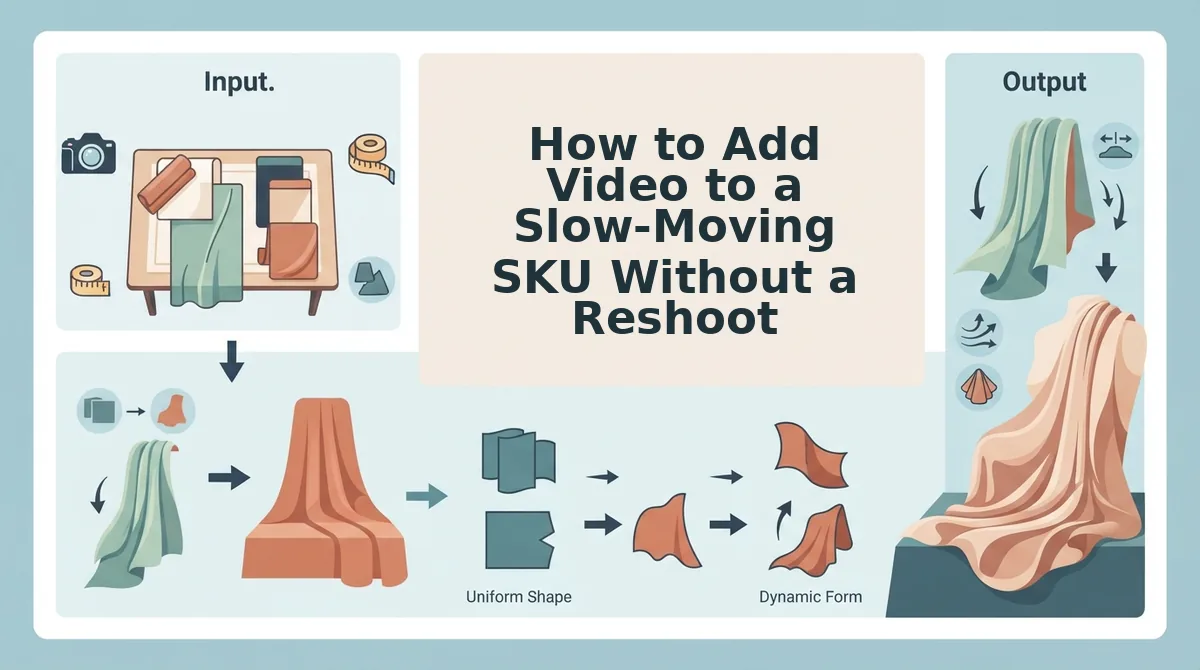
Adding video to a slow-moving SKU without a reshoot takes five moves: select the SKUs your triage rule approved, validate their plates against the spec, generate the clip from the file you already own, pass it through a human reviewer, then place it on the PDP before paid.
Define reshoot by what it costs, not by the dictionary: a studio booking, a model, and a day. None of that appears in this workflow. It runs on the packshots already sitting in your catalog â the same files attached to stock that aged past its sell-through window.
The sequence, and the reason for each step
- Select from the approved list. Only SKUs that cleared the margin-at-risk triage get motion, so creative spend follows dollars at risk instead of gut feel.
- Validate the plates against the spec. Reject rather than compromise â the generator will process a bad plate happily and hand back motion a reviewer then has to throw out.
- Generate from the existing file. One to six angles in, a short clip out, no shoot date on the calendar.
- Put a reviewer on it. A person signs off before the file goes anywhere; the review gate is a named step, not an afterthought.
- Place it on the PDP first. The product page is the cheapest read on whether the clip deserves paid budget.
Here is how that sequence looks in practice.
A merchandiser pulls three aged colorways off the triage list. Two have workable plates: garment filling the frame, clean lighting, silhouette separated from the background. The third is a flat lay under mixed light and fails the spec, so it goes back in the queue instead of into the generator. The two that pass go in at four angles each, come back as clips, and one is rejected on review for a warped hem before being regenerated and approved. Both land on their product pages. Only then does anyone argue about ad spend.
Note what did not happen: no studio, no model, no day. The output is a video file a human approved â the platform does not publish to TikTok or Reels on your behalf, and it makes no promise about how the clip performs.
If you have one aged SKU with a plate that meets the spec, that is your next step: run it through the clothing video generator and put a reviewer on the result before it goes anywhere.
The bigger shift is that video stops being a production decision and becomes an inventory decision â slow stock gets motion because the margin math says so, not because a budget finally cleared.
A slow mover doesn't need a new shoot; it needs one honest plate, one generated clip, and one person willing to reject it.
