


A pleated skirt that looks razor-crisp in your catalog can turn into a smeared panel once a still becomes motion. The folds blur, merge, or splay at the hem, and the cause usually sits in the source photos rather than in the generator.
To make pleated skirt photos for AI video hold their structure, shoot a front plate for pleat spacing, a side plate for pleat depth, and a fabric detail close-up. Press the pleats evenly, light from the side, and keep the full hem in frame.
Pleat depth is how far each fold recesses. Pleat spacing is the distance between folds. Both need to read clearly before you upload to an AI fashion UGC video generator.
You need three things: a pressed skirt, a side light source, and 3 to 6 sharp plates. This guide covers the shoot steps, a shot matrix by pleat type, and the angle most sellers skip. If you only have a flat lay of a pleated midi, start by adding a hanging side shot and a fabric close-up.
How Should You Photograph a Pleated Skirt for AI Video?
Press the pleats, light them from the side, and shoot three core plates: front, side, and fabric detail. Each plate gives the generator a different pleat signal, so together they show it the spacing, the depth, and the edge of every fold.
Prerequisites: a steamer or iron, a hanger with clips or a mannequin, one side light source such as a window or a softbox, and a camera or phone that can lock focus. Plan on about 30 to 45 minutes per skirt.
- Steam or press every pleat, then clip the waistband evenly (10â15 minutes). Uneven spacing on an unpressed garment is a root cause of pleats merging in motion. When you finish, each fold should sit parallel and equally spaced from the waistband to the hem.
- Set raking side light and lock focus (5 minutes). Place the light at roughly 90 degrees to the skirt so each fold casts a shadow line. Pull the exposure down on light fabrics until no highlights are blown. You should see a clear dark-light rhythm across the pleats.
- Shoot the front plate for pleat count and spacing (5 minutes). Frame the skirt straight on and keep the full hem in the shot. The plate should let you count every visible pleat.
- Shoot the side plate for pleat depth and fall (5 minutes). This is the angle most sellers skip, and it is the only one that shows how far each fold recesses. You should see the folds stack and hang, all the way down to the hem.
- Shoot the fabric detail close-up for fold edge and texture (5 minutes). Fill the frame with three or four folds in sharp focus. The fold edges should look crisp, not soft.
- Add optional back, on-body, or waistband plates (5â10 minutes). Stay within the generator's limit of 1 to 6 stills per item. Each extra plate should match the pleat count and depth of the core three.
Pro tip: Count the pleats in the front plate. Then confirm that the same count is visible from the other angles before you upload.
Why does flat front lighting ruin pleats in AI video? Pleats read as depth only through shadow. Raking side light skims across the fabric and leaves a dark line inside each recessed fold, which tells the generator where one pleat ends and the next begins. Flat frontal light, such as an on-camera flash or a ring light, fills those recesses and erases the shadow lines. The generator then sees a flat panel with faint stripes and has no depth cue to keep when it adds motion. Moving one light to the side of the skirt is often the cheapest fix for blurred pleats.
If your catalog is mostly flat lays, read the flat lay to fashion video guide before you reshoot. FashionUGC's multi-angle ingestion accepts front, side, flat lay, on-body, and detail stills of a single item in one upload.
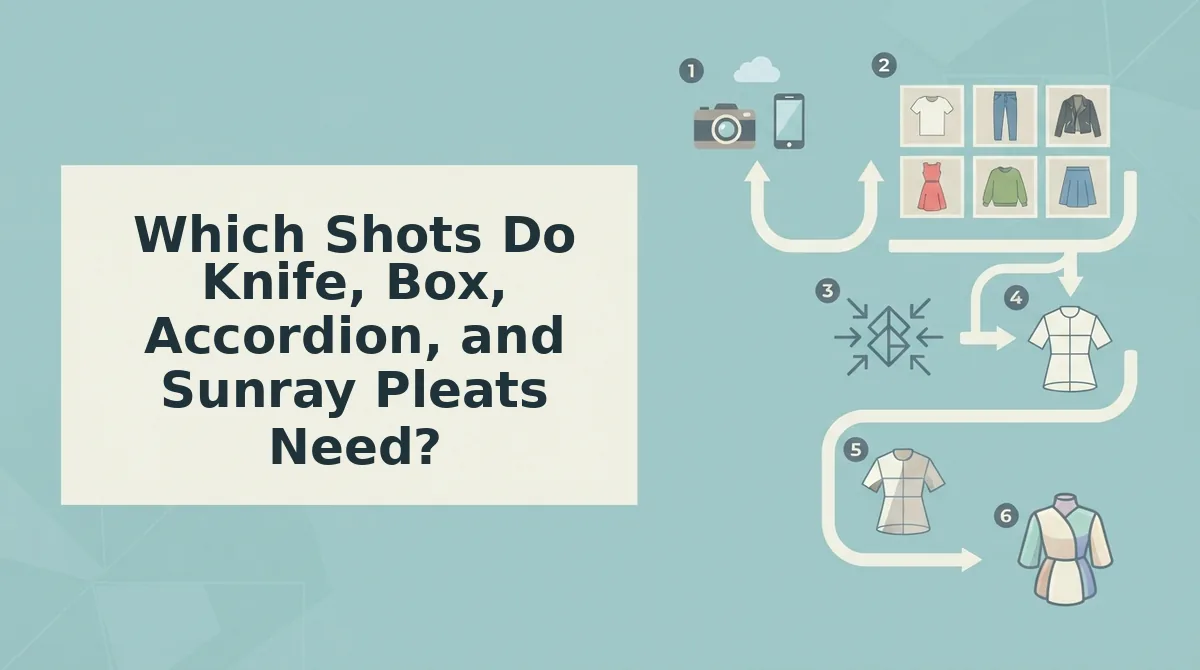
Which Shots Do Knife, Box, Accordion, and Sunray Pleats Need?
Each pleat type depends on one critical shot. Knife pleats need the side angle, box pleats need the front, accordion pleats need the detail close-up, and sunray pleats need a hanging full-length plate.
| Pleat type | Critical shot | Light direction | Common failure in motion |
|---|---|---|---|
| Knife | Side plate (folds face one direction) | Side, opposite the fold direction | Flattens into a plain panel |
| Box | Front plate (symmetric spacing) | Side, low raking angle | Neighboring boxes merge |
| Accordion | Detail close-up (fine zigzag edges) | Hard side light | Blurs into a texture |
| Sunray | Hanging full-length plate (radiating fall) | Side, aimed at hip and hem | Splays at the hem |
Flat Lay, Ghost Mannequin, or On-Body?
- Flat lay: This setup is fast, consistent, and already in most catalogs. However, it spreads or compresses pleats, so use it only as a supporting plate next to a hanging or mannequin shot. Best for: Shopify operators who want to add motion to an existing catalog.
- Ghost mannequin: This setup holds the skirt's true shape and shows its natural fall without a model. Best for: merchandisers who shoot many SKUs on a fixed set.
- On-body: This setup shows how the pleats move on a person, but pose and stance can vary from shot to shot. Best for: performance creative teams that test UGC-style hooks.
Three consistent plates are better than six conflicting ones. A compressed flat lay can contradict the side shot on depth, and those mixed signals leave the generator guessing about which fold geometry is correct.
For example, if a ghost mannequin plate shows the pleats splaying at the hem, re-press the skirt and reshoot the side angle before you upload. Once your plates agree, the clothing video generator turns them into vertical UGC-style clips that you review before they go live.
Next, check that the pleats held in the finished video.
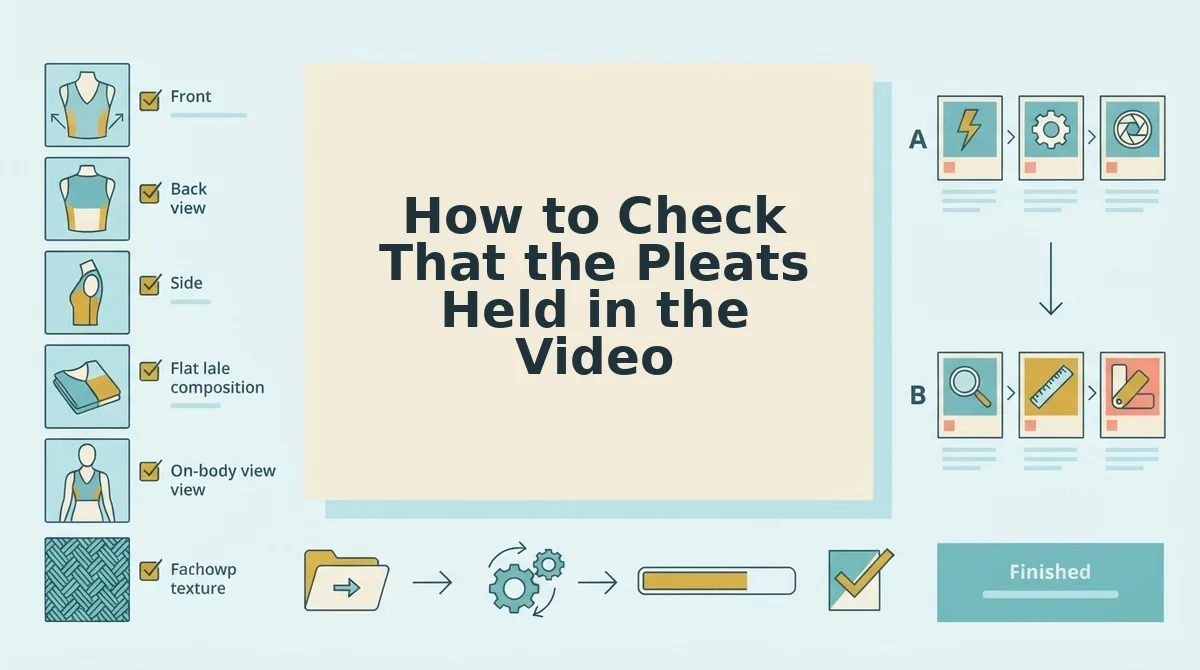
How to Check That the Pleats Held in the Video
Review each draft frame by frame against your source plates before you use it. FashionUGC creates the video file only. A person reviews it, and the tool does not publish anything or guarantee performance.
- Check that the pleat count stays stable. Pause at the start, peak, and end of the swing and count the visible pleats. If the count changes, the structure broke, so compare each frame with your front and side plates.
- Check that the fold edges stay crisp. Each fold should stay distinct, and neighboring pleats should not merge. Blurred folds usually trace back to a soft-focus detail plate. Flattened folds usually trace back to frontal light.
- Check that the hem edges stay clean. Watch the hem for splaying or ragged outlines as it moves. Splaying usually traces back to an unpressed hem, so steam the skirt and reshoot that plate.
- Check that the color matches the plates. Compare the fabric tone in the video with your stills on the same screen. If the color shifts, the video misrepresents the SKU, so correct the white balance in the source images.
- Check that the 9:16 framing keeps the full hem visible. The vertical crop should hold the entire hem through the movement. If the hem is cropped, the video hides the pleat behavior shoppers want to see.
When box pleats merge in an AI video, trace the failure back to the plate that caused it. For example, a draft might show box pleats merging mid-swing even though the front and side plates look correct. The likely cause is a soft-focus detail plate. Replace it with a sharp close-up that shows each fold edge, then regenerate and run the checklist again. A person should approve the final pass before the clip goes on a PDP or into campaigns built with the AI clothing ad generator.
Pleated Skirt Photo FAQ
These answers cover the questions the earlier sections leave open: phone photos, warping, and whether you need a live model.
Do phone photos work for pleated skirt AI videos?
Yes, phone photos work when the plates are sharp, lit from the side, and show the full hem. Focus and light direction matter more than the camera. Low-resolution or blurry stills will not produce production-ready motion, whichever device you use.
Why do pleats warp in AI video?
Pleats warp because the source images hide their structure. Flat frontal light removes the shadows that define each fold. Compressed flat lays spread the pleats unnaturally, and uneven pressing gives the generator inconsistent spacing to animate. Fix the plates, then regenerate.
Do I need a model, or is a ghost mannequin enough?
A ghost mannequin is enough for most pleated skirts. It holds the waist and lets the pleats hang at their natural depth, which a flat lay cannot do. You can add an on-body shot for fit context, but it is optional within the six-photo limit.
Shoot the Side Angle, Then Upload
The side angle decides whether pleats hold, because it is the only view that records pleat depth. The front and detail plates confirm the pleat count and fold edges. The side plate gives the generator the depth it needs to animate the swing.
Three consistent plates are the minimum worth uploading: front, side, and detail. Press the pleats, light them from the side, and match the pleat count across all three.
Once your plates are ready, turn clothing photos into video with FashionUGC, then review every draft before it reaches an ad or PDP. Pleats that are clearly documented in your stills are the pleats that hold their shape on screen.
