

Your best-selling jacket's ad has gone stale. The catalog photos are already paid for, and there is no budget for a studio reshoot. The piveth vs astra choice decides how you turn those existing stills into fresh motion.
Piveth and Astra are the two video generation engines inside FashionUGC. Piveth produces quick, dynamic 10-second UGC-style clips. Astra produces extended motion with wider framing variations and pacing control. This Astra is FashionUGC's video engine, not GPT-6 Astra, the coding and design language model.
Use Piveth when you need fast, dynamic 10-second UGC-style clips for paid social testing and ad refreshes. Use Astra when the garment needs extended motion, wider framing variations, and control over pacing, such as product page video or longer storytelling. Both engines start from the same one to six catalog photos you already own.
You already know which SKUs need motion. What you need is a rule for picking the engine so you don't spend a test cycle on the wrong one.
The engine is also not the biggest variable in your output. The photo you upload matters more, and this guide explains why later on.
Below, you will find a criteria table for both engines, a three-axis selector for garment type, channel, and launch stage, and if/then rules for when Piveth is the right call.
How Do Piveth and Astra Compare for Clothing Video?
Piveth and Astra differ on four documented points: clip length, motion style, framing, and pacing control. Piveth delivers quick, dynamic 10-second UGC-style clips. Astra delivers extended motion with wider framing variations and pacing control. Both accept the same one to six stills and output 9:16 vertical files.
| Attribute | Piveth | Astra |
|---|---|---|
| Clip length | 10 seconds | Extended motion |
| Motion style | Quick and dynamic, UGC-style | Extended, slower-building motion |
| Framing | Standard framing | Wider framing variations |
| Pacing control | Not listed as a feature | Yes |
| Source photos | 1â6 stills: front, back, side, flat lay, on-body, detail | 1â6 stills: front, back, side, flat lay, on-body, detail |
| Output format | 9:16 vertical for Reels, TikTok, Shorts, ads, ecommerce | 9:16 vertical for Reels, TikTok, Shorts, ads, ecommerce |
| Best-fit job | Short-burst ad testing and refreshes | Product page motion and fuller garment showcases |
Each engine has a real strength. Piveth's fixed 10-second format keeps paid social variants fast and consistent. Astra's pacing control and framing range give you more room to show a whole garment.
- Best for performance creative teams: Piveth, when you need many short UGC-style variants to test.
- Best for ecommerce merchandisers: Astra, when product pages need longer motion with varied framing.
| Axis | Scenario | Recommended engine |
|---|---|---|
| Garment type | Structured pieces (outerwear, tailoring) | Piveth as a starting point [needs human review] |
| Garment type | Flowing pieces (dresses, skirts) | Astra as a starting point for drape [needs human review] |
| Channel | TikTok and Reels ads | Piveth |
| Channel | YouTube Shorts | Piveth for tests, Astra for showcases |
| Channel | Product pages | Astra |
| Launch stage | Teaser | Piveth |
| Launch stage | Launch | Astra for the hero video, Piveth for ad variants |
| Launch stage | Refresh | Piveth |
Does garment type change the choice between Piveth and Astra? It can, but treat it as one of three axes, not the deciding one. The documented differences between the engines are clip length, framing range, and pacing control. Whether a flowing dress reads better in Astra's extended motion, or a structured blazer holds its shape better in Piveth's quick cuts, is a hypothesis to check on your own SKUs. Generate the clip, then have a person review drape and fit against the real garment before anything is published. If your source is a flat lay, see how to turn flat lays into fashion video before you pick an engine.
Either way, you can upload up to six angles of one item, so give the engine a front, back, and detail shot to work from.
When Is Piveth the Right Engine for Your Clothing Video?
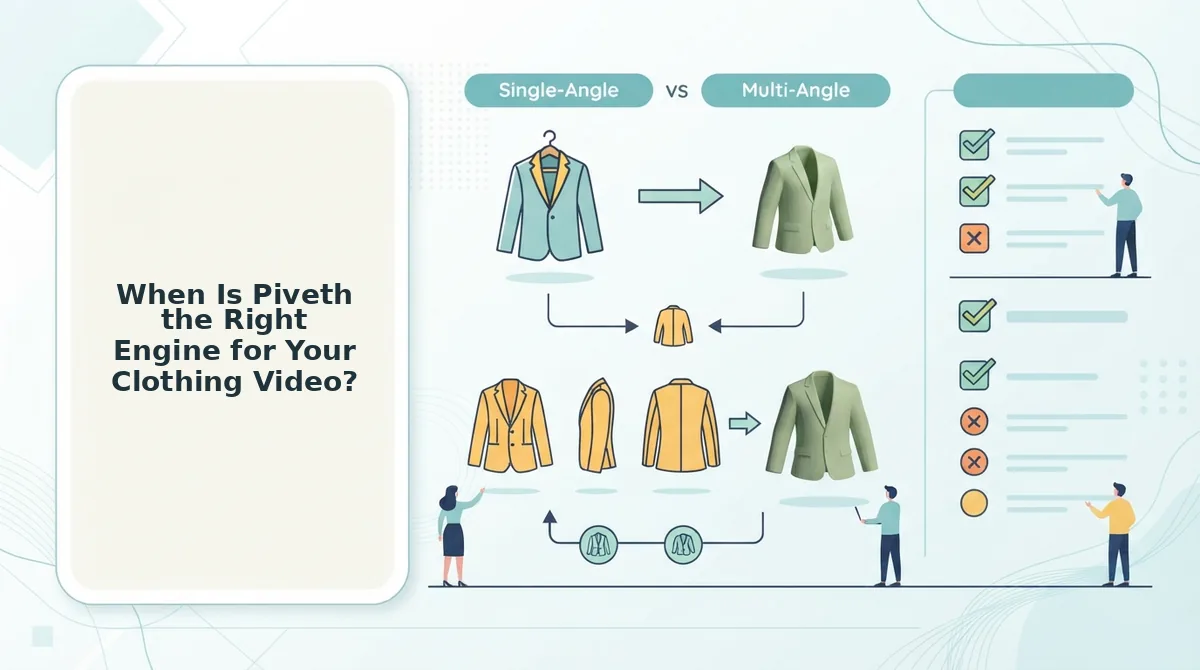
Piveth is the right engine when you need short, dynamic UGC-style clips for paid social. Its 10-second format suits fast ad testing, teaser drops, and refreshing tired creative from photos you already own.
- If you run short-burst ad tests, use Piveth. A 10-second clip keeps each variant short and consistent, so differences between variants come from the product and the hook. Generate one clip per SKU angle and test them side by side.
- If you need TikTok and Reels ad variants, use Piveth. The quick, UGC-style motion matches the native look of those feeds. Output arrives as a 9:16 vertical file, so it fits the placement without extra resizing.
- If you are planning a teaser-stage drop, use Piveth. A 10-second clip shows enough of the garment to build interest without giving away the full launch. Save Astra's extended motion for launch day.
- If an ad set has fatigued, refresh it with Piveth. New motion from existing catalog photos gives the audience new creative without a studio reshoot. Rotate in different source angles to vary each refresh.
Worked example: flat lay to TikTok ad test
- Start with a flat-lay catalog shot of a SKU planned for a TikTok test.
- Upload it to Piveth, adding a back or detail angle if you have one.
- Generate a 10-second, 9:16 UGC-style clip.
- Have a person review color, fit, and garment accuracy against the real product.
- Upload the approved clip to your TikTok ad test.
FashionUGC creates the file only. It does not publish to TikTok, and it makes no promise about ad performance.
Garment type still matters. Structured pieces may hold up well in quick cuts, while flowing pieces may need longer motion to show drape [needs human review]. Check each clip before it ships. For a fuller paid social workflow, see the AI clothing ad generator.
Some garments and channels need more time on screen.
When Is Astra the Right Engine for Your Clothing Video?
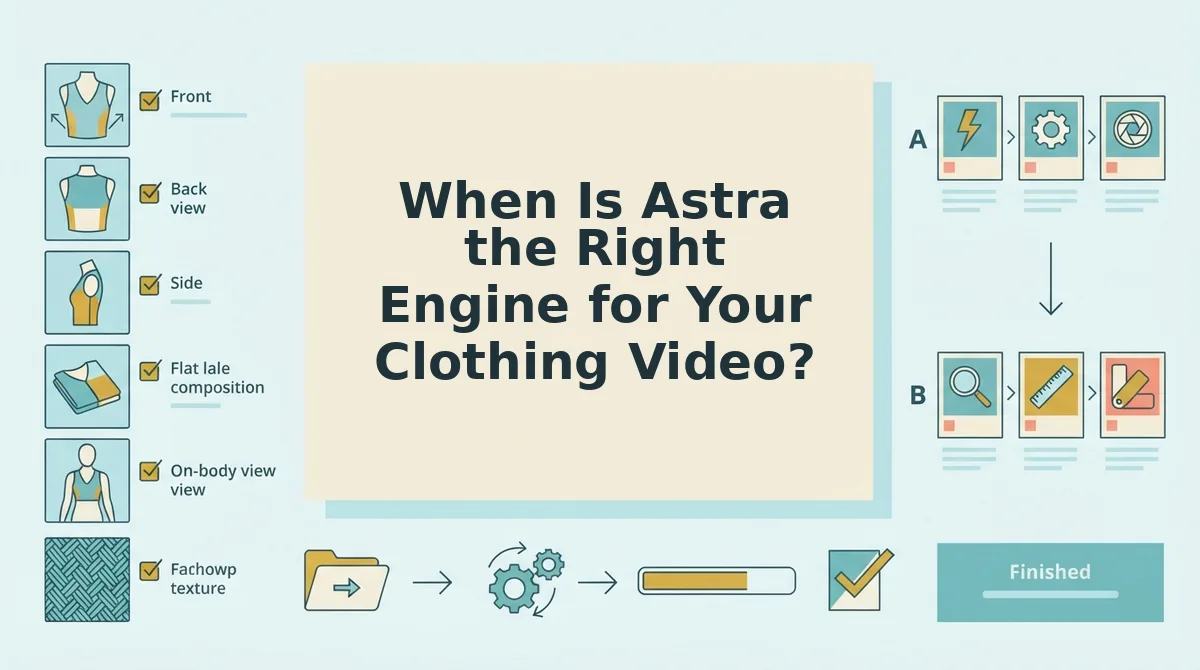
Choose Astra when your video needs to show the whole garment and let the motion unfold at a deliberate pace. Typical uses include hero product pages, Shopify listing video, launch-day hero SKUs, and Shorts that need more than a quick burst.
Astra is a FashionUGC video generation engine that turns apparel stills into extended motion using framing variation and pacing control. It is the engine for SKUs where shoppers need to study the item, not just notice it.
The Simple Version: Two Controls
Framing variation means the engine changes how much of the garment and body appears in the frame, moving between wider and closer views. Pacing control means you set how quickly that motion unfolds.
Think of Piveth as flipping quickly through a lookbook. Astra is closer to a store associate slowly turning a mannequin so you can see the front, the side, and the hemline before you decide.
The Intermediate Version: Where Astra Fits
- Hero product pages: Shoppers have already clicked through and want a fuller look at the item.
- Shopify listing video: This is evergreen footage that stays live for as long as the SKU is in stock, so a measured pace suits it better than a fast cut.
- Launch-day hero SKUs: These are the few items your team chooses to feature, and they deserve the most complete motion.
- Shorts beyond a quick burst: Some vertical posts need room to show a full outfit rather than a single detail.
The Advanced Version: Why Wider Framing Matters
A wider frame shows the full outfit and the silhouette, which is the outline shape a garment makes on the body. That view helps shoppers judge proportions, such as how a cropped jacket sits over high-waisted trousers.
How fabric drape and fit read in Astra motion depends on your source stills and the garment type [needs human review]. Check every output against the physical sample before you publish it.
If you have a hero SKU with clean front, back, and side shots, run it through the AI fashion video generator. Set the pacing for the placement, then review the clip before it goes live.
What Photos Do You Need Before Picking an Engine?
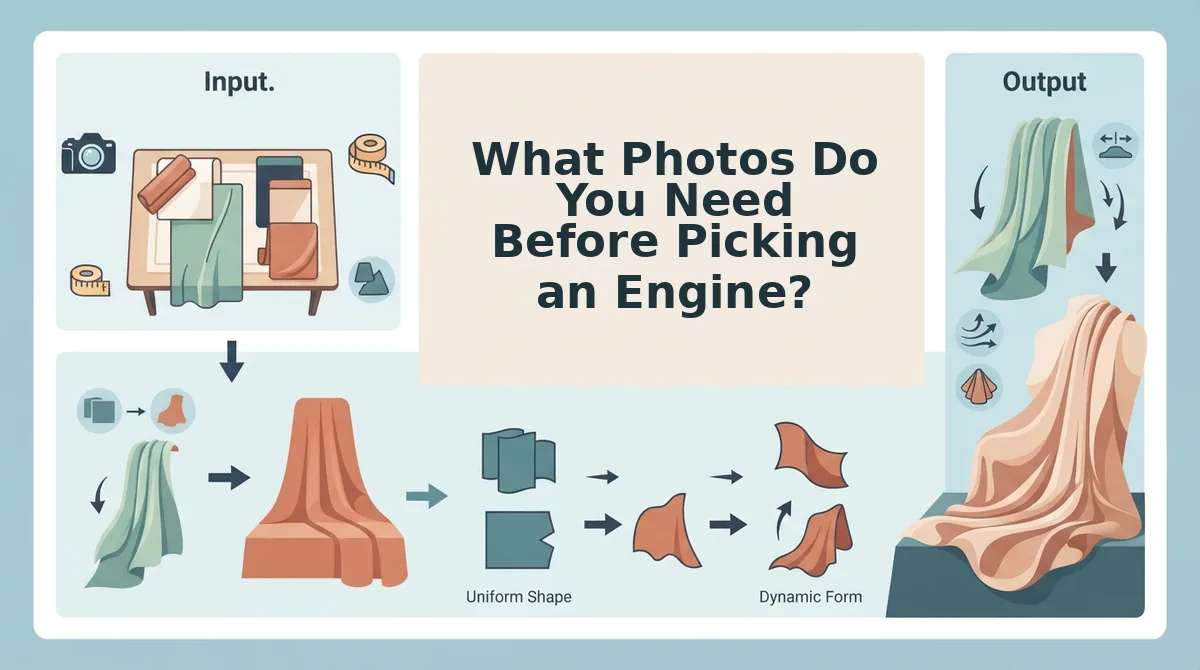
You need 1 to 6 sharp, clearly lit stills of a single garment, covering front, back, side, flat lay, and detail angles. The input matters more than the engine. Piveth and Astra both depend on visible hems, clean lighting, and sharp garment plates to produce usable motion.
Prerequisites: You need your existing catalog photography for one SKU, access to the original high-resolution files, and about 15 minutes for the review.
- Select one garment. Pull every still you have for a single SKU into one folder, and keep other items out of it. You should end up with one item and all of its angles. (2 minutes)
- Choose 1 to 6 angles. Pick front, back, side, flat lay, and fabric detail shots, and use an on-body shot if you have one. Your set should show the garment from every side a shopper would check. (3 minutes)
- Check the lighting. Open each still at full size and remove any image with blown highlights or heavy shadows that hide color or texture. Each remaining shot should show the true fabric color. (3 minutes)
- Confirm visible hems. Look at sleeve ends, necklines, and bottom hems, and drop any shot where they are cropped out. Every edge of the garment should be in frame in at least one still. (2 minutes)
- Remove low-resolution files. Zoom in on seams and garment plates, and discard anything soft or pixelated. What remains should be your sharpest set, ready to upload. (5 minutes)
Are your clothing photos ready for AI video? Your photos are ready when you have one to six stills of a single garment that cover its front, back, side, flat lay, and fabric detail. Each image should be evenly lit, show hems and edges, and stay sharp when you zoom in on seams. These qualities shape output quality whether you choose Piveth or Astra. Low-resolution or poorly lit stills do not produce production-ready motion, and no engine setting can fully recover detail the source images never captured. Fix the input before you compare engines.
Once your set passes these checks, you can turn clothing photos into video with either engine.
Can You Use Piveth and Astra Together on One Launch?
Yes. Piveth handles the short test clips across many SKUs, and Astra handles the extended motion for the few SKUs your team decides to feature.
A two-engine workflow is a launch process that assigns each stage of a collection rollout to the engine that suits it. Your team decides when each SKU moves between engines. The engines do not make that call.
The Simple Logic: Match Engine to Stage
- Teaser: Use Piveth for quick clips across the collection.
- Launch hero: Use Astra for extended product page and launch video on selected SKUs.
- Refresh: Return to Piveth for new short variants after existing creative grows stale. This kind of wear-out is called ad fatigue.
Think of it like casting a play. Many actors audition with short readings, and only the leads go on to full rehearsals.
A Worked Example
- Generate Piveth clips for several SKUs from your new drop, using the same photo checklist for each one.
- Have a person review every clip, then use the approved clips in your teaser and testing placements.
- Your team reviews its own results and chooses one SKU to push forward.
- Run that SKU through Astra for extended product page and launch motion.
- Have a person review the Astra output against the physical garment before anything is published.
What This Workflow Does Not Promise
Using both engines does not guarantee better performance or lift. It gives your team a consistent way to move SKUs from testing to featured placements, and the people involved make every decision about what advances and what goes live.
That leaves the question of what neither engine can do for you.
What Neither Engine Does
Neither Piveth nor Astra publishes your videos, guarantees results, handles non-apparel products, or fixes weak source photos. Both engines produce a video file from your clothing stills, and every step after that is a human decision.
- Neither publishes to social platforms. FashionUGC creates the video file. It does not post to TikTok, Instagram Reels, or YouTube Shorts. This keeps a person reviewing every clip before it reaches a paid or organic audience, so download the file, check it, then upload it through your ad manager or scheduler.
- Neither promises performance. No engine choice guarantees views, sales, click-through rate, or lower CAC. Results depend on your offer, audience, and placement as much as on the motion itself, so treat each clip as a test asset and judge it against your own benchmarks.
- Neither covers categories beyond clothing. Clothing is the only live category. Beauty and Accessories are not available yet, so a handbag or serum shot falls outside what either engine is built for. Keep non-apparel SKUs in your existing production workflow for now.
- Neither fixes poor source photos. Output quality depends on the input stills. Blurry, underlit, or heavily compressed images carry their flaws into motion, and an engine cannot show a back seam or fabric texture it never saw. Select sharp, well-lit front, back, side, flat lay, and detail angles before you generate.
- Neither replaces a fit and drape check. How a garment moves in a clip, such as the way a hem swings or a knit stretches, still needs human review. A clip that misrepresents fit on a product page can mislead shoppers, so compare every output against the physical garment or approved on-body photography before it goes live.
These limits apply equally to both engines. They should not decide which engine you pick, but they should shape how you review what each one produces.
Which Engine Should You Start With?
Start with the engine that matches the job the clip has to do, not the one with the longer feature list. The choice between Piveth and Astra depends on where the video will run and what stage your launch is at.
Three rules cover most decisions:
- If you are testing ad creative, start with Piveth. Its 10-second UGC clips let you rotate hooks and angles quickly across TikTok, Reels, and Shorts.
- If you need a hero video for a product page, start with Astra. Its pacing control suits a slower, deliberate view of the garment.
- If you are running a full launch, use both in sequence. Piveth handles teaser and test volume, and Astra handles the evergreen page asset.
Whichever engine you pick, prepare first. Gather 1 to 6 sharp, well-lit stills of one item, covering the front, back, side, flat lay, and fabric detail, before you open either engine.
Your next step is to upload those catalog photos to the fashion UGC video generator and create your first clip. The photography you already own can become the motion library your next launch needs.
