

Your catalog already contains what a product page video needs: flat lays, ghost-mannequin plates, front and back stills shot on the same seamless. What it lacks is a rule for which SKU gets motion, and how much. That is the real question behind piveth or astra for product page videos â not which tool wins, but which of two formats your existing photos can support.
You are right to separate them. Creator tutorials cover Astra only as an ad-making tool â viral UGC clips, product photos turned into paid creative â and never treat the product page slot as a different job. This article supplies the missing rule: a three-variable triage for sorting SKUs, the photo-count ceiling that quietly decides most of them, and a weekly pass you can run in an afternoon.
You will also meet the variable that flips the answer for a large share of a typical apparel catalog, and it has nothing to do with which generator you pick. To see the output format first, start with the fashion UGC video generator overview.
Which One Does a Product Page Slot Actually Need?
Most product page slots need a short reveal loop, not an extended sequence. A multi-shot sequence earns its place only when the garment's fit, drape, or back construction cannot be judged from one front view â and only when your photo set actually covers those angles.
A product page video is a short autoplaying clip in the listing gallery that shows one garment in motion before the shopper reaches the size chart.
- Reveal loop: roughly 3â8 seconds, one continuous movement â a slow pan, a half turn, a drifting hem.
- Extended sequence: roughly 12â30 seconds, several distinct shots cut together.
- Astra is verifiable as a long-running video generation model used for extended AI sequences. Piveth has no documentation in the sources behind this article, so the name stands only for the single-movement reveal.
Both timing ranges are estimates, not published specs, and neither name is a published specification set, so do not hunt for a feature matrix that does not exist. Think of a restaurant menu: the thumbnail is one plate, lit and centered; the site gallery adds the pour and the cut. Same kitchen, different job.
Length will not rescue a weak source either. Output quality is capped by the sharpness and lighting of the uploads, so a soft, mixed-temperature flat lay stays soft at any duration.
FashionUGC ingests one to six stills per garment and renders in the browser, no studio time required; the flat lay to fashion video guide covers which angles to upload and in what order.
Six stills is the practical ceiling, and it is worth knowing before you plan a sequence. Front, back, side profile, and a hem or seam detail give a generator enough distinct views to cut between without inventing geometry it cannot see; two flat lays give it a slow pan and nothing more. The honest map of your catalog is therefore a photo-count audit rather than a tool comparison: count the angles you already own per SKU, and the format each SKU can support is decided for you.
What Three Variables Decide It for Each SKU?
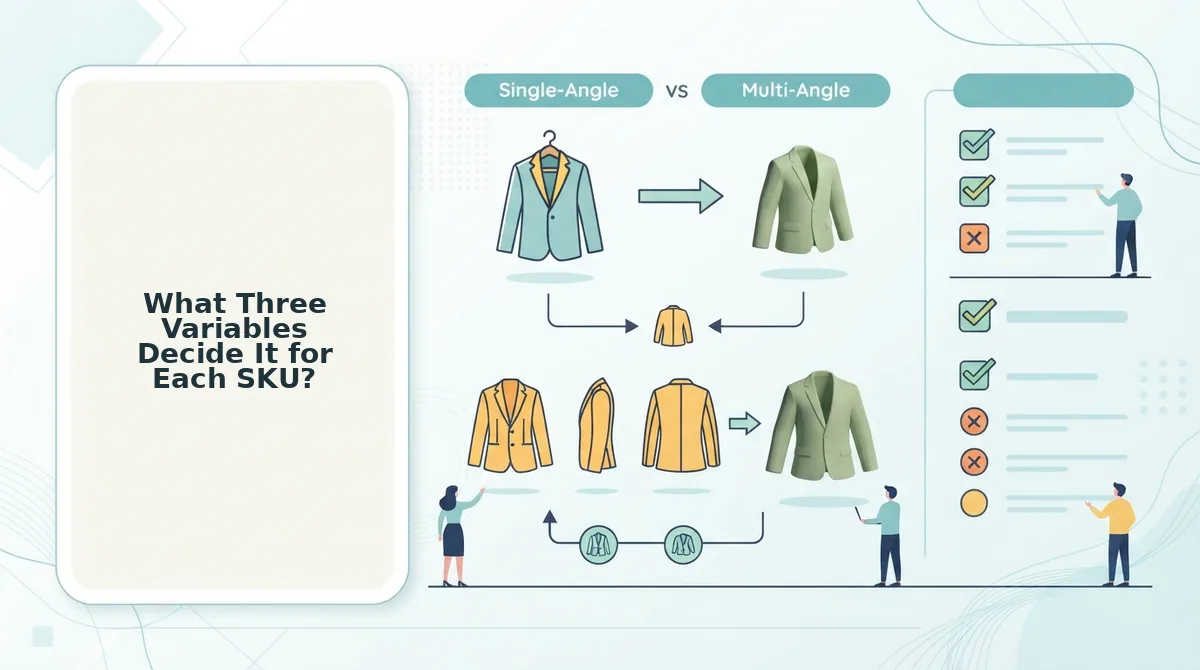
Three variables assign every SKU: Fit Risk, Return Driver, and Asset Coverage. Asset Coverage is the gate â one or two flat lays cap a garment at a reveal, while four to six angles unlock a sequence. A PDP slot answers the objection that stops the add-to-cart, which is a narrower job than ad creative.
| Variable | What it tells you | Points to reveal | Points to sequence |
|---|---|---|---|
| Fit Risk | How often size or cut drives a return | Low: standard sizing, forgiving block | High: fitted, bias-cut, vanity-sized |
| Return Driver | The reason written on the return form | "Didn't suit me" â colour or styling | "Didn't fit" â drape or construction |
| Asset Coverage | Angles already sitting in the catalog | One to two stills | Four to six angles |
Best for the reveal:
