

A bronze evening gown can look striking as a catalog still, then lose its floor-length hem once it is cropped into a 9:16 vertical frame. That is the real question behind choosing Piveth or Astra for evening gown video work: the issue is less which mode looks better and more which one keeps the garment's selling detail on screen. Both modes turn catalog photos into polished, UGC-style motion, and both are reasonable picks for formalwear.
This guide helps you choose based on the garment rather than on taste. You will score your gown on drape, length, and silhouette, map that score to a mode, and then prepare the right source photos. The bronze evening gown example is the running case throughout. One detail on the hem settles the bronze gown's mode, and the decision matrix below explains why.
Use Piveth's quick reveal when the gown sells on a fast first impression of the overall look, such as color, shine, or neckline. Use Astra's wider, extended framing when the full length, hem, or train has to read on screen, because a cropped hem hides part of what the shopper is paying for.
Which Mode Fits Your Gown's Drape, Length, and Silhouette?
Choose Piveth when the gown sells on its overall look at first glance. Choose Astra when the length, hem, or train has to stay visible. Score the garment instead of following your taste, and the mode usually becomes clear.
Piveth is the quick-reveal mode, which leads with the overall look. Astra is the wider, extended-framing mode, which keeps more of the gown in frame from neckline to hem.
| Mode | Approach | Strength | Best for |
|---|---|---|---|
| Piveth | Quick reveal | Fast first impression of color, shine, and neckline | Performance teams testing hooks on knee- and ankle-length eveningwear |
| Astra | Wider, extended framing | Full length, hem, and train stay readable | Merchandisers selling floor-length gowns and styles with trains |
A few terms in plain language. Drape is how fabric falls and moves. A bias cut is fabric cut diagonally across the grain, so it clings to the body and flows. Silhouette is the gown's overall outline. The hem is its bottom edge, and a train is extra fabric that trails behind it.
| Factor | Leans Piveth | Leans Astra |
|---|---|---|
| Drape | Structured fabric that holds its shape | Fluid bias cut whose movement runs the full length |
| Length | Knee, ankle | Floor, train |
| Silhouette | Column, A-line | Mermaid flare, ball-gown volume |
The bronze gown falls in the middle of this matrix. Its metallic, fluid drape suits a quick reveal of shine, while its floor-length hem points to Astra. When the scores split, the hem breaks the tie. Picking by taste alone risks cropping the very feature the gown sells on.
Which mode shows the full gown hem? Astra is the mode to use when the full hem has to show. Its wider, extended framing keeps more of the garment inside the vertical frame, so a floor-length hem, a mermaid flare, or a train can read on screen instead of being cut off at the shin. Piveth's quick reveal favors the overall look at first glance, which suits shorter hemlines and gowns that sell on color or neckline. If the hem or train is part of what the shopper pays for, choose Astra and confirm the hem is fully visible in your source photos.
Both modes run in the fashion product video generator from your existing catalog stills. A person reviews each output before it goes anywhere.
Which Photos Should You Upload for an Evening Gown Video?
Upload one to six sharp, evenly lit stills of the same gown: front, back, side, and a fabric close-up, with the hem fully in frame. Clothing is the only live category, so treat gowns like any other apparel SKU.
- Front full-length shot. This shot anchors the video and shows the silhouette. Keep the hem fully in frame so Astra has the length to work with.
- Back view. It captures the closures, the low back, and the train. Without it, the generator has less construction detail to draw on.
- Side profile. It reveals the drape and flare that a front shot flattens. Shoot it at the same height and with the same lighting as the front shot.
- Fabric detail close-up. It shows the weave and sheen. Use diffused, controlled light so metallic fabric does not blow out to white.
- Ghost mannequin or flat lay. A ghost mannequin shot removes the form digitally, and a flat lay shoots the garment laid on a surface. See the flat lay to fashion video guide for preparation tips.
Can one product photo work for a gown? Yes. A single sharp, full-length photo can be used, but more angles give the generator more construction detail to work from, including the back, the side drape, and the fabric texture. One image cannot show a train or back closure that it does not contain. Quality also depends on the source: low-resolution or poorly lit stills limit the output, and a hem cropped in the photo stays cropped in the video. For gowns, upload a front, back, side, and close-up whenever you have them.
Gather these stills, then turn clothing photos into video in one workflow.
Now apply this to the bronze gown, one step at a time.
How to Choose and Generate the Bronze Gown Video Step by Step
To generate the bronze gown video, name the gown's selling point, score drape, length, and silhouette, pick Piveth or Astra, upload your prepared angles, set a vertical 9:16 output, and generate the file. For a floor-length gown, the deciding factor is how the fabric drapes through the hem.
Before you start: you need a FashionUGC account, a browser, and up to six sharp photos of the bronze gown that you prepared using the photo list above. Allow about 10 to 15 minutes of hands-on time before generation.
- Write down the gown's single selling point. In one sentence, state what makes the gown sell, such as "liquid bronze fabric that pools at the floor." This takes about 2 minutes. You should end up with one clear priority to judge every later choice against.
- Score drape, length, and silhouette. Use the comparison matrix from earlier in this article and rate each factor for this gown. A bronze floor-length gown usually scores high on length and on drape through the hem. You should see which factor carries the sale.
- Select Piveth or Astra. Pick Astra if the hem and floor-length drape are the selling point. Pick Piveth if you want a fast first impression of the overall look. You should have one mode chosen with a reason you can state.
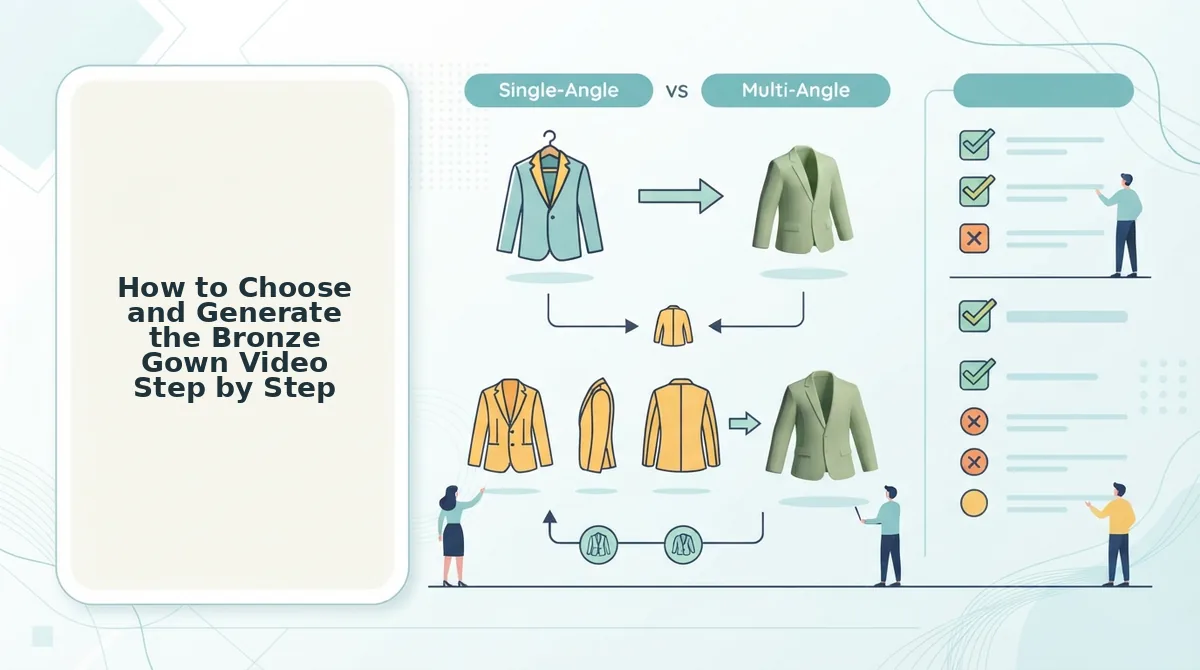
- Upload the prepared angles. Add your front, back, side, and fabric detail shots, up to six images. Each upload should show as a thumbnail, and every angle should include the full hem.
- Set the output to vertical 9:16. Choose the 9:16 aspect ratio so the full gown length fits the frame. The preview frame should appear tall and narrow.
- Generate the video file. Start generation and download the result. You should have a video file ready for review. FashionUGC creates the file only and does not publish it to any social platform.
How to Check the Hem and Drape Read Before Publishing
Before publishing, have a person review the file against a short check covering the hem, the drape, the sheen, and the silhouette. Human review is part of the workflow, and FashionUGC does not promise how the video will perform.
A hem and drape read is a visual check of whether the gown's lower edge stays fully in frame and whether the fabric moves the way real cloth would. Think of it like a final fitting before a garment leaves the atelier.
- Simple: Is the hem or train cropped at any point? If the hem is lost in a Piveth output, regenerate with Astra.
- Intermediate: Does the drape move believably? Does the metallic sheen hold its detail, or does it blur into a flat bronze shape?
- Advanced: Does the silhouette read in 9:16 on a product page as well as in Reels? Interface overlays such as captions and buttons cover parts of the frame in Reels but not on a product page. Check both placements, and use the guide on fashion video aspect ratios for safe framing.
Generate the Gown Video, Then Review It
For the bronze gown, start with Astra. Its floor length and the drape through the hem are what sell it, so the mode that protects the hem should win. Keep Piveth for a fast first impression of the overall look.
The same logic carries to your next gown: let the garment decide the mode, not habit.
- Upload several sharp angles that show the full hem.
- Generate in 9:16, then review the file for hem, drape, and sheen before it goes anywhere.
FashionUGC produces a video file that a person reviews, and it makes no performance promises. Open the AI fashion UGC video generator and generate your bronze gown video now. Your catalog photos already hold the motion you need.
