

A folder holding final_final_black.mp4 next to three near-identical clips is not a filing problem. It is a catalog problem that surfaces on upload day, when a merchandiser has to open each file and match it to a style by eye.
The complaint is fair, and the search results misfire. Most "naming" results under clothing keywords are about brand names: Payday Pickups' "How To Name Your Clothing Brand" (123,692 views) ranks for the query and answers a different question. Naming clothing video files by SKU is narrower â it is the practice of building a filename that a machine can sort and a person can read, for every style, colorway, and cut in the catalog.
This article gives you one grammar instead of a list of tips: five fields in a fixed order â SKU, colorway, view, aspect, version â plus delimiter rules that survive scripts, CSVs, and bulk upload.
You will get the prerequisites to lock first, the exact field order, and the failure modes that break it. One warning before you rename a thousand files: the date stamp most teams add for safety is the habit that quietly breaks bulk upload matching, and it is worth understanding early.
What Does a SKU-Matched Video Filename Do, and What Do You Need First?
A SKU-matched video filename is a string that ties one video file to exactly one catalog row â style, colorway, view, aspect, version â so a person and a script can find the same asset the same way. Every rule in this article serves that single job.
Start with the vocabulary. A SKU is the stock keeping unit, the code a catalog uses to identify one sellable style. A colorway code is a short abbreviation for a color variant of that style. A version token is a suffix marking a re-render or re-cut. A PDP video is the clip that plays on a product detail page.
Think of the filename as the claim ticket at a coat check. The number means nothing alone, but it points to exactly one coat on exactly one rack, and the clerk never has to inspect the garment.
That is a foreign-key model, and it is the piece most naming advice skips. SKU systems exist for inventory and reporting â LedgerGurus' SKU video treats codes as accounting and stock objects â so filenames have to extend that system rather than replace it.
Four inputs need locking before anything gets renamed:
- A stable SKU stem exported from the catalog, unchanged
- A short, closed list of colorway codes
- A fixed view vocabulary
- The aspect ratios you actually publish
You do not need a new taxonomy. If your catalog exports a SKU column, that column is the stem, and the other four fields are short controlled lists that fit on one page. Lock them in a shared document first, because the real cost of a convention is not the first thousand files â it is the drift that arrives with a new hire or a second agency. A single sheet listing field order and delimiter rules prevents most of it.
Those same four inputs are exactly what you supply when you turn product photos into video, so the naming work carries straight into production.
How to Name Clothing Video Files by SKU in Five Steps
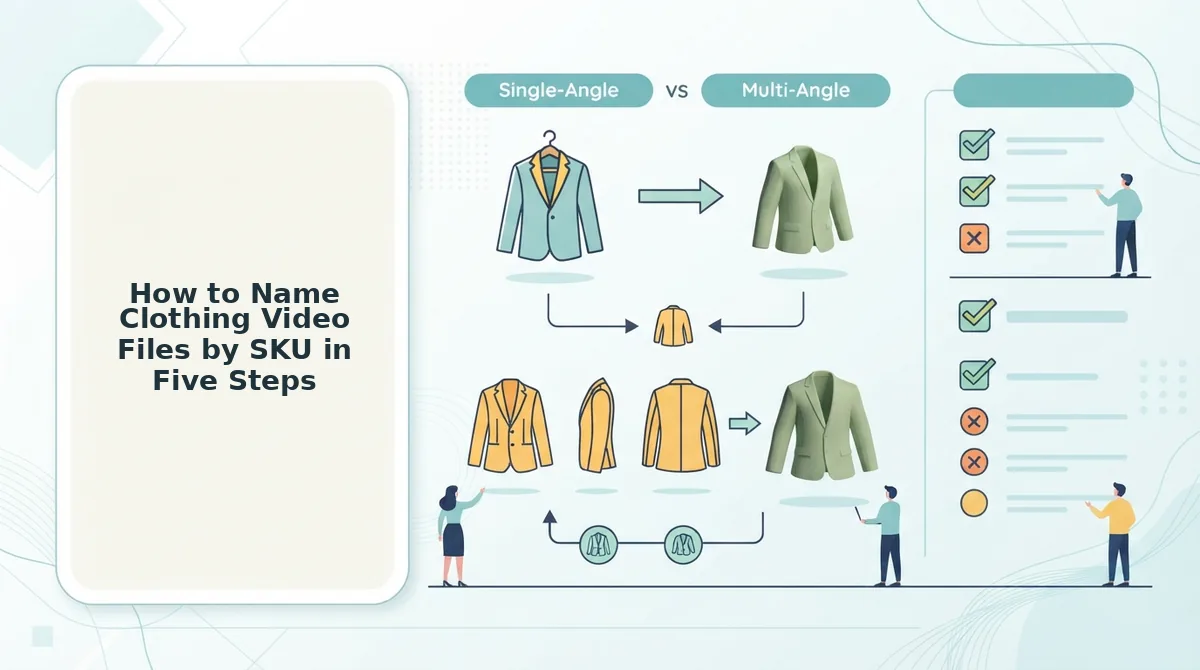
Build every name from five fixed fields in one fixed order: sku__colorway__view__aspect__version. Here is where naming stops being a preference and starts being a rule you can enforce with a sort.
Gather four things first: a catalog export with the SKU column, a colorway code list (blk, nvy, snd â not "black"), a closed view vocabulary (front, back, side, detail, onbody), and the aspect ratios you publish. A spreadsheet and a bulk-rename utility handle the rest.
- Start every name with the locked SKU stem. Type the code exactly as the catalog export shows it â ts1042, lowercase, no spaces, punctuation limited to hyphens. You should see every asset from one style group together when the folder sorts. Seconds per file; one column formula for a batch.
- Add the colorway code. Use the same two-to-four letter abbreviation everywhere â blk, never "Black" in one file and "BLK" in the next. You should now distinguish three colorways of one style without opening a single video. A few seconds per file.
- Add the view. Pull the label only from the closed list. You should see the front clip and the fabric detail clip for the same colorway stop colliding. A few seconds per file.
- Add the aspect ratio as 9x16, never 9:16. Colons are illegal in filenames on Windows and macOS and break command-line tools, so write 9x16 and 1x1. The file should survive upload, sync, and scripted renames without a truncation error. The fashion video aspect ratios guide covers which ratios are worth exporting.
- End with a version token. Use v1, v2, v3 â never "final" and never a date. A re-cut should never overwrite an approved file, and multiple versions of each fashion video should stay readable in one list.
| Field | Rule | Example | Why |
|---|---|---|---|
| sku | Locked stem from the catalog export, lowercase | ts1042 | Joins the file to one catalog row |
| colorway | Fixed 2â4 letter code from a closed list | blk | Separates variants without opening files |
| view | One term from the view vocabulary | front | Stops two angles of one look colliding |
| aspect | Digits and an x, no colon | 9x16 | Legal on every OS and in every script |
| version | v plus a digit, no dates, no "final" | v1 | Preserves an approved cut |
Delimiters carry as much weight as the fields: double underscore between fields, lowercase only, no spaces, no parentheses, no ampersands, ASCII only. That is Andy Park's generic document-naming baseline, specialized for apparel â his rules keep a file readable, the field order keeps it sortable.
Take one style, ts1042, in three colorways, rendered at 9:16 and 1:1, with one re-cut. Named to the grammar and sorted alphabetically, the folder files itself: ts1042__blk__front__1x1__v1.mp4, ts1042__blk__front__9x16__v1.mp4, ts1042__blk__front__9x16__v2.mp4, then the same three under nvy, then under snd. Alphabetical order groups each colorway in sequence, keeps both ratios adjacent, and drops v2 directly under v1 â no folders, no tags, no manual filing.
Keep the library flat: one level per SKU, or one per season at most. Deep season trees force a file into a single path, while the filename already carries colorway, view, and aspect.
When the source stills are the bottleneck, product photos to video shows how one packshot set becomes the front, side, and detail clips this grammar expects.
A grammar only earns its keep if it holds under load, which is exactly what the next five failure modes put to the test.
How to Check the Naming Convention Worked (Five Failure Modes)
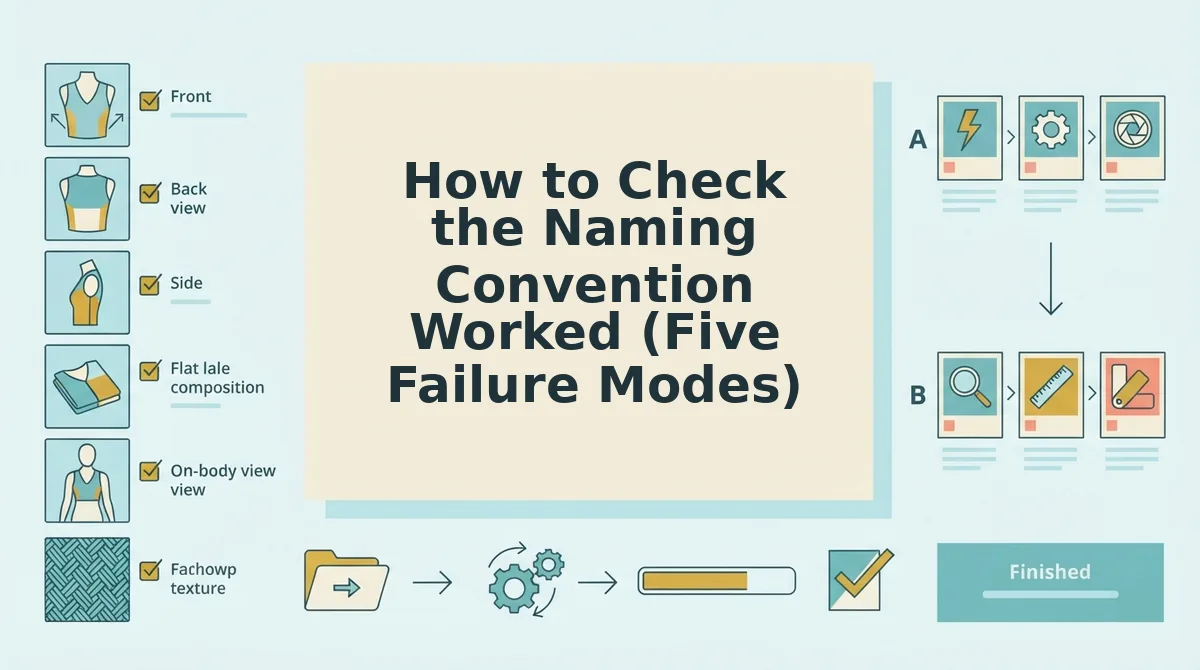
That works until the catalog grows. Five failure modes account for most broken apparel video libraries, and every one of them surfaces in a single sort of the folder.
- Spaces in filenames. Symptom: upload scripts and CDN URLs return 404s on files that plainly exist. Cause: an unencoded space breaks the path at the first parser. Fix: use double underscores as the only delimiter and never a space.
- Uppercase drift. Symptom: a file opens locally but fails on your storage bucket. Cause: TS1042 and ts1042 are two different keys on case-sensitive servers. Fix: lock the stem to lowercase in both the template and the spreadsheet.
- Dates used as the only differentiator. Symptom: two cuts from the same shoot day collide in one folder. Cause: a date records when an export happened, not which cut is approved. Fix: let the version token separate them and keep dates in metadata.
- A SKU renamed in the storefront. Symptom: files that no longer match any product page. Cause: the SKU is a foreign key â change it upstream and every file pointing at the old value is orphaned. Fix: re-key the files inside the same change window, or freeze SKUs once video exists.
- A re-cut saved under the same name. Symptom: the approved version vanishes without an error. Cause: identical filenames overwrite silently. Fix: increment v1 to v2 and keep both files side by side.
Then verify: sort the folder by name and confirm each SKU's files group together with nothing stranded alphabetically elsewhere. Every asset that matches its product page on the first upload attempt is the pass condition â a manual match is the fail. Run the same check on anything leaving a flat lay to fashion video workflow.
Video Filename FAQ
Filenames do little for rankings and a great deal for catalog operations. Four answers cover what the sections above leave open.
Should the upload date go in the filename?
No. Keep the date in metadata, a manifest, or an upload log. As an identifying field it duplicates fast, says nothing about which cut is approved, and two exports on the same day produce a collision the filename cannot resolve.
Do video filenames help SEO?
Filenames are a weak signal next to page content, internal links, and structured data such as Product schema. Their payoff is asset discovery and human triage â finding the right file and confirming it matches the right product page â not ranking lift.
How do I match files to products in a bulk CSV upload?
Treat the SKU stem as the join column. The value in your sheet's SKU field must match everything before the first double underscore, character for character and in the same case, or that row will upload without its video attached.
Can I use the full product name instead of a SKU?
No. Product names shift with season, marketing pushes, and localization, and they contain spaces. The SKU stem stays stable through all of that, which is why it belongs in the filename while the product name belongs on the page.
Lock the Grammar Before the Next Batch
One more field, and the whole thing holds. A merchandiser spots the wrong colorway in an approved cut; the corrected file lands as ts1042__blk__front__9x16__v2.mp4, sitting beside v1 instead of replacing it, and the upload still resolves to the right product page.
That is the payoff of the five-field order: SKU, colorway, view, aspect, version, separated by double underscores and nothing else. Write the template into your export preset this week so no one has to remember it under deadline.
Generate the motion from packshots you already own with the clothing video generator, then name each output with the grammar before it reaches the upload queue. The tool creates the video file, and a person reviews it before publishing.
A library that sorts correctly is a library you can scale, one SKU at a time.
