


Your catalog shoot is finished, the packshots are retouched, and the SKU list is final â yet the channel you're buying on rewards motion, not stills. So you export one clip, upload it, and find the placement wanted a different runtime than the one you built.
The meta clothing video ad length question reads like a spec lookup. It isn't. Duration settings run from 10 to 30 seconds, which makes this a mapping problem: which setting belongs to which placement, not how long a video can be. Meta publishes placement specs and caps in its Ads Guide, but no apparel-specific runtime recommendation â⦠questions, and only one is answered for you.
What follows is a five-step workflow that fixes placement before runtime, plus one widely optimised metric that turns out to measure the wrong thing. You'll finish with a runtime ladder you can apply across an entire catalog.
What length should a Meta clothing video ad be?
Fifteen seconds is the default. Drop to 10 for cold-feed testing, and go to 20 or 30 when the placement is Reels or Stories and the garment needs a second angle to read properly.
Runtime is the total seconds from first frame to last. Placement is where the ad appears â Feed, Reels, Stories â and it sets both the frame shape and the viewing posture. Frame budget is how many garment beats fit inside a given runtime.
Think of it like packing a carry-on: placement decides the bag, runtime is the bag's volume, and frame budget is how many outfits genuinely fit. You can force a fourth one in, but something gets crushed.
Before you touch a duration setting, the inputs have to hold: sharp garment plates, finished hems, consistent lighting across angles, and a framing choice between 4:5 for Feed and 9:16 for Reels and Stories â the fashion video aspect ratios guide covers the crop math. Upload one to six angles per item, then have a person review the file.
Note that this site publishes no maximum export duration and no 4:5 export option, so framing is settled on your side.
For a single-clip answer: 15 seconds is the working default, 10 suits cold-feed testing, and 20 to 30 fits Reels and Stories where a second angle earns its place. Runtime is a slot count, not a quality setting â 15 seconds holds three beats comfortably, 10 holds two, 30 holds five. Match the runtime to your beat list, then confirm the placement's current caps in Meta's Ads Guide before export.

How to match a 10 to 30 second export to each Meta placement
Fix placement first, then pick the runtime off the ladder, then check that your beat list fits inside it. Working in that order prevents the re-export loop that quietly eats a creative sprint.
You need the source photos uploaded (one to six angles per item), the specific placement you're actually buying written down, and Meta's current placement specs open in a second tab â every figure below should be verified against the live guide rather than trusted from memory.
- Open the ad set and lock one placement per export. Note whether you're buying Feed, Reels, or Stories and write it at the top of the file name. You should end with a single placement stated in writing before any duration is chosen.
- Select a runtime from the ladder below, using the decision rule in the right column rather than a benchmark you read somewhere.
- Count beats, not seconds. Write the beat list â hook, product truth, fabric or construction detail, second angle, call to action â then assign each beat to a slot the runtime can hold. If a beat has no slot, the runtime is wrong, not the beat.
- Time the hook so the garment owns the first two seconds. Not the logo, not a title card. Allowing four seconds of brand furniture before the product appears is the single most common reason a short export underperforms.
- Export the same SKU at three runtimes â 10, 15, and either 20 or 30 â framed 4:5 for Feed and 9:16 for Reels and Stories, with safe zones checked before the file leaves your machine. Budget about fifteen minutes for the first SKU and five for each one after that; the beam list carries over.
| Runtime | Placement | Decision rule |
|---|---|---|
| 10 seconds | Cold-feed testing | Use when you need volume of variants and the garment reads in one shot |
| 15 seconds | Feed (default) | Use as the baseline export for every SKU in the catalog |
| 20 seconds | Reels | Use when a fabric or construction detail needs its own dedicated beat |
| 30 seconds | Reels and Stories | Use when a second angle or a comparison beat earns the extra time |
Frame budget by duration: 10 seconds holds a hook, one product truth, and a call to action. 20 seconds adds a fabric or construction detail. 30 seconds adds a second angle and a comparison beat. Treat that as a slot count you can defend in a creative review, because it is arithmetic rather than taste.
Both the product photo to video workflow and the AI clothing ad generator run on the same source set, so a beat list written once carries across every export in the ladder. That is what makes running three runtimes per SKU practical instead of indulgent.
Before you spend behind three files, the useful next question is whether the runtime actually did its job.
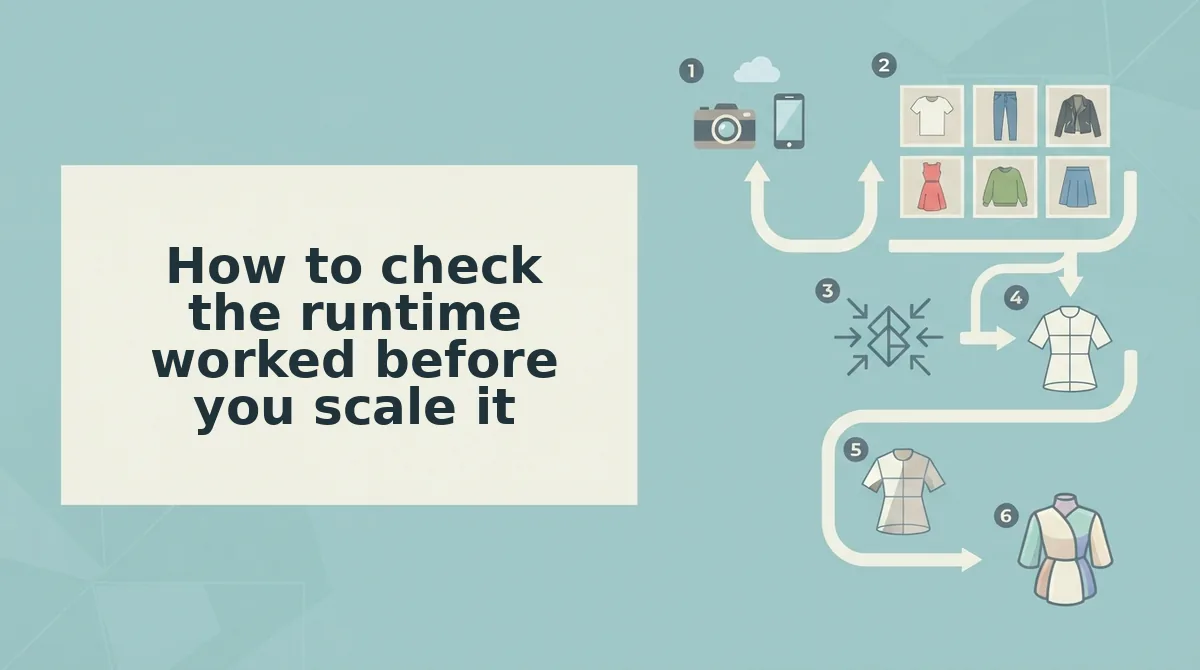
How to check the runtime worked before you scale it
Completion rate is a diagnostic, not a target: shortening a cut raises it by removing beats, not by improving the ad. Compare runtimes on what each one protects, then verify the actual file by eye before you put spend behind it.
| Runtime | What it protects | What it drops | Best for |
|---|---|---|---|
| 10 seconds | Completion rate and hook density | The detail beat | Performance teams testing many SKUs |
| 15 seconds | Hook plus one product truth | A second angle | DTC brands running one master across Feed and Reels |
| 20 seconds | Two detail beats | Some completion | Merchandisers selling construction or fabric |
| 30 seconds | Full beat ladder plus CTA | Short-scroll completion | Boutiques with fewer, higher-consideration pieces |
Each row protects something different, which is why a completion figure alone cannot rank them. Best for a creative team running ten SKUs a week is the 10-second cut; best for a boutique selling four pieces a season is the 30-second cut, where the extra seconds carry construction detail rather than filler.
Before upload, watch the export at real playback size on a phone. Check four things: the hem stays in frame through the widest movement, the garment sits inside the center safe zone once the file is cropped to 4:5, no dead frames sit between beats, and the hook resolves before the garment appears at two seconds.
FashionUGC produces the video file and does not publish to any platform, so that review is a person standing between export and upload. Teams starting from stills can read turning flat lays into fashion video, then run the same four checks on the first export before adding a second runtime to the test.
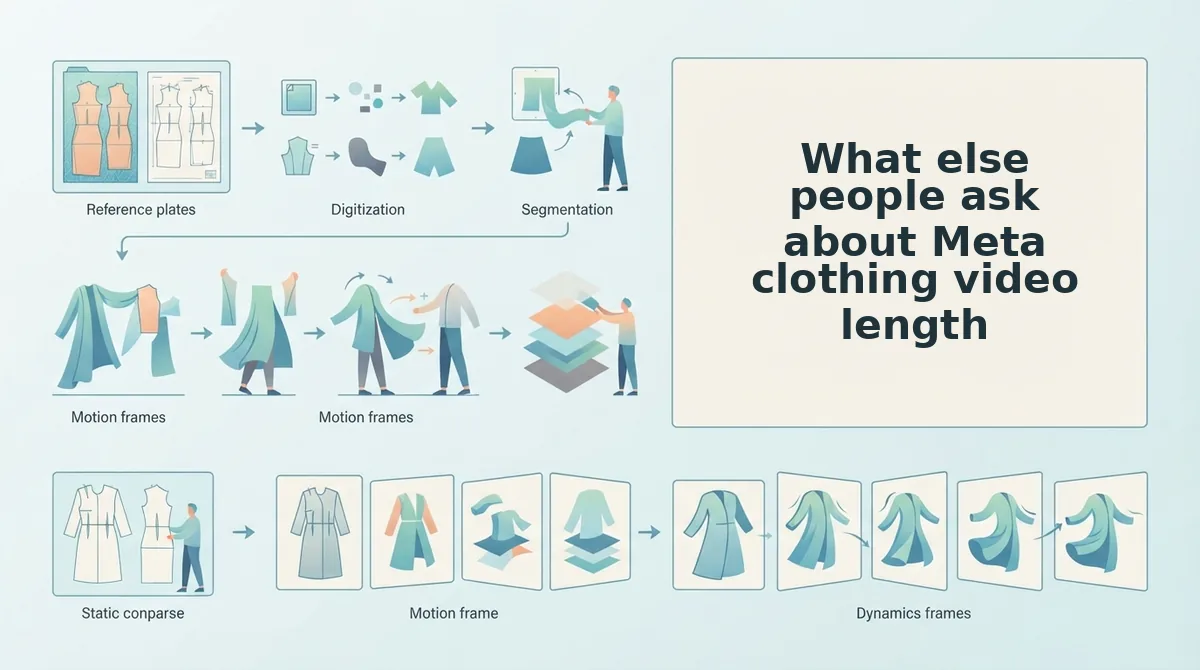
What else people ask about Meta clothing video length
The questions below are the ones the runtime ladder does not settle: crop, beat count, and source quality.
Can one 15-second export serve Feed, Reels, and Stories at once?
Only at 9:16, and only if the garment stays inside the center safe zone. Feed renders closer to 4:5, so a vertical master loses its top and bottom on placement. Duration travels across placements; the crop does not. Export the vertical cut once, then reframe the Feed version separately.
Does a longer cut ever beat 15 seconds for clothing?
Yes, when the garment needs more than two beats. A 20-to-30-second cut earns its length by adding construction detail, fabric movement, or a back view the short version drops. If the extra seconds repeat the hook instead of showing the product, cut them.
What if my catalog photos are softer than the video export needs?
The export cannot add detail the source file does not hold, so soft packshots stay soft. Reshoot the detail angle at higher resolution, or supply fabric close-ups alongside the flat lay â the platform accepts up to six photos per item, so the sharpest frames can carry the close beats.
Pick the placement, then cut the runtime
The whole ladder collapses to one rule: a 30-second Reel that holds attention beats a 10-second ad that gets skipped. Runtime follows placement, and the garment decides how much of that runtime you actually need.
Start with the placement that carries most of your spend, export that runtime first, and run the four-point review â hems, safe zone, dead frames, garment at two seconds â before the file leaves your hands. FashionUGC turns one to six product photos into a video file at the length you set. It does not publish to Meta and does not promise performance; a person reviews the output and uploads it.
The next step sits in your own catalog: open the clothing video generator, upload one SKU's angles, and export the runtime your top placement already uses.
