


Your catalog already sits on a grey sweep, and reshooting every SKU for vertical video is not in this quarter's budget. So the real question is whether those stills can carry a 9:16 clip as they are.
Picture a Shopify seller with a full season of grey-sweep catalog stills who wants motion for Reels and TikTok without booking another studio day. That seller needs to know if a grey seamless backdrop packshots video will look like the garment or like a soft blur bleeding into the sweep.
Grey was a sensible choice. It is neutral, easy to light, and kind to most fabrics. In most cases, those plates can animate without a reshoot if three prerequisites hold: sharp packshots, visible hems, and 1 to 6 angles of the same garment.
This guide defines what makes a grey plate readable to an AI generator. It also maps backdrop value against garment tone and gives you a pre-upload test to run before uploading. One garment color quietly breaks the grey rule, and it is probably already in your catalog. We resolve it in the backdrop comparison below.
Key Takeaway: Grey seamless packshots work for AI fashion video when the garment's edges stay tonally separate from the backdrop. The three failure points are mid-grey garments, color-cast sweeps, and mismatched angles.
Do Grey Seamless Backdrop Packshots Work for AI Fashion Video?
Yes, grey seamless packshots work for AI fashion video when three conditions hold. Every garment edge must stand apart tonally from the backdrop. The fabric must carry no color spill from the sweep. All uploaded angles must also share the same backdrop and white balance.
A seamless backdrop is a continuous roll of paper or vinyl that curves from wall to floor, so the camera sees no horizon line. A packshot is a clean, evenly lit product photo shot for catalog use.
Why edges decide the output
Edge separation is how clearly a garment's outline breaks from the background. Tonal contrast is the difference in lightness between two areas, regardless of hue.
Think of cutting out a paper doll printed on paper the same shade as your table. You cannot follow the line you cannot see. The generator faces the same problem at the hem, cuffs, and shoulder line.
Before the generator applies drape, it reads garment proportions from the reference plates: sleeve length, hem width, and silhouette shape. If a cuff dissolves into the sweep, the generator has to guess where the sleeve ends, and that guess can show up in motion as a shortened or warped edge.
The three conditions
- Tonal separation at every edge: hem, cuffs, collar, and silhouette all read clearly against the sweep.
- No color spill on the fabric: the backdrop's tint stays off the garment.
- Consistent backdrop and white balance: front, back, side, and detail angles match.
Color accuracy matters as much as edges, because the generator extracts garment color directly from the reference plates. If a warm-grey sweep pushes a white tee toward beige in the photo, the video will treat beige as the garment's true color. That is why the plate itself must be color-accurate before upload, not corrected afterward. FashionUGC accepts 1 to 6 photos of a single item, and every one of those angles feeds the same color read. A single off-balance detail shot can therefore pull the whole clip off-tone.
For a full input checklist, see our guide to product photos for AI fashion video.
Here's where most catalogs trip up:
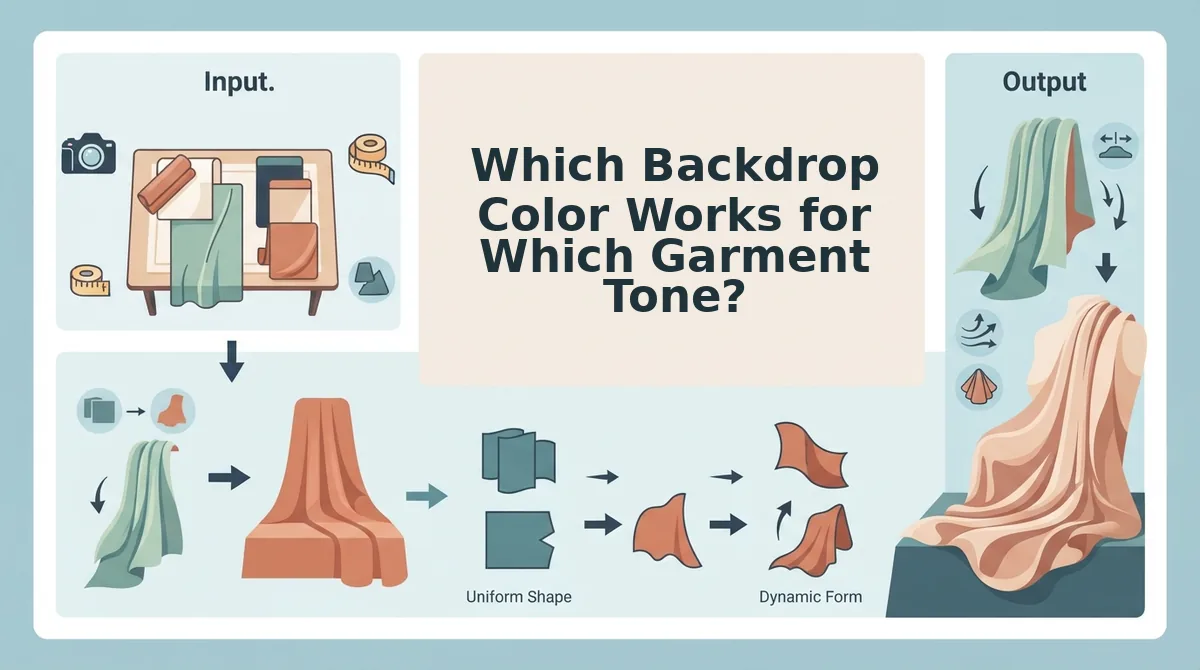
Which Backdrop Color Works for Which Garment Tone?
Match backdrop value to the opposite of garment value. Light garments read cleanly on mid-grey or charcoal, and dark garments read cleanly on white or mid-grey. Avoid any pairing where garment and sweep share the same lightness.
The Tonal Separation Ladder
| Garment value | White | Mid-grey | Charcoal | Colored |
|---|---|---|---|---|
| Light (white, cream, pastel) | Avoid | Clean edge | Clean edge | Risky |
| Mid (heather grey, stone, denim) | Clean edge | Avoid | Risky | Risky |
| Dark (black, navy, charcoal) | Clean edge | Clean edge | Avoid | Clean edge |
- Light garments: best for basics and bridal brands already shooting on a grey sweep.
- Mid garments: best for athleisure and denim merchandisers willing to shoot those SKUs on white.
- Dark garments: best for performance teams who want brand-color sweeps without risking edge loss.
Grey garments on grey sweeps
This is the color that breaks the grey rule. Heather and charcoal SKUs merge with a grey backdrop at the hem and shoulder, so the generator loses the outline it needs to read proportions. Shoot those items on white instead.
White and cream on white seamless
White seamless is a widely used ecommerce standard, and it flatters dark product. White and cream garments on white lose edge definition in the same way grey-on-grey does. Mid-grey gives them the separation they need.
Colored sweeps and color cast
Colored sweeps build brand recognition, which is a real strength. The risk is spill: when tint reflects onto light fabric, the generator reads that tint as garment color. Because the generator interprets flat image proportions and then applies drape, a clean silhouette edge and true fabric color both have to survive in the plate. Our flat lay to fashion video guide covers the same principle for flat lays.
- Deliberate brand color with dark garments: acceptable.
- Visible tint on light fabric: reshoot.
- Angles shot on different sweeps: reshoot the outliers.
Worked example: if your ghost mannequin shots sit on a colored sweep, shoot one plate of the same garment on grey and compare fabric color side by side. If the colored-sweep version looks shifted, use grey for the upload.
Once your plates pass the ladder, you can turn clothing photos into video by uploading 1 to 6 matched angles of the same garment.
Next, prep those plates properly.
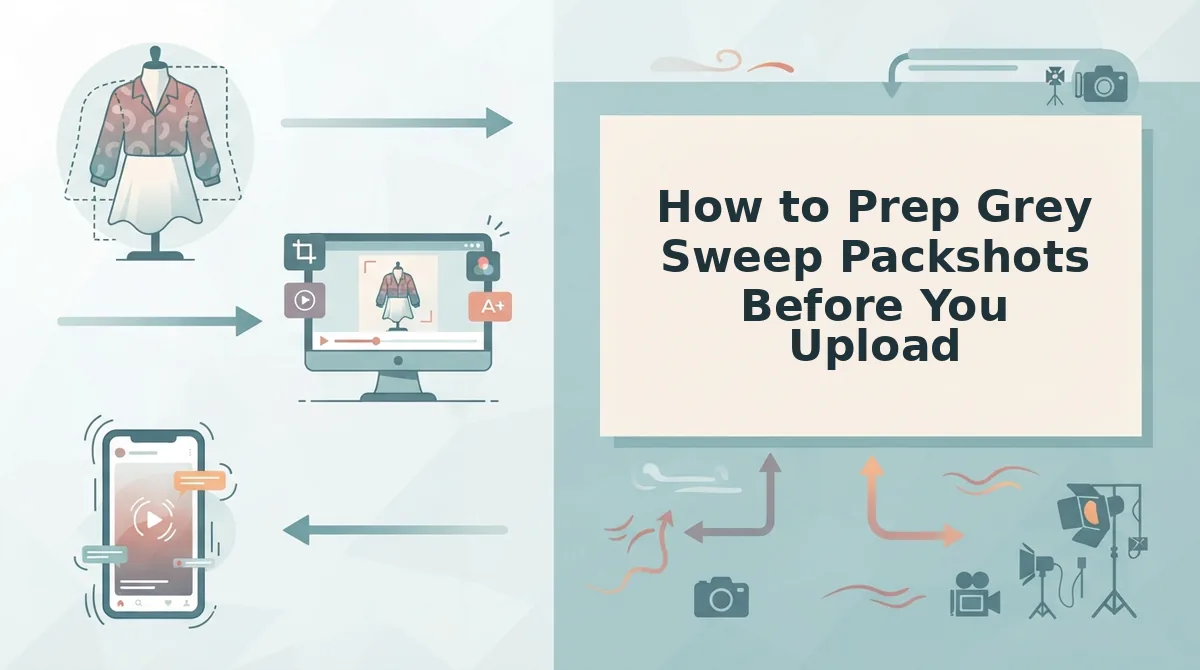
How to Prep Grey Sweep Packshots Before You Upload
To prep grey sweep packshots for AI video, run five checks: a desaturation test, hem and cuff visibility, sweep falloff, matched white balance and light direction across every angle, and resolution and sharpness. The full checklist takes about 10 to 15 minutes per SKU and catches most motion problems before upload.
Before you start: gather your 1 to 6 plates for one garment (front, back, side, flat lay, on-body, fabric detail) and open them in any photo editor that has a desaturate or black-and-white control and a white balance eyedropper.
- Run the 10-Second Desaturation Test. Apply your editor's desaturate or black-and-white control to each plate, then trace the hem, cuffs, collar, and shoulder line against the sweep. You should see every edge as a clear tonal step. If any edge disappears into the grey, re-light the garment or switch the backdrop.
- Confirm hem and cuff visibility. Zoom to 100% and check that the hem and both cuffs sit fully inside the frame with no cropping or shadow pooling. Expect about 1 minute per plate. You should see a clean outline the generator can track as fabric moves.
- Check sweep falloff behind the garment. Look at the area directly behind the shoulders and waist for a gradient that shifts darker or lighter than the surrounding grey. An even tone means the sweep reads as one surface. Keep the clean sweep rather than cutting it out, since a uniform backdrop gives the cleanest edges.
- Match white balance and light direction across all angles. Click the white balance eyedropper on the same neutral grey area in every plate, and confirm the key light falls from the same side. Use one backdrop across front, back, side, and detail plates, and never mix backdrops. A seller combining a flat lay with on-body shots matches white balance first, so the generator gets one consistent color reference. Inconsistent plates give the generator conflicting color references for one garment.
- Verify resolution and sharpness. Check that each file is sharp at 100% on stitching and fabric texture, with no motion blur or heavy compression. Allow 2 minutes for the set. Once every plate passes, upload the set to the fashion product video generator.
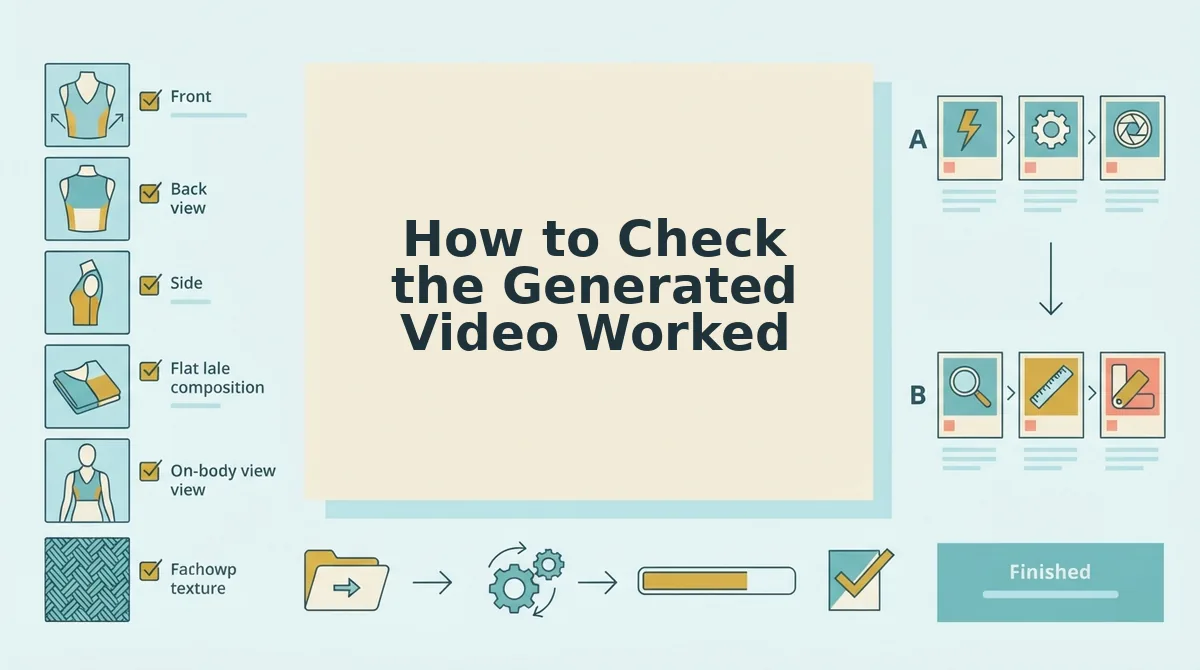
How to Check the Generated Video Worked
Review the output file against four checks, in this order, and trace any failure back to the prep step that caused it.
- Stable hemlines and silhouette edges. Watch the hem, cuffs, and shoulder line through the full clip for flicker or edges melting into the grey. Wobbling edges usually point back to a failed desaturation test or hidden cuffs, so revisit steps 1 and 2.
- Accurate garment color. Compare the video against the physical product under neutral light and look for any grey or warm tint bleeding into the fabric. Color drift points back to a color cast on the plate or a white balance mismatch in step 4.
- Full-garment 9:16 framing. Confirm the vertical frame keeps the whole garment visible from collar to hem. Clipped edges usually trace back to tight cropping on the source plates.
- Human approval before publishing. A person reviews and approves the file before it goes anywhere. The tool creates the video file and does not post it.
Test One Grey Sweep SKU First
The whole method comes down to one rule: match backdrop value against garment value, and the edges hold in motion. Grey sweeps are not risky by default. They fail only when the garment tone and the backdrop tone collapse into each other.
Pick one grey-sweep SKU from your catalog, run the five prep checks, and upload it to the AI fashion UGC video generator. Then review the output against the four-point checklist before anything is published, because a person signs off on every file.
One clean test SKU gives you a repeatable prep standard you can roll across your entire grey sweep catalog with confidence.
