
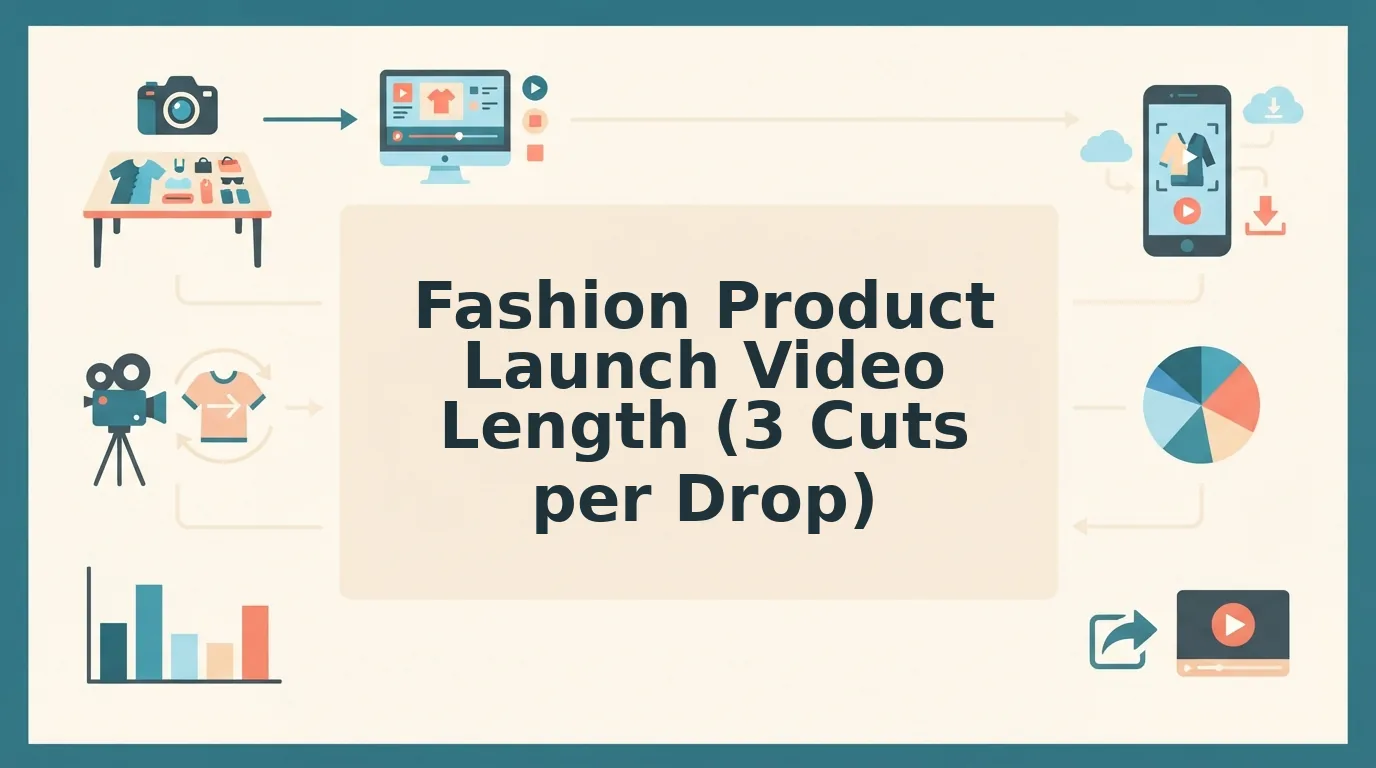

Your new drop lands next week, the teaser is due in days, and there is no budget for a video shoot. All you have is the catalog packshots your team already shot for the product pages. If you have searched for the right fashion product launch video length, you have probably found advice that gives one "ideal" number for every kind of video. That number does not help, because a teaser, a reveal, and a restock cut each do a different job.
This guide gives you a runtime for each phase of a launch, built from photos you already own and without a reshoot. You will get three things: the Drop Runtime Ladder, the steps to build each cut, and a check to run before you publish.
One factor shapes runtime more than any platform's ideal length: the number of distinct product photos in your folder.
What Video Length Works Best for a Fashion Launch Teaser and Reveal?
A fashion launch teaser should be the shortest cut in your sequence, roughly 5 to 10 seconds as a practitioner heuristic. The drop-day reveal should run longer, roughly 15 to 30 seconds, so it can show the full garment from every angle. Treat these ranges as working rules of thumb. They are not figures from a study.
A teaser works as a hook. It hides most of the garment and shows only a partial view, such as a cuff, a texture, or a silhouette. Because so little is on screen, a long teaser has nothing new to show and starts to drag.
The reveal does the opposite job, so it should run longer than the teaser. On drop day, shoppers want front, back, side, and fit before they click. The cut needs enough time to show each of those angles clearly.
| Phase | Goal | What is shown | Relative runtime (heuristic) | Source images needed | Best for |
|---|---|---|---|---|---|
| Pre-drop teaser | Build curiosity | Partial reveal: detail, texture, or silhouette | Shortest, about 5â10s | 1 detail or flat lay | Social teams building a waitlist |
| Drop-day reveal | Show the full product | Full garment from all available angles | Longest, about 15â30s | 3â6 angles | Performance teams launching paid ads |
| Post-drop detail or restock cut | Answer fit and quality questions | Fabric, fit, hem, and construction | Mid-length, about 10â20s | Detail plus on-body | Merchandisers updating product pages |
Generic length guides from platforms and video tools do have value. They reflect real scroll behavior and work well as a baseline for single, standalone ads. Their limit is that they give one length for every video type and never connect runtime to the drop calendar. The ladder fills that gap by assigning each phase its own runtime and its own source images. Platform specs change often, so check each platform's current limits before you export.
If your strongest asset is a flat lay, you can turn a flat lay into a fashion video and use it as a teaser plate. FashionUGC accepts flat lays alongside front, back, side, on-body, and detail shots.
Before you build any cut, confirm three prerequisites:
- Sharp, well-lit packshots
- A 9:16 vertical target
- An inventory of the angles you have for each SKU
How to Build Each Launch Cut From the Packshots You Already Own
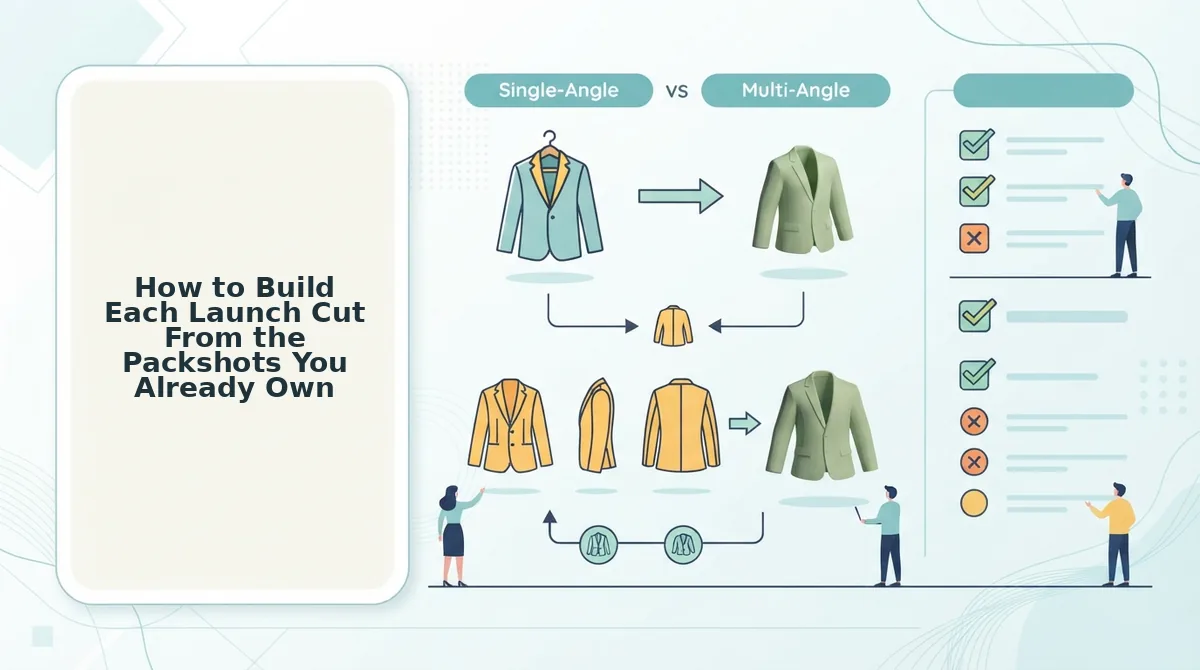
Build each launch cut in five steps:
- Count your angles.
- Set each runtime from that count.
- Assign photos to cuts.
- Match each cut to its goal.
- Generate everything in 9:16.
The number of distinct views you own sets how long each cut can run.
Before you start: gather your catalog stills for one SKU, a FashionUGC account, and your drop calendar.
- Count your Angle Budget (about 5 minutes). List every distinct view you have for the item: front, back, side, flat lay, on-body, and detail. FashionUGC accepts 1 to 6 stills per item, so your Angle Budget falls between 1 and 6. When you finish, you should have a written count for each SKU.
- Set each cut's runtime from that count (about 5 minutes). Fewer angles means the motion repeats sooner, so keep low-angle cuts short. A one-photo cut belongs at the teaser end of the ladder. Five or six angles can support a full reveal. When you finish, every planned cut should have a target length.
- Assign photos to cuts (about 10 minutes). Give the teaser your most intriguing partial view and save the clearest full-garment shots for the reveal. When you finish, each cut should have its own short list of source images.
- Match each cut to its goal. Use the matrix below to confirm that you have the right images for each goal.
- Generate each cut in 9:16 (a few minutes per cut). Upload the assigned stills and generate a vertical output. Review the file yourself before it goes anywhere, because FashionUGC creates the video but does not publish it.
| Goal | Cut | Required source images |
|---|---|---|
| Awareness | Pre-drop teaser | 1 detail or flat lay |
| Waitlist | Extended teaser | Detail plus silhouette or side view |
| Conversion | Drop-day reveal | Front, back, and at least one more angle |
Here is a worked example. A merchant uploads a front shot, a back shot, and a detail shot of a knit cardigan. The merchant builds a short teaser from the detail photo alone, showing only the stitch texture. The merchant then builds the drop-day reveal from all three photos, so shoppers see the full garment on launch day.
How long can a generated fashion video be? FashionUGC does not publish a maximum generated length, so do not plan around a fixed ceiling. In practice, your Angle Budget is the real limit. A cut built from a single still runs out of fresh motion quickly. A cut built from five or six distinct views can hold attention longer without visible repetition. Plan your runtimes from the photos you own, then confirm the output reads well at that length during review.
To run this workflow across your catalog, turn clothing photos into video SKU by SKU. For paid placements, pair your reveals with the AI clothing ad generator.
Next, confirm that each cut works before anyone sees it.
How to Check Each Cut Worked Before You Publish
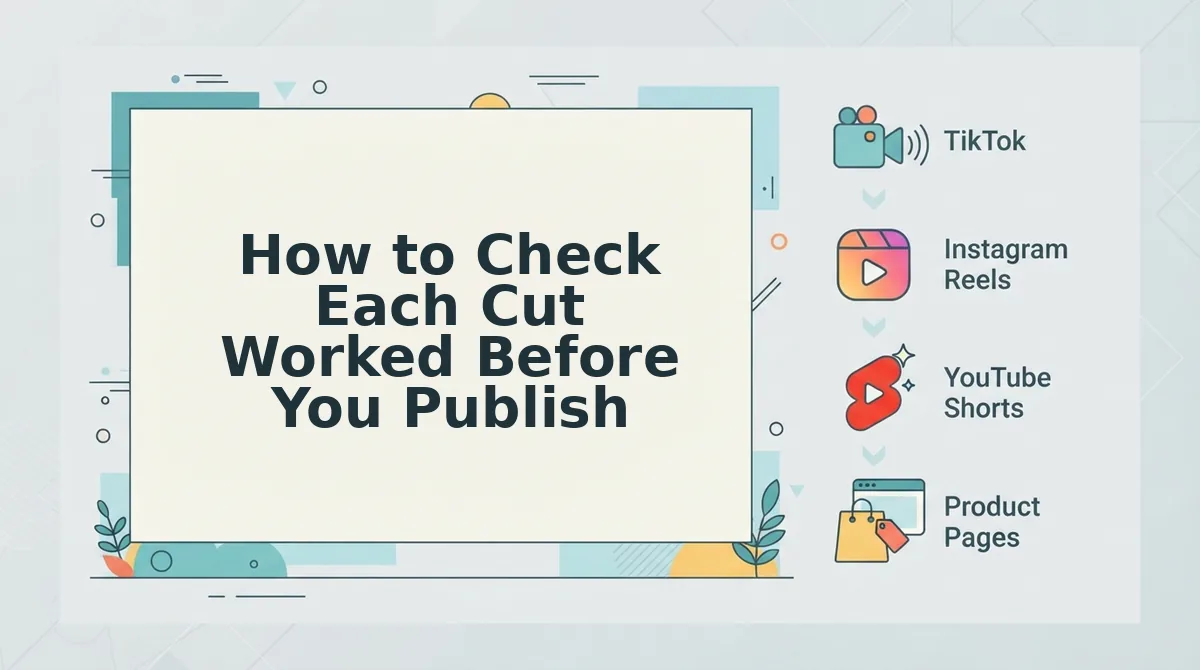
Check each cut against five craft criteria: full coverage in the reveal, partial coverage in the teaser, sharp plates with visible hems, clean 9:16 framing, and motion that never visibly loops. FashionUGC creates the video file only. It does not post to platforms or promise performance, so a person reviews every output before it goes live.
- Confirm the reveal shows the full garment. Look for every angle you uploaded, including front, back, side, and detail. If the reveal skips the back view, shoppers have to guess about fit, so regenerate before the drop.
- Confirm the teaser shows only part of the garment. A teaser should hold back the silhouette, color, or print until the reveal. If the full piece appears in the first cut, the reveal loses its payoff.
- Check that hems are visible and plates are sharp. Soft source plates produce soft motion, and a cropped hem hides length and finish. Scrub to the final frames to confirm the hemline stays in view.
- Check that lighting is even and nothing is clipped in 9:16. Uneven exposure changes the perceived fabric color between frames. Confirm that sleeves, collars, and hems sit inside the vertical frame.
- Check that the motion does not visibly loop. This is the Angle Budget test. If movement repeats, the cut is longer than your source angles can support, so shorten it.
For example, a ghost-mannequin flat lay becomes a reveal cut in the clothing video generator. The reviewer then confirms that the hem stays visible and that no motion repeats before approving the file.
Fashion Launch Video Length FAQ
These answers cover the runtime questions the sections above leave open. Where no data exists, they say so.
Should a small brand copy a luxury campaign film's runtime?
No. Dior's SS24 campaign film has about 3,532,020 views, but it draws on decades of brand equity. Tahri's launch video has about 9.7K views. Runtime did not demonstrably cause either result. New brands should set runtime around showing the product clearly, not around mood.
Does a longer launch video perform better?
There is no length-to-performance data in our research, so we cannot claim that longer cuts perform better. Choose each length by what the cut must show, such as a partial teaser, a full-angle reveal, or a fabric close-up. Then test the cuts with your own audience.
Is there a maximum video length FashionUGC can generate?
The site does not state a maximum generated length. Plan runtime around your source angles, since you can upload one to six photos per item. Check the current output options inside the tool before you script a longer piece.
How long should a clothing ad be compared with a launch reveal?
Choose by goal, not by habit. An ad has to earn attention fast, while a reveal has to show the full garment from every available angle. Platform duration limits change, so check each platform's current specs before you finalize either cut.
Plan Your Drop Runtimes Before the Teaser Is Due
Your launch runtime is set by the angles you already have, not by the calendar. Three cuts can come from one photo set with no reshoot.
To plan the drop:
- Count your usable angles.
- Assign one cut to each phase of the ladder: the teaser, the reveal, and the detail.
- Generate every cut in 9:16.
- Have a person review each file for visible hems and repeated motion before anything is posted.
Next, upload your existing packshots to the fashion product video generator and build the teaser, reveal, and detail cuts. When the runtime fits the angles, every second of the drop shows the garment.
