

Your short clips looked fine. Then you stretched the same front packshots into a 25 to 30 second Reel, and by the midpoint the fabric looked like flat plastic.
That frustration is fair: longer clips expose weak source plates that short clips hide. Most advice treats the fabric texture longer clothing video problem as a prompt or motion issue. The real cause usually sits upstream, in the photos you feed the generator.
This guide gives you a plate plan that keeps weave, knit, and drape readable for the full runtime. You will audit your catalog, add one texture-focused closeup, map plates to beats, and review every second before approving a file from the AI fashion UGC video generator.
The most common culprit already sits in most catalogs, and the first step below names it.
Vary your reference plates instead of adding motion. Add a fabric detail closeup shot under directional light. Review the full runtime before you approve the video.
What Does a Longer Clothing Video Need to Stay Interesting?
A longer clothing video needs more surface information, not more motion. Each new stretch of runtime should reveal something the viewer has not seen yet, such as a different angle, a tighter weave, a hem, or a shift in sheen. Adding camera moves to the same angle only repeats the same texture.
A source plate plan is the set of distinct still photos you assign to different parts of a video's runtime. Think of a wedding slideshow: twenty photos of the same pose still feel like one photo, however slowly you pan across them.
Key Terms
- Reference plate: a source still the generator treats as the visual truth for color, shape, and surface.
- Detail closeup: a tight shot of the fabric that shows weave, knit, sheen, or print.
- Ghost mannequin: a catalog shot where the garment holds a worn shape with the mannequin edited out.
- Flat lay: a garment photographed lying flat from directly overhead.
Prerequisites
- Up to 6 distinct plates. FashionUGC's multi-angle ingestion accepts one to six stills of a single item, so fill each slot with a different view, not a near-duplicate.
- Sharp plates with visible hems and seams. Construction edges give the viewer new detail as the clip runs.
- Directional light. This means light arriving from one side, so each yarn casts a small shadow that reads as texture.
FashionUGC creates the video file, and a person reviews it before it goes anywhere. Low-resolution or soft stills will not become production-ready motion, so fix the inputs before you turn clothing photos into video.
How to Keep a Longer Clothing Video From Looking Repetitive
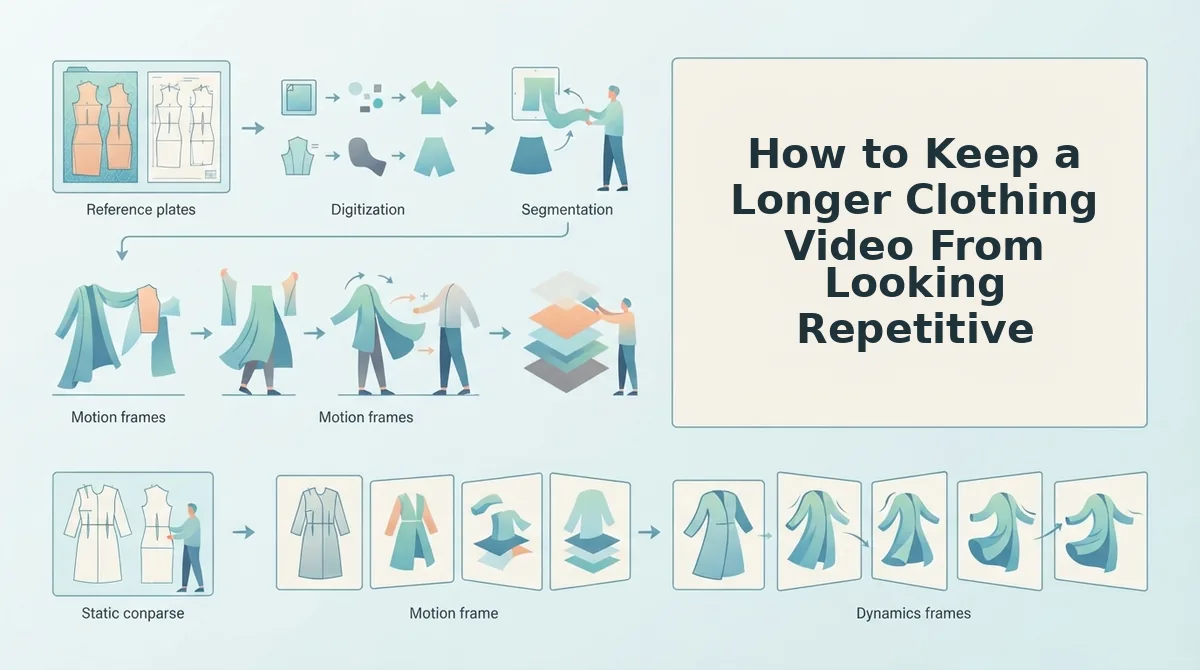
Give each part of the runtime a different source plate. Audit for duplicate angles, add a fabric detail closeup, replace soft plates, light for texture, show construction details, and map one plate per beat.
- Audit for duplicate angles (about 10 minutes). Run every plate through a 4-point checklist: distinct angle, visible hem and seam, sharp weave at 100% zoom, and directional light. Duplicate front angles are the common culprit, so keep only the best one. You should end with a shortlist where no two plates show the same view.
- Add a fabric detail closeup. Frame tightly enough to show weave, knit, sheen, and print registration, which is how a pattern lines up across seams. This plate carries texture whenever the frame tightens.
- Check sharpness at 100% zoom (about 5 minutes). Replace any plate where individual threads blur. Success means you can see distinct yarns or stitches.
- Light directionally. Use raking side light, which skims across the fabric at a low angle, instead of the flat, even light typical of ghost mannequin and flat lay setups. The weave should now cast small shadows.
- Show hems, cuffs, and seams. At least two plates should reveal construction edges.
- Map one plate per beat. Use the table below, an editorial heuristic and not a platform rule.
Pro tip: Shoot the detail plate under raking side light from a single lamp or window, because that one plate does most of the texture work in a longer clip.
| Beat (about 5 seconds each) | Plate | Texture cue |
|---|---|---|
| 1 | Front establishing | Silhouette, print registration |
| 2 | Fabric detail closeup | Weave, knit |
| 3 | Side drape | Drape |
| 4 | Back | Seams, hem |
| 5 | Flat lay texture | Weave, print |
| 6 | On-body | Drape, sheen |
Worked Examples
A seller with only a flat lay and a front packshot adds a detail closeup and a side angle, covering four distinct beats instead of repeating one. The flat lay to fashion video guide covers that starting point in depth.
A ghost mannequin catalog shot paired with a side-lit closeup turns flat, even catalog light into a clip with visible surface depth.
To keep a longer clothing video from looking repetitive, treat every five-second stretch as a chance to show a new surface rather than adding another camera move on the same front angle, because motion over one plate repeats one texture. Build the runtime from distinct reference plates: a front establishing shot, a fabric detail closeup under raking side light, a side drape, a back view with seams and hem, a flat lay, and an on-body shot.
FashionUGC's six-image upload limit lines up with this six-beat map, and the product photos for AI fashion video guide explains how to prepare each plate.
Once the plates are mapped, the last job is checking every second of the output.
How to Check the Full Runtime Before You Approve
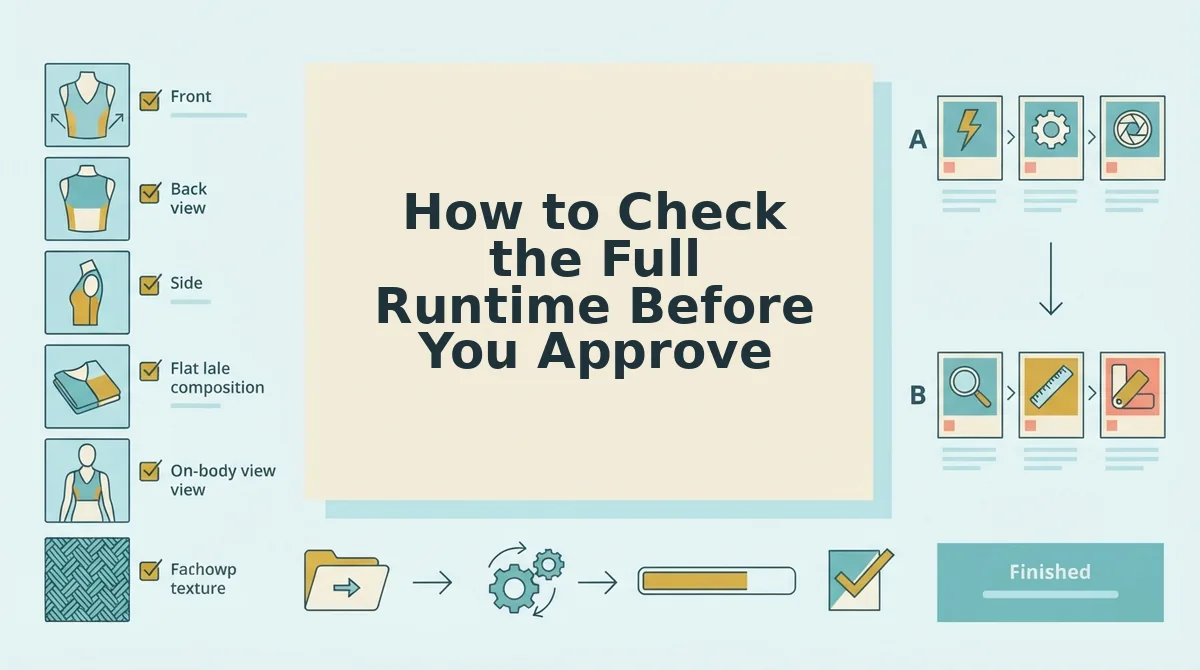
Scrub the 15 to 30 second stretch before approving, because repetition shows up there, not in the opening. Run these four checks on every longer clip.
Approving a clothing video after watching only the first 5 seconds misses repetition because the opening almost always draws on the strongest, freshest source plate. Repetition appears later, once the motion has cycled through the available angles: the front view returns, the weave smears, and beats stall without new surface detail. A reviewer who stops early approves a clip that looks polished at the start and loops by the midpoint, so watching the full runtime is the only reliable check.
- Check for a returning angle. Note every time the same view, usually the front, reappears after 15 seconds. Viewers read a returning angle as a loop, so mark the timestamp to know which plate to replace.
- Check that the weave stays readable. Pause on frames where the fabric fills the screen and confirm the yarns stay sharp. Smearing points to a soft source plate, so swap in a higher-resolution detail shot.
- Check that hems and seams stay visible. Confirm cuffs, hemlines, and stitching remain in frame and in focus as motion continues. Hidden construction removes the quality cues shoppers look for.
- Check that each beat adds new surface information. Ask what the viewer learns in each beat: a new angle, texture, or fit detail. A beat that adds nothing is a stall, so replace it with an unused plate.
Worked example: A reviewer scrubs from 15 to 30 seconds and spots the front view returning at 18 seconds. They swap in a back-angle plate, regenerate, and rescrub that stretch to confirm the loop is gone.
Common Questions About Fabric Texture in Longer Clips
These answers address the four questions apparel teams raise most often when a clip runs past the opening seconds.
How many photos does a 30-second clothing video need?
Plan for up to 6 photos, the maximum FashionUGC accepts for a single apparel item. Treat that number as a planning heuristic, not an output promise. Six distinct angles give later beats fresh surface information, so the clip does not need to return to the opening view.
Why does fabric look smeared or flat in AI video?
Fabric usually smears because the source plate is low-resolution or flatly lit. Motion can only reveal texture the photo already captures, and front lighting flattens weave and pile. Sharp, side-lit detail shots keep ribs, slubs, and twill lines intact when the frame moves.
Will adding more camera moves fix a boring clip?
No. Extra pans and zooms over the same plate make repetition more obvious, not less. A clip feels boring when its beats stop showing new information, so the fix is a new plate, such as a back angle or fabric closeup, not more motion on existing images.
Which photo angles add the most variety?
Five angles add the most variety: a fabric detail closeup, a side profile, a back view, a flat lay, and an on-body shot. Each reveals different surface information, from weave and drape to construction and fit, so a set covering all five rarely needs to repeat the front view.
Build Your Plate Set Before You Generate
Texture holds across a longer clip when you build the plate set before generation instead of patching the output afterward. Repetition is a source-image problem, so the fix starts with your photos, not your camera moves.
Start with a duplicate-angle audit. Next, shoot or pull one side-lit detail closeup and fill your beat map with up to 6 distinct plates. Then scrub the full runtime, especially 15 to 30 seconds, before you approve.
FashionUGC produces the video file. A person reviews it, and nothing publishes automatically.
Your next step is to upload your plates to the clothing video generator and review every second of the result. With a complete plate set, a 30-second clip can show something new in each beat.
