

Most apparel brands fill in the runtime field before they count what the garment actually shows. The 30-second render arrives looking padded, and the model gets blamed for a decision made two steps too early. Duration is the last choice in the sequence, not the first, and a clothing video duration checklist only holds up when you run it as a dependency chain instead of a brainstorm.
You already own the catalog photography. What you need is a defensible runtime, one you can justify to a media buyer rather than match to a competitor's Reel. That starts with evenly lit plates, visible hems and cuffs, and at least one usable full-garment view, so the product photos for AI fashion video step comes before any generation setting.
Four checks follow in the order that prevents a wasted render: the placement's safe zones, what the runtime field actually governs, how many reference photos you own, and how complex the garment is. One of those four quietly overrides taste in nearly every catalog, and it is rarely the first one teams check.
What should you check before choosing a clothing video duration?
Check four things, in this order: the placement's safe zones, the engine's runtime field, your reference photo count, and the garment's complexity. Each one constrains the next, so running them out of order costs you a render.
Before you start, list your target placements, confirm you have one to six source photos per SKU, and have the generator open. Budget about ten minutes for the first SKU and five for each one after that.
Order is the entire checklist. A 9:16 frame that loses the hem has already decided your usable runtime, and a runtime field set for 30 seconds decides how many photos you needed two steps later. Skip ahead and you re-render.
- Open the upload panel and lock the aspect ratio to 9:16 first (about 2 minutes). Where that crop lands differs by placement. Reels puts caption text and the action rail in the lower third and right edge, TikTok stacks caption, sound, and profile along the bottom edge, and ecommerce listing pages crop a vertical file to 1:1 or 4:5 from the centre. Confirm the neckline-to-hem line sits inside the safe area and survives a centre crop. You should see the full garment in frame with clear space above the collar and below the hem.
- Type the runtime into the runtime field second, once you know your beat count (about 1 minute). The field does more than trim the tail: it tells the engine how much motion to plan and how many distinct beats to build. A 30-second request against thin reference material produces repetition, not coverage. Filming breakdowns treat pacing as intuition, so there is no external number to copy here. You should see the planned sequence match what you can actually support: one move, two beats, or a full pass.
Then count your photos and score the garment, which is where the real ceiling appears. A browser-based workflow like FashionUGC accepts up to six source images per item and exports 9:16-ready files, so you can turn clothing photos into video without booking a shoot.
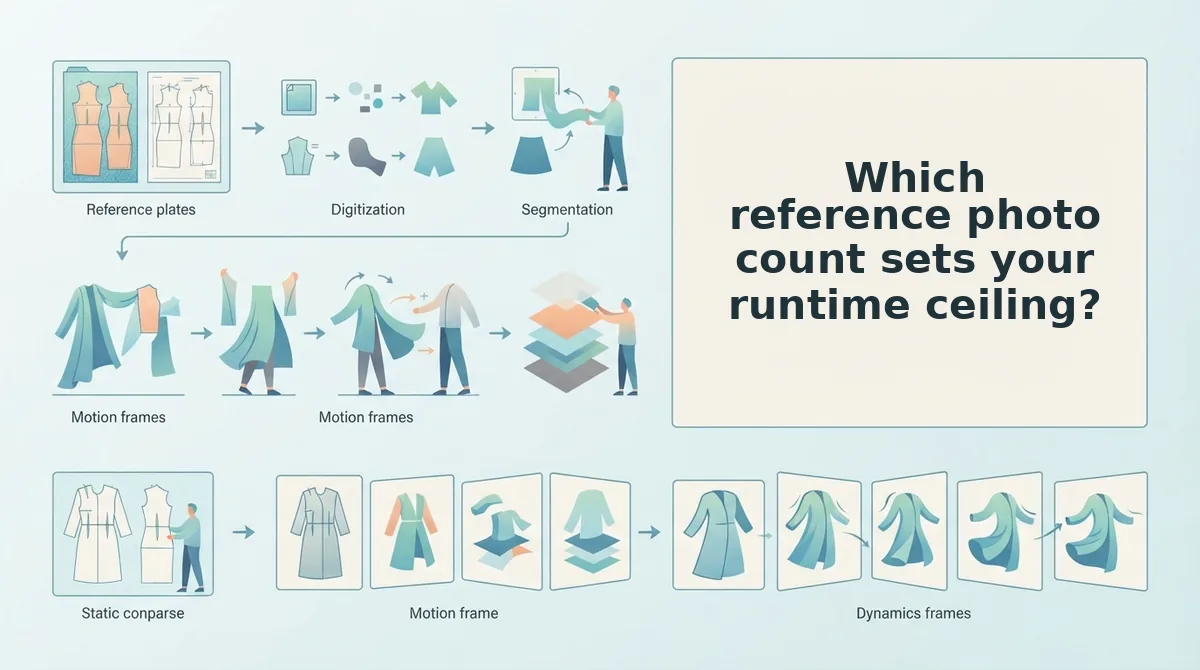
Which reference photo count sets your runtime ceiling?
Photo count is the binding constraint on runtime, not taste. One or two plates support a single continuous move, three or four support two beats, and five or six support a full multi-angle sequence.
| Reference photos | What the engine can sequence | Runtime ceiling |
|---|---|---|
| 1â2 | One continuous camera move | 10â15s |
| 3â4 | Two beats, such as fit then fabric | 15â21s |
| 5â6 | Full multi-angle sequence | 21â30s |
- One to two plates set a 10â15s ceiling. A single flat lay has no back, no fabric close-up, and no side profile, so the limit is structural rather than stylistic. Ask for more and the engine repeats the same information with different framing, which is exactly what padded renders look like. Review flat lay to fashion video for what drape behaviour a flat lay can and cannot supply.
- Three to four plates support two beats at 15â21s. This is where most catalog sellers already sit without realising it: front, back, and one detail shot carry a fit-then-fabric narrative. Count your files before you touch the runtime field, because this band needs no new photography.
- Five to six plates unlock a full sequence at 21â30s. Front, back, side, on-body, and two details give the engine enough distinct information to build a multi-angle story without looping. Upload the whole set and the motion plan is constructed around what you supply rather than padded around what you don't.
How does garment complexity change the runtime?
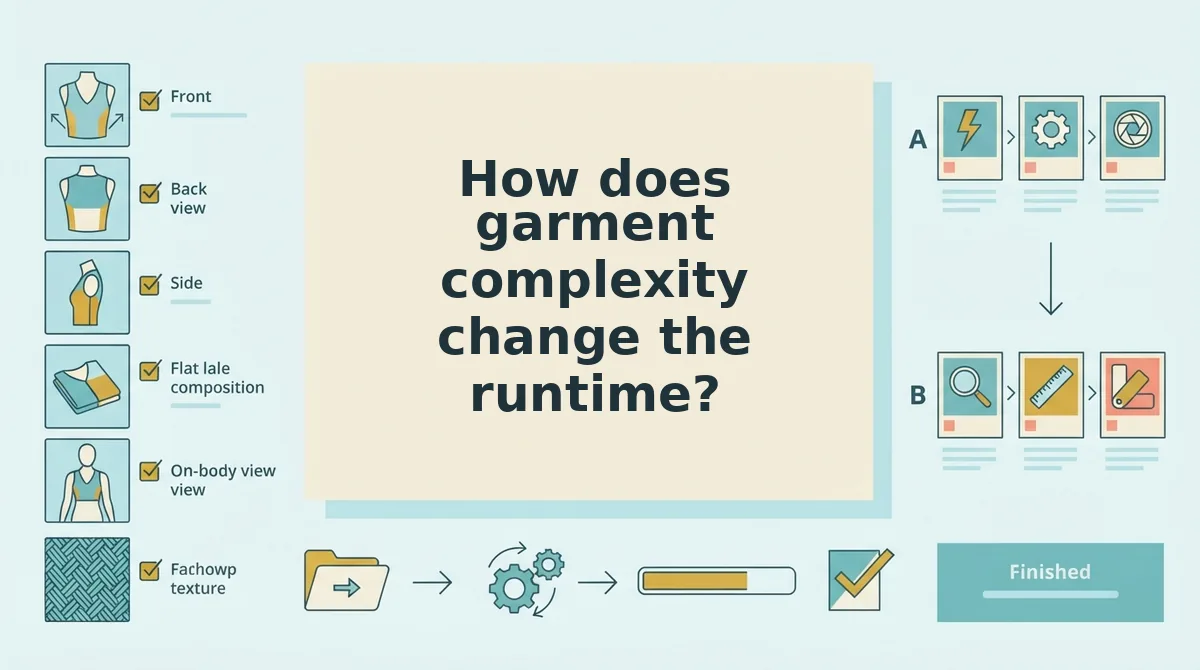
How does garment complexity change the runtime?
Garment complexity is how much visual information a piece must prove before a buyer trusts it: seam lines, drape, print scale, and layering. The more a garment hides inside a still photo, the more frames its video needs, and the longer the defensible runtime band becomes.
A reference plate is one still photograph supplied to the generator. A front flat lay is one plate; a back angle or a fabric close-up is a second. Complexity and plate count move together, which is why 30 seconds flatters a five-plate coat and pads a two-plate tee.
| Garment type | 1â2 plates | 3â4 plates | 5â6 plates |
|---|---|---|---|
| Solid knit, jersey, plain tee | 10â12s | 12â15s | 15â18s |
| Print, plaid, or repeat pattern | 10â12s (hard cap) | 12â15s | 15â18s |
| Sheer, structured, or detailed construction | 10â12s | 15â18s | 18â21s |
| Multi-piece look or styled outfit | 10â13s | 15â21s | 21â30s |
Simple pieces (solid knits) convert nearly all their information in one movement, so 10â15 seconds is a finished thought. Intermediate pieces (prints, plaid, sheer, tailored) hold detail only a second or third angle reveals, and use 15â21 seconds. Advanced pieces (multi-piece looks) need sequencing frames a single plate cannot supply, which is what 21â30 seconds buys.
Think of plates as ingredients and runtime as the pan: a two-ingredient sauce spread across a wider pan does not become more sauce, it just thins out.
Troubleshooting: plaid, checks, and sheer fabrics shimmer or warp once runtime runs past the detail you supplied. Pattern edges crawl and mesh panels ripple because the generator is inventing the frames you withheld. Cut the runtime; do not add adjectives to the prompt.
If you are asking how long a plaid or checked garment video should run, plate count sets the ceiling, not the pattern's popularity. Two plates of a checked shirt support 10â12 seconds; three to four plates, including a close-up of the repeat, support 12â15; five to six support 15â18. Past that, check lines drift between frames because there is no real reference for the weave in the gaps. A tighter cut or one more detail photo fixes it.

Which duration band does your footage qualify for?
You qualify for the band whose entry requirement your existing photos already satisfy. Treat each disqualifier as a gate, not a preference.
Before you start: your uploaded plates in one folder, and the video length calculator open. Budget ten minutes.
- Count your plates (2 minutes). Tally distinct angles only, not crops of the same frame. You should end with one number between one and six.
- Test the 10â15 second scroll-stop band (3 minutes). Entry: any single plate. Disqualifier: none, which is why nearly everything qualifies. Success looks like one clean movement with no hold frames.
- Test the 15â21 second fit-and-fabric band (4 minutes). Entry: three plates including a fabric or seam close-up. Disqualifier: every plate is front-facing. Success shows a detail beat, not a repeat of the opening.
- Test the 21â30 second multi-angle band (6 minutes). Entry: a back angle or a fabric close-up, minimum. Disqualifier: neither exists in your folder, and you cannot enter. Success reveals something the opening frame did not.
- Open the clothing video generator with the packshots you already own.
- Count them â one to six per item â and note where the fabric sits.
- Only after both pass, pick the band and render.
Run the checklist before you hit generate
Say it once and you can skip the rest: photos first, fabric second, band third, runtime last. That is the checklist compressed into the order the constraints actually arrive in.
Everything above this section tested that order. One flat lay cannot carry thirty seconds, and no runtime setting rescues a garment the photos never showed.
Your next move is small:
Expect your first outputs to run shorter than you planned. That is the gate working, not the tool underdelivering.
The fashion UGC video generator will render whatever runtime you ask for, which is precisely why the asking deserves a checkpoint. Set duration last and you stop purchasing motion your photography cannot support.
Duration isn't a style you choose; it's the length your photos can already prove.
