
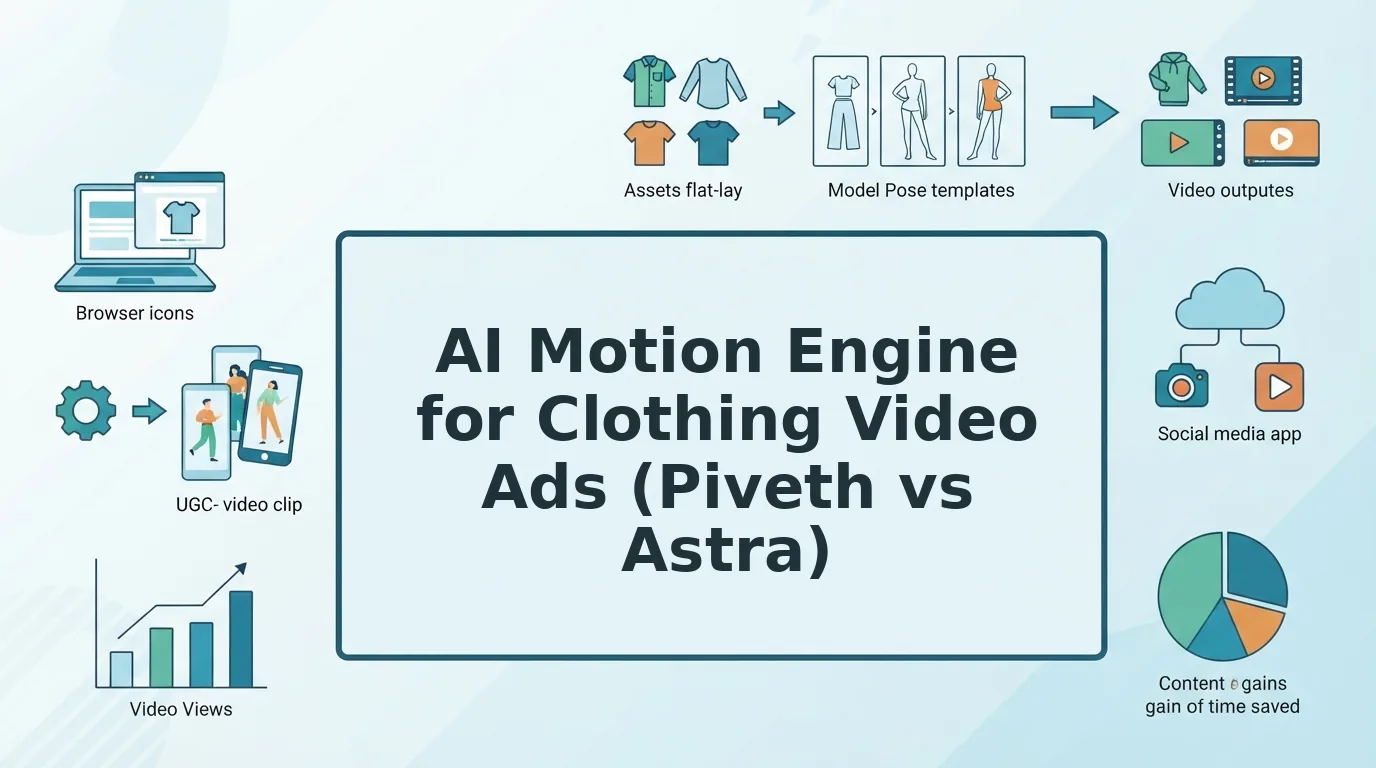

Your top TikTok ad is fatiguing. The catalog holds nothing but packshots and flat lays, and this quarter has no budget for a reshoot.
That frustration is justified. Static product photos stall in vertical feeds built for motion, and you can't rotate fresh hooks from images that don't move.
The right ai motion engine for clothing video turns that existing catalog into short-form motion. FashionUGC converts product photos you already own into a video file, and a person on your team reviews it before it goes anywhere.
Picture a Shopify seller with only flat lays who needs a TikTok in-feed ad. Most guides jump straight to try-on tricks. This one treats the engine choice as a creative-strategy decision, and the deciding question isn't quality. It's placement.
Below you'll find a placement-first method for choosing between Piveth and Astra, a source photo checklist, and the Review Gate every clip should pass.
What Is an AI Motion Engine for Clothing Video and What Do You Need First?
An AI motion engine for clothing video is the model setting that turns static apparel photos into motion with a specific length, pacing, and framing behavior. Think of it like choosing a lens before a shoot: the garment stays the same, but the engine decides how long the shot runs and how much of the garment you see.
FashionUGC offers two engines. Piveth creates fast, dynamic 10-second UGC-style clips, which are short videos with a creator-made feel, for paid social. Astra creates extended motion with wider framing variations, meaning shifts between close and full views, for product detail pages (PDPs) and longer placements.
Before you pick an engine, confirm three prerequisites:
- Name the placement. Write down whether the video runs as a 9:16 Reels, TikTok, or Shorts in-feed ad, or on a PDP or lookbook. Each ad set should end up with exactly one placement label.
- Set the pacing. Mark the video as hook-first, where the opening has to stop the scroll, or browse-paced, where the viewer is already studying the garment.
- Define the creative goal. Choose one goal. The first is rotating creative against ad fatigue and testing hooks. The second is showing the back, side, and silhouette.
- Route the ad through the matrix. Match your three labels to a row in the table below. The row tells you which engine to use.
- The ad runs in a 9:16 social feed.
- You are testing hooks or refreshing creative that has fatigued.
- The video lives on a PDP or in a lookbook.
- Shoppers need to see the garment's back, side, and fit.
- Does it run in-feed on Reels, TikTok, or Shorts?
- Must the first seconds stop the scroll?
- Is the goal hook testing or creative rotation?
- Does the viewer need to see the back, side, or silhouette?
- Sharp hems and edges. Crisp outlines give the engine a clear boundary to animate. Choose frames where hems and seams are fully in focus.
- Even, true-color lighting. Consistent light keeps fabric tone stable across frames. Match the source to your product page color.
- Visible logo or print. Branding must be legible in the still to survive motion. Pick angles where the print lies flat and unobstructed.
- High resolution. Detail lost at upload cannot be recovered during generation. Export the original file, not a compressed social copy.
- Engine-matched angles. Piveth needs a clean front packshot or on-body hero with crisp edges for fast motion. Astra's wider framing raises the value of back and side shots.
- Check hem shape. Hems should hold their cut through every movement. A warped hem misrepresents fit, so scrub slowly through each transition.
- Check color match. Garment tone should match the original packshot. Compare paused frames side by side with the listing image.
- Check logo and print legibility. Branding should stay readable, not smeared or mirrored. Pause wherever the print turns or folds.
- Check drape behavior. Fabric should move like its real material. A stiff denim that ripples like silk signals a problem.
- Check crop and framing. Confirm the garment sits fully inside 9:16 or your target ratio. Learn to avoid cropping errors in apparel video.
- Check SKU match. The file name and garment should match the correct product variant. A mismatched colorway creates returns.
- Placement: Name where the clip runs, then work through the Placement-Pacing-Goal matrix.
- Engine: Choose Piveth or Astra, and prep the angles that engine needs.
- Review: Pass every file through the Review Gate before it goes live.
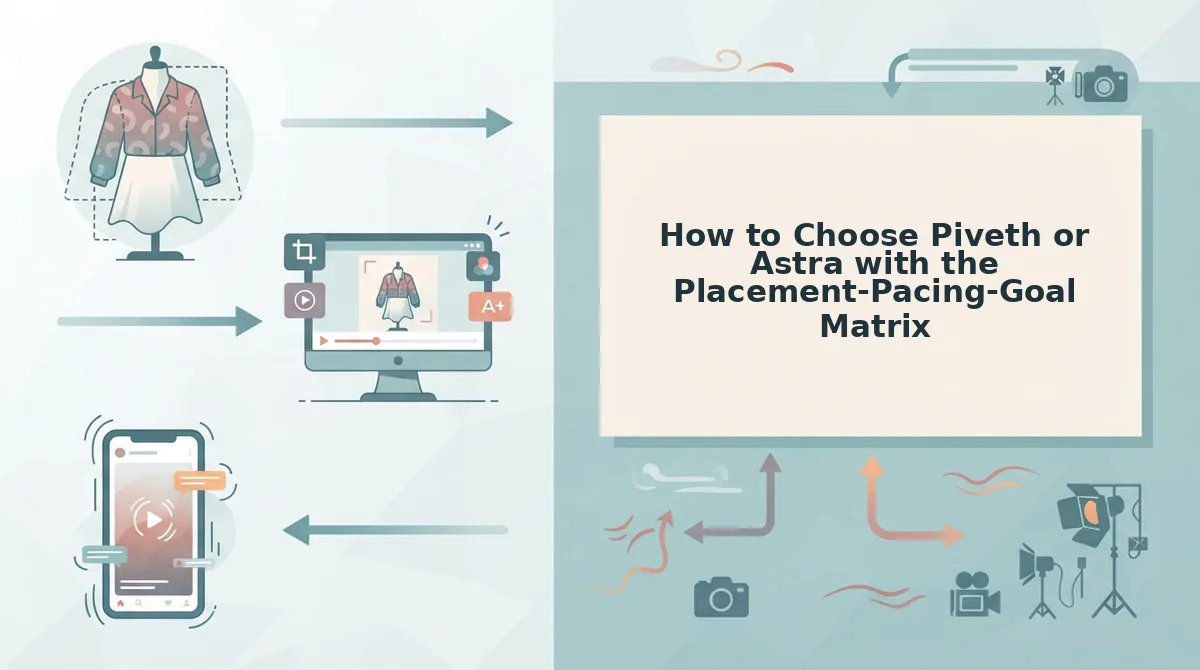
How to Choose Piveth or Astra with the Placement-Pacing-Goal Matrix
Choose Piveth for hook-first in-feed ads on Reels, TikTok, and Shorts. Choose Astra for product pages and lookbooks that need to show the back, side, and full silhouette. The Placement-Pacing-Goal (PPG) Matrix is a routing rule that matches each ad's placement, pacing, and creative goal to one motion engine.
Before you start: Have one to six photos of a single apparel item ready, and know where each ad set will run.
| Engine | Motion length | Pacing | Framing | Best placement | Creative goal |
|---|---|---|---|---|---|
| Piveth | 10-second clips | Fast, dynamic, hook-first | UGC-style, 9:16 | Reels, TikTok, Shorts ads | Hook testing and rotation against ad fatigue |
| Astra | Extended motion sequences | Browse-paced | Wider framing variations | PDPs and lookbooks | Show the back, side, and full silhouette |
Choose Piveth when...
Choose Astra when...
Run This Yes/No Check for Each Ad Set
If you answer yes to questions 1â3, use Piveth. If you answer yes to question 4, use Astra.
Which AI motion engine should I use for clothing video ads?
Use Piveth for paid in-feed clothing ads on Reels, TikTok, and Shorts. It produces fast, dynamic 10-second UGC-style clips in 9:16. These clips suit hook-first testing and rotating creative against ad fatigue. Use Astra when the video goes on a product detail page or in a lookbook. Astra produces extended motion sequences with wider framing variations, which show the back, side, and full silhouette of a garment. Pick the engine by placement first. Then confirm the choice against pacing and creative goal.
Worked example: A merchandiser needs PDP motion for a jacket and uploads the front, back, and side angles. The placement is a PDP, the pacing is browse-paced, and the goal is showing the silhouette. The matrix routes the jacket to Astra. The merchandiser reviews the extended sequence before publishing it to the product page.
To build feed-ready variants from photos you already own, start with the AI clothing ad generator. For PDP motion, use the clothing video generator.
The engine you pick also determines which photos you should upload.
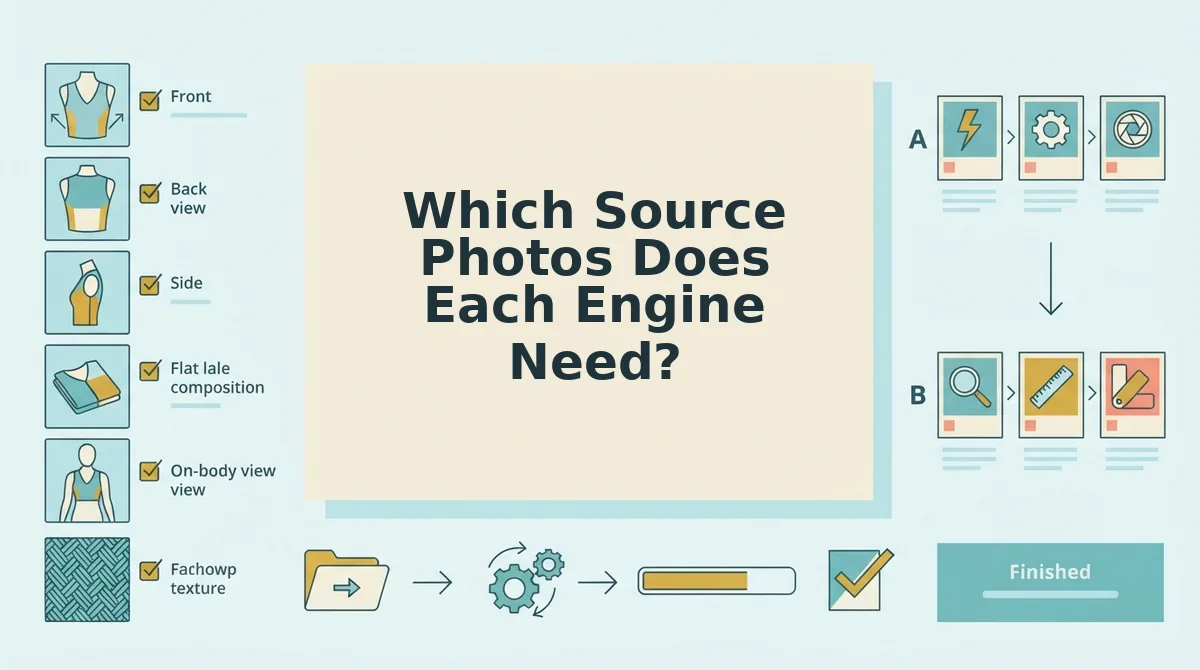
Which Source Photos Does Each Engine Need?
Both engines need sharp, evenly lit, true-color photos. Piveth relies most on a clean front hero, while Astra needs back, side, and full-silhouette angles. Run this Input-to-Engine Readiness Checklist before uploading.
What photos do I need? Upload one to six sharp, evenly lit stills of a single garment. For Piveth, lead with a clean front packshot or on-body hero. For Astra, add back, side, and full-silhouette angles, because wider framing shows more of the garment. Flat lay and ghost mannequin images both work for drape and motion workflows. See the flat lay to fashion video guide and our breakdown of multi-angle clothing photos.
Pro tip: Sharp hems and even lighting decide output quality more than your engine choice does.
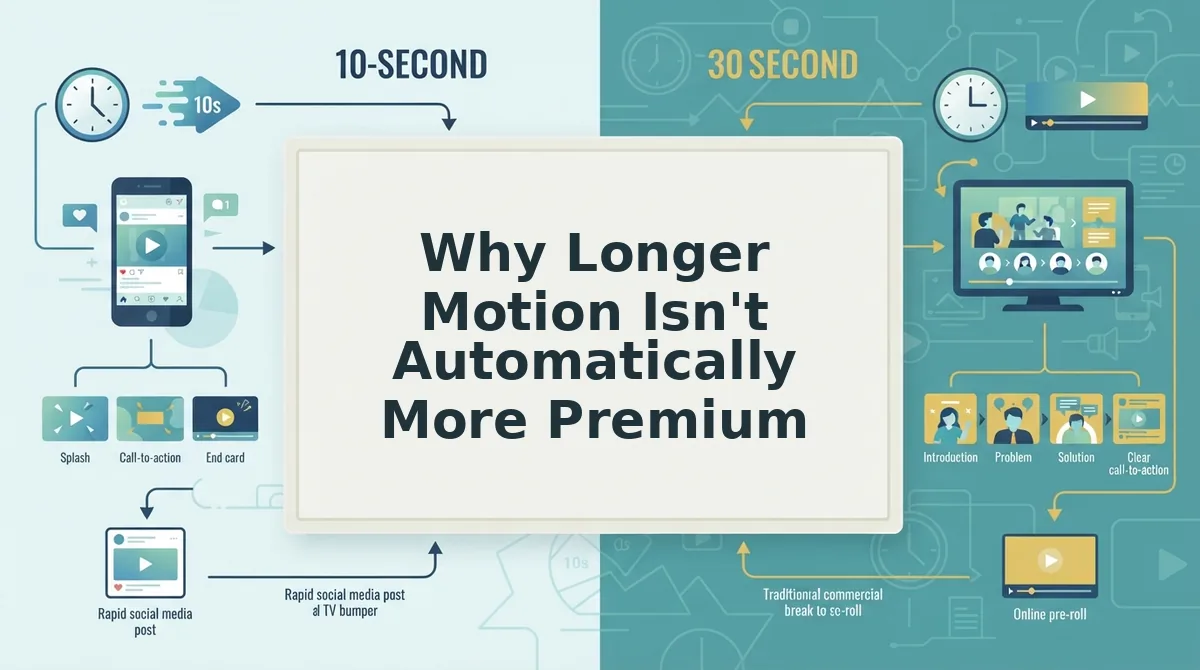
Why Longer Motion Isn't Automatically More Premium
Longer clips are not inherently better. The right length depends on whether the viewer is scrolling cold or already shopping.
Here's where most teams get it wrong: they equate duration with polish. Motion length is the span of time a garment stays animated on screen, and it should follow viewer intent, not production ambition.
Think of it like a shop window versus a fitting room. Cold paid-social viewers judge the window in a glance, so a punchy 10-second Piveth clip matches hook pacing. Shoppers on a PDP or lookbook have already stepped inside, and an extended Astra sequence earns its length there.
The logic flips in two cases. A launch, or a silhouette-led garment whose back or drape is the selling point, can justify Astra even in social placements. Compare the tradeoffs in 10 vs 30 second fashion video ads.
One honest cost remains: longer motion means more frames to inspect before publishing.
How to Check the Output Before It Goes Live
Every clip needs a human Review Gate before it reaches an ad account. FashionUGC creates the video file only. It does not publish anything or promise performance.
So what does that mean for your ad account? Nothing ships until a reviewer clears these six checks frame by frame.
Scale the pass to the engine. Wider, longer Astra outputs need a full review, while Piveth clips need an especially sharp check on the first frames.
In practice, a team checks hem and color consistency across frames before handing the file to the ads team.
A few common questions remain.
Frequently Asked Questions About AI Motion Engines for Clothing
Most open questions about AI motion engines for clothing cover four areas: SKU accuracy, clip duration, photo inputs, and what the tool does not do.
Is AI outfit-change content the same as product motion?
No. Try-on and outfit-swap content puts different garments on a model. Product motion animates the exact SKU you photographed. Ads and product pages need that SKU accuracy, with the real cut, color, print, and trims preserved.
Does longer motion increase garment distortion risk?
It can. Treat duration as a review issue, not a guarantee in either direction. More frames create more chances for seams, logos, or patterns to drift, so check longer clips at turns, hems, and sleeves before you approve them.
Can one photo set feed both Piveth and Astra?
Yes. One set of 1 to 6 angles of a single garment can feed both engines. You can produce a short hook and a longer walkthrough without reshooting. See one product photo set for multiple ad durations.
Does FashionUGC publish ads, guarantee results, or support accessories?
No to all three. FashionUGC creates the video file, and a person reviews it before it runs anywhere. It makes no performance promises. It also supports clothing only, not accessories or beauty products.
Pick the Engine by Placement, Then Review Every Frame
Placement decides the engine, not perceived quality. Piveth and Astra each fit a different job, and the slot where the clip runs tells you which job you need.
Use this three-line flow for every SKU:
Your catalog photos already hold the raw material. Upload one garment's angles to the AI fashion UGC video generator and create your first clip. Each new placement then needs a quick decision, not a new shoot.
