


Your catalog already holds the front shot, the back shot, and the flat lay. What it does not hold is three seconds of motion for the drop that goes live Friday â and that gap sits behind every astra or piveth for youtube shorts search.
A two-name query is not a beginner's query. You have already decided you want generated motion; you are choosing between two behaviors, not two brands. That narrows the work to three questions.
This guide answers them in order:
- How each model treats a garment photo, described in apparel terms rather than feature terms
- Which Shorts posting slot each one actually fits
- How to check hem, seam, and print fidelity before anything ships
It is also the first written comparison on this query. Every video currently ranking is Astra-only, and none of them mentions clothing â worth knowing before you trust a demo reel.
One finding will surprise you: once the posting slot is fixed, the runtime difference between the two largely stops being the deciding factor. The slot matrix below shows why.
What Each Model Actually Does to a Garment Photo
Astra and Piveth differ less in output quality than in how they spend runtime: Astra is characterized by extended runtime plus framing variations, Piveth by quick reveals, per the planning brief behind this guide. That single difference decides which Shorts slot each one suits.
In apparel language, a flat lay becomes motion by stepping through a sequence of views. Runtime is what buys those views. A longer clip can hold a front, a three-quarter turn, a back, and a detail push on a cuff; a quick reveal shows one or two tight garment turns and cuts.
Read the descriptions below as characterization from the planning brief, not vendor specification. No published spec sheet compares the two on garment behavior, which is part of why the query is still open.
The ranking landscape explains the vacuum: five videos hold this query, 49,487 combined views, 5 of 5 Astra-only, 0 comparing Piveth, 0 mentioning apparel or product photography. Three of the five descriptions carry a single platform's referral link, so the coverage is incentive-shaped rather than comparative.
| Dimension | Astra (as characterized) | Piveth (as characterized) |
|---|---|---|
| Runtime profile | Extended runtime | Quick reveals |
| Framing behavior | Framing variations across the clip | Few tight turns, fast cut |
| Views per clip | Multiple angles of one garment | Front-loaded hero angle |
| Best for | Merchandisers explaining construction or fit | Social teams testing hooks at volume |
Best for the fit-and-construction merchandiser: Astra. If a side seam or a dropped shoulder has to be legible, you need runway plus angle changes.
Best for the paid-social tester: Piveth. If the hook has to land before a thumb moves, a tight reveal does the work a slow pan cannot.
Do you need more than one source photo? For either model, yes. More angles give the sequence something real to interpolate between. Turn clothing photos into video with one to six stills per item â front, back, side profile, flat lay, on-body, fabric detail. Swapping two front shots for a front and a back is the cheapest fidelity upgrade available, and it costs nothing but a re-upload.
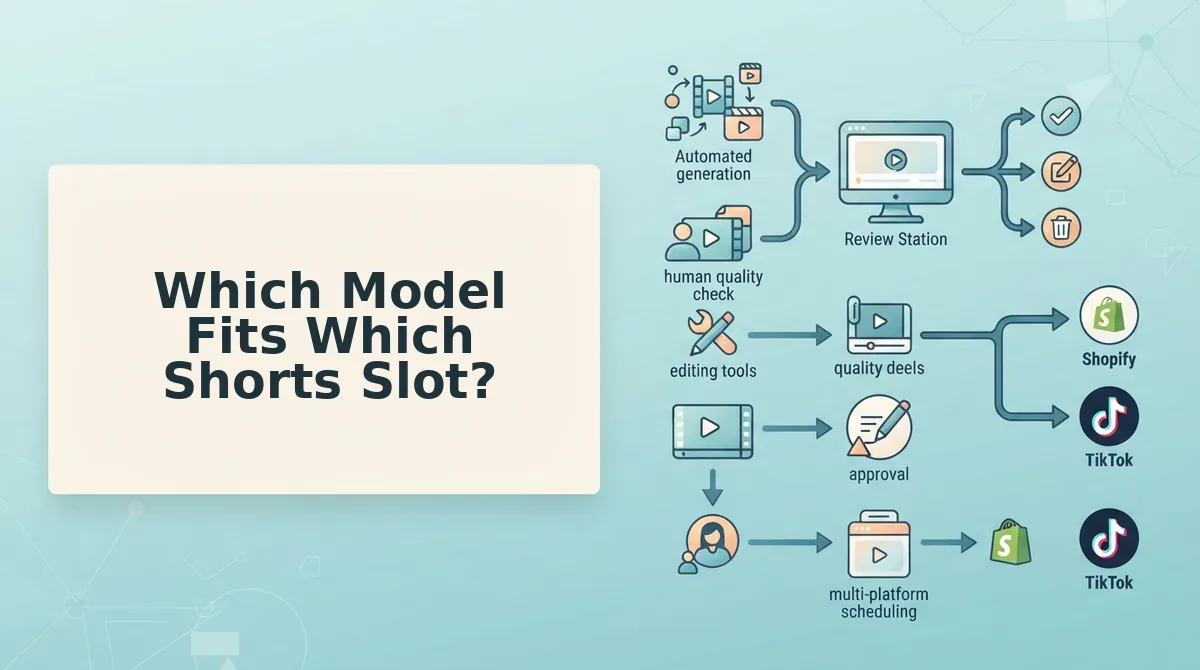
Which Model Fits Which Shorts Slot?
Fix the posting slot first, then pick: extended runtime plus framing variation suits slots that must prove construction, quick reveals suit slots that must win the first second. Once the slot is named, the runtime gap between the two rarely decides anything.
- New drop teaser â Piveth. A single tight garment turn reads faster than a multi-angle tour, which matters when the audience has no context yet. Use it for the first post on a SKU and let the caption carry the detail.
- Fit or size explainer â Astra. Explaining where a hem falls or how a sleeve sits needs consecutive angles, and that requires runway. Use framing variations to walk front, side, back in one clip.
- UGC-style try-on â Astra. Handheld-feeling variety comes from changing framing mid-clip, not from changing speed. Use it when the goal is the impression of a real person moving in the garment.
- Restock or back-in-stock â Piveth. The audience already saw the product, so the clip only needs to re-signal availability. A fast reveal plus clear on-screen text beats a longer sequence here.
- Sale countdown â Piveth. Urgency is a timing problem, not an angle problem. Short runtime leaves room for price and deadline overlays without crowding the garment.
Both paths start from stills you already own â the clothing video generator accepts catalog packshots and detail angles as source, so the slot matrix is the only decision left.
Choosing the slot tells you which model to use; checking fidelity tells you whether the output is safe to publish.
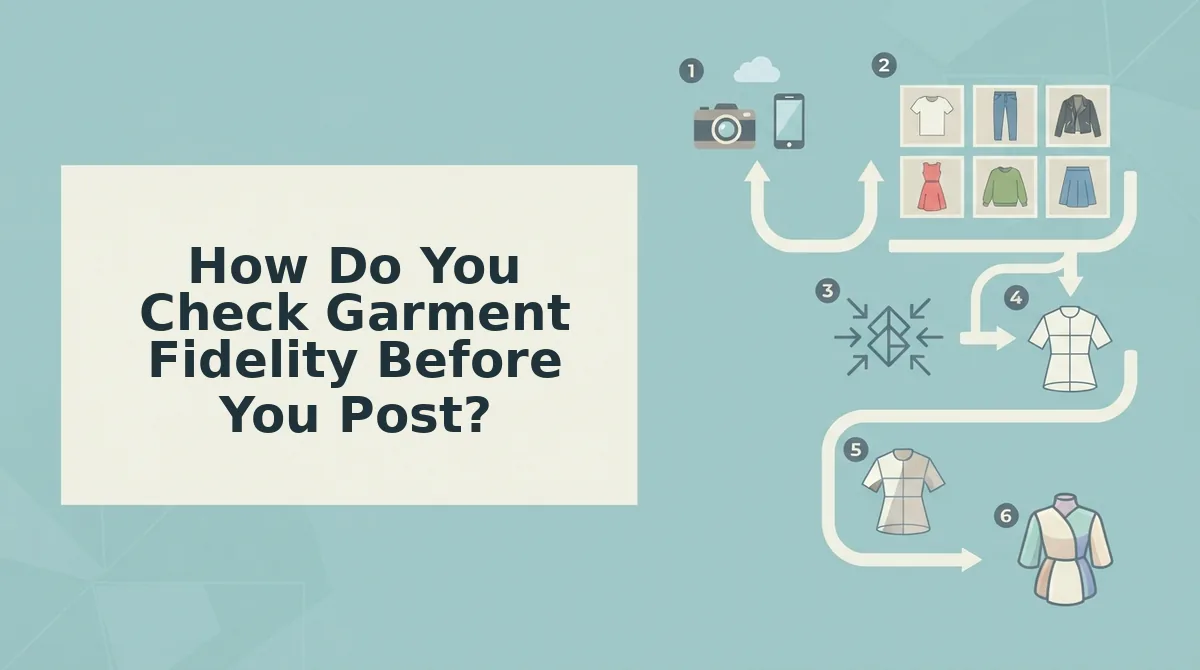
How Do You Check Garment Fidelity Before You Post?
Garment fidelity is scored on four checkpoints: hem continuity, print alignment at the side seam, fabric weight and drape, and closure hardware. Each takes one to two seconds to check at the first and last frame, and a clip that fails any one of them gets regenerated rather than posted.
Before you start: one generated clip, the original photos open in a second window, and a player you can step frame by frame. Nothing else is required beyond the upload panel and the Generate control.
- Open the clip and pause on the first and last frame. Compare both against your front and back photos. You should see the same silhouette in all three views.
- Trace the bottom hem edge to edge (five seconds). It should hold one unbroken line. A hem that ripples mid-stride means the model is inventing fabric.
- Pause where the print crosses the side seam. Motifs should meet at matching heights front and back. Drift means the two source plates disagreed.
- Watch one full stride for weight and drape. Linen folds sharply, jersey falls. A fluid hem on a structured piece is a rejection, not a style choice.
- Inspect zippers, buttons, and buckles through the final third. Rigid hardware stays square and aligned. Melted or sliding edges fail the check.
- Regenerate with an added angle. Drag a back or side photo into an empty slot in the upload set, then press Generate. Seam drift usually traces to a missing plate.
These four checks catch the recurring failure modes: sheerness rendering as opacity, open knits filling in, hardware that has to stay rigid, and logos sitting at the frame edge where reframing warps them.
Worked example: on a repeating-print midi dress, the motif drifted at the side seam on the first pass. The reviewer added a back-angle plate to the upload set and regenerated instead of posting the clip.
If fidelity problems keep tracing back to the source images, prep your flat lay for motion before you regenerate â angle coverage moves garment accuracy further than any prompt rewrite.
What Does a Usable Clip Actually Cost?
Cost per approved clip is total generation spend divided by the number of clips that survive your fidelity review. It is the only figure that maps to a creative budget, because a rejected render never runs against a CAC target.
Simple version first: a render price is a carton price, not the price of an omelette. You pay for every egg you crack, and only some of them make the dish.
Intermediate: the formula is generation volume divided by pass rate. Twelve generations that yield four approved clips is a pass rate of one in three, so each usable clip effectively costs three times the per-render price.
A cheaper render is not a cheaper clip. Suppose two models sit side by side: one charges less per generation but clears the four fidelity checkpoints one time in three, while a pricier one clears them two times in three. The cheap model's effective cost is its render price multiplied by three; the expensive model's is multiplied by 1.5. The cheaper render only wins if it costs less than half the other. Catalog teams that budget per render buy twice the inventory they can actually post.
Map that arithmetic to your publishing calendar with YouTube Shorts clothing videos, where every slot needs an approved clip rather than a render.
The Slot-Matched Pick for Your Catalog
The pick follows your posting cadence, not the spec sheet. A catalog team shipping several SKUs a week against a fixed calendar wants the extended-runtime model with framing variation, because it supplies more usable angles per slot. A boutique running one drop wants the quick-reveal model, where a short hook is the entire job.
That also closes the question this article opened with. The debate keeps circling because the tests never include a garment; the four checkpoints are the missing variable, and they apply to either model.
Start with the flat-lay prep guide, then upload one SKU, generate its first clip, and hold it against hem continuity, seam alignment, drape, and hardware before it reaches a scheduler.
Review-before-publish is the gate that outlasts whichever model you choose â the team that checks four things per SKU ships catalog video that still looks like the catalog.
