
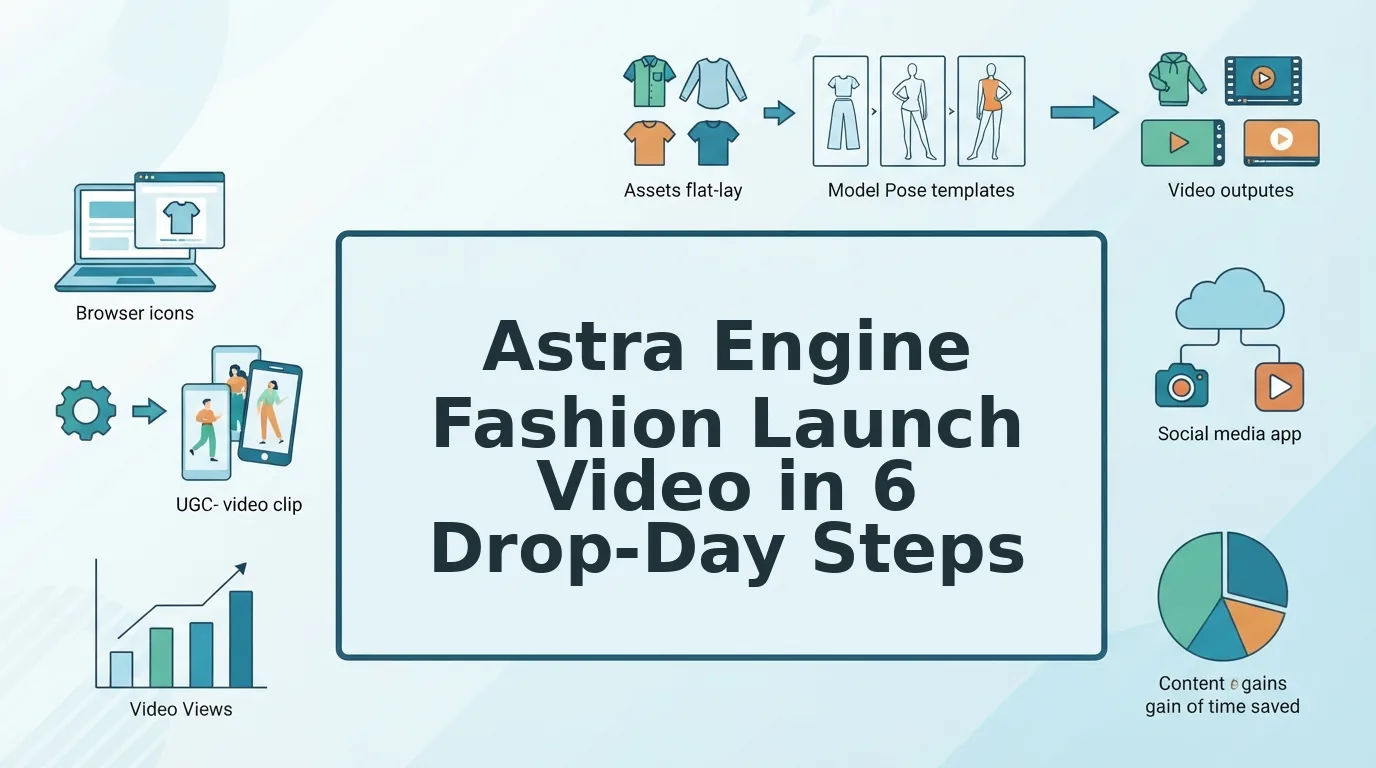

The drop date is locked, the packshots are approved, and there is no budget for a reshoot. You still need drop-day motion for Reels, TikTok, Shorts, and the product page, and that pressure is normal for any launch team.
This astra engine fashion launch video playbook covers the Astra engine inside FashionUGC, not OpenAI's GPT-6 Astra or the Opel Astra. Astra is FashionUGC's generation engine. It turns 1-6 existing stills per clothing item into video files, and a person reviews every file before it ships.
Many teams hold only flat lays and ghost mannequin shots and ask whether that is enough for launch motion. This guide shows what those assets can power, without promising results. It also names the one launch photo most teams forget.
The guide covers prerequisites and a readiness matrix, then a six-step launch workflow, then a pre-ship check. For the fundamentals, see how to turn clothing photos into video.
Key Takeaway: Astra turns 1-6 existing launch stills into extended, multi-framing video files. Output quality depends on sharp, well-lit packshots with visible hems. A person reviews every file before it ships.
What Do You Need Before Making an Astra Launch Video?
You need 1-6 sharp, well-lit stills of a single clothing item: front, back, side, flat lay, on-body, or fabric detail. The more angles you supply, the more video beats Astra can build.
The Astra engine is FashionUGC's video generation engine that converts existing apparel stills into extended, multi-framing video files for social channels and product pages. It works from photos you already own, so a launch can get motion without new production.
Two more terms matter. An extended sequence is a longer video assembled from several stills, so each angle becomes its own moment. A framing variation is the same footage cropped and composed for a different placement, such as vertical 9:16 for Reels.
Think of your stills like ingredients in a recipe. Astra can cook with what you hand it, but it cannot add a back view you never photographed. Confirm exact sequence lengths and variation counts in the product rather than assuming them.
| Photo type | Video beat it powers | Common failure |
|---|---|---|
| Front packshot | Reveal | Soft focus |
| Back or side view | Turn or fit beat | Cropped hem |
| Flat lay or ghost mannequin | Teaser | Color cast |
| On-body shot | Styling beat | Cropped hem |
| Fabric detail | Detail close-up | Soft focus |
Which launch photo do most teams forget? It is the fabric detail shot. Flat lays and ghost mannequin images can carry a teaser and a reveal, but without a close crop of the weave, stitching, or trim, the video has no detail beat. Shoppers watching a short clip need texture to judge quality. Add one sharp detail still per item, and the sequence gains a moment that front views cannot supply. If you only have flat lays today, learn how to turn flat lays into fashion video.
Clothing is the only live category; beauty and accessories are not available yet. Here's the catch: a perfect plan cannot rescue a soft-focus hero shot.
How to Make a Fashion Launch Video with the Astra Engine, Step by Step
Audit your stills, map the drop-day beats, generate an extended sequence, then build channel framings. Review every file and export it for your team to publish.
How do I use the Astra engine to make a fashion product launch video? Start by checking that each item has 1-6 sharp, well-lit stills with visible hems, ideally including a fabric detail shot. Upload those stills to FashionUGC, and Astra builds an extended sequence that turns each angle into a video beat. Next, create framing variations for 9:16 placements on Reels, TikTok, and Shorts, plus your product page. A person then reviews every file before export. FashionUGC creates the video file only; your team handles publishing.
Prerequisites: your approved launch stills, the readiness matrix above, and a list of drop-day channels.
- Audit your launch packshots against the matrix. Check each still for soft focus, cropped hems, and color cast. This is a short pass per SKU. You should finish with a list of usable stills per item, plus any gaps.
- Map the drop-day sequence. Fill in the Sequence Map below, matching each beat to a source still and a channel framing. You should end up with a one-page plan per item.
- Generate an extended sequence. Upload the audited stills for one item into the fashion product video generator. You should see one video file that moves through your angles in sequence.
- Build framing variations per channel. Select a 9:16 framing for Reels, TikTok, and Shorts, plus a framing for PDP placement. You should get a set of files from one source set. For example, the same front, back, and detail stills become a vertical clip for each social channel and a product-page version, with no reshoot.
- Review before anything goes live. But wait, there's a reason this step matters most. Watch every file in full and check fabric texture, color accuracy, and hem shape against the original stills. You should approve or reject each file individually.
- Export and hand off to publishing. Download the approved files and pass them to your social and ecommerce teams. FashionUGC does not post anywhere, so publishing stays with your team. You should have a labeled folder per channel.
| Beat | Source still | Channel framing |
|---|---|---|
| Teaser | Flat lay or ghost mannequin | 9:16 for Reels, TikTok, Shorts |
| Reveal | Front packshot | 9:16 and PDP |
| Detail | Fabric detail | 9:16 and PDP |
| Styling | On-body shot | 9:16 for Reels, TikTok, Shorts |
Drop-Day Sequence Map: a planning template, not a performance benchmark.
If your launch also needs paid creative, run the same approved stills through the AI clothing ad generator to get ad-ready variations from the photos you already own.
Before any file ships, run one final check.
How to Check Your Launch Video Worked Before It Ships
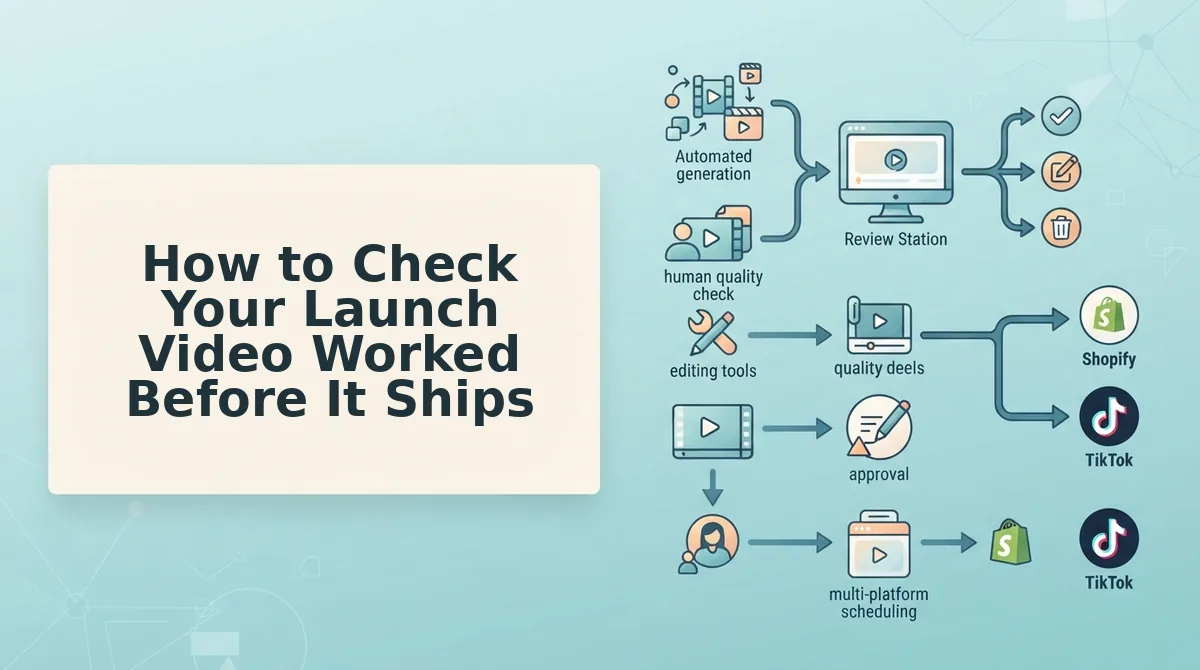
Run a five-point audit on every generated file before export: hem, colorway, logo and print, drape, and channel framing. A file that fails any point goes back to the source stills, not out to a channel.
- Check hem visibility. Confirm the full hemline appears uncropped in at least one beat. Length is a common question on new silhouettes, so a hidden hem leaves shoppers guessing.
- Match colorway to the physical sample. Hold the sample beside the screen in daylight and compare shades. Motion and lighting can shift tone, and a mismatched launch color undermines the product page.
- Verify logo and print fidelity. Pause on frames where graphics appear largest and check for warped letters or broken repeats. Prints often define a drop, so they must read cleanly.
- Confirm drape consistency across frames. Scrub frame by frame and watch whether fabric weight and folds stay constant. A knit that suddenly moves like satin signals an artifact.
- Review framing per channel. Check that the garment sits inside each export's safe zone. Use our guide to fashion video aspect ratios to confirm crop targets.
Worked example #3: A teaser image pulled from a low-res lookbook export fails the audit because the print blurs at full frame. The team re-shoots that angle before generation instead of pushing it through.
What Astra won't do on drop day
- It does not publish to TikTok, Instagram, or any channel.
- It does not promise views, sales, or ROAS.
- It does not fix low-res packshots.
- It does not cover beauty or accessories. Clothing only.
Astra Launch Video FAQ
These answers cover the questions the playbook leaves open, from naming confusion to product scope.
Is FashionUGC's Astra the same as GPT-6 Astra?
No. FashionUGC's Astra Engine is an apparel video generator. It is unrelated to OpenAI's GPT-6 Astra and to the Opel Astra car.
Does Astra post to TikTok or Instagram on launch day?
No. Astra creates the video file only. A person on your team reviews every output and handles publishing through your usual channels.
Can one set of packshots produce several aspect ratios?
Yes. Framing variations come from the same uploaded stills, so you avoid shooting per channel. Confirm current export options in the product before planning.
Can I use Astra for beauty or accessories launches?
No. Astra supports clothing only for now. Beauty and accessories are not available yet.
Turn Your Launch Packshots into Drop-Day Video
Your drop-day video can start from photos your team already owns, with no reshoot. Production time shifts away from filming and toward the stills you choose and the audit you run.
Carry three actions into your next drop:
- Audit the stills first. Weak source images produce weak motion, so replace them before generation.
- Map beats to channels. Decide which angle leads on Reels, TikTok, Shorts, and the product page before export.
- Review every file. Human review is the final gate before anything ships.
Next step: upload this drop's packshots and start with your launch packshots in the FashionUGC generator. The catalog you already shot can carry the launch.
