

Your new drop goes live Friday and the product page needs motion. All you have are catalog packshots, flat lays, and ghost mannequin shots, and nobody wants to book a reshoot for a listing video.
That frustration is fair. Most AI video roundups judge tools as paid-ad generators. This breakdown of arcads vs fashionugc for apparel listing videos stays scoped to product detail pages (PDPs) and marketplace listings, where shoppers decide on fit and fabric.
FashionUGC suits garment-accurate listing motion built from the SKU photos you already own. Arcads suits script-driven talking-head ads where an AI actor delivers a spoken hook or benefit claim. Choose based on whether the listing needs to show the garment or sell a message.
Consider a Shopify seller with flat lays and ghost mannequin shots for a new drop. They upload front, back, and detail plates, generate a short clip, and review the output before it goes live on the PDP.
Below, you will find the criteria a listing video should be judged on, a side-by-side table, and a fair look at how each tool handles clothing. One question about the asset you already own decides which tool to open first, so keep that asset in mind as you read.
What Should an Apparel Listing Video Be Judged On?
An apparel listing video is a short clip on a product page or marketplace listing that shows a garment's fit, drape, texture, and back view. Judge it on how faithfully it represents the actual SKU, not on how persuasive a spokesperson sounds.
Score any tool for PDP use on these eight criteria:
- Garment fidelity: Does the clip show your real item?
- Fit and drape: Does the fabric move believably?
- Back view: Can shoppers see the rear of the garment?
- Texture and detail: Are trims, prints, and weave visible?
- 9:16 and loop-friendly framing: Does it fit vertical placements?
- Spoken claims needed: Does the format require a script?
- Source asset required: What do you need to start?
- SKU scale: Can it cover a full catalog?
Garment-first motion is video generated from photos of the real item, so the clothing stays the subject of every frame. A script-driven AI actor is a generated presenter who speaks written lines to camera, so the face and dialogue lead the frame.
Competitor comparisons usually rank actor libraries and pricing through a paid-ads lens. The table below judges on PDP needs instead. Confirm every Arcads cell on arcads.ai before deciding.
| Criterion | Arcads | FashionUGC | Best for |
|---|---|---|---|
| Source asset | Written script; verify on arcads.ai | One to six photos: front, back, side, flat lay, on-body, fabric detail | Teams with catalog photography |
| Placement | Paid hooks; verify on arcads.ai | PDP, marketplace listing, Reels, TikTok, Shorts, ads | Listing and PDP managers |
| Spoken claims | Core format | Not required; garment leads | Benefit-claim ads (Arcads) |
| Garment fidelity | Verify on arcads.ai | Built from your own SKU photos; human review before use | Accuracy-sensitive listings |
| Back view and texture | Verify on arcads.ai | Uses uploaded back angles and detail close-ups | Fit-driven categories |
| SKU count | Verify on arcads.ai | SKU-level motion from existing images | Large catalogs |
- Best for performance creative teams testing spoken hooks: Arcads, whose script-first format makes swapping messages straightforward.
- Best for Shopify merchandisers filling PDPs without a reshoot: FashionUGC, which works from the catalog photos already on file.
If your listings need motion from existing packshots, the fashion product video for listings workflow accepts up to six angles per item. For broader catalog coverage, start with the clothing video generator.
How Does Arcads Handle Clothing Listing Videos?
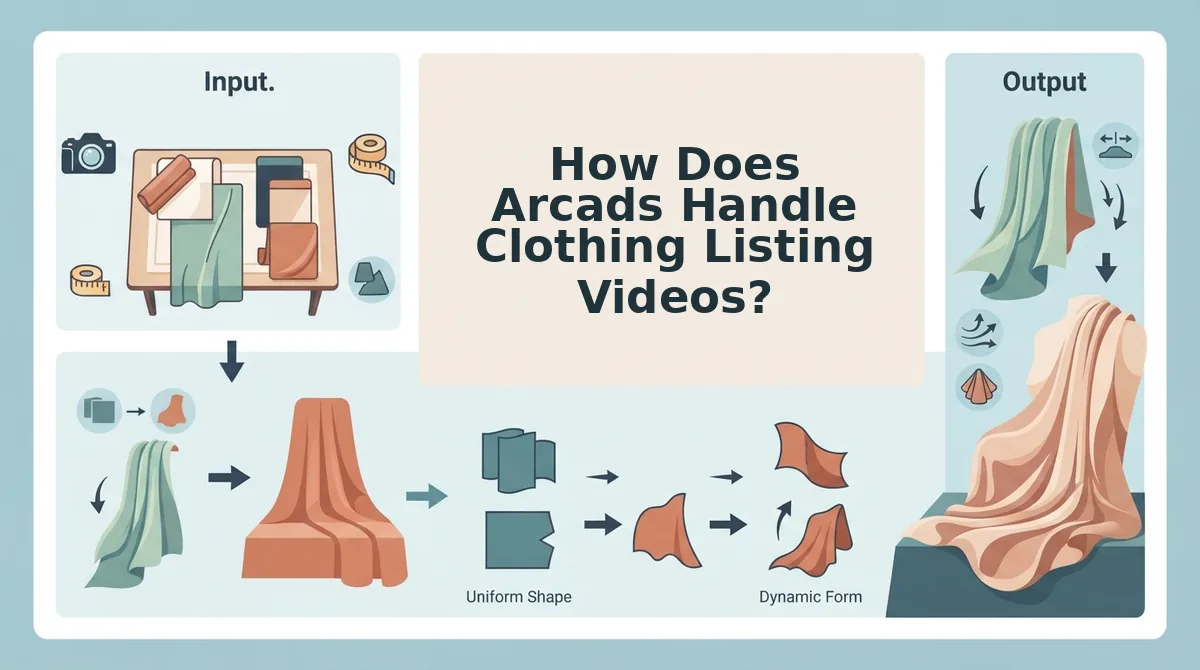
Arcads is a script-driven AI actor tool built for spoken hooks and benefit claims in paid, top-of-funnel ads. That strength is real, but confirm its current feature set on arcads.ai when you evaluate it, because tools in this category change often.
At the simple level, the workflow is script-first. You write lines, choose a generated presenter, and get a clip of a person speaking to camera, which suits a scroll-stopping Reels or TikTok hook.
At the intermediate level, performance teams use this format to test messages. Swapping one opening line for another is fast because the message, not the merchandise, is the variable.
Here's where it gets tricky for clothing. A talking head centers the actor and the dialogue, while a listing shopper needs to see fit, drape, texture, and the back of the garment before buying.
Think of a store associate describing a coat over the phone versus holding it up in the window. The description may persuade, but the shopper still cannot see how the hem falls.
A talking-head video is the wrong primary format for a clothing product page because PDP shoppers evaluate the garment itself, not a presenter's pitch: they check how the fabric drapes, whether the fit matches the size chart, what the texture looks like up close, and what the back view shows. A spoken benefit claim can support that decision, but it cannot substitute for seeing the actual SKU in motion. Talking-head clips earn their place higher in the funnel, as paid hooks that send traffic to a listing where garment-first video does the evaluating work.
At the advanced level, ask one question: does an AI actor show my actual garment? Check Arcads' current documentation for whether it can dress a presenter in your specific SKU, preserve prints, logos, and trims, and show the back view before any clip reaches a PDP.
Garment-first tools approach the problem from the opposite direction.
How Does FashionUGC Turn SKU Photos Into Listing Motion?
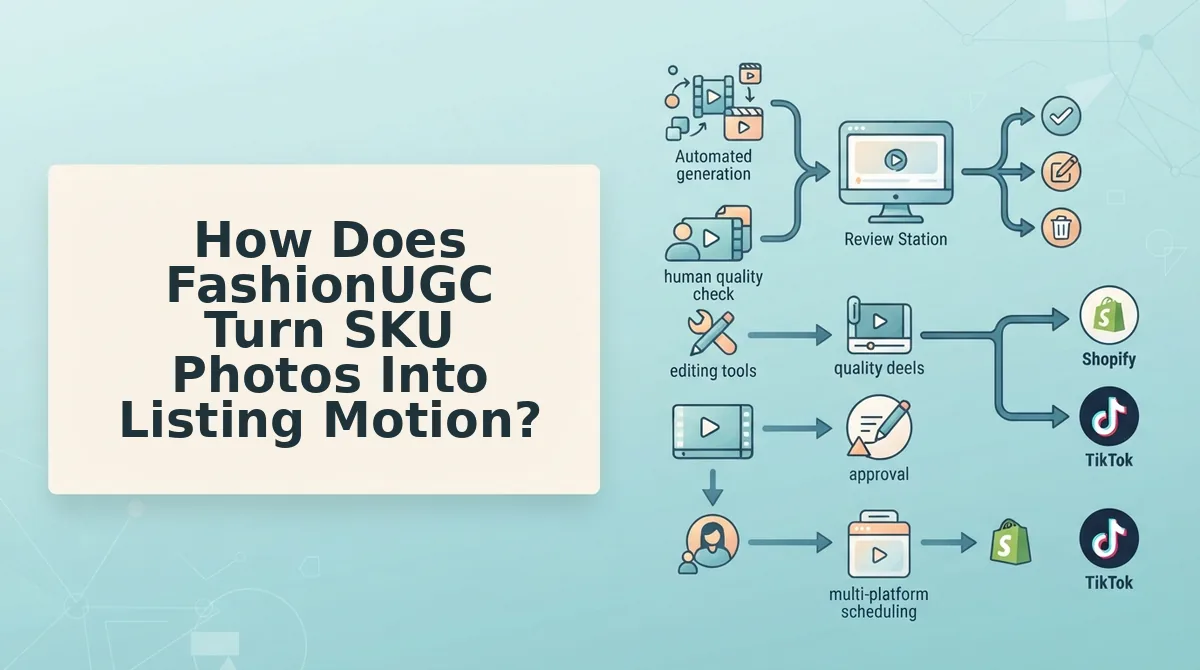
FashionUGC animates your real garment photos into 9:16 UGC-style clips, and a person reviews each file before it is used anywhere. The tool creates the video file. It does not publish it.
Before you start: you need a browser, one apparel SKU, and one to six still photos of that item. You also need someone with authority to approve the final clip for your product page.
- Choose 1-6 images of a single garment. Pick from front, back, side, flat lay, on-body, and fabric detail angles. Allow about 5 minutes. You should end with a short set of photos that together show the full garment, including its construction details.
- Upload the images to the generator. Add the photos for that one SKU in a single upload. You should see each angle loaded as a source plate for the same item, not as separate products.
- Generate the clip. Start generation for vertical 9:16 output. The garment in your photos becomes the subject of a short UGC-style video.
- Review the file against the real product. Check color, print alignment, hems, closures, and drape against the physical sample or your approved packshots. Allow 2-3 minutes per clip. A passing clip shows the same garment a shopper will receive.
- Export the video file. Download the approved clip and upload it to your PDP, marketplace listing, or ad account yourself. You should have one reviewed file per SKU, ready to place.
A ghost mannequin photo shows a garment shaped as if worn, with the mannequin removed in editing so the piece looks hollow and three-dimensional. Flat lays and ghost mannequin shots give FashionUGC a clean read of the garment's shape, seams, and print, which the generator uses as the reference for motion. That is why these two catalog formats tend to translate well. The flat lay to fashion video guide covers this input type in more depth.
Worked example: a brand wants a PDP clip highlighting a jacket's embroidered back panel. It uploads the back plate plus a close detail shot of the embroidery, generates a vertical clip, and a merchandiser confirms the stitching matches the sample before export.
What your photos need to look like
- Sharp garment plates: in-focus, high-resolution stills. Low-resolution or blurry images will not produce production-ready motion.
- Visible hems: full-length framing so cuffs, hems, and lengths are not cropped.
- Clean lighting: even exposure without blown highlights that hide fabric texture or true color.
- Back and detail angles: at least one back view and one close-up of trims, prints, or closures.
If your catalog already meets this checklist, you can turn clothing photos into video without booking a new shoot.
Where FashionUGC Falls Short and When to Use Both
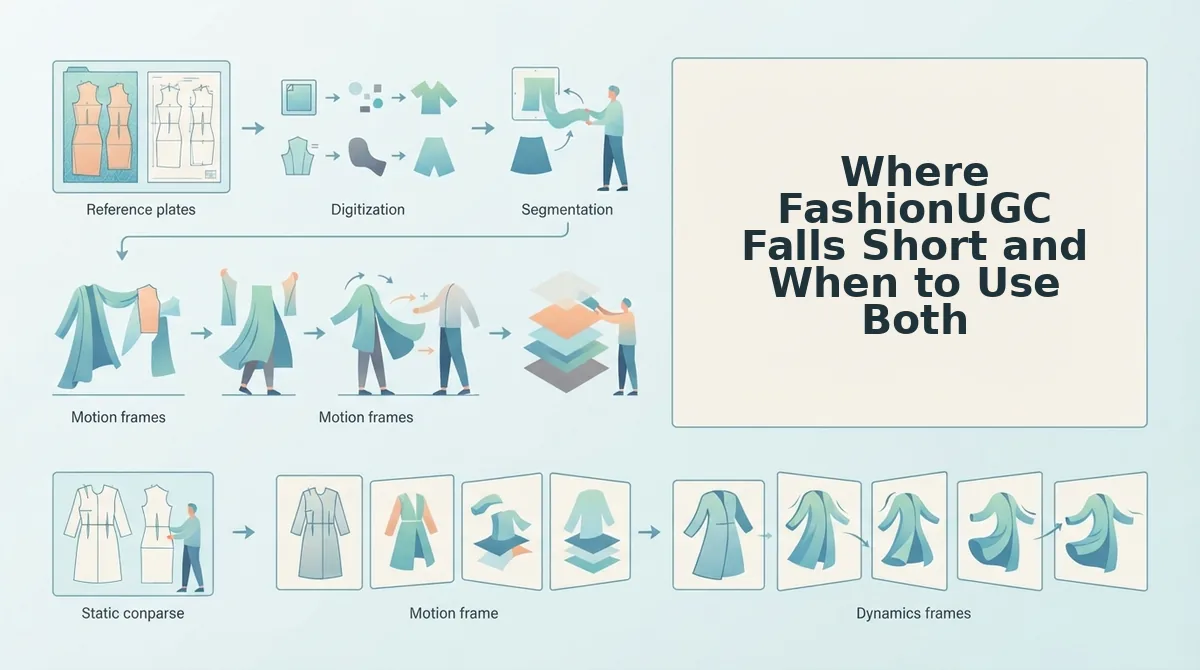
FashionUGC is built for garment-first motion, so it is the wrong pick for dialogue-led ads and anything outside clothing. These are its limits, ranked by how often they change the decision.
- It does not generate scripted spoken claims. There is no on-camera presenter reading a script. If your hook depends on a person talking to camera, use a script-first tool for that asset.
- It covers clothing only. Beauty and Accessories are not live yet. Brands with mixed catalogs should plan separate workflows for non-apparel SKUs.
- Output depends on input photo quality. Soft, dim, or cropped stills limit what the clip can show. Fix the source plates before you generate, not after.
- It does not publish to platforms. You export the file and place it yourself. Build that upload step into your listing workflow.
- It does not promise performance. A clip is a creative asset, not a guaranteed lift. Test it against your own conversion and CAC benchmarks.
So which one should you open first? Decide by placement and by the asset you already own.
| Placement | Asset you own | Open first |
|---|---|---|
| Paid hook needing dialogue | A script and offer | Talking-head tool such as Arcads |
| PDP or marketplace listing | Catalog photos of the garment | FashionUGC |
| Product drop needing both | Script plus SKU photos | Both, each for its own placement |
Worked example: an agency managing several apparel SKUs sends top-of-funnel paid hooks to a script-first tool and routes listing clips to FashionUGC. A reviewer approves every file from both tools before anything goes live.
Which Tool Should Power Your Product Page Videos?
For product page videos, garment-first motion from your existing SKU photos is the better fit, while script-first tools belong in dialogue-led paid ads. The question the intro raised has a simple answer. The right tool depends less on which one is "better" and more on where the video will run.
A product page shopper wants to see the garment move, hang, and turn. A scrolling ad viewer needs a reason to stop. Those are different jobs, and your catalog photography is already the raw material for the first one.
Turn that into a working plan:
- Audit what you own. List which SKUs already have flat lays, ghost mannequin shots, and on-body photos.
- Decide the placement first. Label each planned video as PDP, marketplace listing, or paid hook before choosing a tool.
- Test one SKU. Pick a garment with sharp front, back, and detail plates, generate a clip, and keep a human reviewer approving it before it ships.
Your next step is to try the fashion UGC generator with that test SKU. The catalog you have already paid to shoot can become the motion your product pages are missing.
