

Every catalog photo you already own is a potential listing video, yet most apparel brands burn ad spend driving traffic to product pages where the first three seconds of motion send shoppers back to the feed. Xander Putris has observed that most brands on Amazon lose sales from listing mistakes visible in the first 3 seconds, and Rob Prsa's Apparel Success channel repeatedly shows startup clothing brands making foundational listing errors that hurt discoverability. If your product listing videos feel stiff, fake, or off-brand, you are not alone, and the fix is not another reshoot.
This guide walks through the apparel product listing video mistakes that quietly kill conversion, from angle mismatches to lighting inconsistencies to wrong aspect ratios. You will learn a pre-flight consistency check, a 5-point lighting scorecard, and a platform-by-platform format decision matrix. One finding in particular, why six inconsistent angles perform worse than three consistent ones, will change how you select source photos before you ever hit generate.
How to Run a 3-Angle Consistency Check Before Generating Any Video
A 3-angle consistency check verifies that your front, back, and side photos describe the same garment under compatible conditions before generation begins. Run this check on every SKU before uploading to any AI video tool, it takes under five minutes and prevents the floating collars and warped hems that come from mismatched perspectives.
Prerequisites: You need at least three source photos of the same garment, one front, one back, one side, plus the garment reference photo angle mistakes guide open for comparison. If you are working from a full six-angle garment photo workflow, run the check on the first three angles before adding detail shots.
- Open all three photos side by side on one screen. Arrange them front-left, back-center, side-right. You should see the same garment silhouette in all three frames with no missing panels or cropped hems.
- Check that the garment orientation matches across frames. Confirm the neckline, hemline, and side seams sit at the same height in each photo. If the back photo shows a collar standing up while the front shows it folded flat, mark the set as failed, generation models interpolate between mismatched perspectives and produce warped seams.
- Verify the camera distance is consistent. The garment should occupy roughly the same proportion of the frame in all three shots. If the side profile is shot from twice the distance, the model will stretch or compress the silhouette during interpolation.
- Confirm the background is neutral or identical across all three. A white front shot paired with a wooden-floor back shot introduces background bleed into the generated motion. You should see the same backdrop tone in every frame.
- Run the pass/fail test. If all three angles pass, proceed to upload. If any angle fails, replace it with a consistent shot or drop to a two-angle set, six inconsistent angles are worse than three consistent ones because generation models interpolate between mismatched perspectives.
Success looks like a green checkmark on all three angles before you upload. A 3-angle check (front, back, side) catches the mismatched angles that cause floating collars and warped hems in generated video, and it is the single highest-leverage pre-flight step you can take.
Why Inconsistent Lighting Across Source Photos Breaks AI Clothing Videos
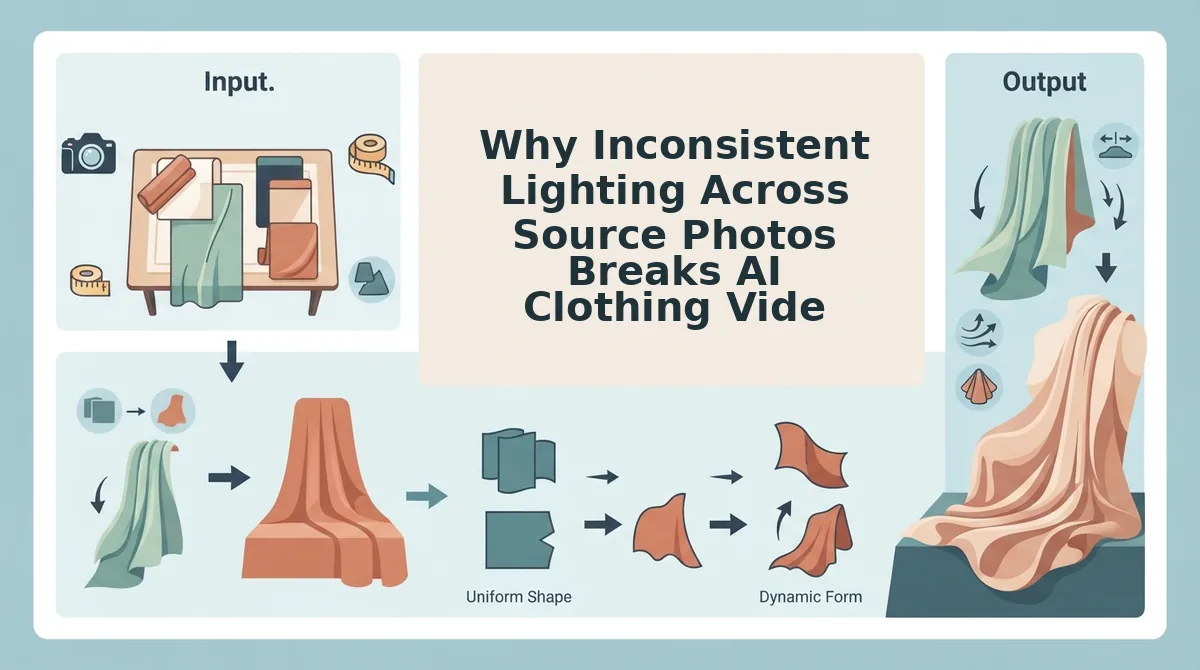
Inconsistent lighting is a mismatch in brightness, shadow direction, or color temperature across the source photos you feed into a video generation model. When lighting varies between frames, the model carries those differences into the generated motion, producing video where the garment appears to change color or flicker as it moves.
Think of lighting consistency like baking a cake from three different recipes. Each photo is a set of instructions about how the garment looks. If one photo says the fabric is warm cream under soft light and another says it is cool gray under hard light, the model has to guess, and the guess lands somewhere in the middle, usually wrong.
Color temperature mismatches, warm vs cool, are the #1 lighting error that survives into generated video. A front photo shot under 3200K tungsten light and a back photo shot under 5600K daylight will produce a garment that shifts from yellow to blue as the video plays. The model cannot correct this because it treats each photo as ground truth.
To catch this before generation, use a 5-point lighting scorecard that checks key light, fill light, color temperature, shadow consistency, and background exposure. Score each photo from 1 to 5 on all five points. If any two photos differ by more than one point on color temperature or shadow direction, replace one of them. For a deeper walkthrough, see the guide on lighting consistency for garment photos.
Once your lighting passes the scorecard, the next failure point is framing, and the wrong aspect ratio for the platform will undo clean lighting in a single export.
Wrong Aspect Ratio for the Platform: A Decision Matrix
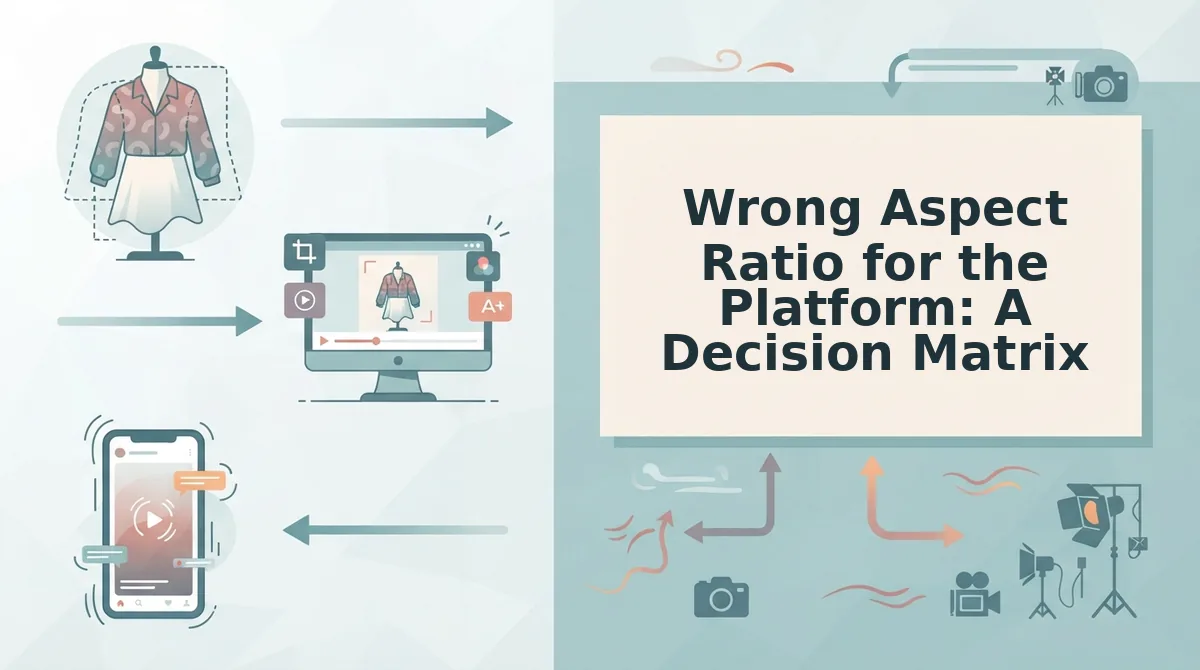
Each selling and social platform has a native aspect ratio, and using the wrong one causes letterboxing, cropping, or reduced tap-through. The table below maps the correct ratio and the most common mistake for each destination.
| Platform | Correct Ratio | Common Mistake | Best For |
|---|---|---|---|
| TikTok | 9:16 | Uploading 16:9 horizontal footage that gets cropped to a narrow center strip | DTC brands running paid traffic to Gen Z and millennial shoppers |
| Instagram Reels | 9:16 | Reusing square feed crops, which leaves black bars top and bottom | Fashion labels with an established Instagram storefront and Stories funnel |
| YouTube Shorts | 9:16 | Exporting 4:5 from a PDP template and accepting automatic side padding | Brands repurposing long-form YouTube content into short discovery clips |
| Amazon PDP | 1:1 or 4:5 | Uploading 16:9 video that letterboxes inside the product gallery and shrinks the garment | Marketplace sellers optimizing for mobile product page conversion |
| Shopify PDP | 1:1 or 4:5 | Using 9:16 vertical video in a media slot designed for square, cutting off sleeves and hems | Shopify merchants who want video above the fold without layout shifts |
Amazon and Shopify product detail pages perform best at 1:1 or 4:5 because those ratios fill the media container without cropping the garment. TikTok, Reels, and Shorts require 9:16 because the full-screen vertical format is the native viewing experience. A 16:9 horizontal video on a PDP causes letterboxing and reduces mobile tap-through by shrinking the product into a thin band.
FashionUGC lets you set the output ratio per generation, so the same source photos can render a 9:16 ad and a 4:5 PDP clip without reshooting. For a deeper breakdown of how ratios affect garment framing, see our guide to fashion video aspect ratios.
Ghost Mannequin, Flat Lay, and Resolution Mistakes That Slip Through
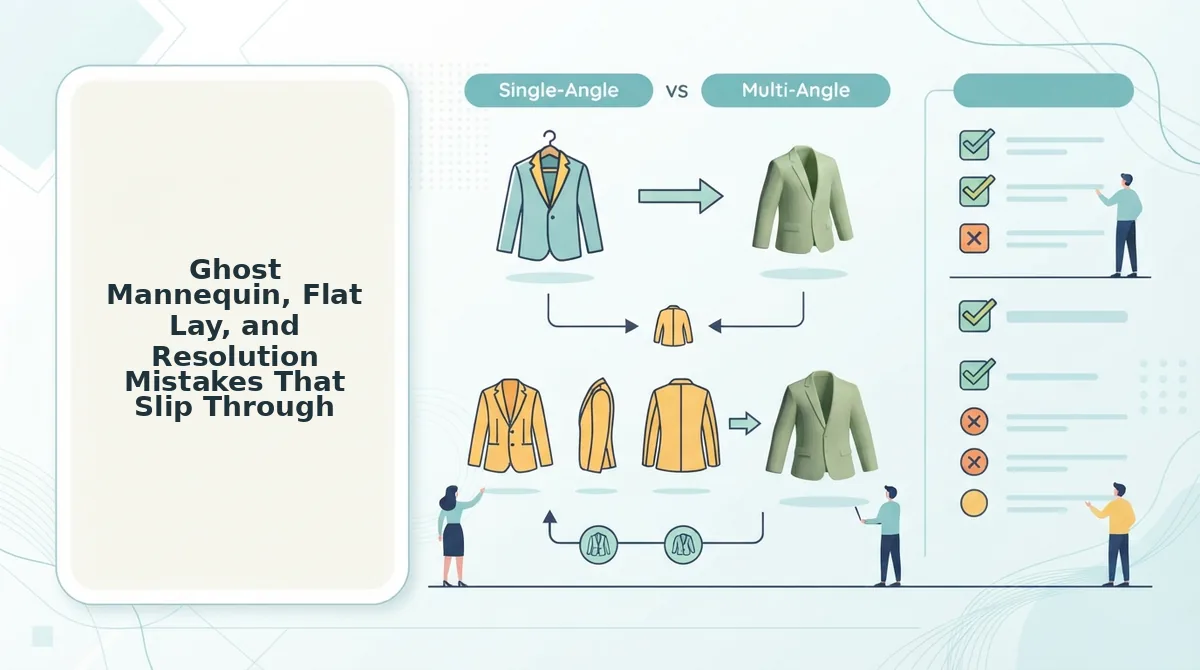
These three source-image problems are easy to miss in still photography but become obvious the moment motion is generated. Here are the failure modes, ranked by how severely they break a clothing video.
- Ghost mannequin shots break in motion when necklines disappear or collars float. The invisible mannequin technique removes the form but also erases construction details like collar stands, plackets, and shoulder seams. When the AI generator animates the garment, those missing structural cues cause the neckline to collapse or the collar to hover above the fabric. Fix this by including at least one on-body or flat lay angle that preserves the garment's internal structure, or review our guide on ghost mannequin photos to PDP video.
- Flat lays shot at 45 degrees instead of top-down cause warped proportions in generated video. An angled flat lay introduces perspective distortion that the AI interprets as fabric drape, so sleeves stretch and hems skew when the image is animated. Shoot flat lays directly overhead with the garment centered and squared to the frame. For more on preserving drape, see flat lay to video mistakes.
- Source images below 1024x1024 px produce blurry or pixelated motion. Low-resolution stills lack the pixel density needed for the generator to interpolate smooth movement, so edges smear and fabric texture turns to noise. Upscale or reshoot any source image under 1024x1024 before uploading.
- Invisible seams on ghost mannequin shots create floating panels in motion. When side seams are retouched out of a ghost mannequin image, the front and back panels appear disconnected once the video adds movement. Keep at least one unretouched side profile in the source set.
- Flat lays with wrinkled fabric bake static creases into the video. The generator treats wrinkles as permanent garment features, so the animated version looks stiff and unwashed. Steam or press flat lays before shooting.
- Mixed resolution across the 3-6 source angles causes visible quality jumps mid-video. When one angle is 800px and another is 2000px, the generated motion shifts sharpness as it transitions between frames. Standardize all source images to the same resolution before upload.
- Ghost mannequin necklines without an interior back view cause collar drift. Without a back-of-neck reference, the AI guesses at collar height and the result floats or sinks. Include one back angle showing the collar construction.
Why Does My AI-Generated Clothing Video Look Fake?
An AI-generated clothing video looks fake when stiff motion, unnatural fabric drape, and missing human review override the authenticity signals shoppers expect from real UGC. The fix is fewer, more consistent source angles and a manual review pass before publishing.
Think of the generator like a tailor working from pattern pieces. If you hand the tailor six mismatched pattern pieces, the jacket comes out with a floating collar and a warped hem. If you hand them three clean, consistent pieces, the jacket fits. The same logic applies to source photos.
Fabric drape and motion naturalness are the top authenticity signals shoppers notice in the first 2 seconds. A video where the hem swings like cardboard or the sleeves move in perfect sync reads as synthetic immediately. Real UGC has micro-imperfections: a sleeve that lags, a collar that shifts, a hem that catches light unevenly. When every pixel moves in lockstep, the brain flags it as fake.
A common failure case: a brand uploads 6 inconsistent angles and gets a video where the collar floats and the hem warps. Dropping to 3 consistent angles, front, back, and one detail shot shot under the same lighting, fixes most of the distortion. For guidance on combining angles, see how to combine on-body and packshot photos for video.
Human review is the final authenticity layer. The generator creates the file; a person checks the collar, hem, and drape before the video reaches a feed or product page. No amount of prompt tuning replaces that 30-second visual check.
Read on for answers to the most common questions about apparel product listing video mistakes.
Frequently Asked Questions About Apparel Product Listing Video Mistakes
Most apparel listing video failures trace to three root causes: inconsistent source photos, wrong platform dimensions, and low-resolution inputs. These answers address the highest-value questions brands ask before regenerating a failed video.
What aspect ratio should apparel product listing videos use?
Use 9:16 vertical for TikTok, Instagram Reels, and YouTube Shorts; 4:5 for in-feed Instagram and Facebook placements; 1:1 for ecommerce product pages and Google Shopping. Generating in the wrong ratio forces platform cropping that cuts off garment details or adds letterboxing that suppresses reach.
Can I use ghost mannequin photos to generate video?
Yes, but only as one input among several. Ghost mannequin shots preserve garment shape and color accuracy, which helps AI maintain structure. Pair them with at least one on-body or flat lay angle so the generator has motion reference points; ghost mannequin alone produces stiff, unnatural movement.
How many product photos do I need for a good listing video?
Upload between three and six photos per garment. Three angles, front, back, and a detail or side profile, is the minimum for believable motion. Six angles including flat lay, fabric texture, and on-body shots gives the AI enough reference data to avoid warping, color drift, and fabric distortion.
Why does my AI-generated clothing video look fake?
Fake-looking output almost always stems from inconsistent lighting across source photos, mixed background types, or resolution below 1080×1080. The AI interpolates between mismatched frames, producing unnatural shadows and fabric movement. Standardize lighting, use one background style, and re-upload at full resolution before regenerating.
What's the minimum resolution for product video generation?
1080×1080 pixels per source photo is the practical floor for clean output. Lower resolutions force the AI to upscale, which introduces blur, fabric texture loss, and edge artifacts. For 9:16 vertical output, source images should be at least 1080×1920 to avoid quality degradation during aspect ratio conversion.
How do I fix a product listing video that looks stretched or warped?
Stretching occurs when source photos have different aspect ratios or the garment occupies inconsistent framing across shots. Re-crop all source images to the same dimensions with the garment centered at similar scale, then regenerate. Mixed orientations, some landscape, some portrait, are the most common trigger.
Fix the Source, Not the Symptom
Every mistake covered in this article, lighting drift, ghost mannequin over-reliance, wrong ratios, low resolution, shares one origin: the source photo set. The AI does not fail randomly; it amplifies inconsistencies already present in your inputs. Brands that treat video generation as a photo-hygiene problem, not a software problem, stop regenerating failed outputs within one cycle.
Start with the free self-audit: run your current photo set through the 3-angle consistency check before uploading anything. If lighting variance is your issue, score each image against a simple brightness and shadow-position checklist. When the set passes, generate a corrected video with FashionUGC using three to six standardized angles at 1080×1080 or higher.
The brands winning on Reels and TikTok in 2026 are not the ones with the most expensive cameras. They are the ones whose catalog photos pass a pre-flight check every single time.
