

Every time a DTC apparel brand schedules a reshoot, the math gets ugly fast: studio day rates, model fees, and creator retainers stack into thousands of dollars before a single ad variant ships. Yet most catalogs already contain the raw material for dozens of video ads, the problem is knowing how to turn one clothing photo into a video ad without a camera crew.
You already own the photography. What you're missing is a repeatable workflow that picks the right angle, applies garment-aware motion, and produces a UGC-style clip ready for review. This guide walks through that exact process, from selecting the strongest single frame to understanding what motion is physically possible from one image.
Here's the roadmap: we'll rank photo angles by how well they convert to motion, set honest expectations for what a single image can and cannot animate, then break down the step-by-step workflow using a platform that can turn product photos into fashion videos in minutes. One finding may surprise you: the angle you choose matters more than the tool you run it through.
Which Photo Angle Works Best for a Single-Image Video Ad
For a single-image fashion video, a front-on ghost mannequin shot delivers the most reliable motion because the full garment silhouette is visible and the engine can reconstruct fabric drape accurately. Ranked from strongest to weakest, here is the hierarchy that determines whether your one-photo video looks natural or falls apart.
- Front-on ghost mannequin. The garment's full shape, neckline, hem, and sleeve structure are all visible with no human body or background competing for attention. This is the highest-value angle because the motion engine has complete geometry to work with, producing clean drape, hem sway, and collar settle without cropping issues.
- Front-on flat lay. A well-styled flat lay preserves the full silhouette and works reliably, though motion is limited to subtle fabric ripple and gentle sleeve movement. The garment reads as a product, not a person, which suits catalog-style UGC but limits lifestyle energy.
- Three-quarter on-body shot. This angle adds human context and works when the background is clean and the full garment is in frame. The tradeoff is risk: busy backgrounds distract the motion engine, and cropped hems or cut-off sleeves produce visible artifacts in the final video.
- Side-profile on-body shot. Side angles capture drape along the body but lose the front-facing detail that drives product recognition. Use this only when the front angle is unavailable or when the garment's side silhouette is a key selling feature.
- Back-view shot. A back angle alone cannot anchor a video ad because the front design, the primary purchase driver, is absent. It works only as a secondary frame in multi-image workflows, never as the single source.
- Detail closeup. Fabric texture, stitching, or zipper closeups lack the garment silhouette required for meaningful animation. The engine has no shape to reconstruct, so motion degrades into generic zoom or pan effects that read as low-effort.
- Model shot with cropped hem. Any image where the garment is partially cut off at the frame edge will produce broken motion at the crop line. Avoid these entirely for single-image video; the engine cannot invent fabric that isn't in the frame.
If you're working from a flat lay, check the flat lay image requirements before uploading, straight edges, even lighting, and full garment visibility determine whether the motion looks intentional or glitchy. The pattern across all seven angles is consistent: the more complete the garment silhouette, the more believable the video.
What Motion You Can and Cannot Get from One Photo
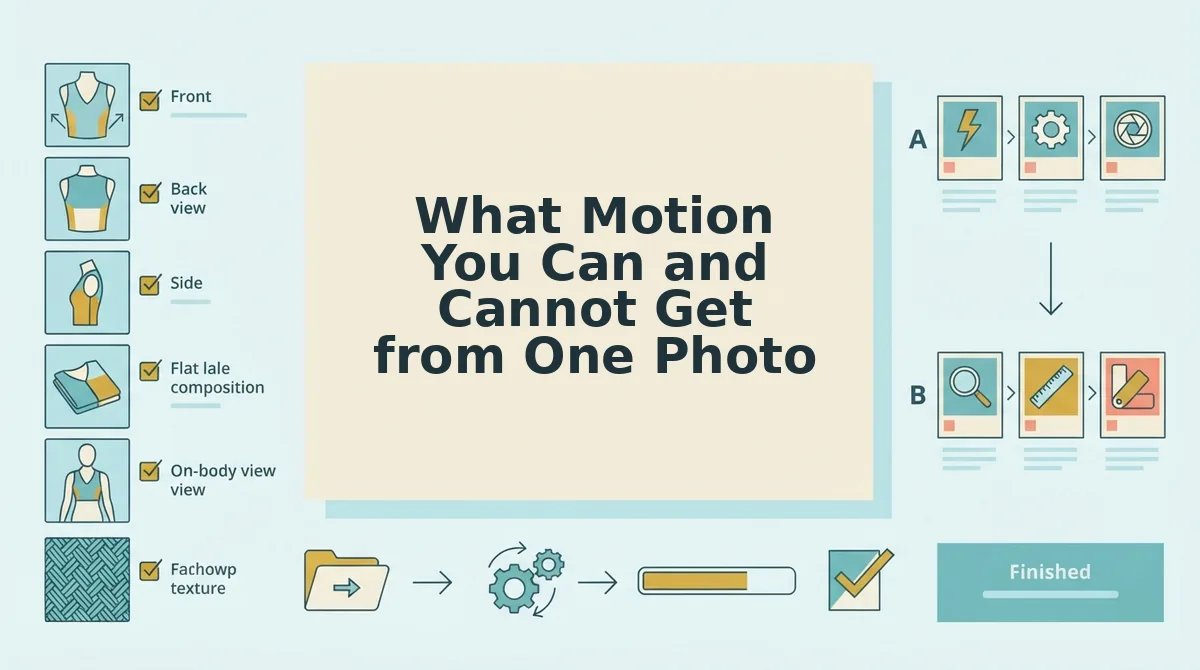
A single product photo can produce fabric drape, hem sway, collar settle, and subtle sleeve movement, but it cannot generate a full 360-degree rotation, a back-view reveal, or a side-profile walk. Understanding this boundary before you start saves hours of iteration and sets realistic expectations for the output.
The Piveth engine adds garment-aware motion from one image: fabric drape that follows the garment's natural weight, hem sway that mimics a gentle breeze or body movement, collar settle that relaxes the neckline, and subtle sleeve movement that brings the silhouette to life. These micro-motions are what make a single-photo video feel like authentic UGC rather than a Ken Burns slideshow effect.
What a single image cannot produce is equally important. Full 360 rotation requires frames from multiple angles, the engine cannot invent the back of a garment it has never seen. Back-view reveals and side-profile walks fall into the same category: they demand source imagery that doesn't exist in a single frame. For those outputs, upload two to six angles and let the engine interpolate between them.
| Motion Type | Possible from One Photo | Best For |
|---|---|---|
| Fabric drape and hem sway | Yes | Catalog-to-social ad variants, product page videos |
| Collar settle and sleeve movement | Yes | UGC-style clips for TikTok and Reels |
| Subtle zoom and pan | Yes | Quick product highlights, story ads |
| Full 360 rotation | No, requires multi-angle upload | Interactive product pages, detail-focused ads |
| Back-view reveal | No, requires back-angle source image | Garments with notable back design features |
| Side-profile walk | No, requires side-angle source image | Lifestyle and movement-heavy creative |
For brands deciding between single-photo speed and multi-angle fidelity, the answer depends on the garment: simple silhouettes like tees and hoodies animate convincingly from one front-on frame, while dresses, outerwear, and pieces with back detailing benefit from two or three additional angles. Next, we'll walk through the exact workflow to turn one clothing photo into a video ad.
Step-by-Step: Turn One Clothing Photo into a Video Ad
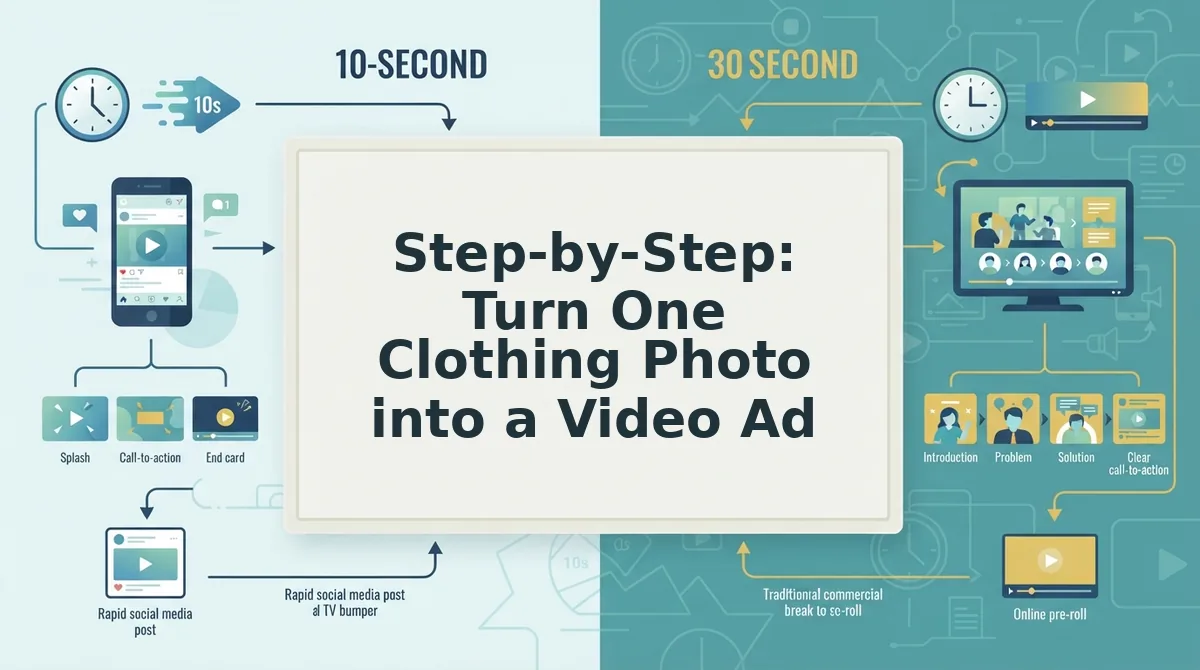
A single product photo becomes a UGC-style video ad in roughly five minutes using the product photo to video generator. You need one sharp, well-lit image with visible hems and extra space above the garment for a 9:16 crop, plus a FashionUGC account.
- Upload your photo. Click the upload button and select a front-angle or three-quarter shot. The image should be at least 1080×1920 pixels or have enough resolution to crop vertically without cutting off sleeves, collars, or hems. You should see a preview thumbnail with a 9:16 crop overlay.
- Select the garment type. Choose dress, top, jacket, or pants from the dropdown. This tells the motion engine how the fabric should drape and move, a jacket needs stiffer sway than a silk dress. A garment-type tag appears under the thumbnail when the selection registers.
- Choose a motion preset. Pick subtle sway for product pages or energetic for TikTok and Reels ads. The preview window updates to show the motion intensity, and you should see a green checkmark next to the preset name.
- Generate the video. Click Generate and wait 30-60 seconds. The engine renders fabric ripple, camera drift, and lighting consistency from the single frame. A progress bar fills, then the video appears in your library.
- Review the output. Play the clip and check that hems stay intact, the garment type matches the motion, and no distortion appears at the crop edges. Regenerate with a different preset if the movement feels unnatural.
- Export in 9:16 vertical. Click Export and select MP4 at 1080×1920. The file downloads ready for Reels, TikTok, Shorts, or ad platforms, no additional editing required.
When One Photo Is Enough and When to Add More
Single-photo video generation is the process of converting one still apparel image into motion using AI that infers fabric behavior from the visible garment. One photo is enough when you need speed; more photos buy you accuracy.
Think of it like a tailor working from a sketch versus a full fitting. A sketch gets you a rough garment fast. A fitting, with front, back, and side views, lets the tailor cut precisely.
Use one photo when: you are testing a new creative angle against CAC, covering low-budget SKUs that cannot justify a full shoot, or producing quick social posts. The trade-off is limited motion range: the AI can only animate what it can see, so back details and side draping stay inferred rather than accurate.
Use three to six photos when: you are running paid ads at scale, building hero product pages, or selling garments where back and side views matter, think dresses with open backs or jackets with detailed stitching. The multi-angle workflow gives the engine real data for every visible surface, producing motion that holds up under closer viewer scrutiny.
The honest trade-off: a single photo saves time and money but risks fabric movement that looks generic. Multi-angle input costs more upfront yet delivers motion that matches the actual garment construction.
FAQ
Can I turn a flat lay photo into a video ad?
Yes, but motion is limited to subtle fabric ripple and gentle camera drift. Flat lays lack the body context that lets the engine simulate natural drape, so the result works better for product pages than high-energy TikTok ads.
Is one photo enough for a TikTok clothing ad?
Yes for testing creative angles and keeping production costs low. For paid campaigns at scale, use three to six photos so the motion engine has back and side data, which produces more convincing garment movement under repeated views.
What's the best AI tool for single-image fashion video?
FashionUGC is built specifically for garment-aware motion from product photos. Unlike generic image-to-video tools, it lets you select garment type and motion presets so fabric behaves like the actual material, not a generic warp.
Does a single-photo video look fake?
It can look natural if the photo is sharp, well-lit, and the garment type is selected correctly. Blurry source images, harsh shadows, or wrong garment tags produce visible distortion. Review real output examples to see the quality ceiling.
One photo is enough to learn something real
The single-photo workflow isn't a compromise, it's the fastest feedback loop in your creative stack. Before you organize six angles, color-correct a flat lay, or book a reshoot, start with one photo and test whether the angle, motion style, and hook actually resonate. If the concept fails, you've spent minutes, not days.
What makes this approach durable is the human checkpoint built into the process. The tool generates a video file; you review it before anything reaches a feed or an ad account. That review step is where taste enters, and where a single strong packshot becomes a creative system rather than a one-off experiment.
Three moves to take from here:
- Upload one product photo and generate a test video in under five minutes.
- Working with a garment that has no model? Read the flat lay guide for angle and styling decisions that survive motion.
- Not sure what "good" looks like yet? Browse examples filtered by garment type and motion intensity.
Every multi-angle video you eventually produce will be sharper because a single frame already told you what works. The bottleneck was never the footage, it was the first decision. Make it small, make it fast, and let the output teach you.
The fastest creative test is the one that starts with a single photo and ends with a human saying yes.
