
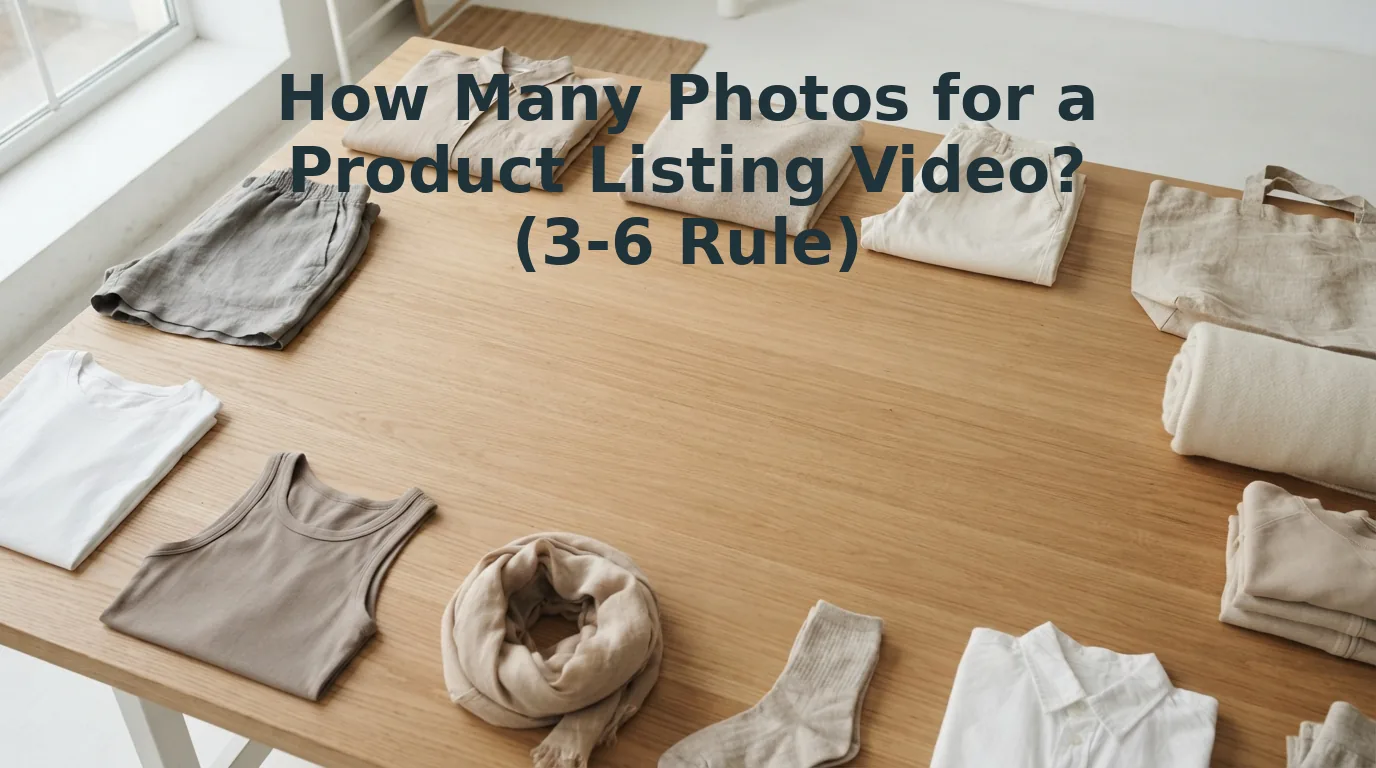

Every SKU you reshoot for video costs $500 - $2,000, and you probably already own the photos that could replace that shoot. The real question isn't whether you need new imagery; it's how many photos for product listing video you can pull from your existing catalog before quality breaks.
You're sitting on hundreds of packshots, flat lays, and detail angles. You know listing videos convert better than static images. What you don't know is whether three photos are enough, whether six is overkill, or whether a single hero shot can carry a 15-second clip without the garment warping mid-motion.
Here's what this guide covers: the exact photo-count floor and ceiling for PDP videos, what each tier actually gets you in terms of drape and fit realism, and which angles matter most when you're feeding stills into an AI fashion UGC video generator. You'll also learn why the six-photo ceiling isn't arbitrary, and the one scenario where a single photo is a calculated risk, not a mistake.
Start with the count, then match your angles to it.
The Short Answer: 3 Photos Minimum, 6 for Best Results
A PDP video photo set is the collection of still images, front, back, side, detail, and on-body shots, that an AI video generator uses to infer garment structure, drape, and motion. Three photos is the practical floor for garment integrity; six is the ceiling where measurable quality gains stop.
Think of it like building a 3D model from reference sketches. One sketch gives an artist a rough silhouette, but they're guessing at the back, the side seams, and how the fabric falls. Three sketches, front, back, and a detail shot, let them reconstruct the garment accurately. Six sketches add texture, fit context, and drape nuance. A seventh sketch changes nothing the artist can't already infer.
Here's the tiered breakdown:
- 1 photo: Produces motion, but the AI must infer everything it can't see, back construction, side profile, fabric weight. Garment distortion is a real risk, especially on structured pieces like blazers or tailored dresses.
- 3 photos: The practical floor. Front, back, and one detail or flat-lay shot give the generator enough reference to maintain garment integrity through motion. This is the minimum for anything you'd run as a paid ad.
- 6 photos: The quality ceiling. Front, back, side profile, on-body, flat lay, and fabric close-up capture full drape, texture, and fit. Beyond six, additional angles add nothing measurable, the model already has complete spatial reference.
If you're deciding between shooting new photos or using what's in your catalog, count what you already have per SKU. Three distinct angles is your go/no-go line. Six is your target when the product page is high-traffic or the garment has complex construction, think draping, layering, or unusual silhouettes. For a single-photo situation, reserve it for simple items like basic tees where distortion is less noticeable, and review the output before it goes anywhere.
What Each Photo Count Actually Gets You (Decision Matrix)
Photo count maps directly to four output qualities: motion realism, garment integrity, drape accuracy, and fit representation. The table below breaks down what each tier delivers and who should use it.
| Photo Count | What You Get | Garment Detail | Motion Realism | Best For |
|---|---|---|---|---|
| 1 photo | Basic motion, inferred drape, visible distortion risk on structured garments | Front silhouette only | Low, fabric movement is guessed | Simple basics (tees, tanks) where a quick test clip is worth the risk |
| 2-3 photos | Front/back/detail coverage, solid garment integrity, acceptable drape | Construction and key seams visible | Moderate, back and detail anchor the motion | DTC brands running paid social with existing catalog packshots |
| 4-5 photos | Adds side profile or on-body shot, improved fit realism, better drape on layered pieces | Fit context and side construction | High, body context grounds the movement | Shopify merchants with fit-sensitive categories like dresses, outerwear, or activewear |
| 6 photos | Full drape, texture, and fit; diminishing returns beyond this point | Fabric close-up plus all angles | Highest, complete spatial reference | High-traffic PDPs, hero SKUs, and agencies producing at scale |
To be clear: a single-photo workflow isn't a failure mode, it's a tradeoff. If you need a motion test for a basic cotton tee and only have one flat lay, the output will move, but the drape is inferred, not observed. That's acceptable for internal review or a low-stakes organic post. It's not acceptable for a paid campaign on a structured garment.
For most catalog-driven brands, the 3-photo tier is where the economics work. You already have front, back, and a detail shot for nearly every SKU. That's enough for the generator to maintain garment integrity through a 15-second clip without a reshoot. The 6-photo tier is your ceiling for hero products, anything with complex drape, texture you want visible in motion, or fit details that sell the garment. The quality difference between five and six photos is real but small; the difference between six and eight is noise.
If you're unsure whether your existing shots qualify, the next factor is which angles you actually have on file, because angle selection matters as much as count. Product photos for AI fashion video follow a hierarchy: front and back first, then detail, then side and on-body. Which angles matter most for clothing videos comes down to garment type, and that's the next section.
Which Photo Angles Matter Most for Clothing Videos
Not all product photos contribute equally to a UGC-style video. The hierarchy below ranks angles by how much visual information they give the generator to work with, front and back shots do the heavy lifting, while flat lays and side profiles fill gaps.
- Front angle, establishes the garment's primary silhouette. This is the anchor image every video needs. It defines the neckline, sleeve length, hemline, and overall shape the generator will animate, so it should be the highest-resolution, best-lit photo in your set.
- Back angle, prevents the generator from inventing a wrong back design. Without a back view, AI motion tools must guess what the rear of a garment looks like, often producing plausible but incorrect details like missing cutouts or invented seams. A back photo locks in the actual design.
- Fabric detail closeup, preserves texture and material realism. A macro shot of knit structure, weave, or print surface gives the generator the data it needs to render believable fabric movement. This is the angle that separates convincing UGC-style motion from flat, plastic-looking output.
- On-body shot, shows how the garment drapes on a human form. Fit is the single most important purchase signal for apparel, and an on-body photo lets the video demonstrate real drape, tension, and movement rather than a hanger silhouette. If you have model photography, include it.
- Side profile, adds depth but is less critical than front and back. A side view helps the generator understand garment volume and how the piece sits in three dimensions. It is a strong fourth or fifth image but does not replace the front-back pair.
- Flat lay, useful when no model shots exist, but drape is inferred. A flat lay gives the generator color, pattern, and construction data, but the tool must guess how the fabric falls on a body. For a deeper workflow on this, see our guide to flat lay to fashion video conversion.
FashionUGC accepts up to six source images per item, so you can combine all of these angles in one upload for the richest possible motion output.
When One Photo Is Enough (and When It Isn't)
A single-photo product video is a motion generation that animates one static image using inferred movement, the AI predicts how fabric should behave rather than measuring it from multiple angles.
Think of it like a portrait photographer working from one reference photo instead of a live sitting. The result can look polished, but every detail the camera never captured, the back of the collar, the side seam, the hem drape, is an educated guess.
For a boutique owner with only a flat-lay table capture, one photo is still a viable starting point. FashionUGC can generate basic motion from that single image: subtle fabric sway, a slow zoom, or a pan across the garment. The video will be usable for a product page or a low-stakes social post.
What it will not deliver is full drape realism. A flat-lay source produces inferred drape, not measured drape, the generator simulates how the fabric might fall, but it has no on-body or back-angle data to verify the result. Garment distortion is a real risk, especially around sleeves, collars, and asymmetric designs.
The practical rule: one photo works for basic motion and thin catalogs, but if the garment has distinctive back details, structured tailoring, or a fit-driven selling point, add at least a back angle and a detail closeup. For flat-lay-only sellers, the flat lay to fashion video workflow walks through exactly what to expect and how to maximize a single-source image.
FAQ: Product Listing Video Photo Counts
Direct answers to the most common questions about how many product photos you need for a PDP video, based on how AI video generators actually process clothing images.
Can I make a product video with one photo?
Yes, but expect inferred drape and possible distortion. A single image gives the generator enough data for basic motion like zooms, pans, or subtle fabric sway, but the AI must guess how the garment looks from other angles and how it drapes on a body.
Do I need a 360-degree photo set?
No. Three to six well-chosen angles, front, back, and a detail closeup at minimum, are sufficient for most listing videos. A full 360-degree set adds marginal quality for significantly more production effort and is unnecessary for UGC-style short-form output.
What's the best photo count for a ghost mannequin video?
Three photos: front, back, and one fabric detail closeup. Ghost mannequin shots already isolate the garment cleanly, so the generator needs the back angle to avoid inventing rear design details and the closeup to preserve texture realism.
How many photos do AI video generators need?
Most AI fashion video tools accept between one and six photos per item. Three is the practical minimum for clothing because it covers the front silhouette, the back design, and at least one texture or fit reference, the three data points that most affect output quality.
Why does my video look distorted when I only upload a flat lay?
Flat-lay images contain no drape information. The generator must infer how the fabric falls on a human form, which produces plausible but unverified movement. Adding an on-body shot or back angle gives the AI measured drape data and reduces distortion.
The 3-to-6 Photo Rule Is Your Creative Floor, Not Your Ceiling
Three photos get you a working PDP video. Six photos get you the version that holds attention through the full loop. That gap is where your conversion lift lives, and it costs nothing extra to close.
Most brands already have the six angles sitting in their media library. Front, back, side, flat lay, fabric detail, on-body. The bottleneck was never the photography. It was the editing time required to turn stills into motion.
That bottleneck is gone.
Here's the sequence that actually moves the needle:
- Pull three photos minimum from your existing PDP set, front, back, and one detail or on-body shot.
- Run them through the generator and review the output.
- Add the remaining three angles and compare. The difference in motion continuity is immediate.
Turn product photos into video and test both counts side by side. The six-photo version consistently produces smoother transitions and more natural garment movement, because the model has more visual data to interpolate between frames.
The brands winning on Reels and TikTok in 2026 aren't shooting more content. They're extracting more motion from photos they already paid to produce.
Every product photo you already own is a frame waiting to move, the only question is how many frames you give the model to work with.
